Master every sound on your Mac. Switch devices, balance levels, mute with precision, record instantly, enhance audio quality, or create ambient focus soundscapes. These menu bar apps give you full control over playback, microphones, and connected devices.
Show me the free apps only
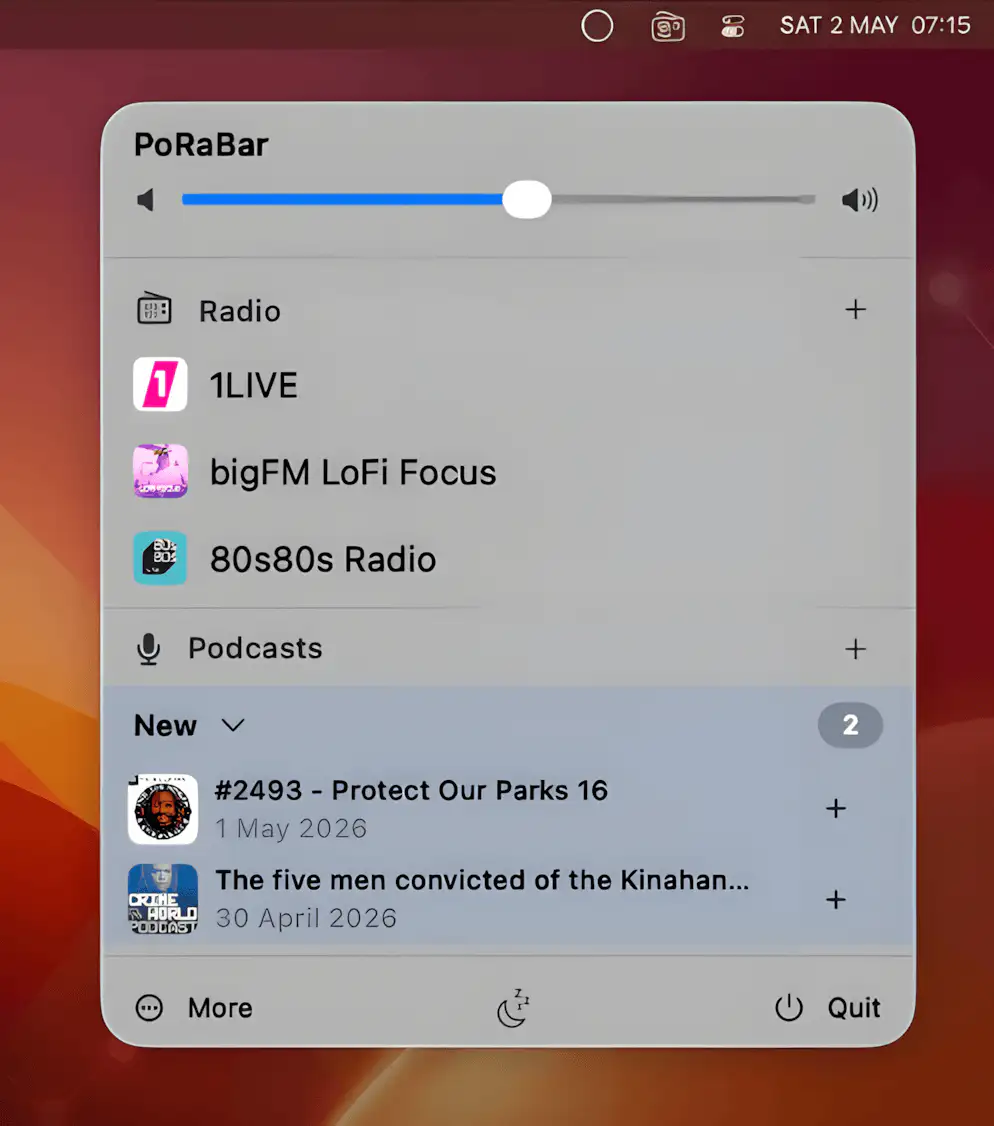
PoRaBar keeps internet radio, podcasts, YouTube livestreams, and Audiobookshelf audiobooks together in one player. It syncs between Mac and iPhone, making it easy to keep listening without interrupting your workflow.
Visit
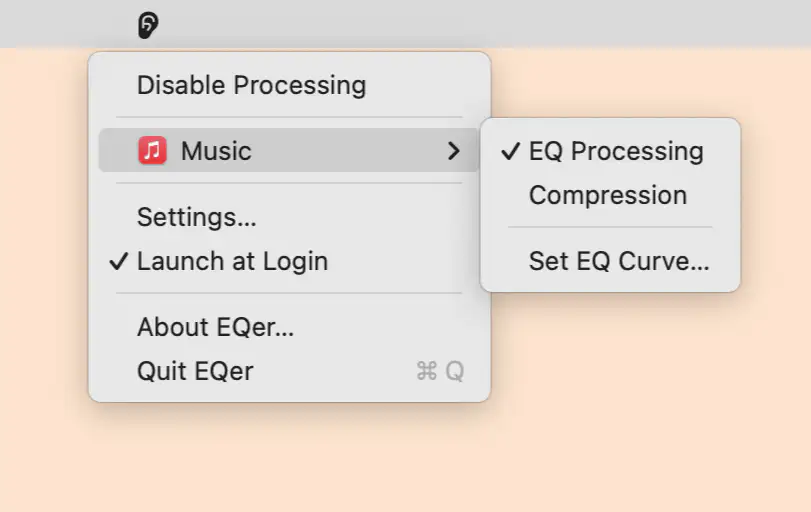
EQer brings system-wide audio tuning to your Mac’s menu bar with real-time equalization, hearing compensation based on your audiogram, and flexible per-app controls. It includes 22 presets, custom curve adjustments, and smart safeguards against distortion.
Visit
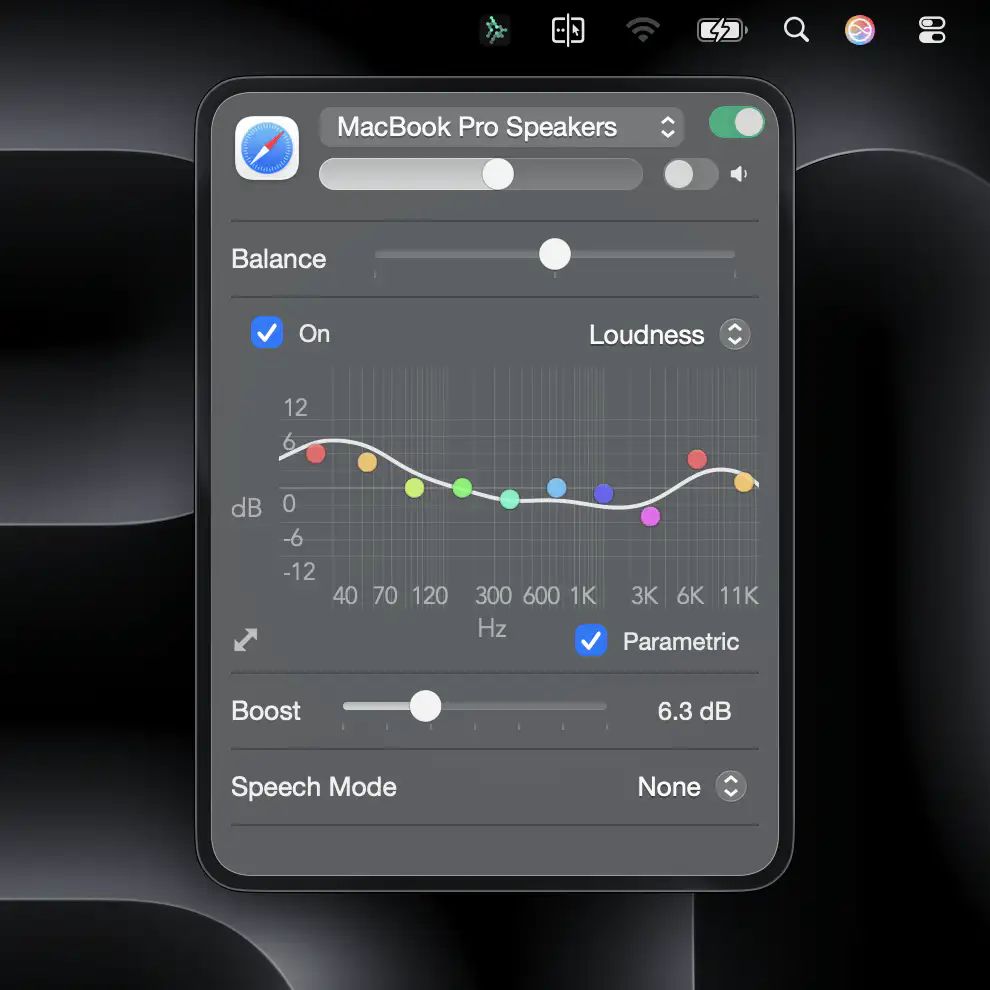
AudioCentral brings deep system-wide audio control to macOS with elegant per-app mixing, routing, equalization, and device management. Built for serious listeners and creators, it makes advanced sound tuning feel effortless.
Visit
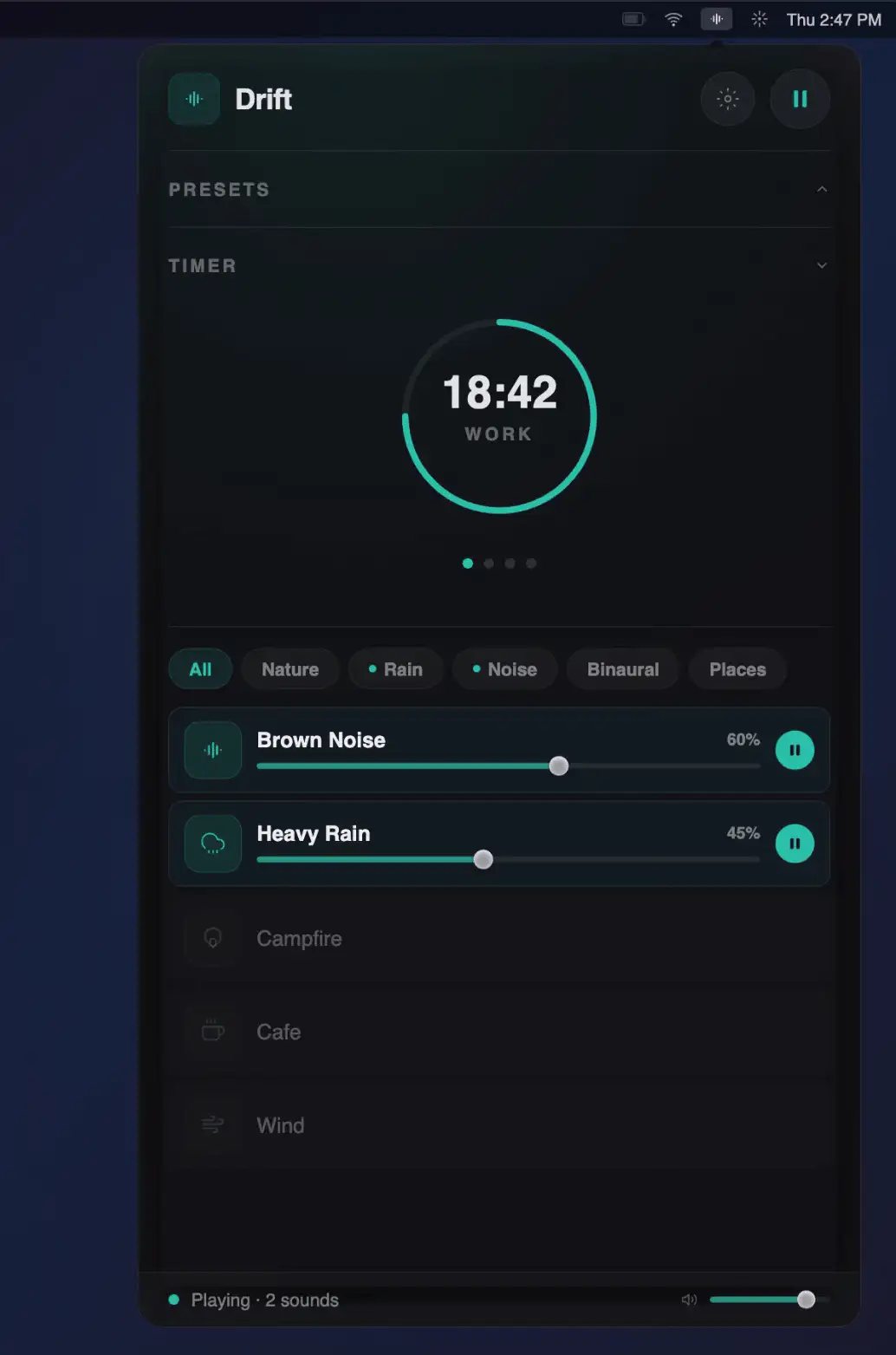
Drift is a lightweight, native macOS sound mixer that blends up to four ambient tracks with spatial audio and head tracking, all offline, delivering focused calm without subscriptions, bloat, or unnecessary distractions.
Visit
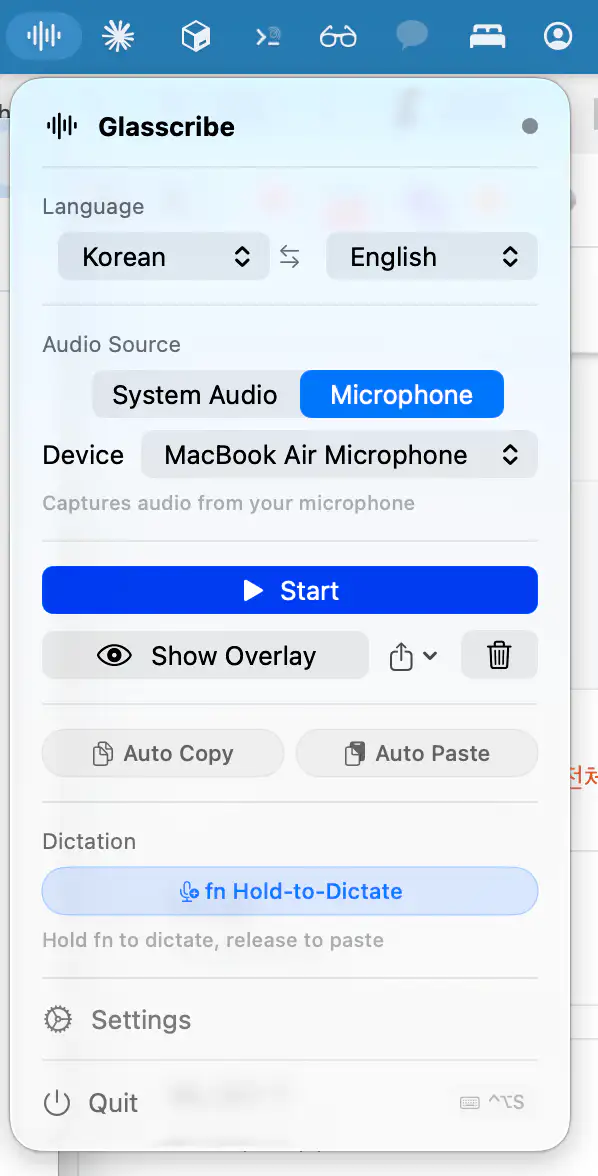
Glasscribe delivers fast, on-device speech-to-text with a floating overlay that works across apps. It transcribes system audio or mic input in real time, adds live translation, and keeps everything private and offline.
Visit
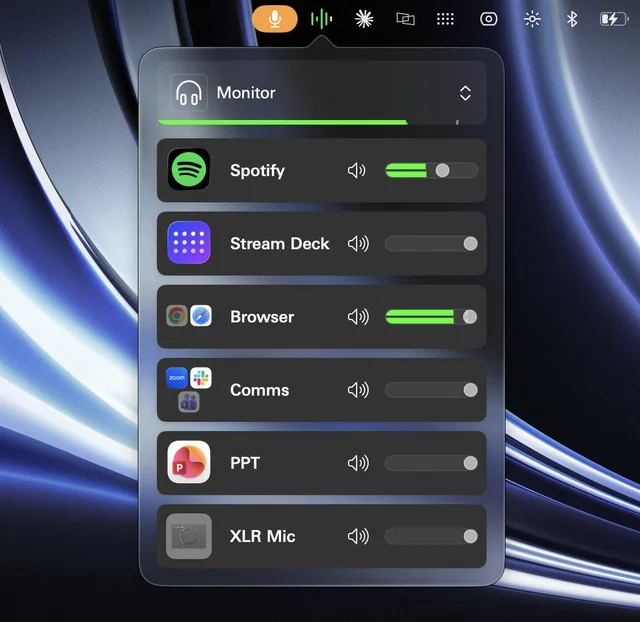
Wave Link brings studio-style audio control to everyday setups, letting you mix, route, and enhance multiple sound sources with ease. It works with almost any microphone and keeps streaming, recording, and calls sounding polished..
Visit
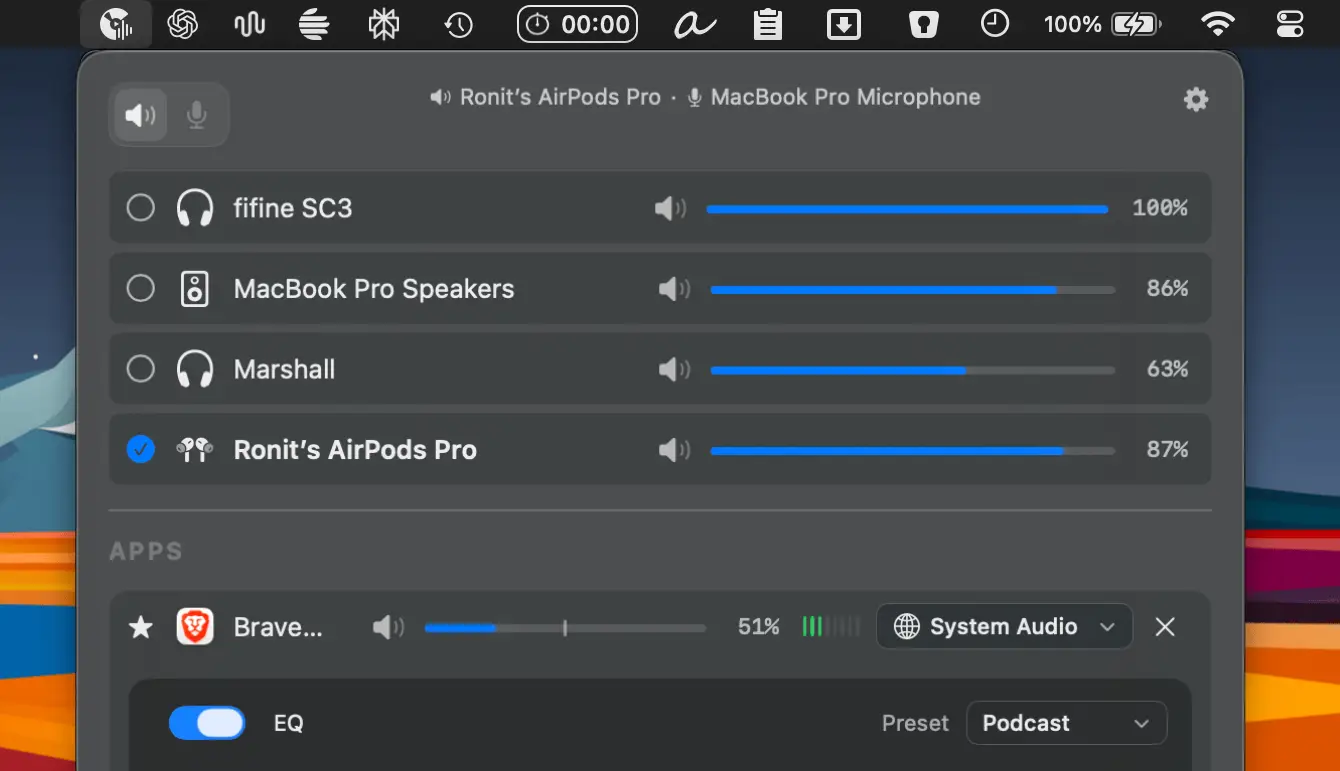
FineTune gives you precise control over your Mac’s audio, letting you adjust volume per app, route sound to multiple devices, fine-tune with a 10-band EQ, and even boost output up to 400%.
Visit
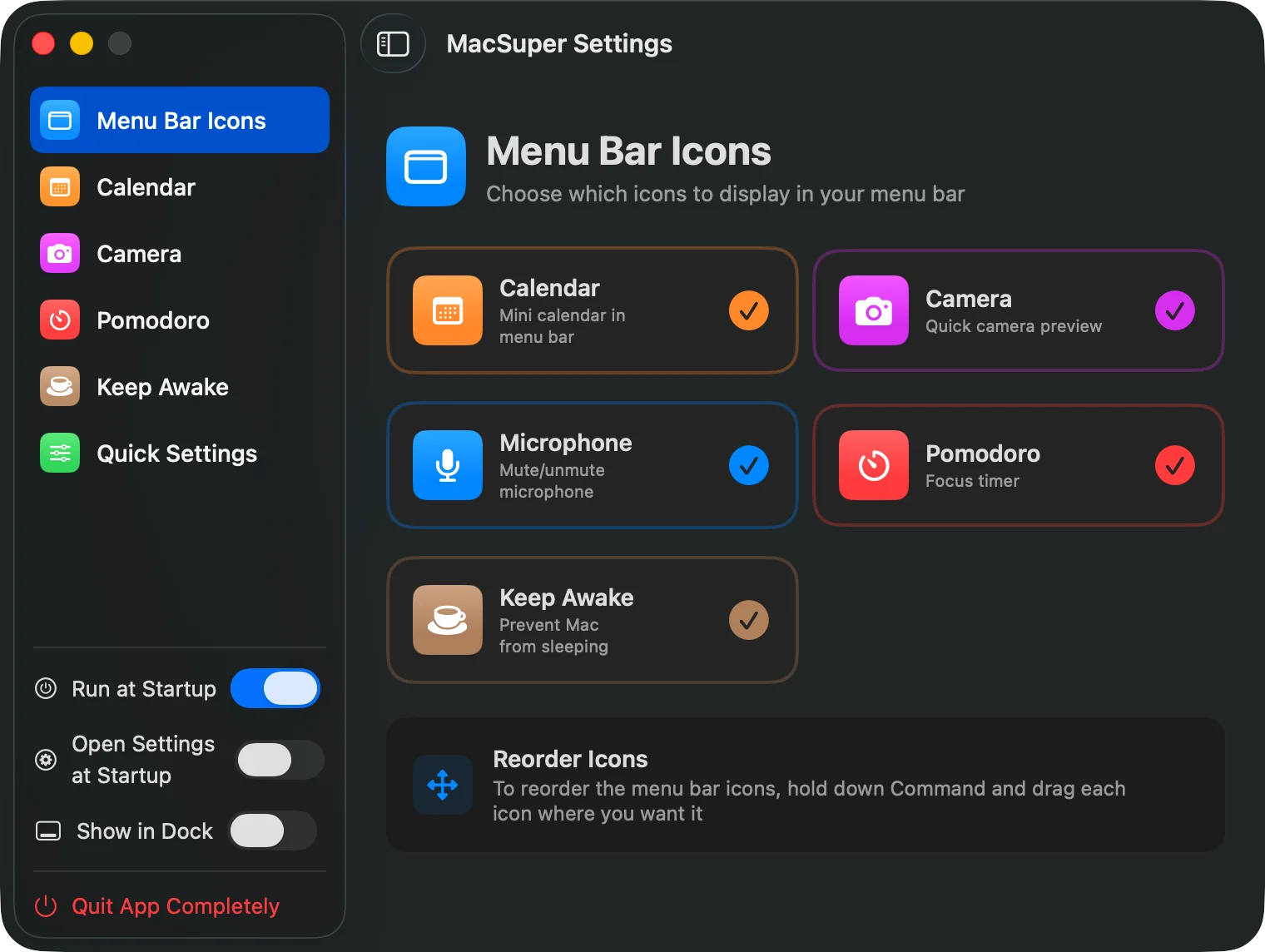
SuperMenuBar bundles a Pomodoro timer, sleep control, quick calendar access, camera preview, and mic monitoring into one lightweight, low-RAM utility, replacing a handful of single-purpose tools with a cleaner, more efficient workflow.
Visit Watch
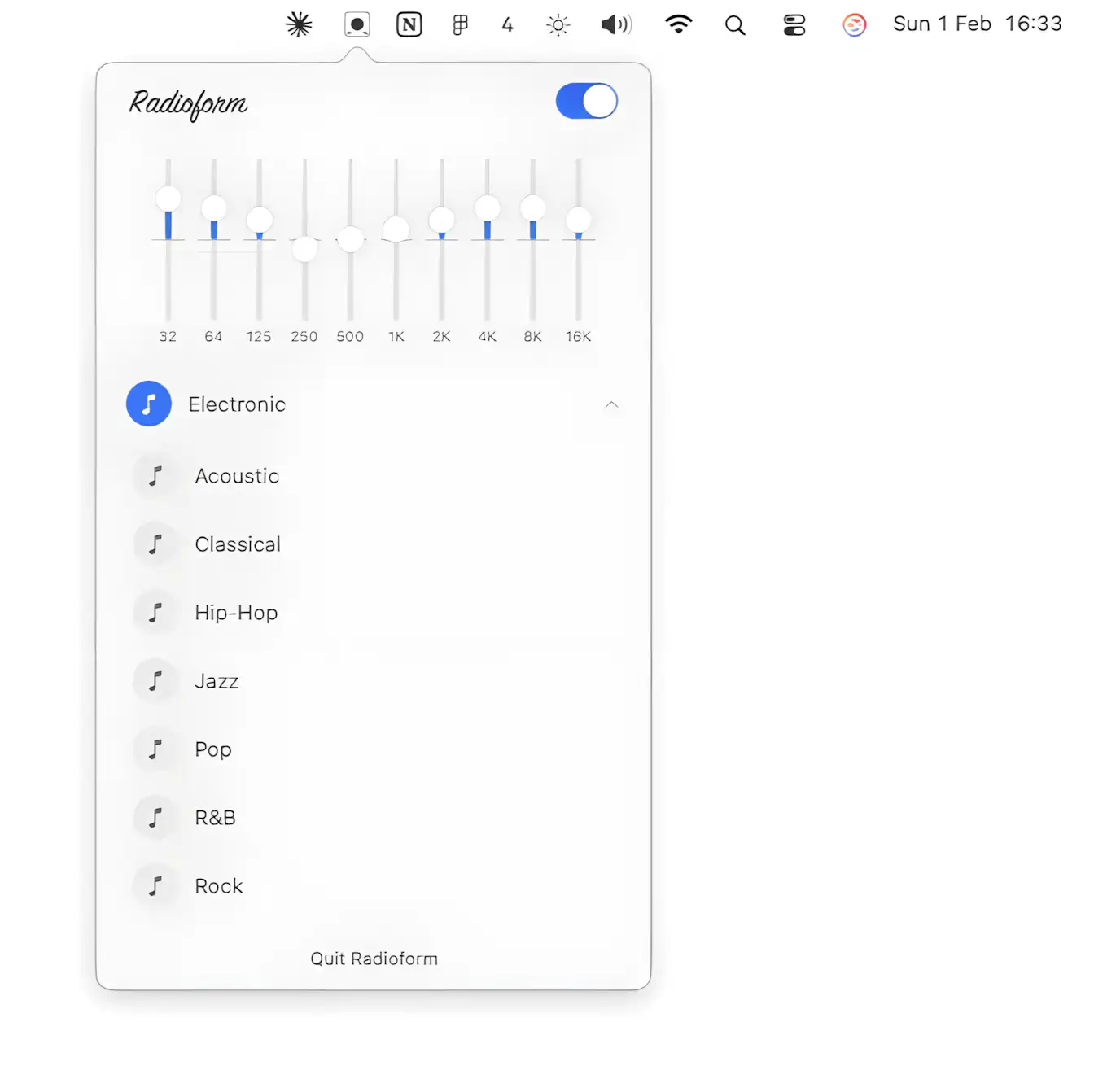
Radioform is a free open source macOS equalizer that shapes sound system wide from the menu bar with a clean 10-band parametric EQ presets and custom curves for any app.
Visit
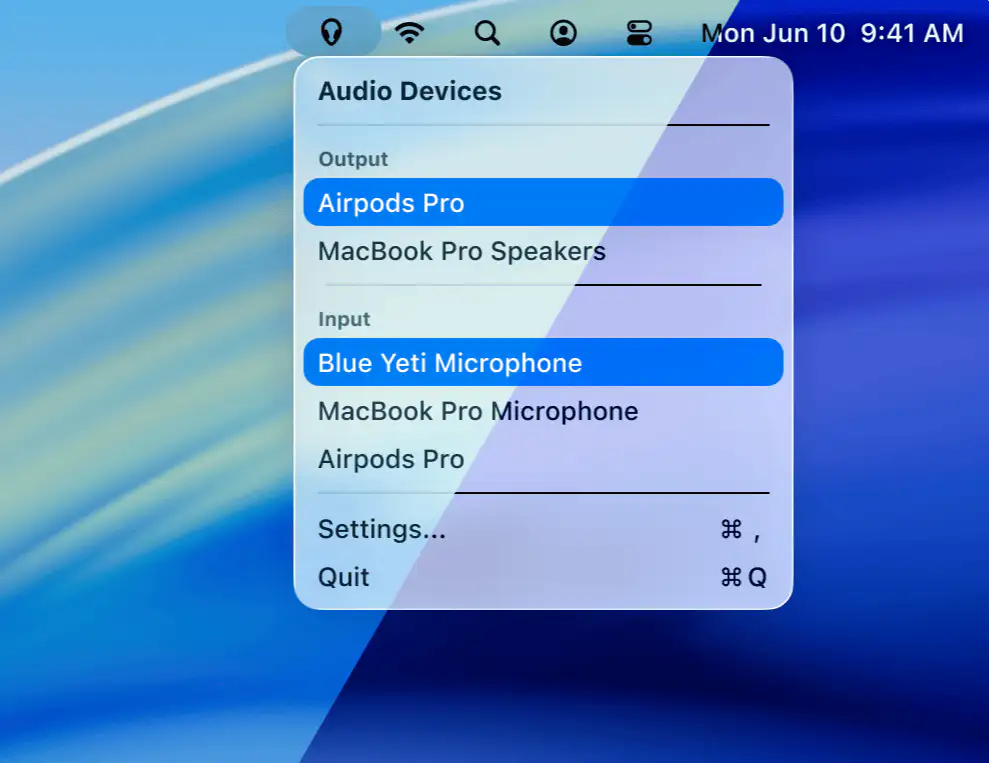
Recadio keeps your Mac’s audio under control by prioritizing preferred input and output devices automatically, so Bluetooth no longer hijacks quality and switching feels effortless, fast, and reliable.
Visit
