Collection:
Audio Apps
MIDI Volume Control
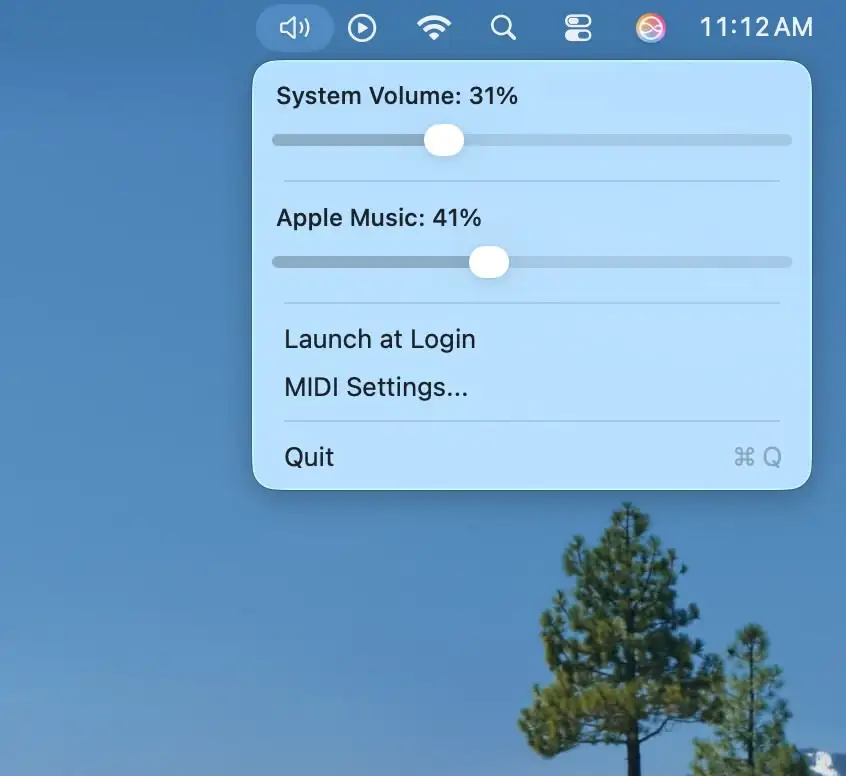
Control your Mac and Apple Music volumes independently with any MIDI controller, offering quick, intuitive adjustments through a clean interface and a discreet menu bar tool.

Master every sound on your Mac. Switch devices, balance levels, mute with precision, record instantly, enhance audio quality, or create ambient focus soundscapes. These menu bar apps give you full control over playback, microphones, and connected devices.
Master every sound on your Mac. Switch devices, balance levels, mute with precision, record instantly, enhance audio quality, or create ambient focus soundscapes. These menu bar apps give you full control over playback, microphones, and connected devices.
Control your Mac and Apple Music volumes independently with any MIDI controller, offering quick, intuitive adjustments through a clean interface and a discreet menu bar tool.
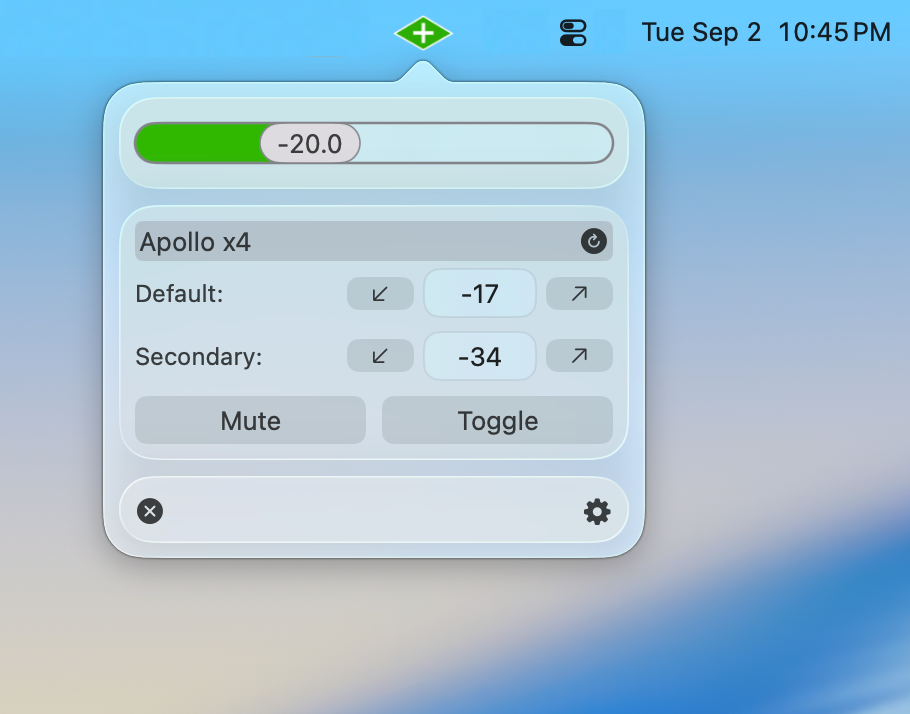
UA Companion enhances your Apollo interface with instant volume control, smart shortcuts, automation, and seamless integration, making your audio workflow faster and more flexible.
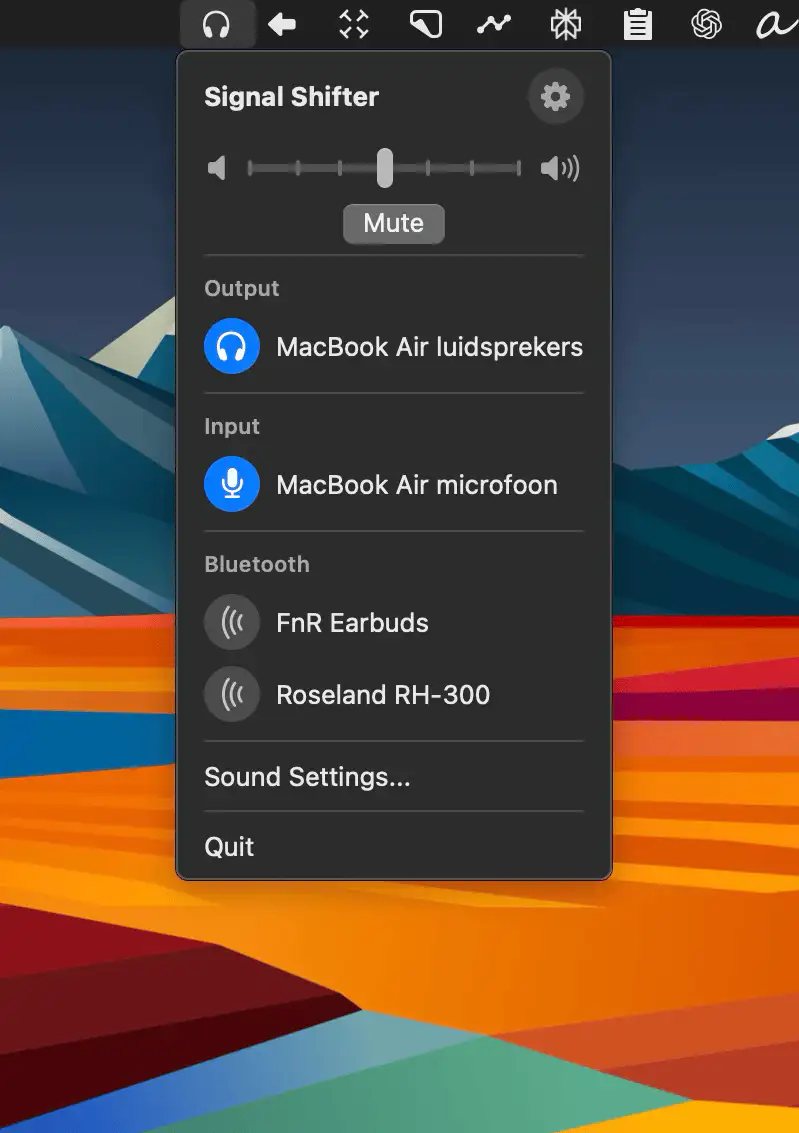
Quickly switch audio inputs, outputs, and Bluetooth devices from your Mac’s menu bar—Signal Shifter keeps all your sound sources neatly in one place.
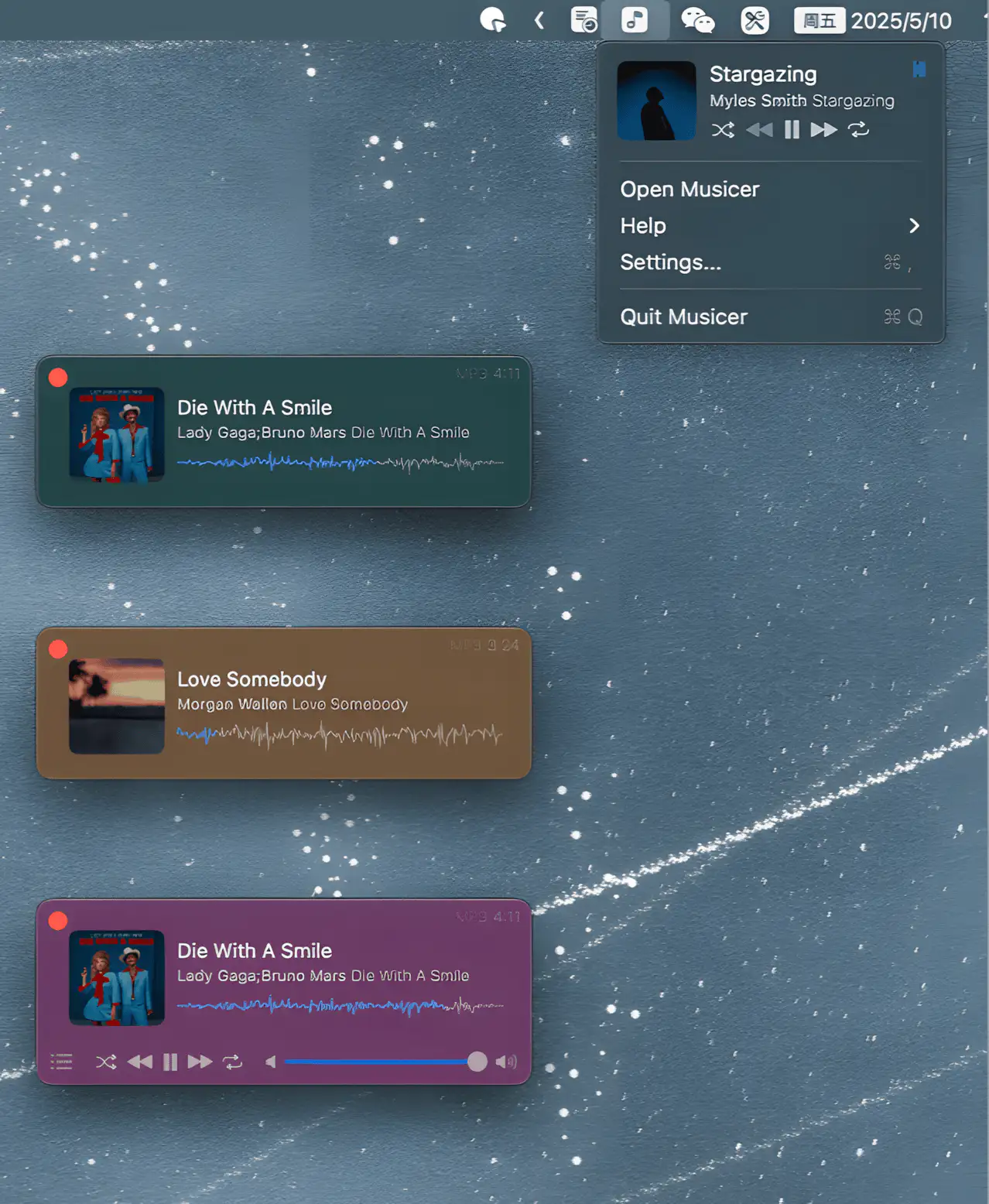
Musicer is a lightweight and stylish macOS menubar app that lets you play local audio files with ease—simple, sleek, and always ready when you need your music.
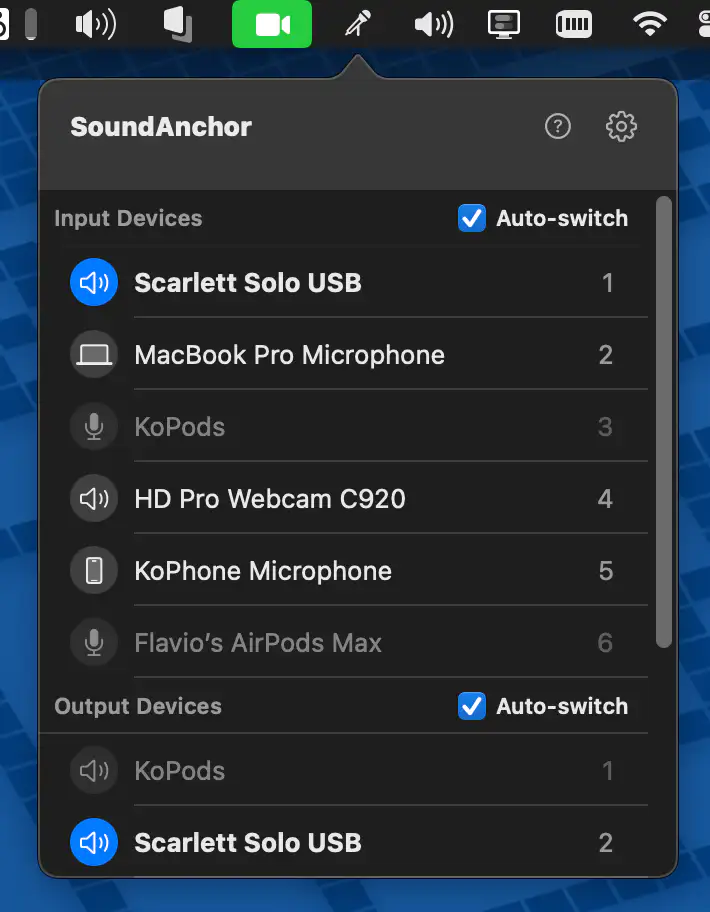
SoundAnchor stops AirPods and other Bluetooth headphones from taking over your Mac’s microphone by keeping your preferred devices first in line. It also lets you set the volume and output for each app, and play audio through two devices at once.
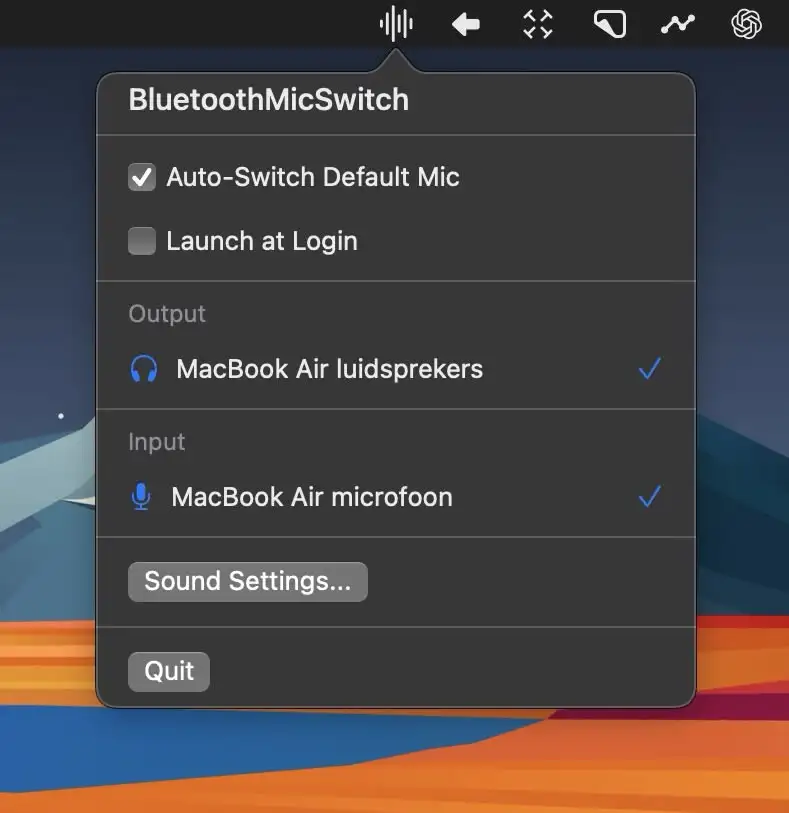
Automatically switch to your Mac’s internal mic when connecting Bluetooth headphones—no more bad audio or fiddling with settings. It just works, quietly in the background.
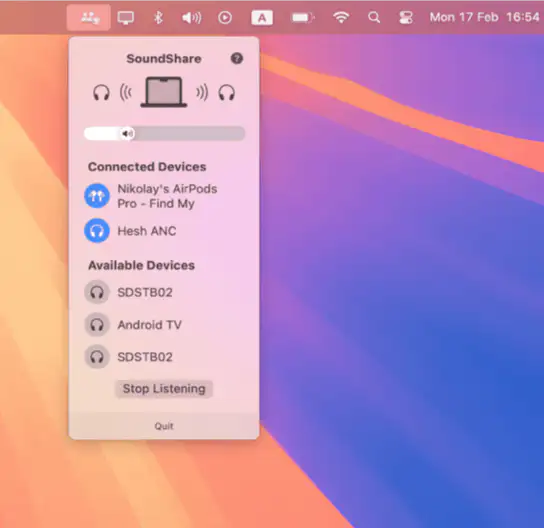
This menu bar app makes it easy to share audio on macOS, just like on iOS. Connect multiple Bluetooth audio devices and enjoy music, podcasts, or movies together—without the hassle. SoundShare keeps your audio perfectly in sync.

Hawa means air/breeze in Hindi. This menubar plays ambient sounds to help you focus on your work or relax. You can choose from a variety of sounds, adjust the volume of each sound individually, or create your own mix.