Collection:
Audio Apps
Ears
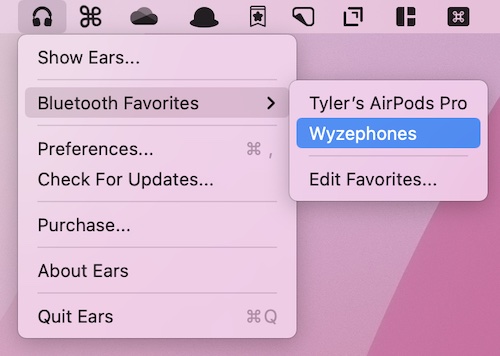
Quickly change your Mac’s sound output/input via the menu bar. Ears is Intel and Apple Silicon compatible and requires macOS Big Sur or Monterey.

Master every sound on your Mac. Switch devices, balance levels, mute with precision, record instantly, enhance audio quality, or create ambient focus soundscapes. These menu bar apps give you full control over playback, microphones, and connected devices.
Master every sound on your Mac. Switch devices, balance levels, mute with precision, record instantly, enhance audio quality, or create ambient focus soundscapes. These menu bar apps give you full control over playback, microphones, and connected devices.
Quickly change your Mac’s sound output/input via the menu bar. Ears is Intel and Apple Silicon compatible and requires macOS Big Sur or Monterey.
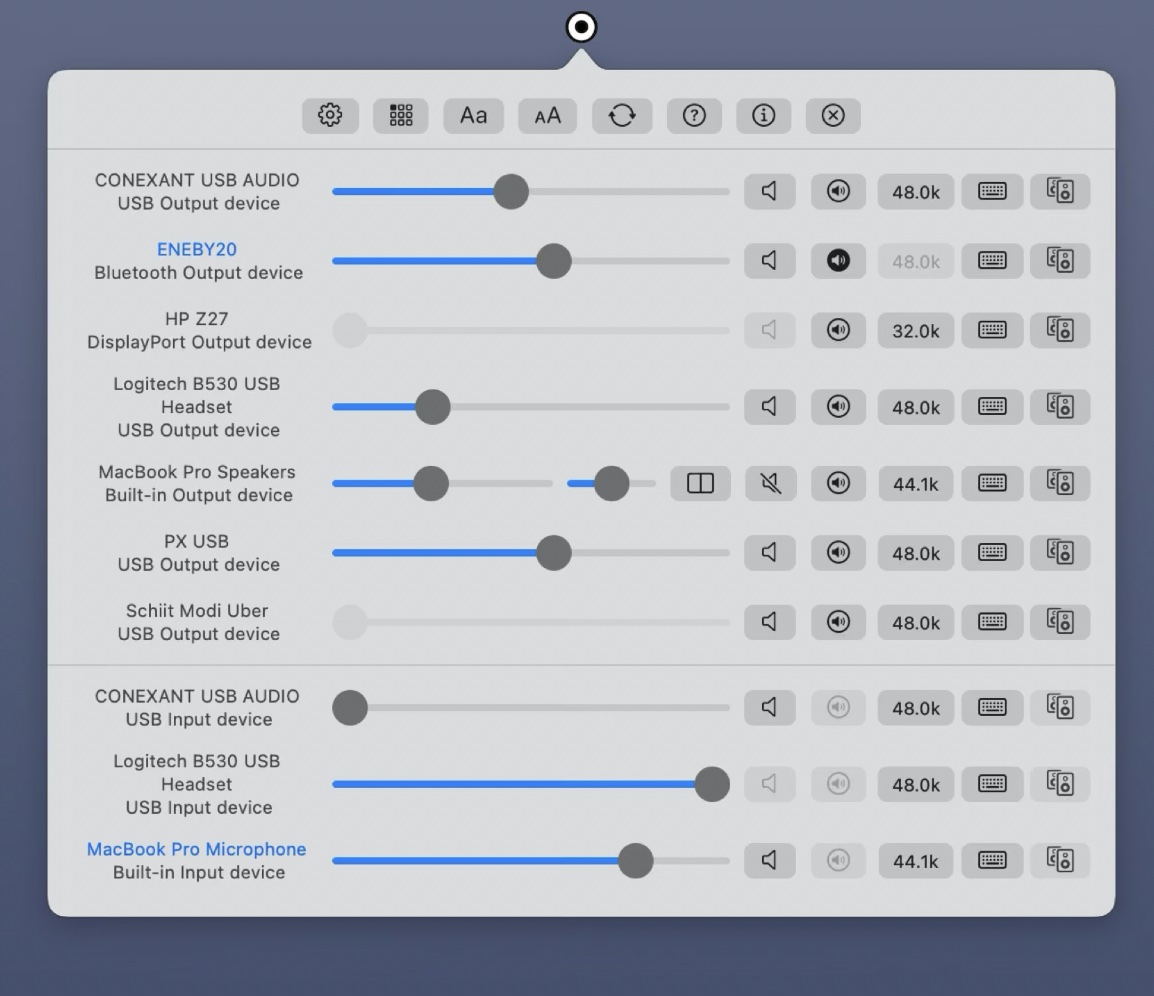
Do you have multiple sound devices attached to your Mac and want to be able to switch between them without having to use System Preferences? AudioSwitcher allows you to switch quickly between all available input and output devices.

Ever used YouTube to listen to background music, only to accidently close your browser tab? With Tubist there is no more closing YouTube by accident, especially while you AirPlay.
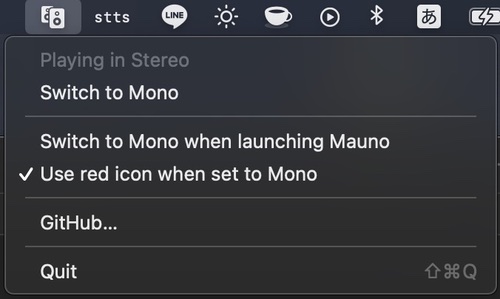
Mauno is a menu bar app that allows you to quickly switch audio from Stereo to Mono (really useful for those one-sided YouTube videos).
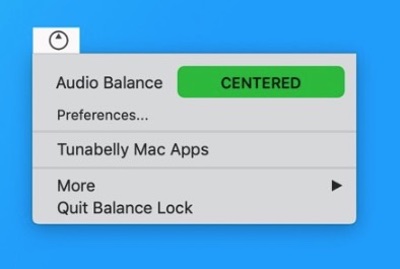
Balance Lock keeps the audio balanced in the middle so you don’t have to worry about checking the System Preferences every time you plug or unplug your headphones.

This menu bar app communicates with the headphones in the same way that the Bose mobile app does. Get complete visibilty and control on your Bose headphones from within your Mac’s menu bar.

Unclack automatically mutes your microphone while you type and un-mutes when you stop. No interaction required.