
Collection:
Audio Apps
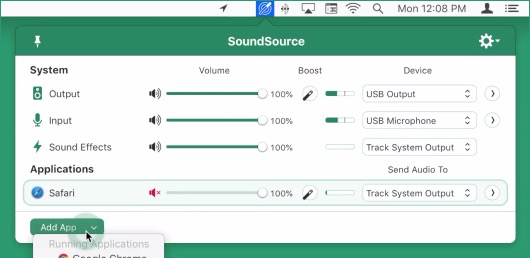
Master every sound on your Mac. Switch devices, balance levels, mute with precision, record instantly, enhance audio quality, or create ambient focus soundscapes. These menu bar apps give you full control over playback, microphones, and connected devices.
Collection:
Audio Apps
Silenz
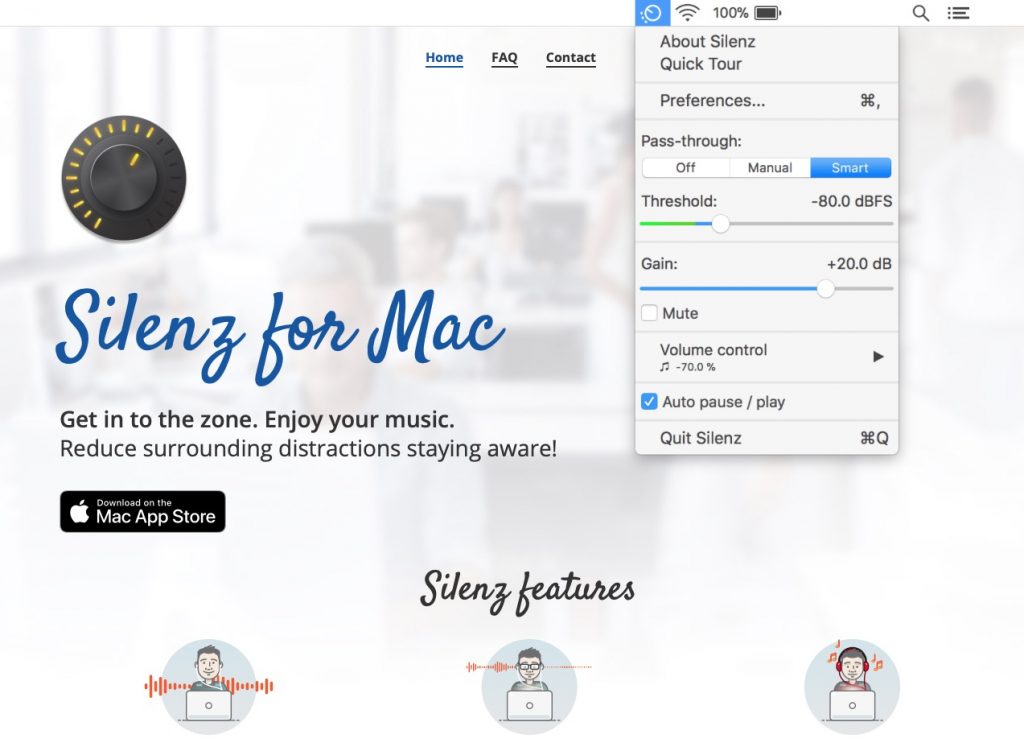
Silenz is built for people who work with headphones on and still want to stay aware of the world around them. It listens for meaningful sounds like voices or ringing phones, then automatically pauses or lowers your music. You can even blend in amplified ambient sound, so you stay focused without feeling cut off from reality.
Collection:
Audio Apps
Background Music
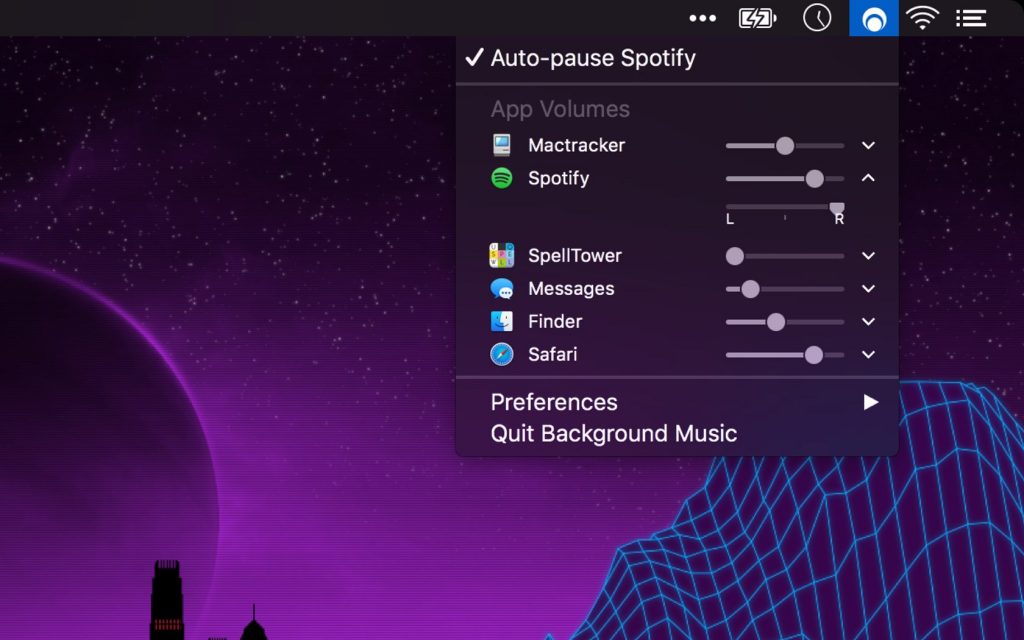
Background Music is a lightweight macOS audio utility that automatically pauses your music when other sounds play, lets you fine-tune volume per app, and even records system audio, all without requiring a restart. Still in alpha, but already impressively capable.
Collection:
Audio Apps
Relax – Unplug

Relax quietly steps in when your headphones disconnect, muting your Mac’s speakers and pausing music apps like Spotify or Apple Music, keeping your guilty pleasures blissfully private.
Collection:
Audio Apps
Juice for macOS
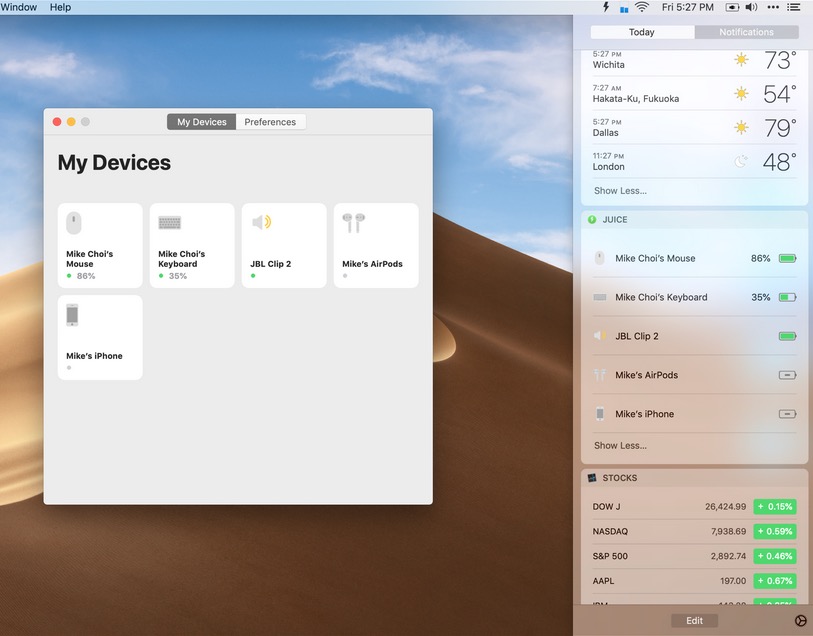
Juice puts real Bluetooth control at your fingertips, letting you connect devices instantly, view detailed information, and trigger everything with smart, customizable shortcuts from your menu bar icon.