Collection:
Calendar Apps
WeekNumber
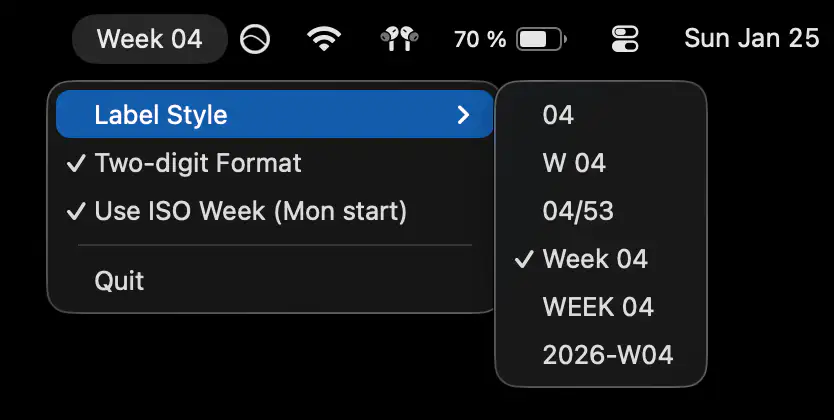
A minimal menu bar app that shows the current week number, so you always know where the year stands without opening a calendar or breaking your focus.

See your time before it slips away. From simple date displays and week numbers to full-featured calendar views, countdowns, reminders, and one-click meeting joins, these menu bar apps keep your schedule visible and your day under control.
See your time before it slips away. From simple date displays and week numbers to full-featured calendar views, countdowns, reminders, and one-click meeting joins, these menu bar apps keep your schedule visible and your day under control.
A minimal menu bar app that shows the current week number, so you always know where the year stands without opening a calendar or breaking your focus.
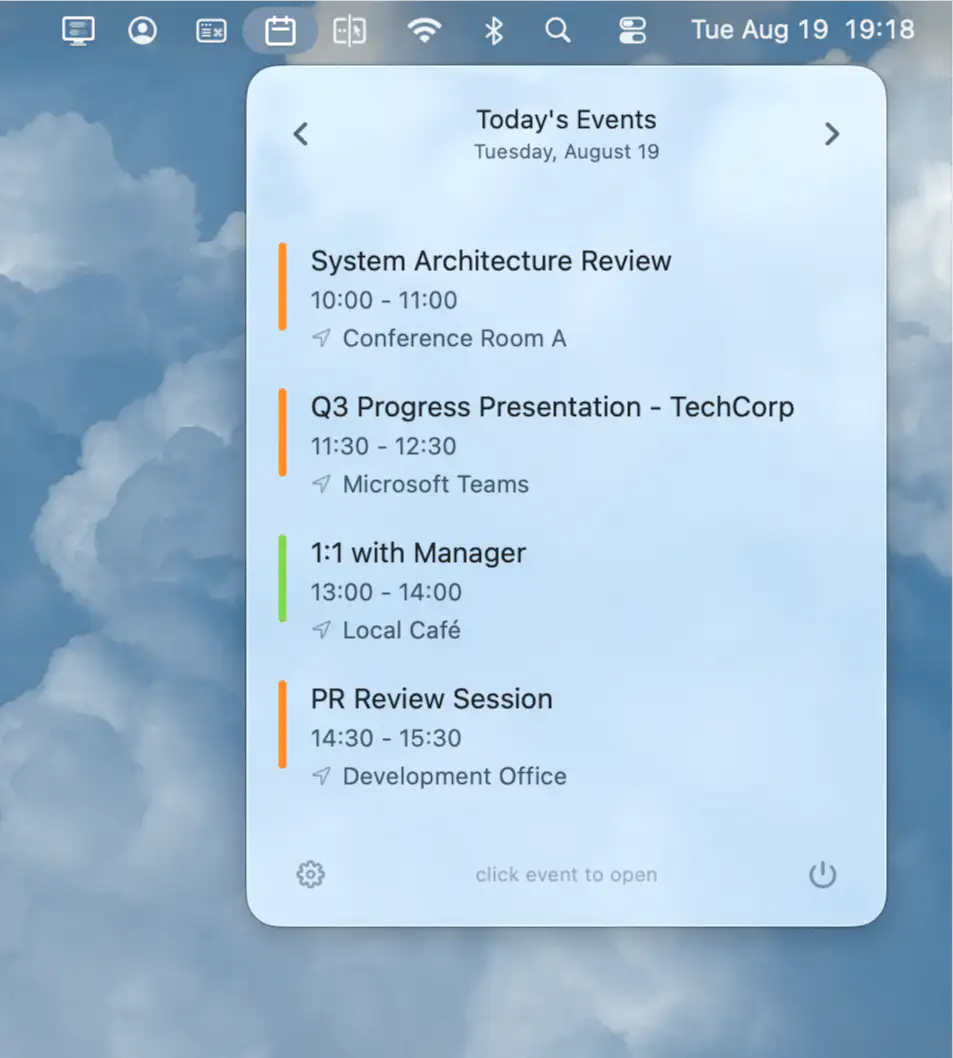
CalBar keeps your calendar always visible in the menu bar, offering instant access to upcoming events with a single click, seamless integration, and complete privacy on your Mac.
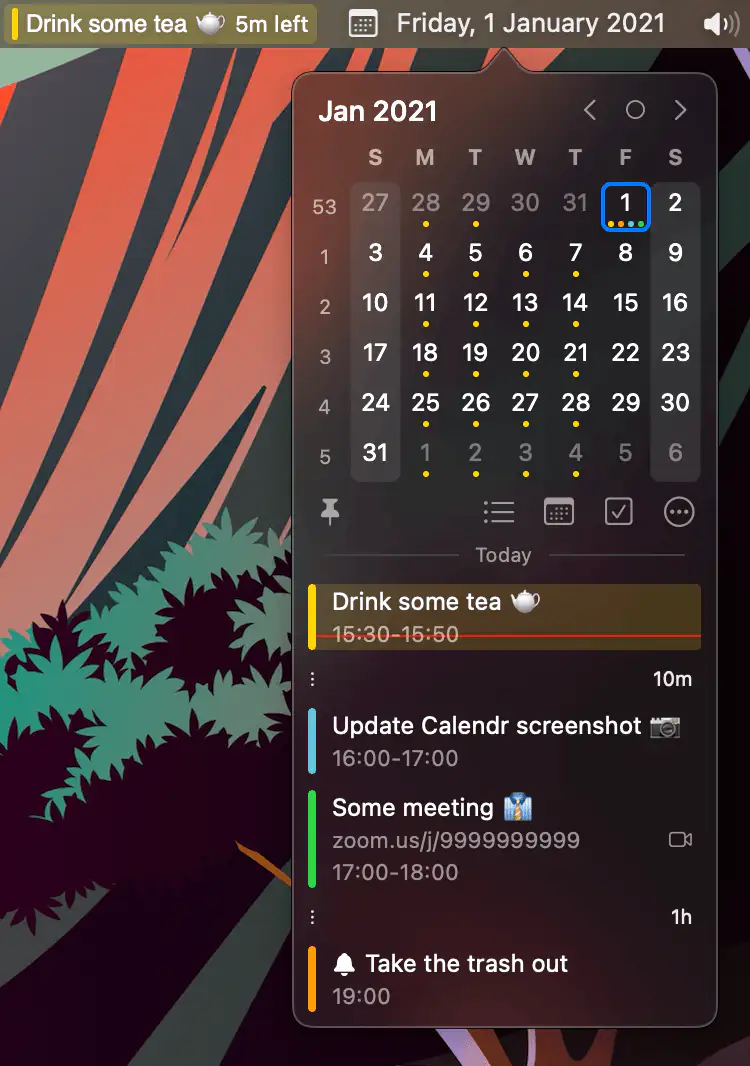
Calendr shows your next event with a countdown in the menu bar, so you don’t have to open Calendar just to check what’s next.
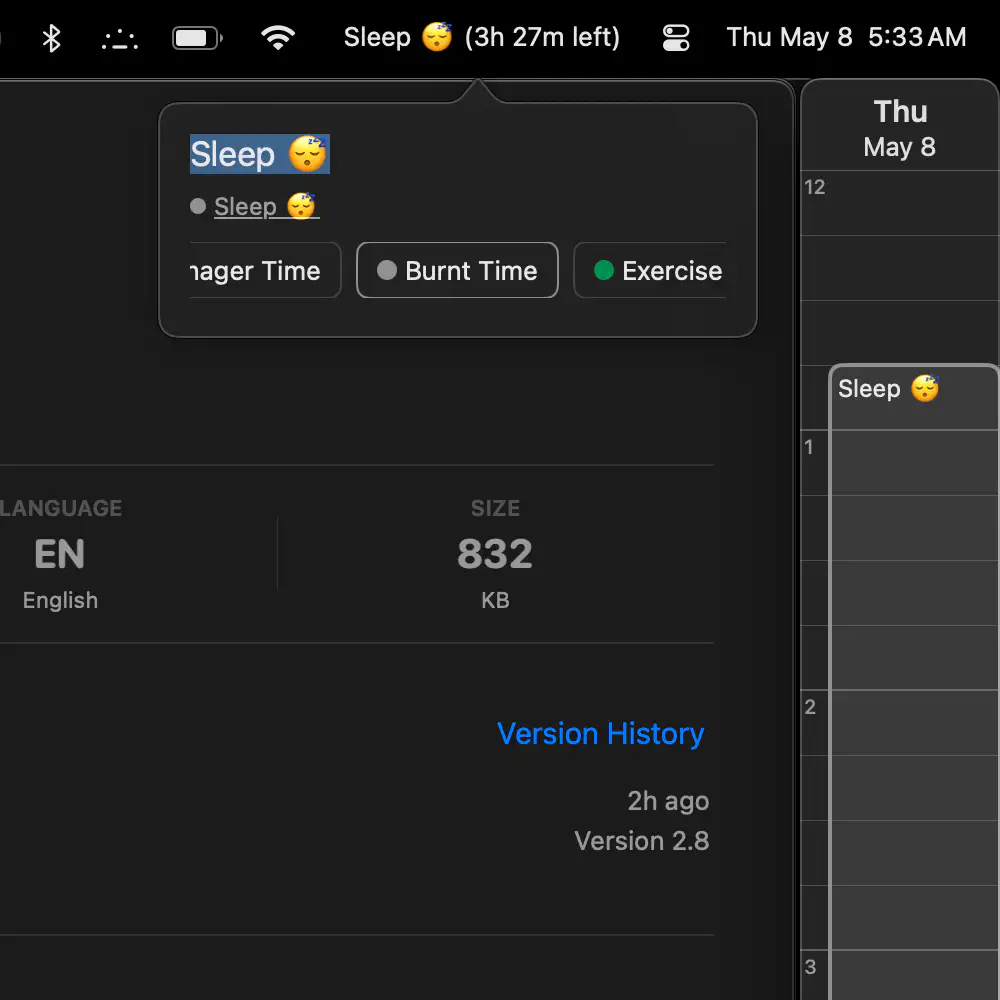
Sidebar Calendar keeps your schedule visible and customizable at the screen’s edge, offering effortless time tracking and quick event access—perfect for focused workdays or meeting-heavy marathons.
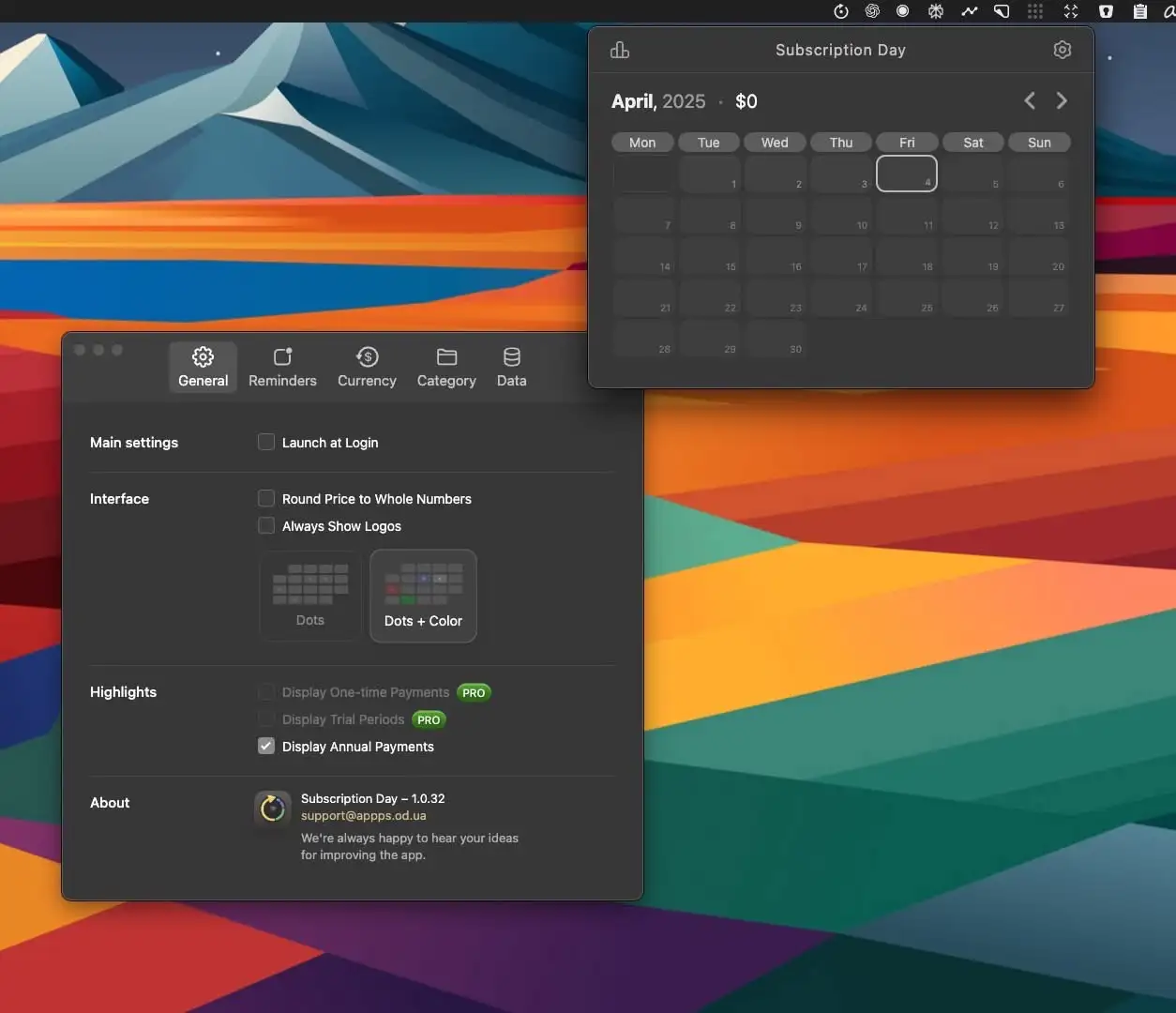
Subscription Day is a clean, powerful menu bar app that helps you track, manage, and visualize all your subscriptions—so you stay organized, on budget, and in control.
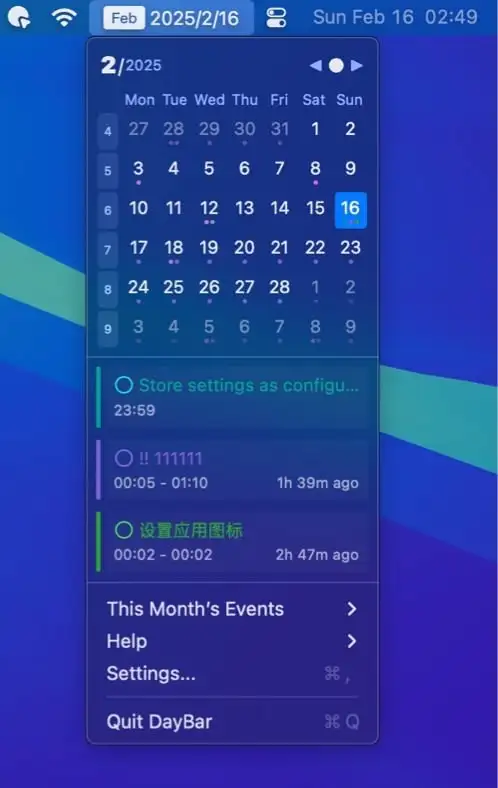
DayBar displays the local date and reminders in the menu bar. Click it to view your calendar, events, and reminders, all synced with Apple Calendar. It seamlessly integrates scheduling and task management into your menu bar.

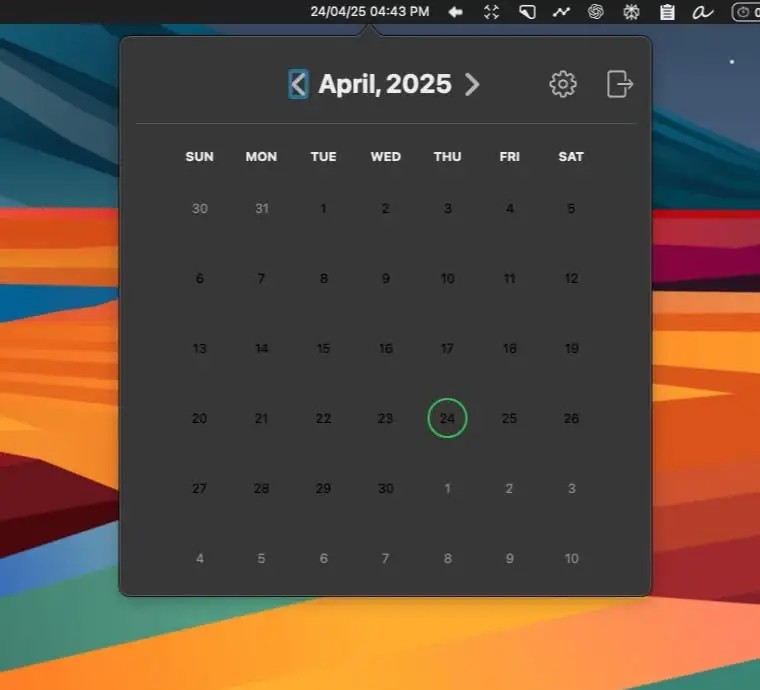
Mini Calendar is a menu bar calendar showing both the Gregorian calendar and the traditional Chinese lunar calendar for quick date reference.

A simple menu bar app that shows a monthly calendar, so you can check a date without opening a separate app.