Collection:
Calendar Apps | Meeting Apps
Soonie
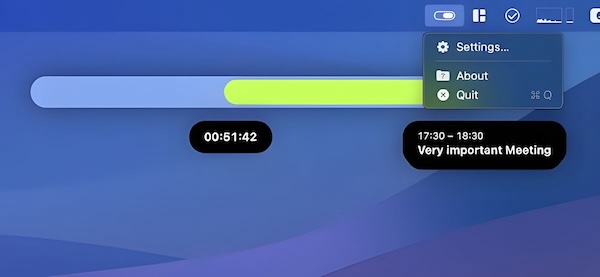
Soonie is a small menu bar app that visualizes your free time until the next meeting or calendar event on your list, and more.

See your time before it slips away. From simple date displays and week numbers to full-featured calendar views, countdowns, reminders, and one-click meeting joins, these menu bar apps keep your schedule visible and your day under control.
See your time before it slips away. From simple date displays and week numbers to full-featured calendar views, countdowns, reminders, and one-click meeting joins, these menu bar apps keep your schedule visible and your day under control.
Soonie is a small menu bar app that visualizes your free time until the next meeting or calendar event on your list, and more.
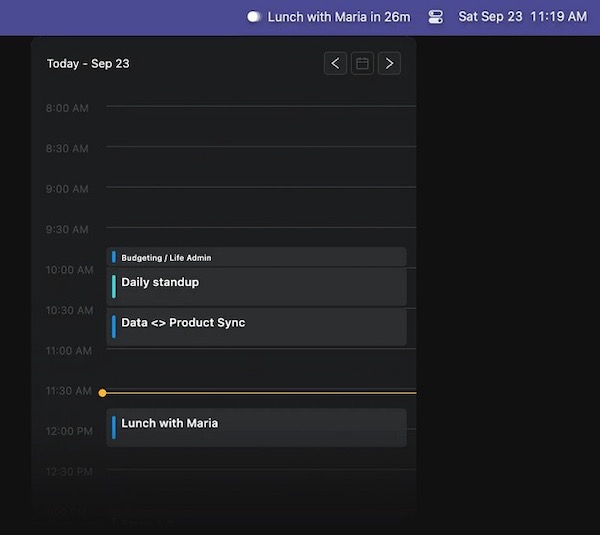
This menu bar app displays upcoming calendar events, sends notifications, and automatically joins meetings. It neither reads nor saves your events.
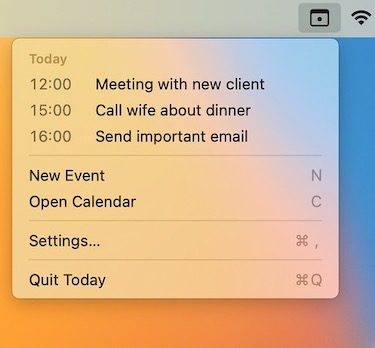
View today’s schedule right from the menu bar. Just the events for today. Click an event to show it in the Calendar app.
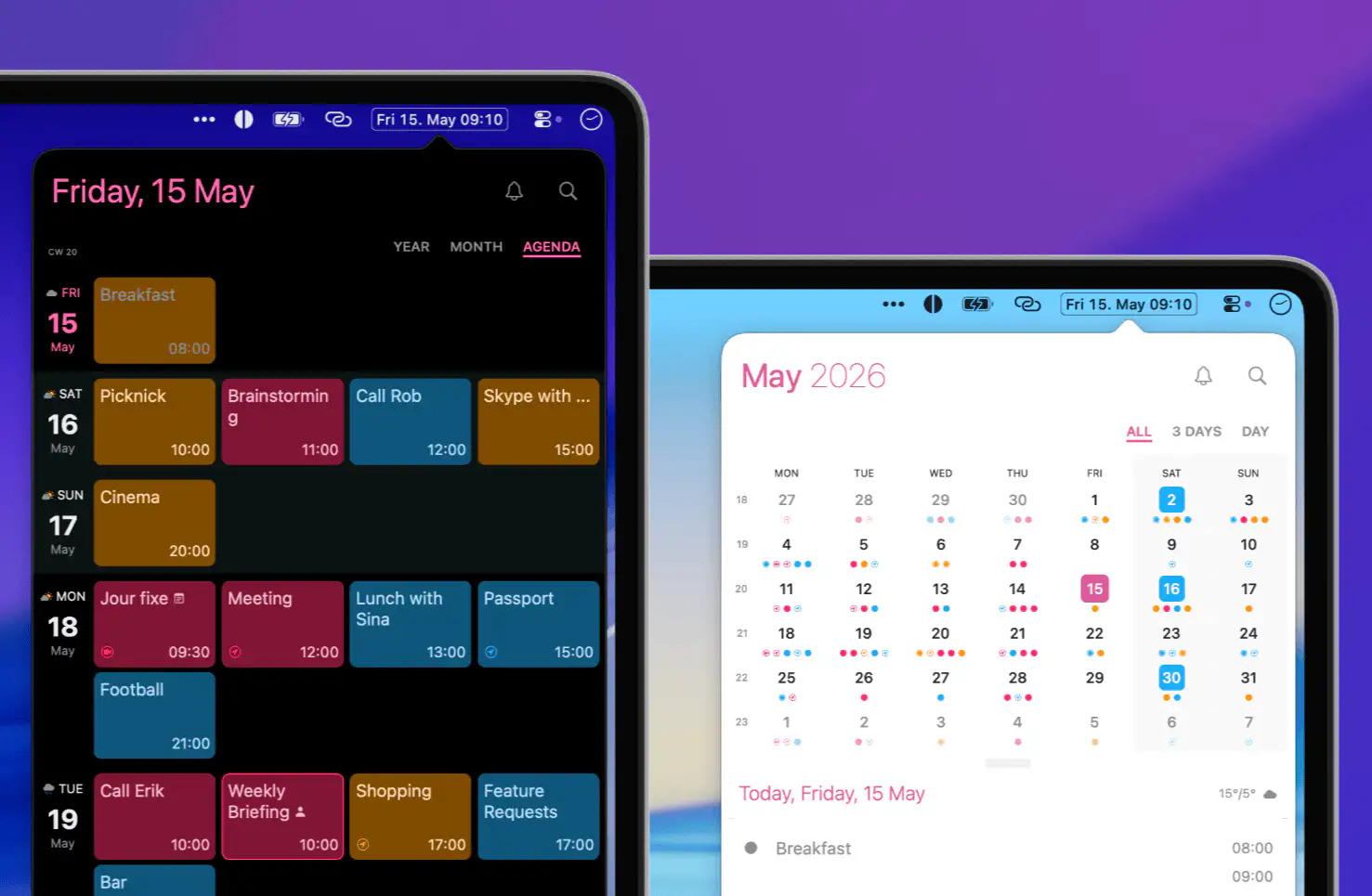
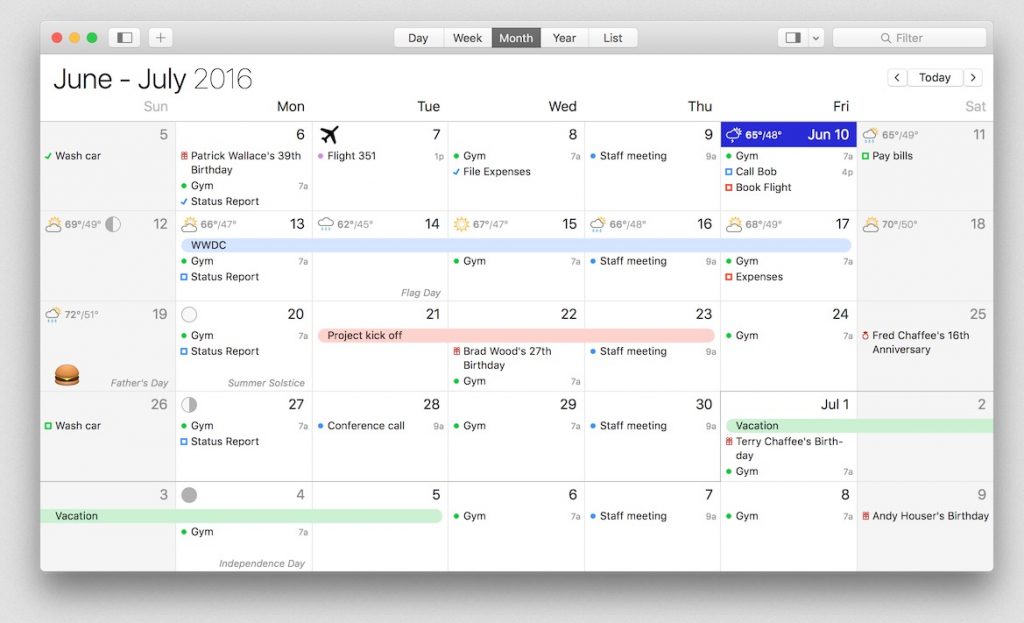
Calendar 366 is a powerful calendar app for macOS and iOS, featuring a menu bar companion, 8 different views, 9 themes, and tools such as invitations and attachments.
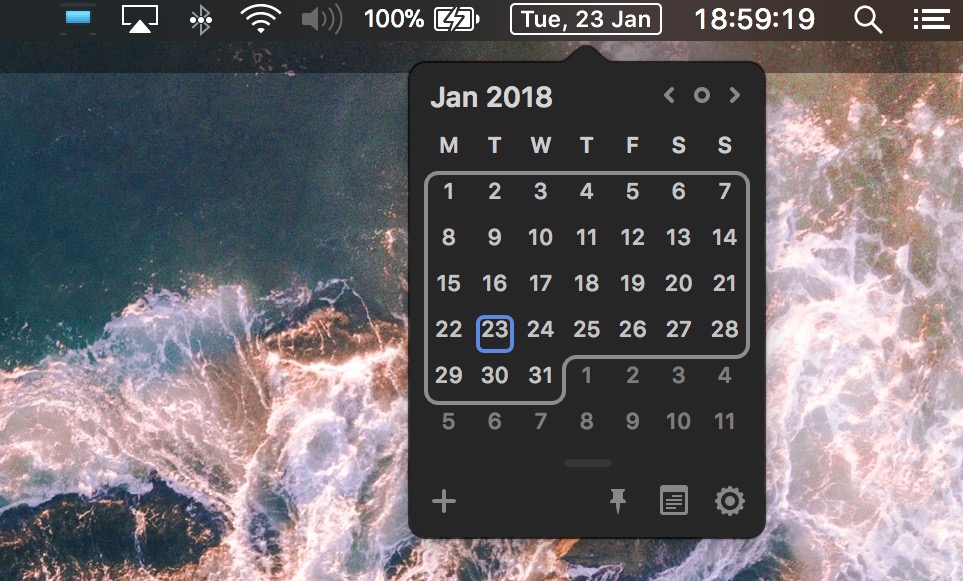
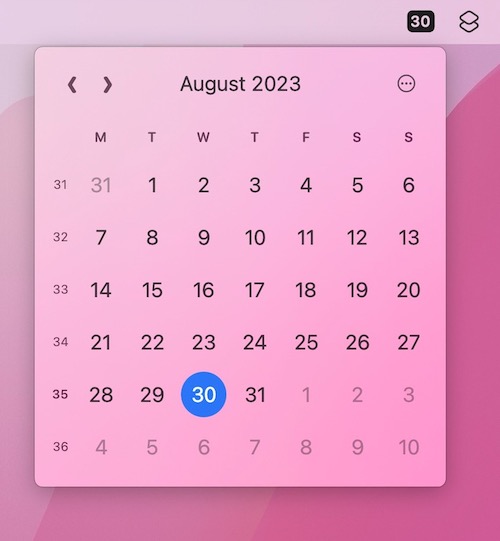
Itsycal is a (free) tiny calendar for your Mac’s menu bar, synchronizing with your Mac calendar app. You can also create and delete events.
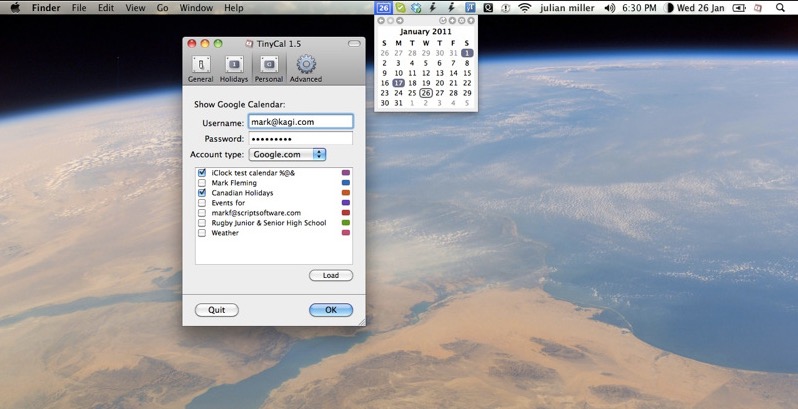
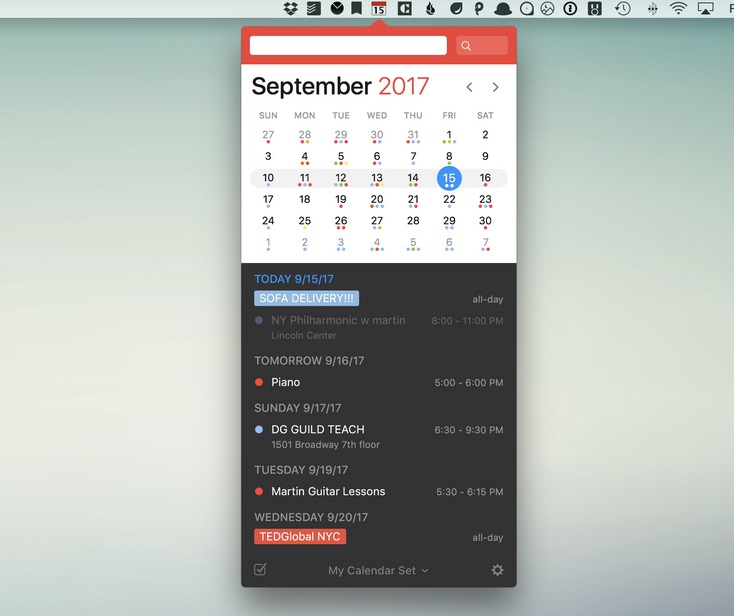
TinyCal brings Google and Apple Calendar to your Mac in a clean, compact view that keeps your schedule within reach. You can add events and reminders in seconds, display multiple months, combine personal and business calendars, and even include holidays from countries and religions worldwide, all without interrupting your workflow.