Bring AI directly into your workflow. From instant chat access and smart writing assistance to local LLMs, voice transcription, usage tracking, and developer monitoring, these menu bar apps keep powerful AI tools always within reach.
Show me the free apps only
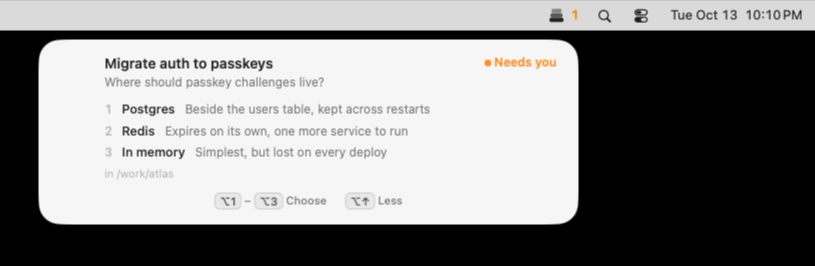
Keep Claude Code, Codex and Cursor agents moving without losing track of their requests. Muster alerts you when they need input, lets you approve or deny actions with keyboard shortcuts, and keeps multiple sessions organized, all locally on your Mac.
Visit
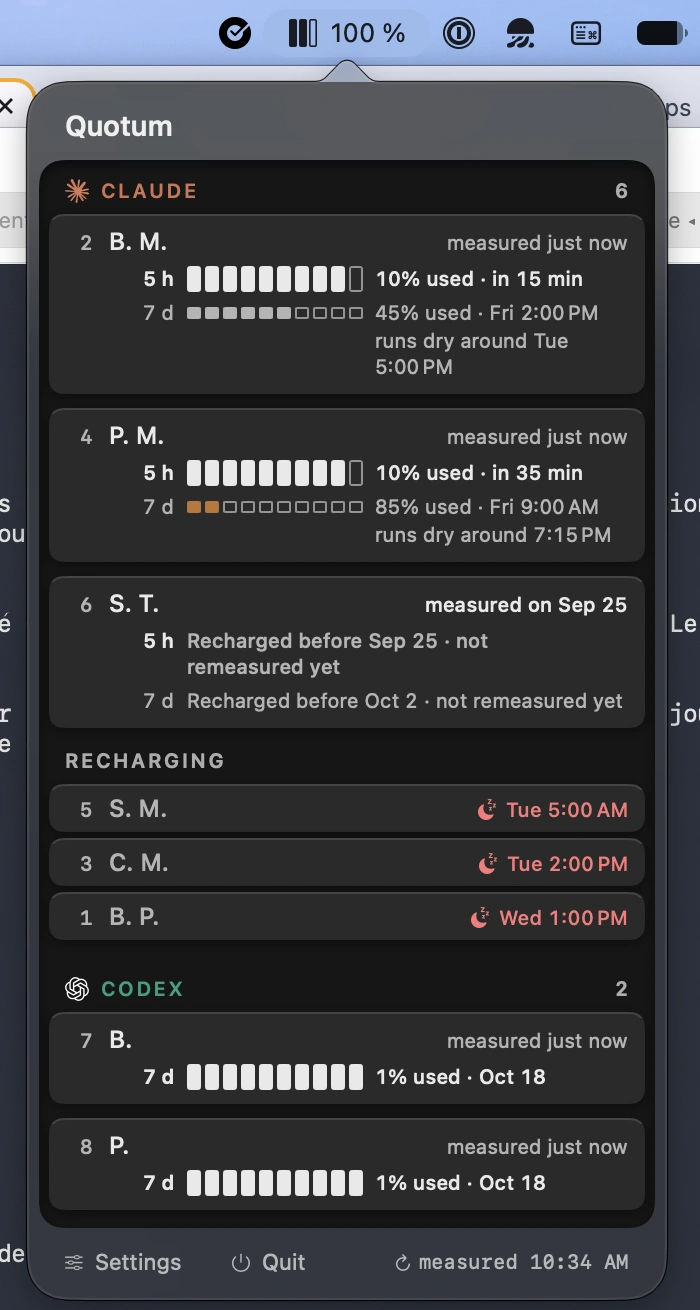
Track remaining AI coding quotas across Claude Code, Codex, Cursor, GitHub Copilot, and 21 other tools. Monitor multiple accounts, check reset times, and get alerts when your usage outpaces your quota.
Visit
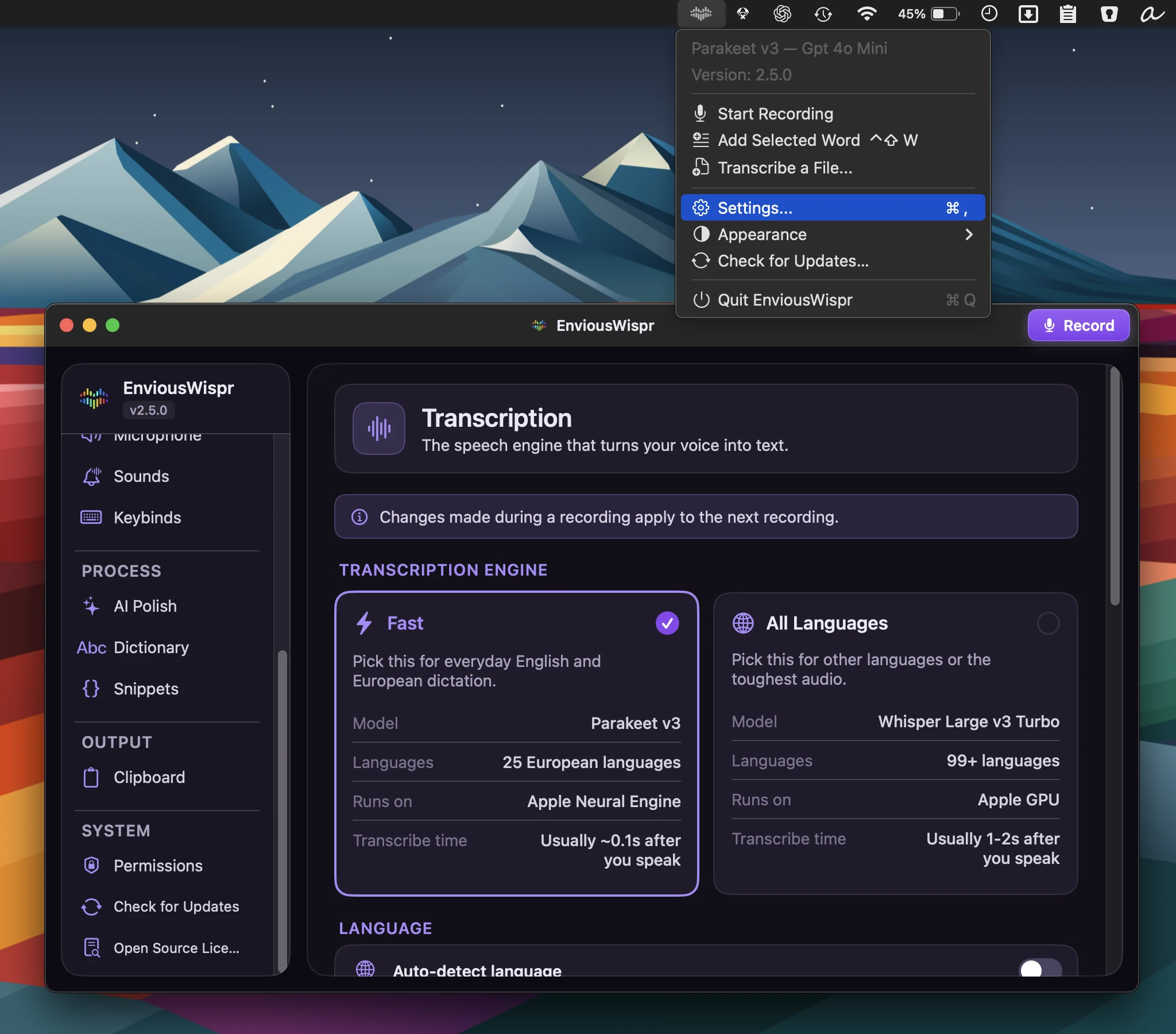
Fast, private AI dictation with offline transcription and text cleanup, turning spoken thoughts into polished writing across your favorite Mac apps, with no account or subscription.
Visit Watch
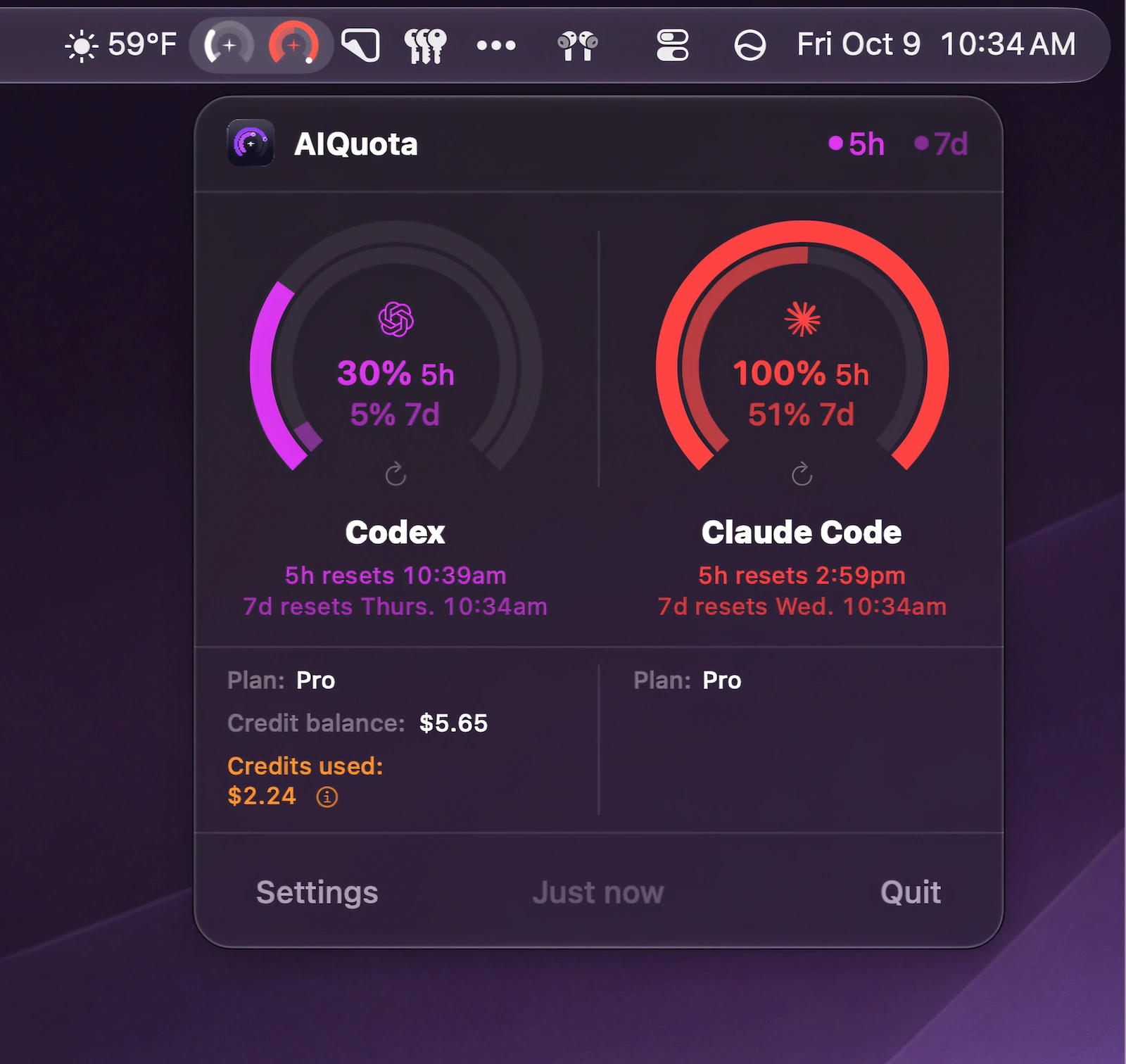
Track Codex and Claude Code usage at a glance with menu bar gauges, desktop widgets, reset countdowns, and timely warnings before you hit your limits.
Visit Watch
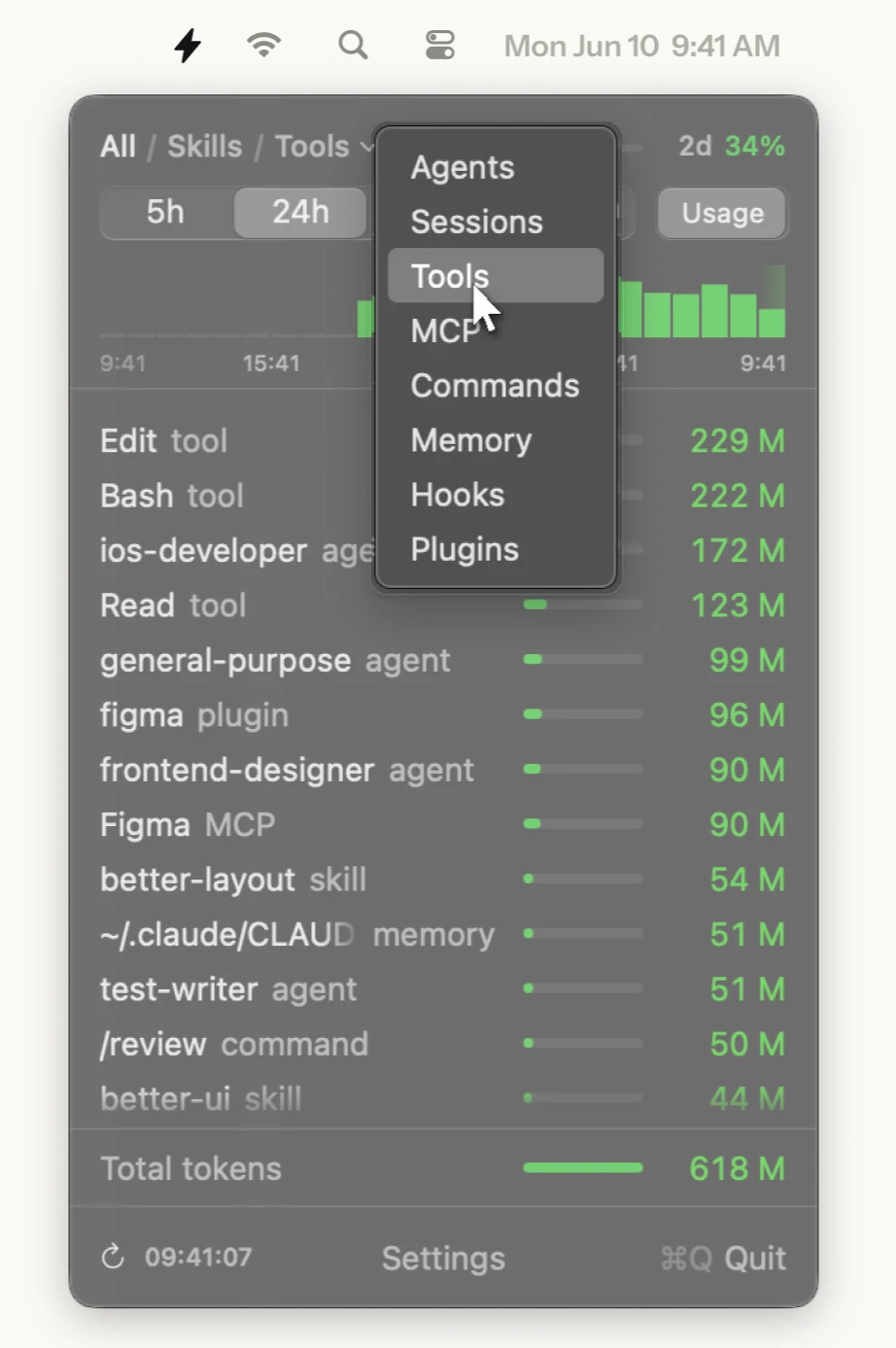
SkillKeeper gives you a clear view of what your AI coding tools actually run, what each session costs and where skills, agents and tools need attention. Supports Claude Code, Codex, Cursor and Gemini CLI.
Visit
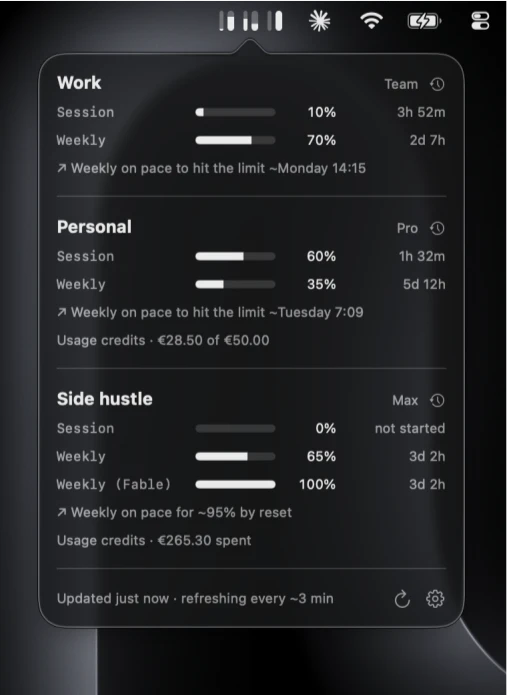
Monitor Claude usage across multiple accounts with session and weekly limits, reset times, notifications, usage credits, projections, and history, all kept locally on your Mac.
Visit
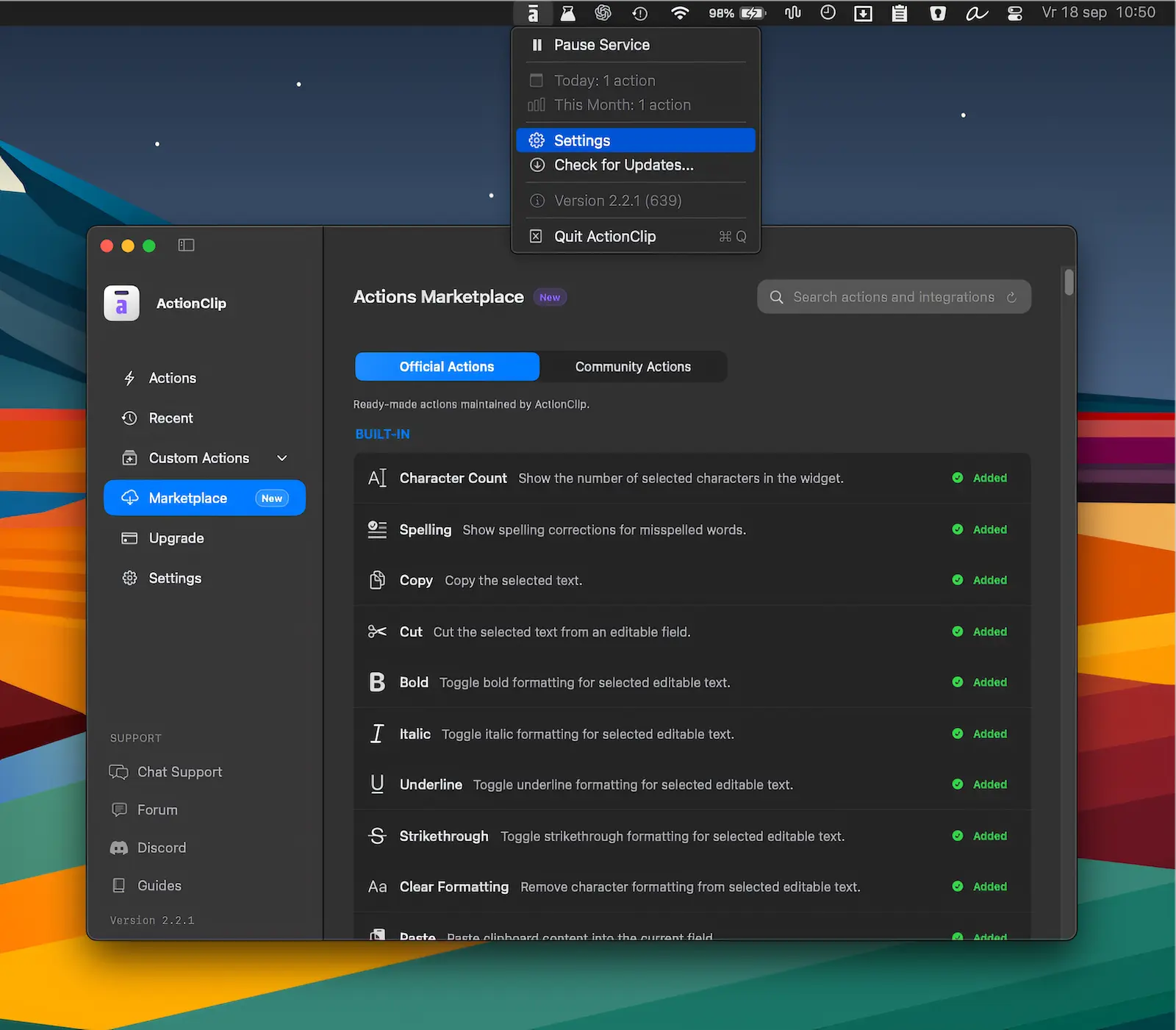
Turn selected text into instant actions for copying, translating, rewriting, AI prompts, and custom workflows. ActionClip brings powerful text tools together in a fast, flexible interface.
Visit
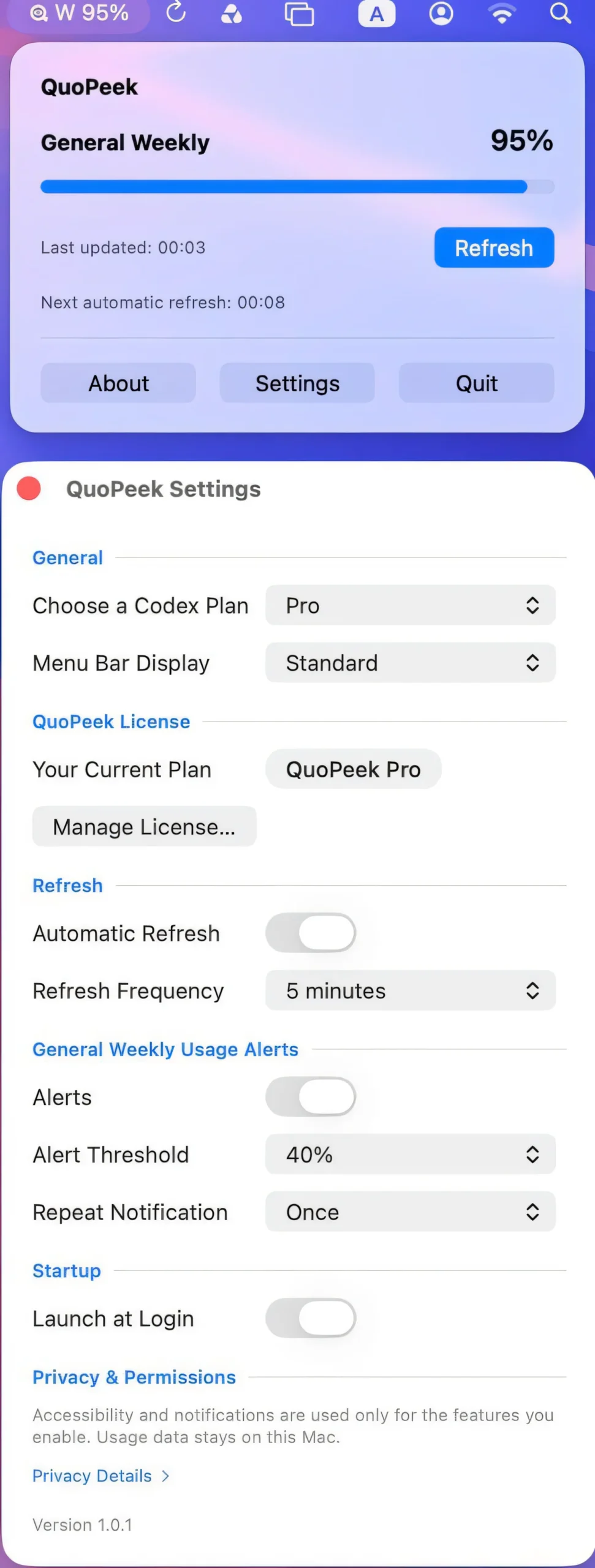
Keep your Codex usage visible at a glance, with automatic refreshes, customizable alerts, and flexible menu bar layouts. Monitor your remaining usage without repeatedly opening the Codex usage page.
Visit
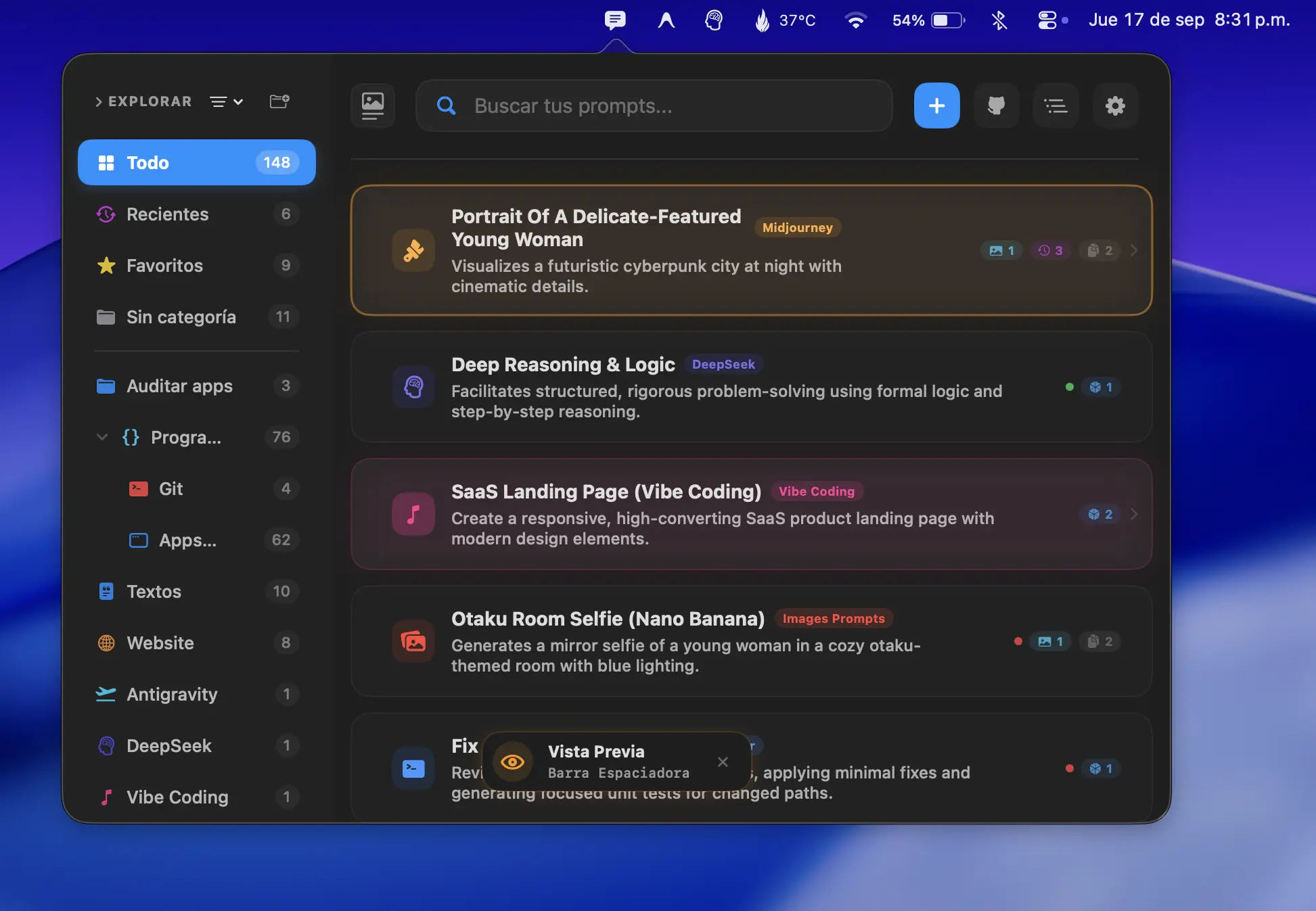
Organize and reuse your favorite AI prompts with instant search, previews, templates and global shortcuts. Keep everything organized and expand prompts anywhere, with optional variables and snippets for faster workflows.
Visit
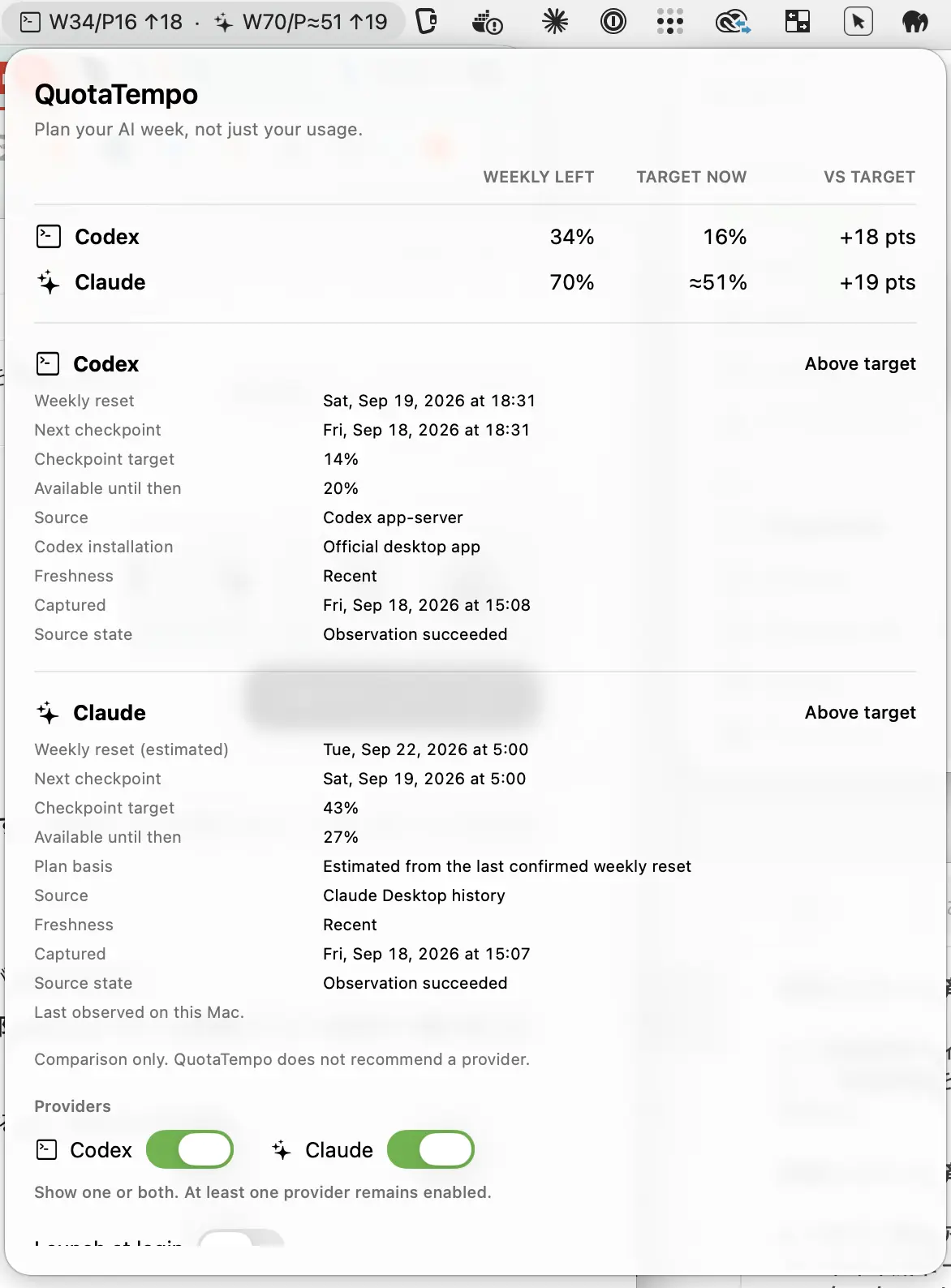
Keep weekly Codex and Claude usage on pace with clear remaining-capacity and target comparisons, helping you see whether you’re ahead or behind your ideal usage at a glance.
Visit
