Collection:
AI Apps
Clausage
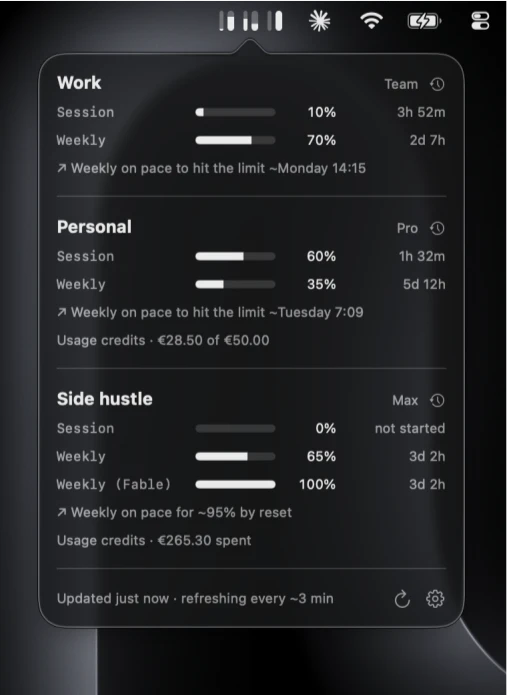
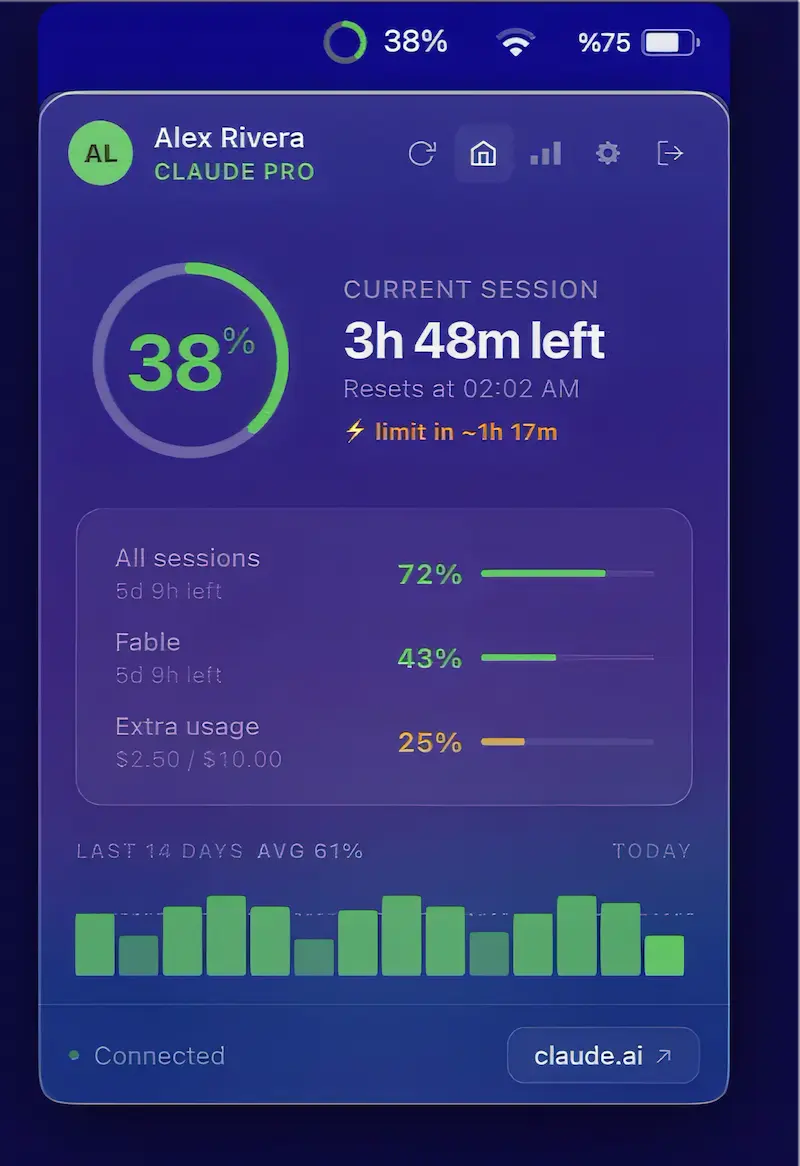
Monitor Claude usage across multiple accounts with session and weekly limits, reset times, notifications, usage credits, projections, and history, all kept locally on your Mac.

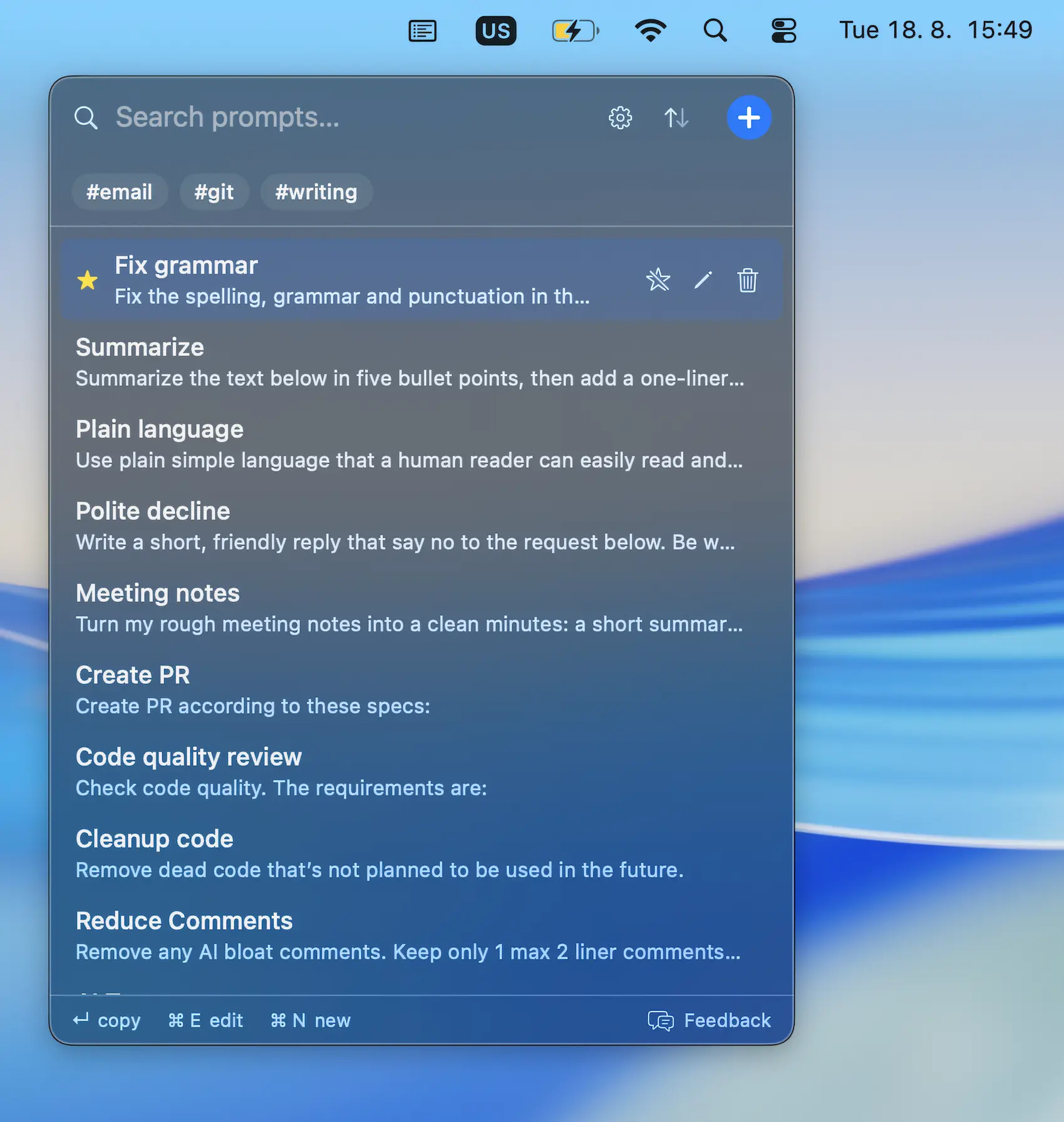
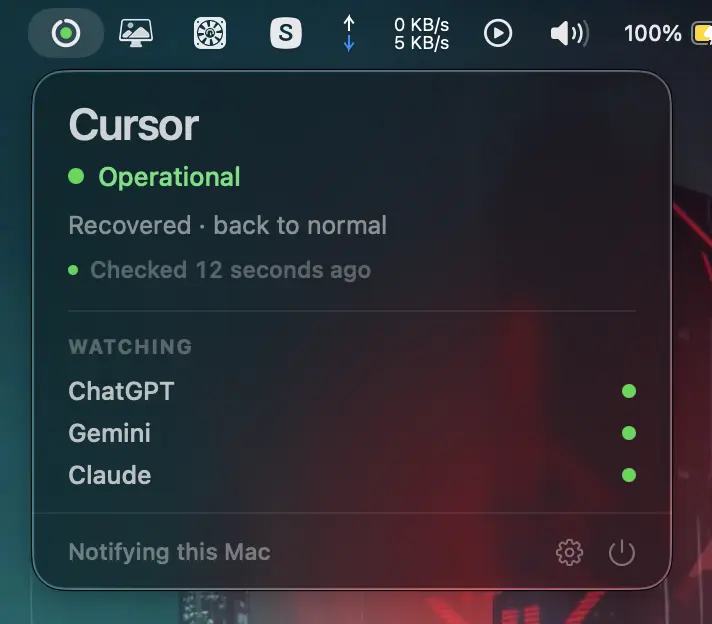
Bring AI directly into your workflow. From instant chat access and smart writing assistance to local LLMs, voice transcription, usage tracking, and developer monitoring, these menu bar apps keep powerful AI tools always within reach.
Bring AI directly into your workflow. From instant chat access and smart writing assistance to local LLMs, voice transcription, usage tracking, and developer monitoring, these menu bar apps keep powerful AI tools always within reach.
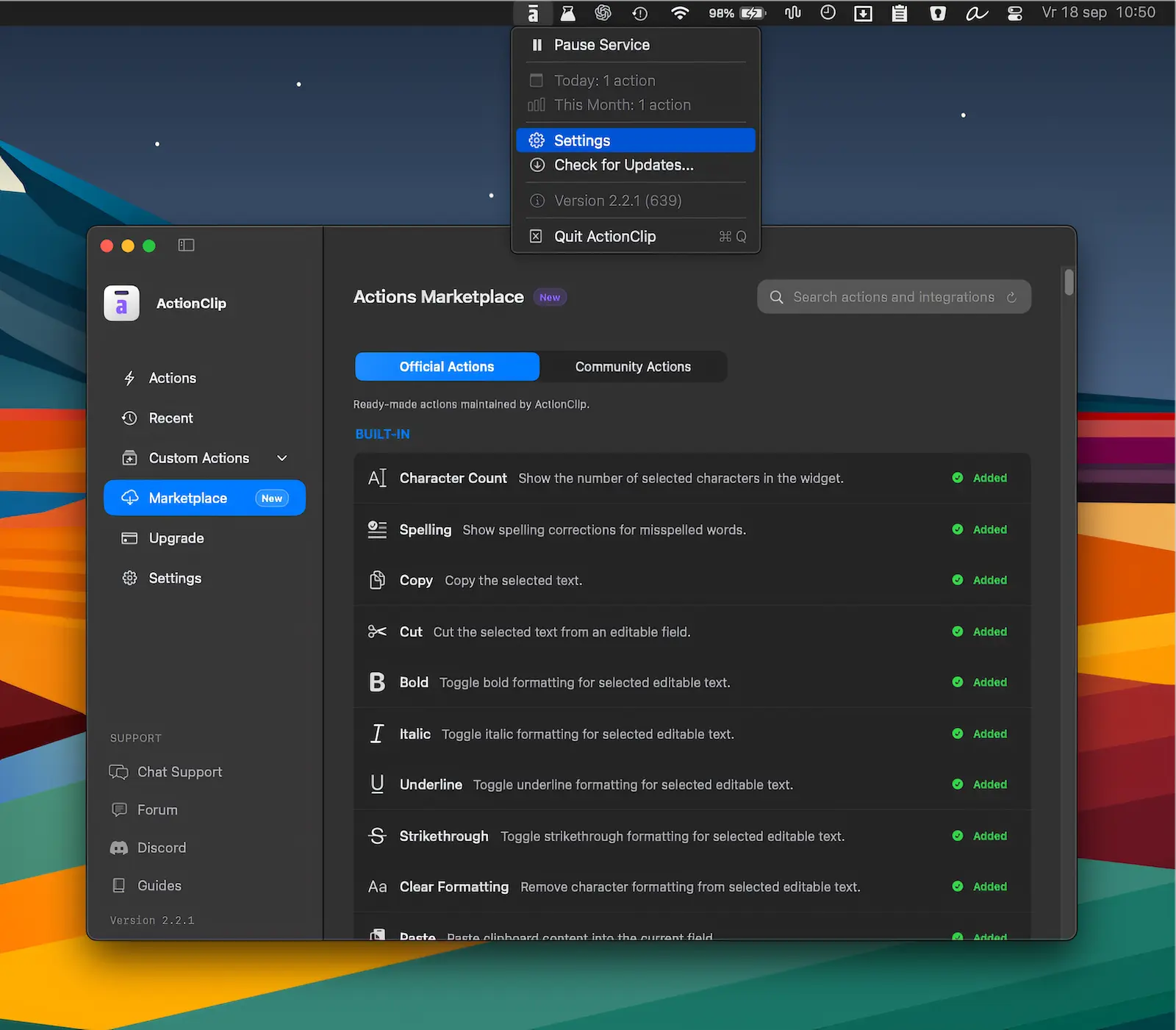
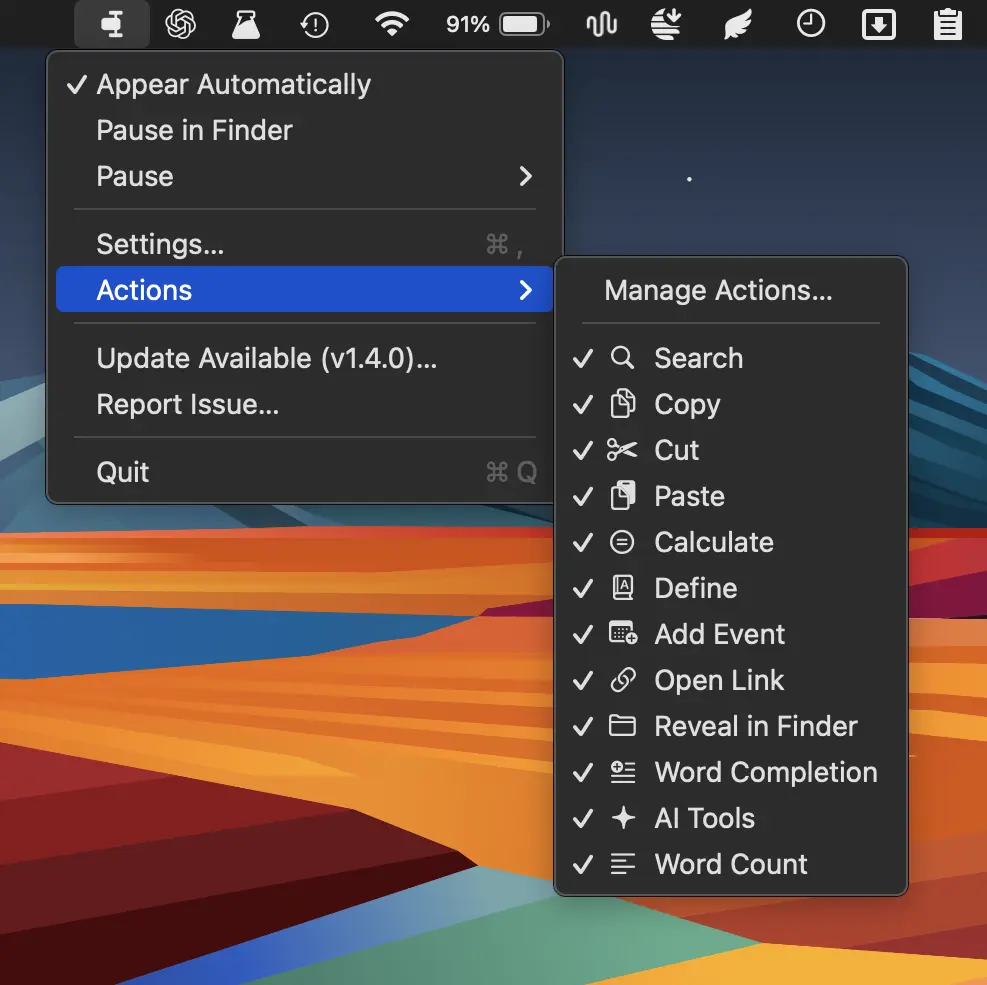
Turn selected text into instant actions for copying, translating, rewriting, AI prompts, and custom workflows. ActionClip brings powerful text tools together in a fast, flexible interface.
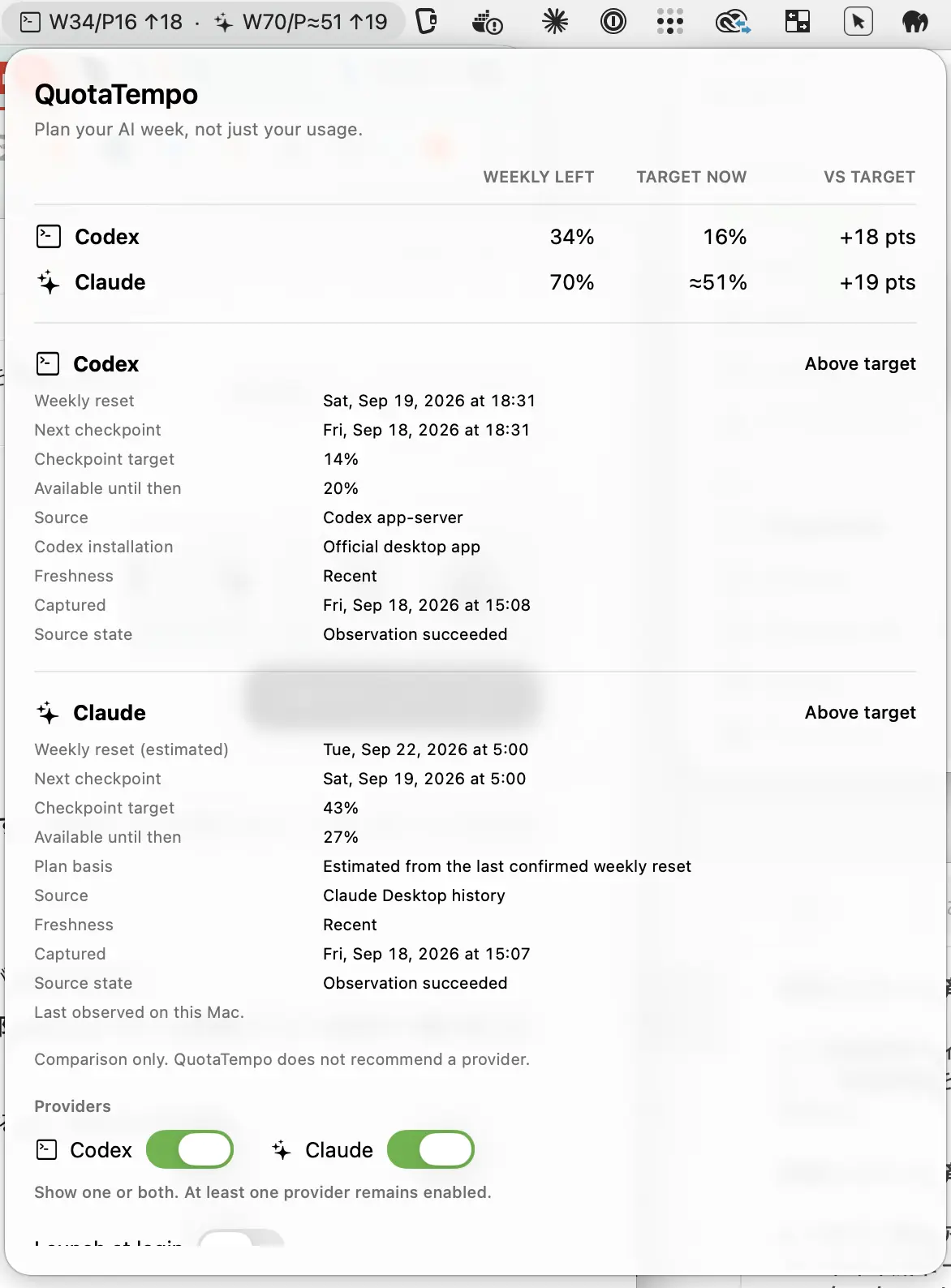
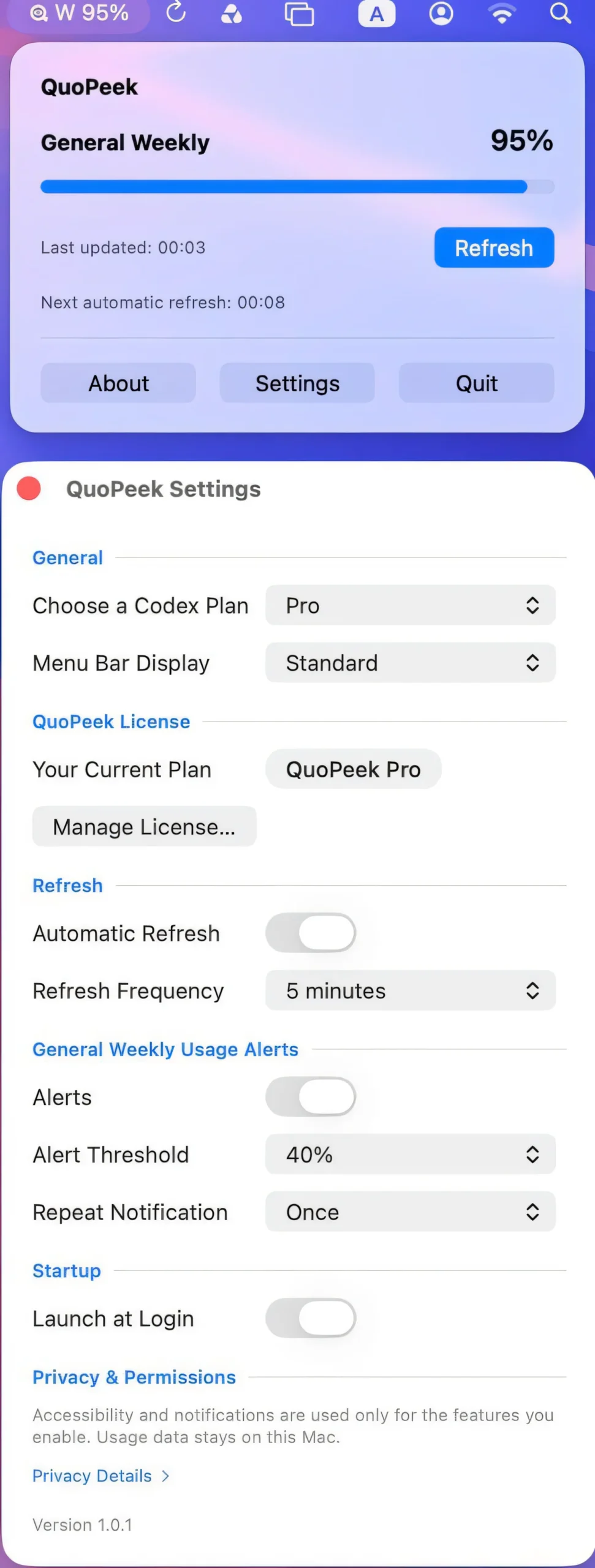
Keep weekly Codex and Claude usage on pace with clear remaining-capacity and target comparisons, helping you see whether you’re ahead or behind your ideal usage at a glance.
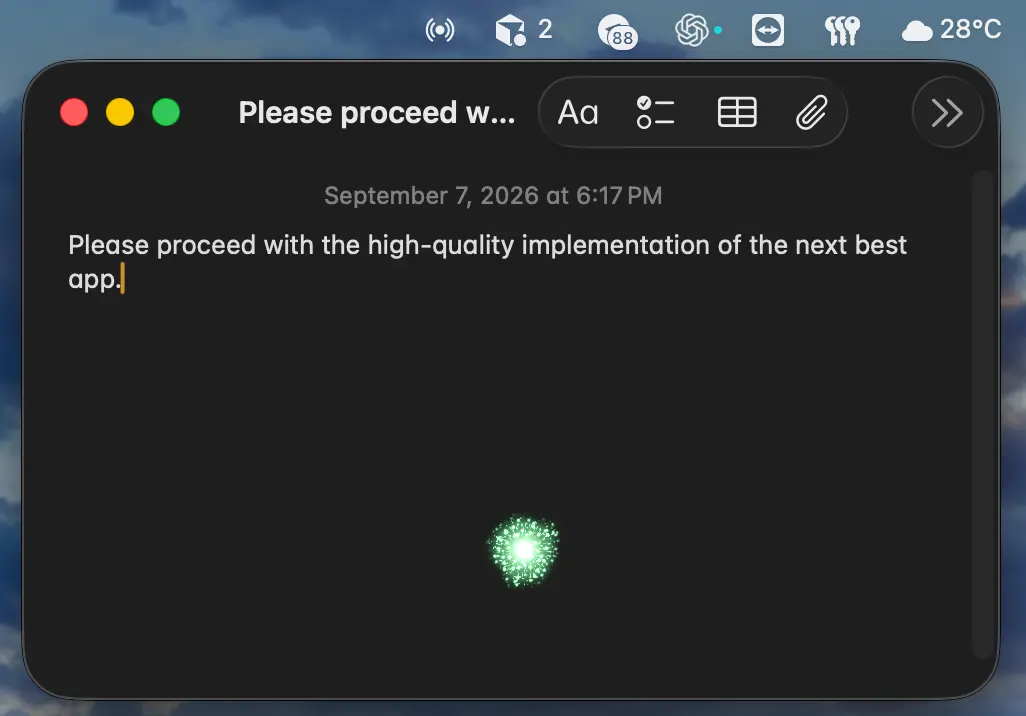
AI-powered voice dictation for Mac that lets you dictate directly at the cursor with push-to-talk control, custom vocabulary, and voice-based text editing. Uses your OpenAI API key and supports Apple silicon.