Collection:
Design Apps
Wing Display
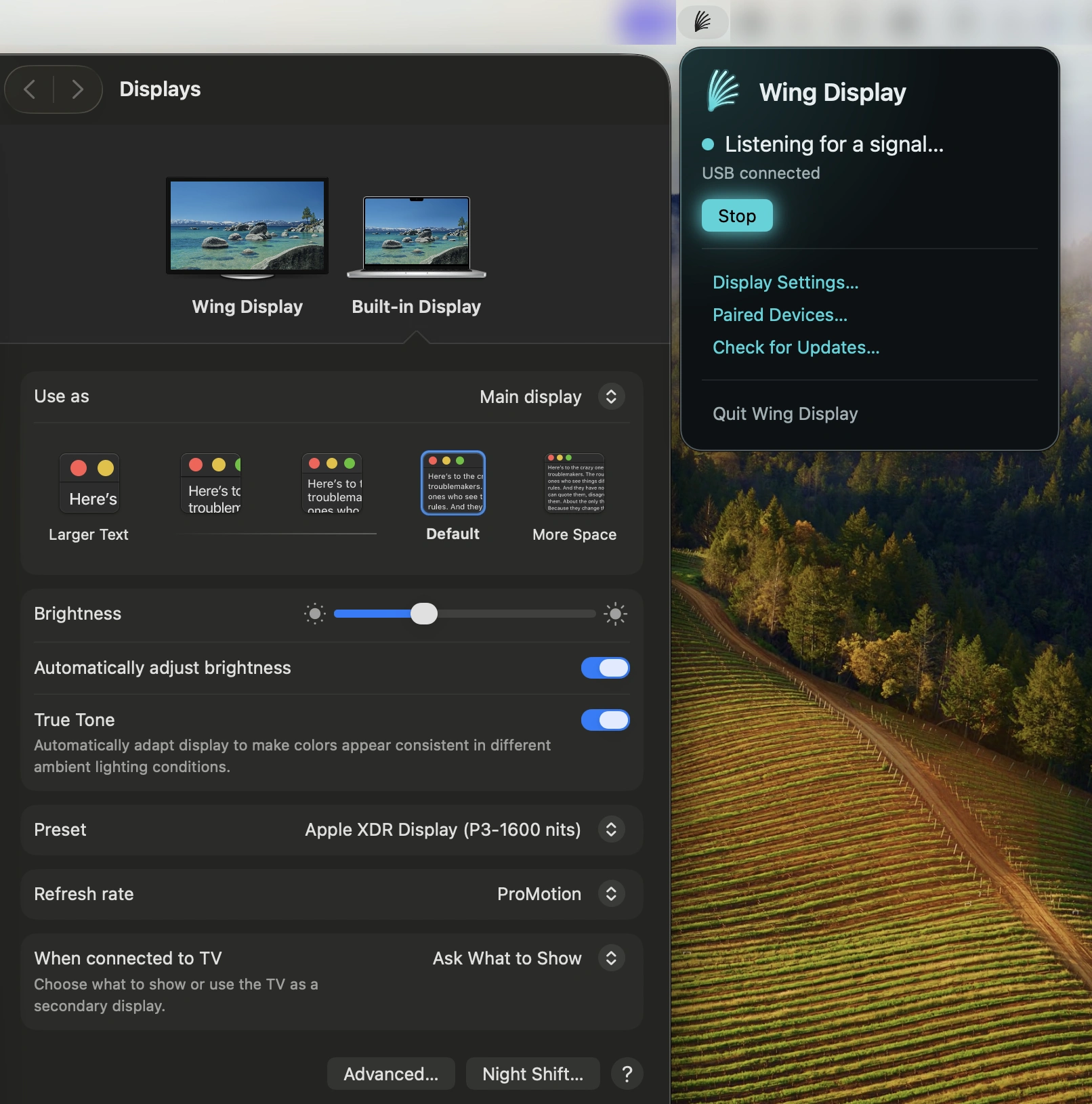
This menu bar app turns your Android tablet into a second screen for your Mac. Extend your desktop wirelessly for free, with optional Pro features for touch input and S Pen support.

Design faster without breaking your flow. Pick colors, extract fonts, measure pixels, generate placeholder text, remove backgrounds, browse images or GIFs, and fine-tune visual details directly from your menu bar.
Design faster without breaking your flow. Pick colors, extract fonts, measure pixels, generate placeholder text, remove backgrounds, browse images or GIFs, and fine-tune visual details directly from your menu bar.
This menu bar app turns your Android tablet into a second screen for your Mac. Extend your desktop wirelessly for free, with optional Pro features for touch input and S Pen support.
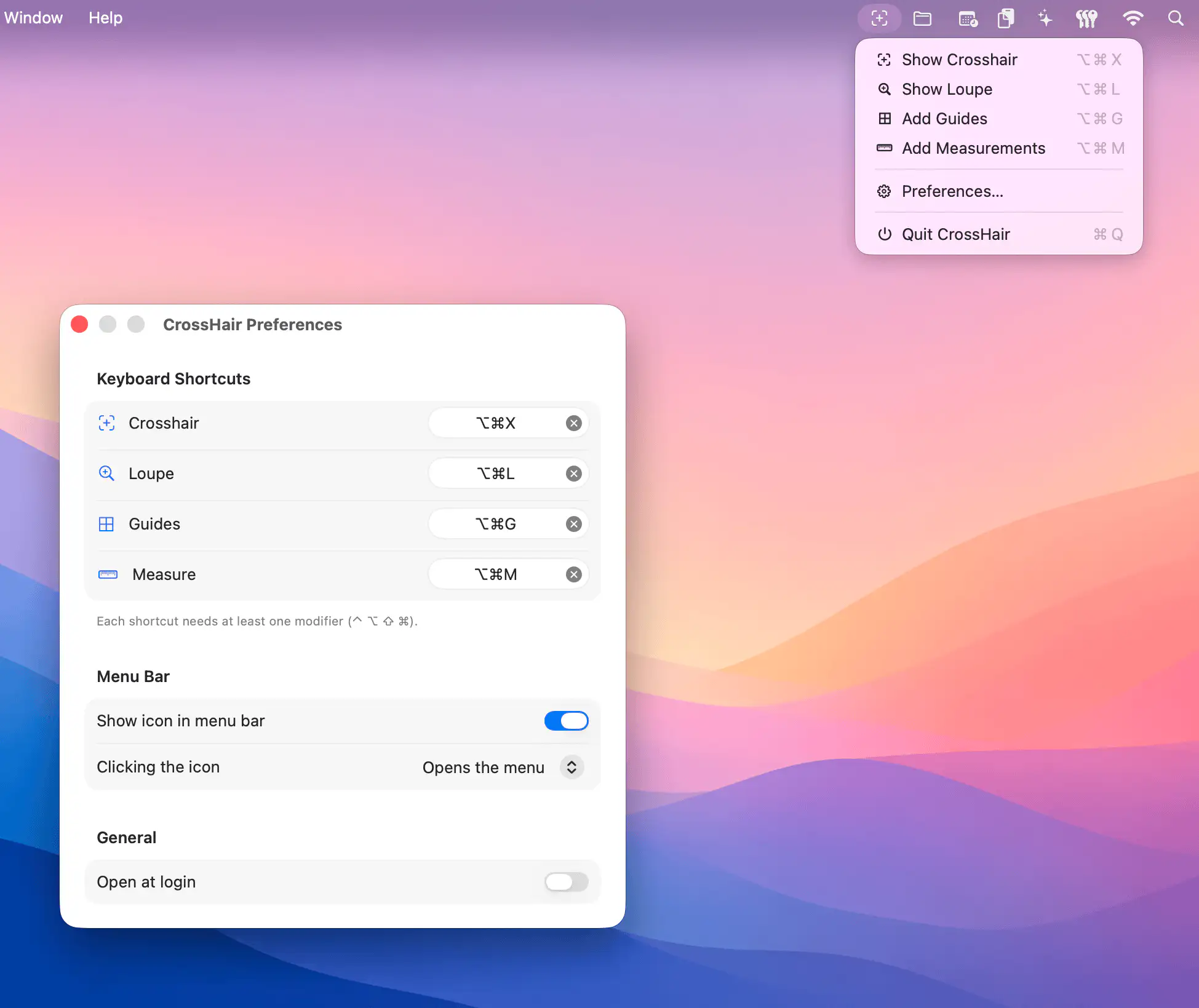
This menu bar app helps designers and developers inspect interfaces with precision, combining a fullscreen crosshair, pixel loupe, persistent guides, and measurement tools that make layout work faster, clearer, and far less guesswork-driven.
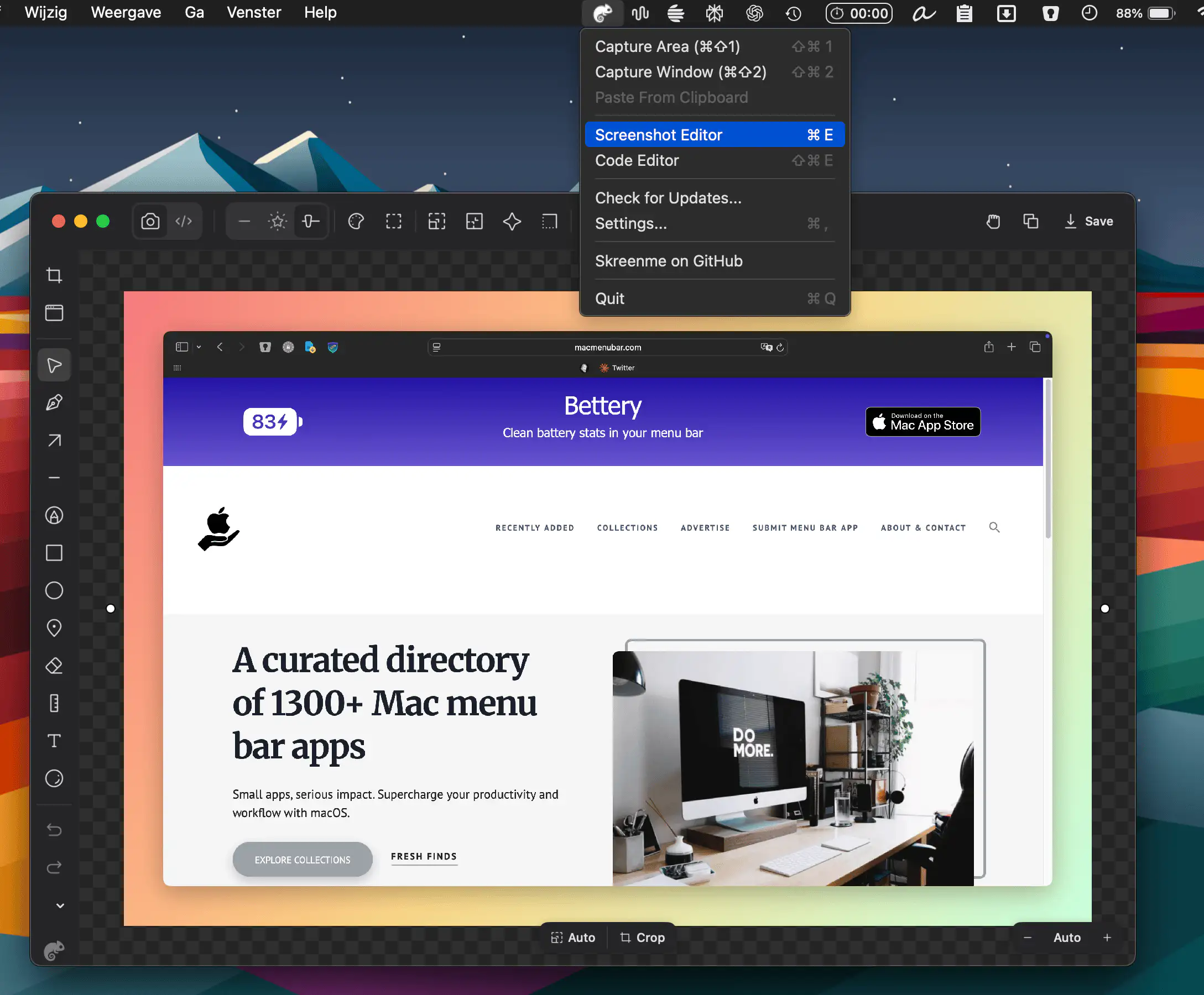
Skreen[me] turns everyday screenshots and code snippets into polished visuals in seconds. Capture with a shortcut, add gradients, shadows, and annotations.
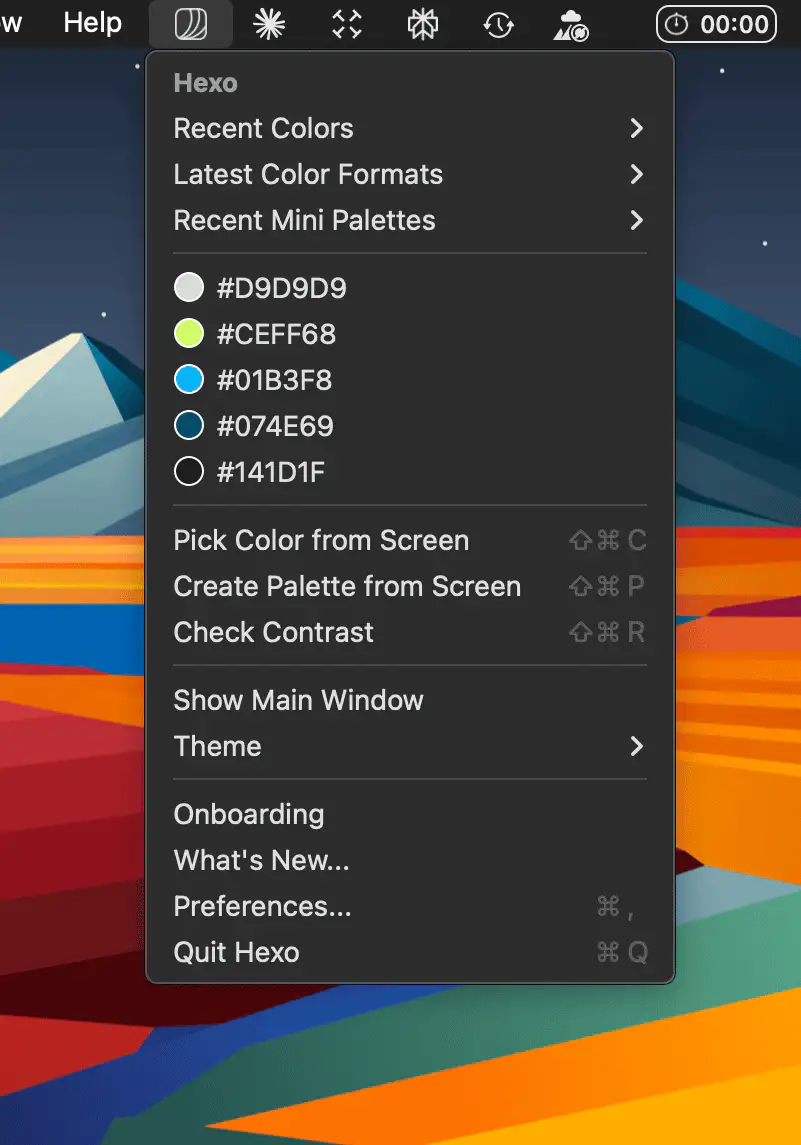
Hexo brings fast, intuitive color picking and palette management to your macOS menu bar, helping you organize swatches, extract colors from images, and copy hex codes instantly while staying in your creative flow.
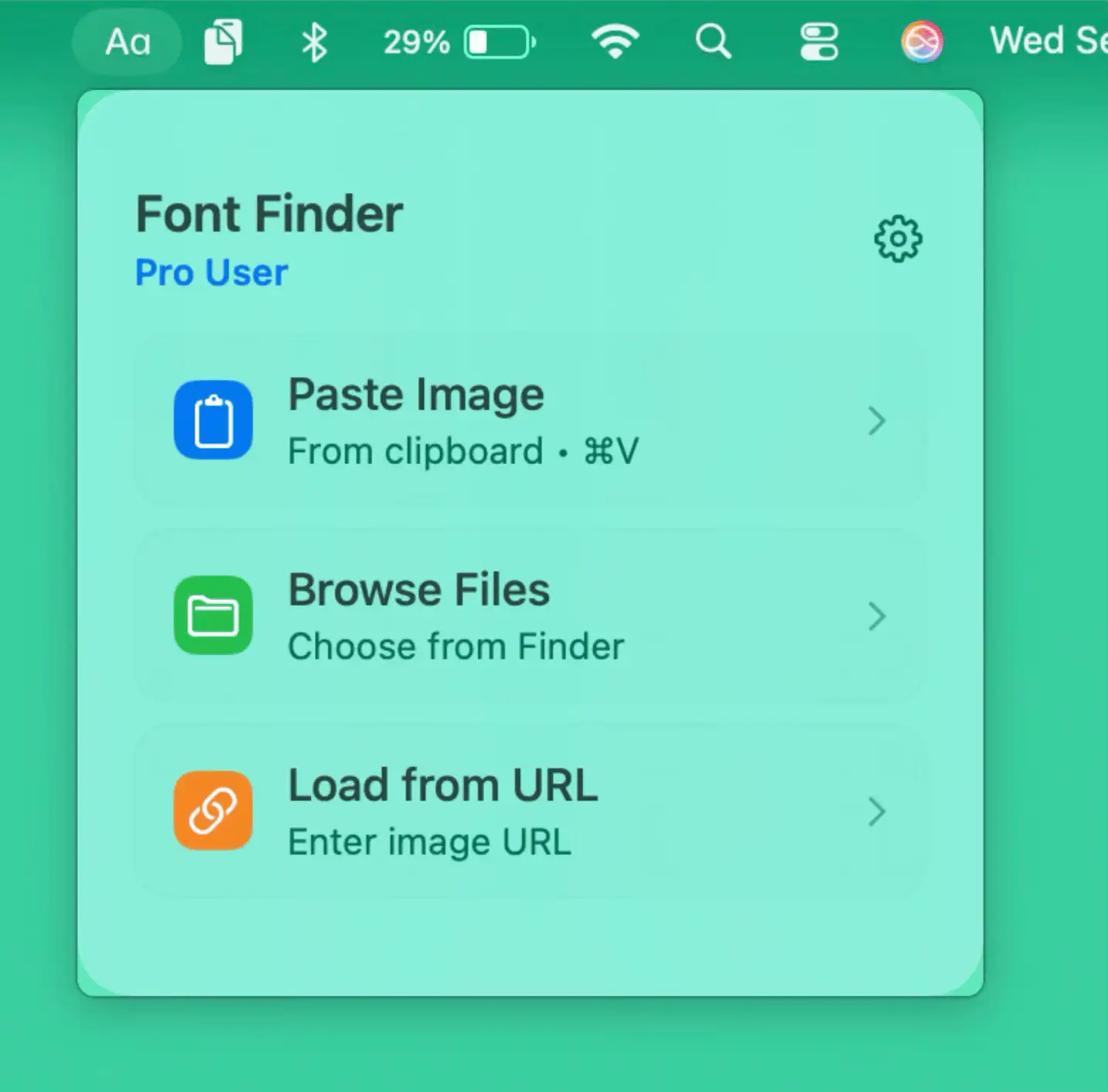
Fonti brings instant font recognition to your Mac, letting you identify or explore typefaces from images or screenshots directly from the menu bar, keeping your creative flow uninterrupted.
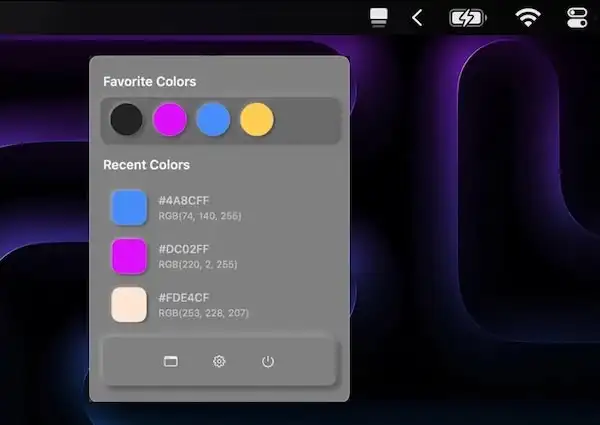
ColorKeep automatically captures HEX values from your clipboard, creating your perfect color library in seconds. Perfect for designers who need to quickly reuse colors.

Effortlessly convert between pixels (px) and rem for precise, responsive layouts — much more convenient than constantly relying on online converters!
This menu bar app lets you browse, search, and copy images without interrupting your current workflow.
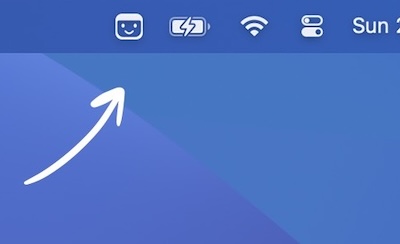
Preview how your app icon will look in the menu bar. You can also drag and drop an image onto the menu bar icon to preview it there. Ideal for developers and designers to perfect the look of their app icons.
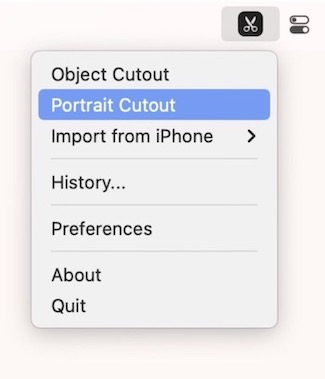
Select and remove an object from any photo without using complex selection tools. SpeedCut is the background removal tool, straight from your menu bar.