Turn intentions into visible, manageable actions. Create lightweight task lists, limit daily priorities, plan visually on timelines or Kanban boards, rotate reminders in your menu bar, sync with Apple Reminders or other services, track deadlines, and focus on one meaningful task at a time.
Show me the free apps only
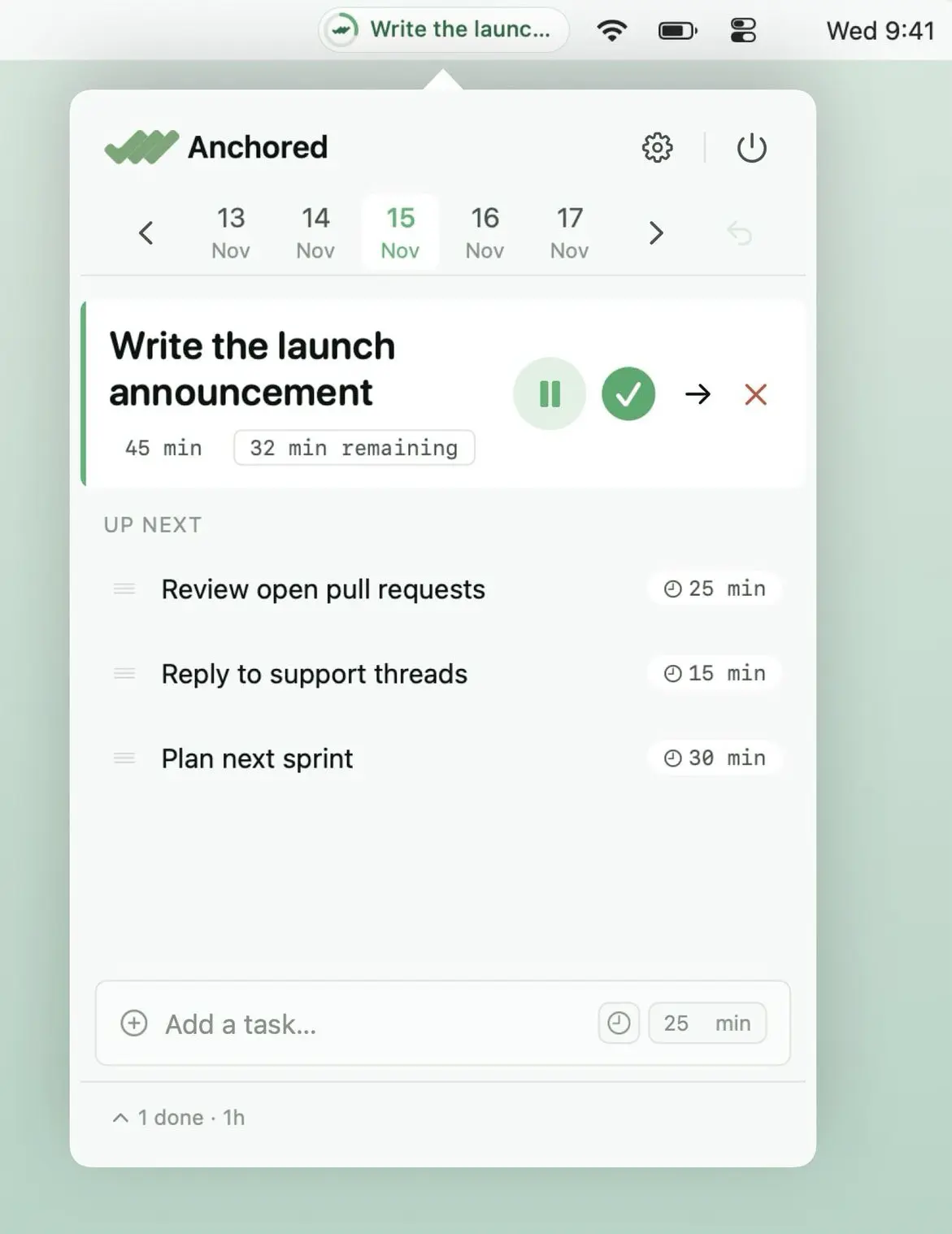
Anchored keeps your most important task front and center with a live countdown, quick-add, notes and a simple queue. Stay focused on what matters without endless to-do lists or constant task switching.
Visit
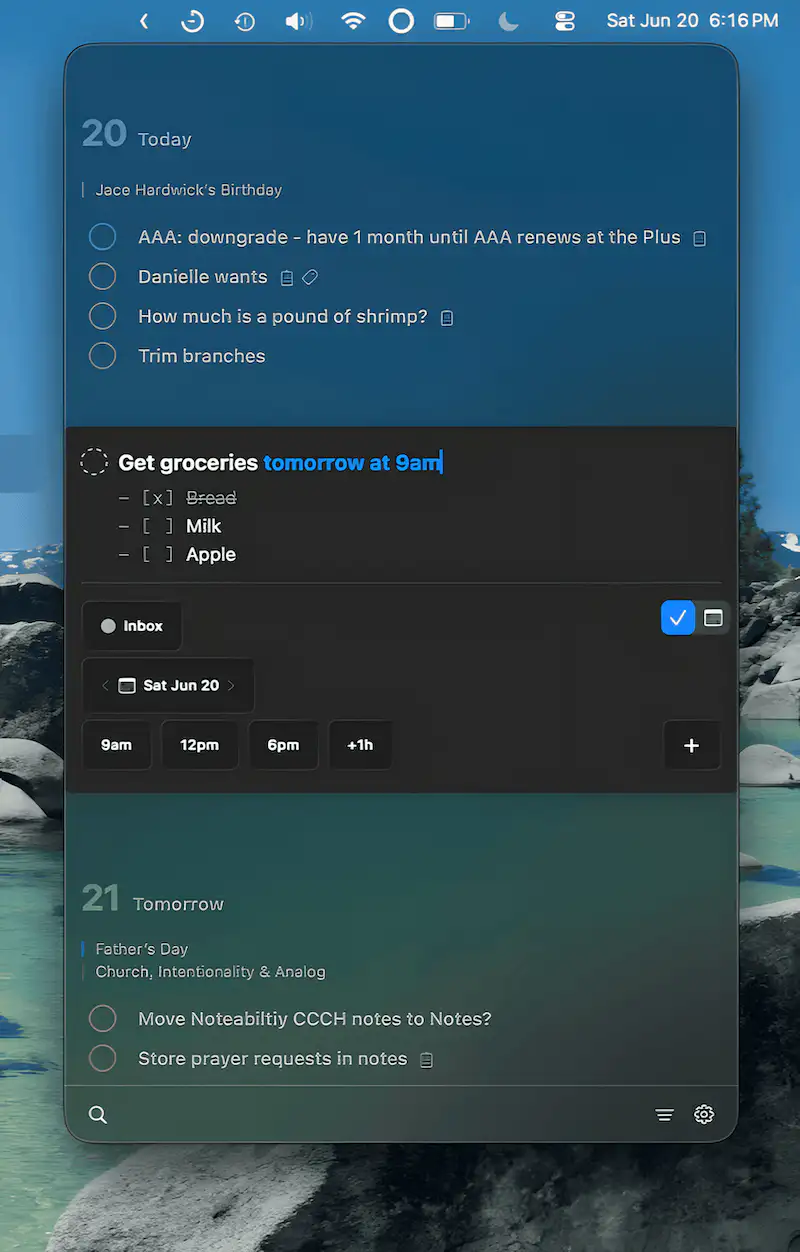
Review³ combines Apple Reminders and Calendar in a native, keyboard-first workspace. Manage tasks, events, and notes with markdown support, floating views, and flexible organization.
Visit Watch
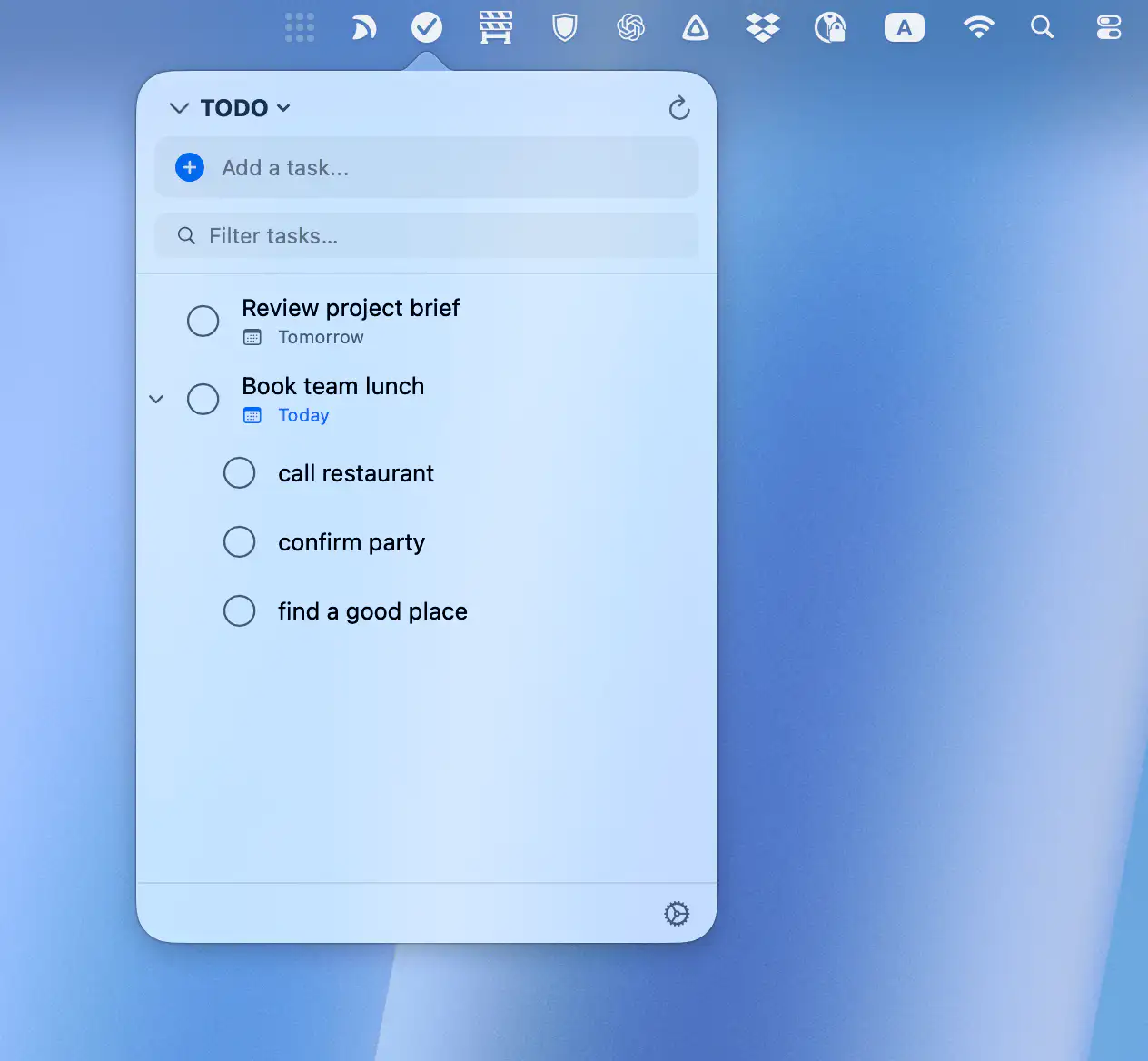
TaskMenu brings your Google Tasks to macOS in a fast, native interface that stays out of the way. Quickly add, organize, and manage tasks, due dates, and subtasks from a compact popover, with secure syncing and built-in reminders.
Visit
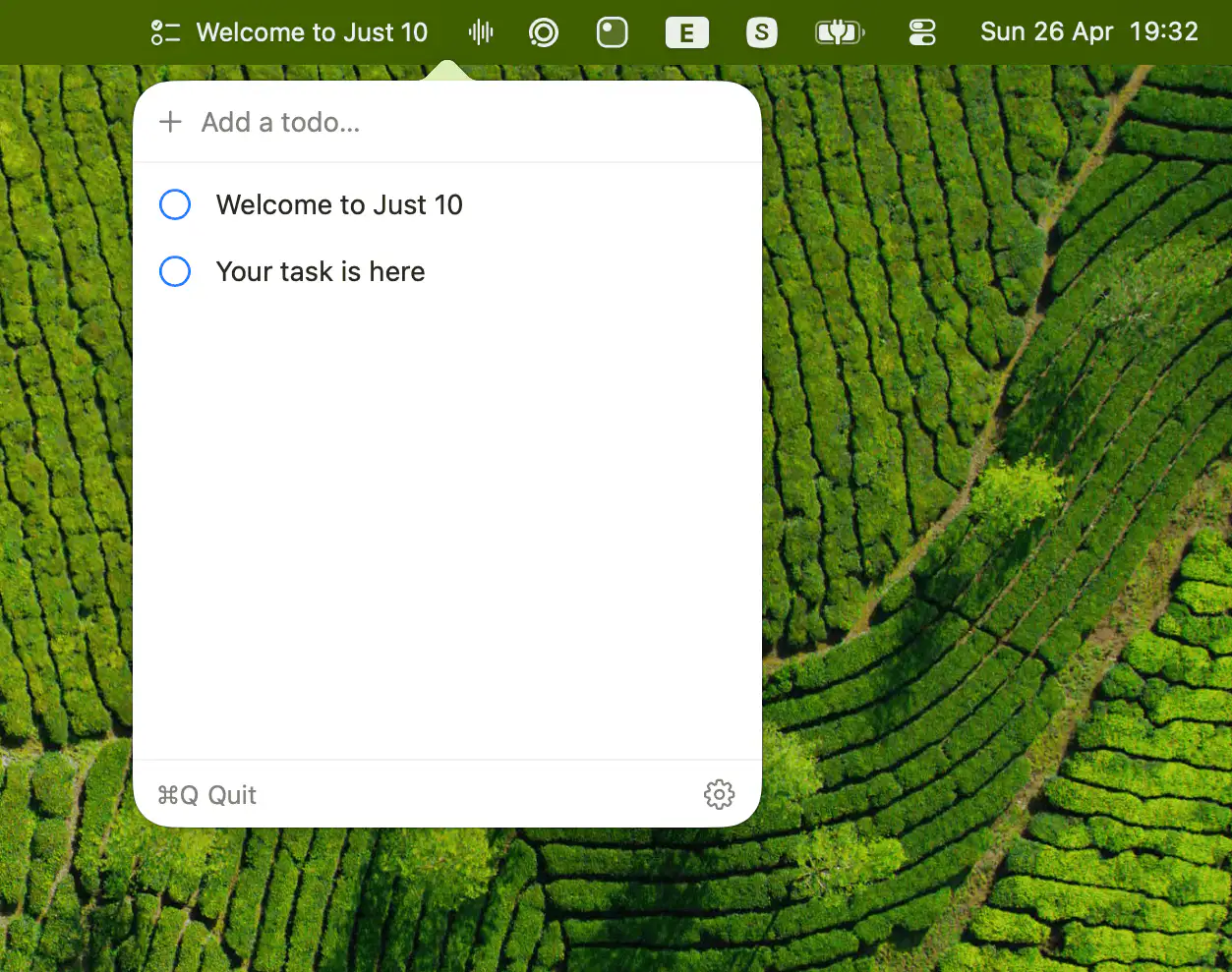
Keeps your focus brutally simple by showing your top todo inline, while limiting active tasks to ten. Reordering is effortless, editing is instant, and anything beyond that level of ambition is politely refused.
Visit
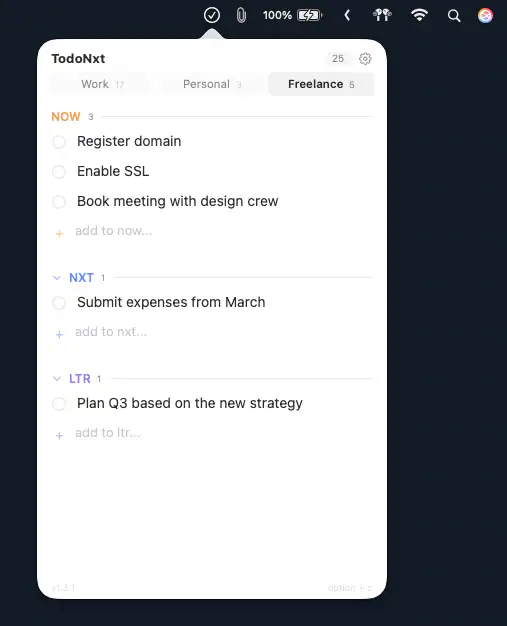
TodoNxt keeps task management disarmingly simple, organizing your day into Now, Nxt, and Ltr. It’s fast, private, and quietly efficient, offering just enough structure to keep chaos at bay without getting in your way.
Visit
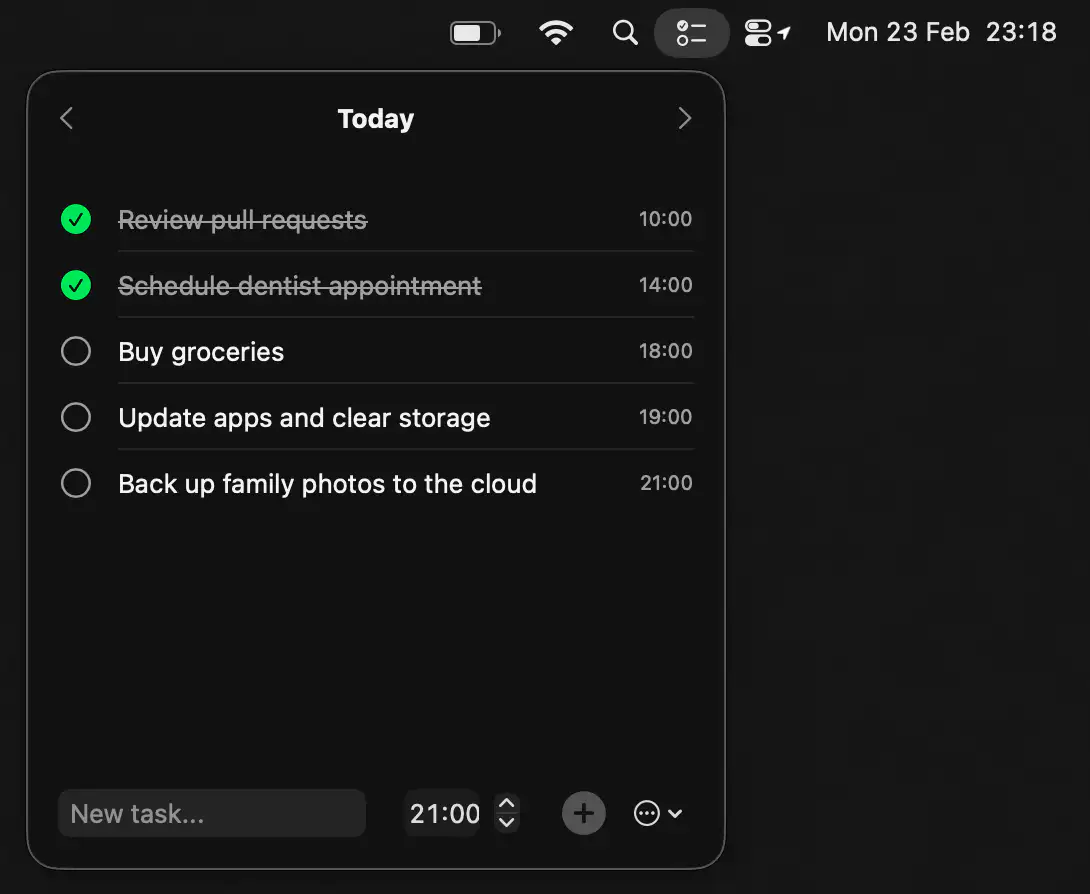
Cue keeps your day focused with a simple, distraction-free task list that lives one click away. Add tasks, set reminders, and move between days effortlessly, all wrapped in a clean, native macOS design that stays ready whenever you are.
Visit
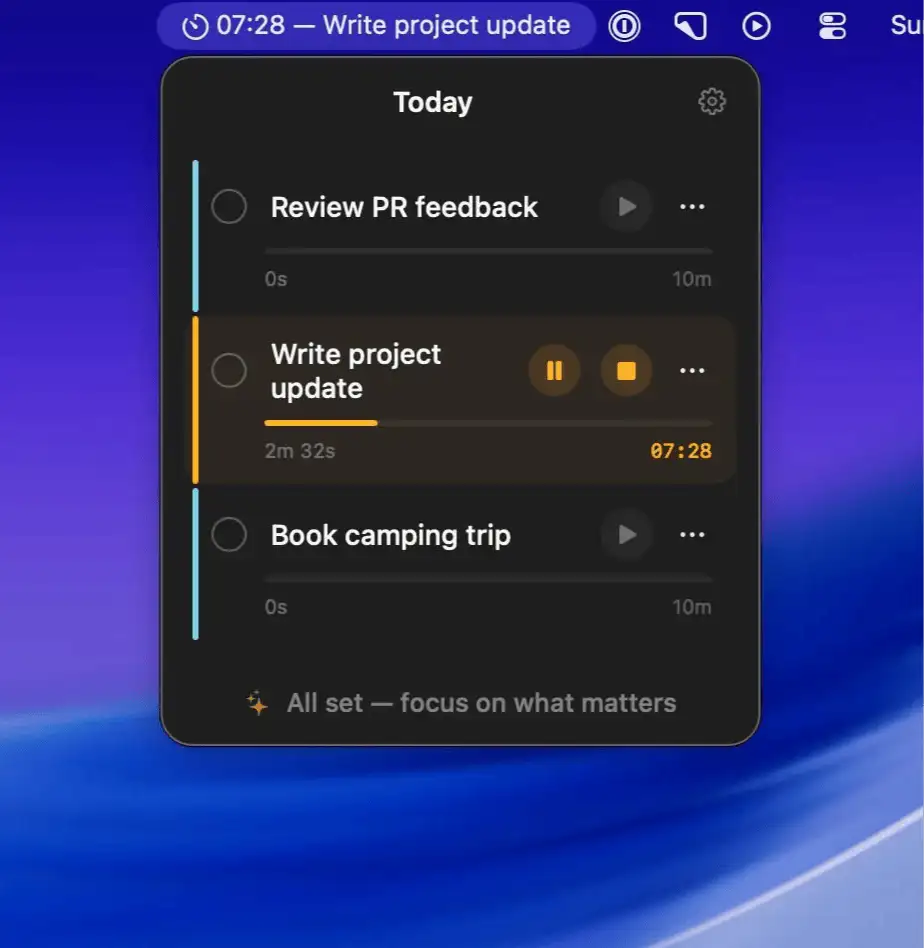
GoTrio is a macOS menu bar app that limits you to three priorities, helping you focus, finish tasks one by one, and end the day with clarity.
Visit
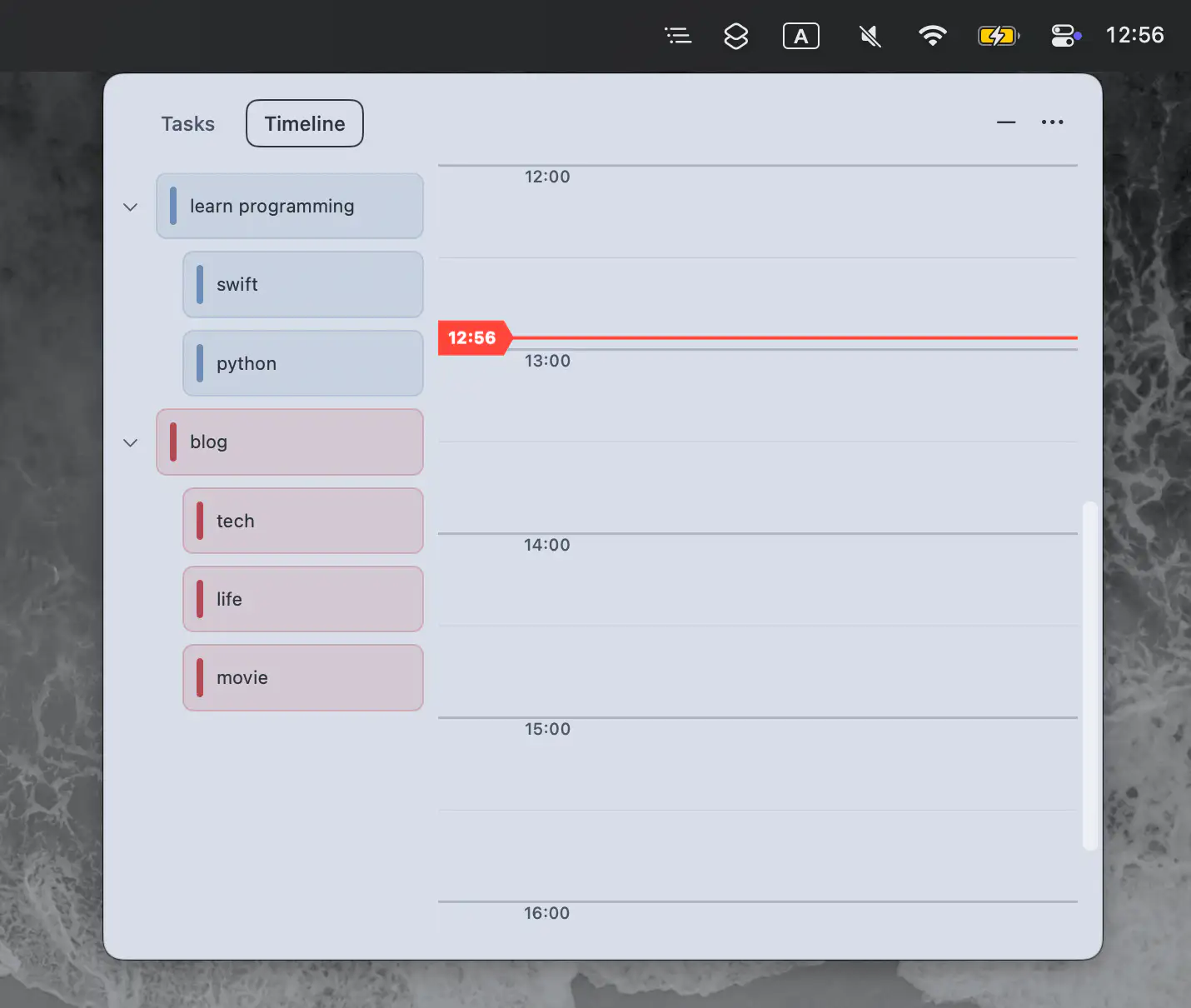
This menu bar app turns task lists into a visual daily timeline, with drag and drop planning and a countdown that keeps you focused today.
Visit Watch
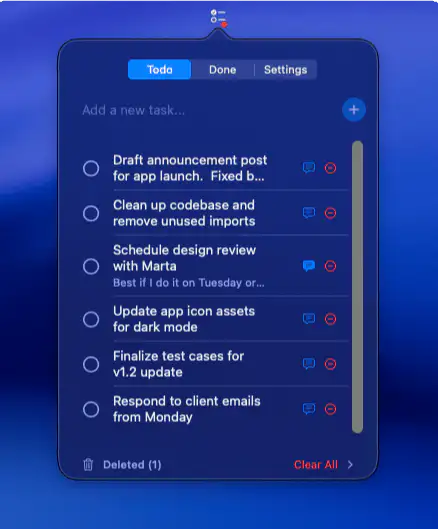
HyggeTodo is a minimalist Mac menu bar app: distraction-free, beautifully simple, and fully private. Just your tasks, your focus, and the quiet joy of getting things done.
Visit
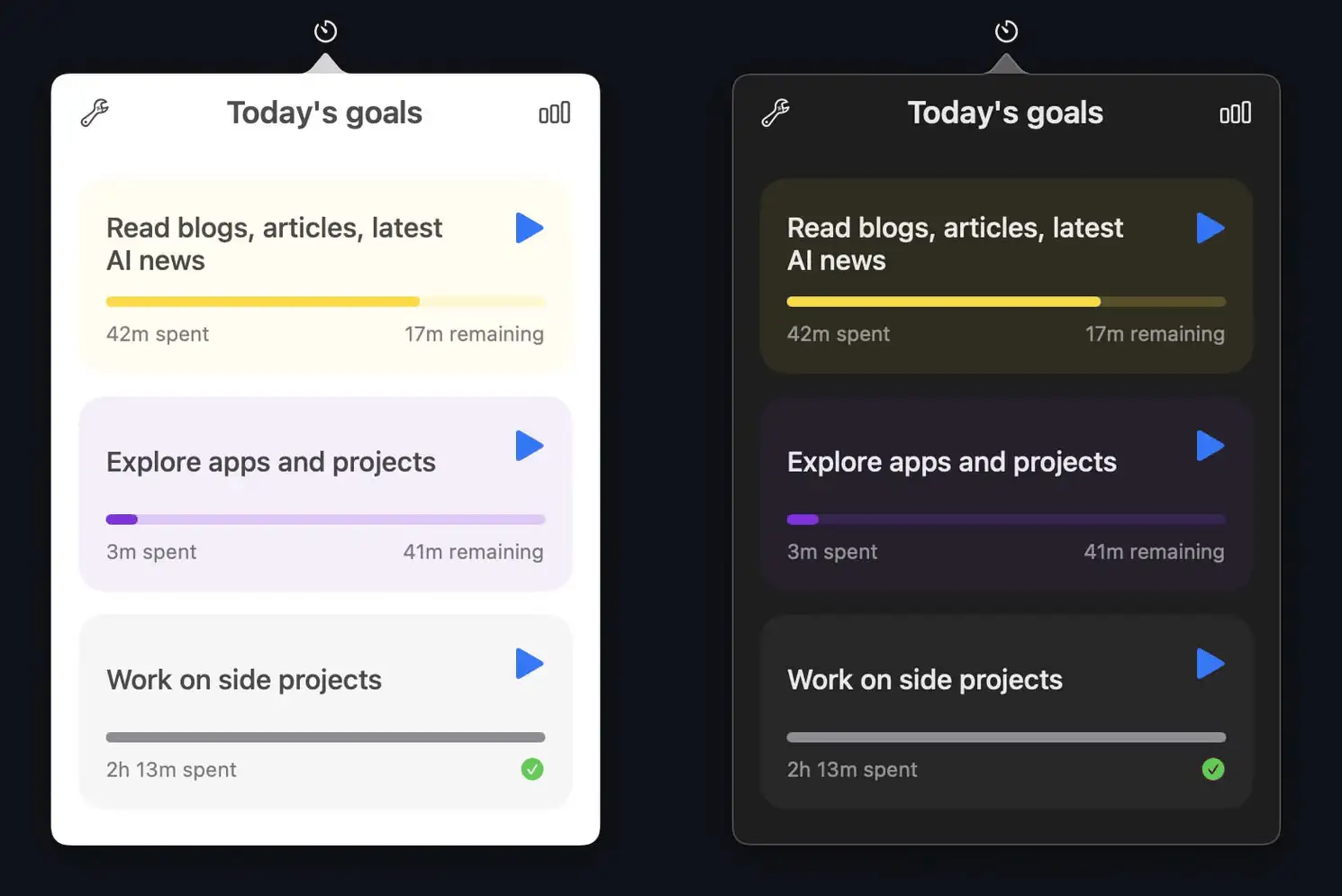
TimeCraft helps you focus on what truly matters by tracking your daily goals right from the macOS menu bar. Built to support deep work, not just busy work.
Visit Watch
