Collection:
Wallpaper Apps
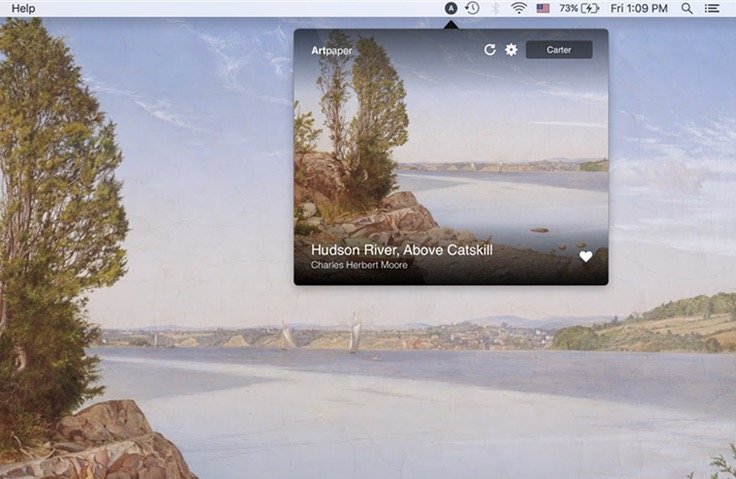
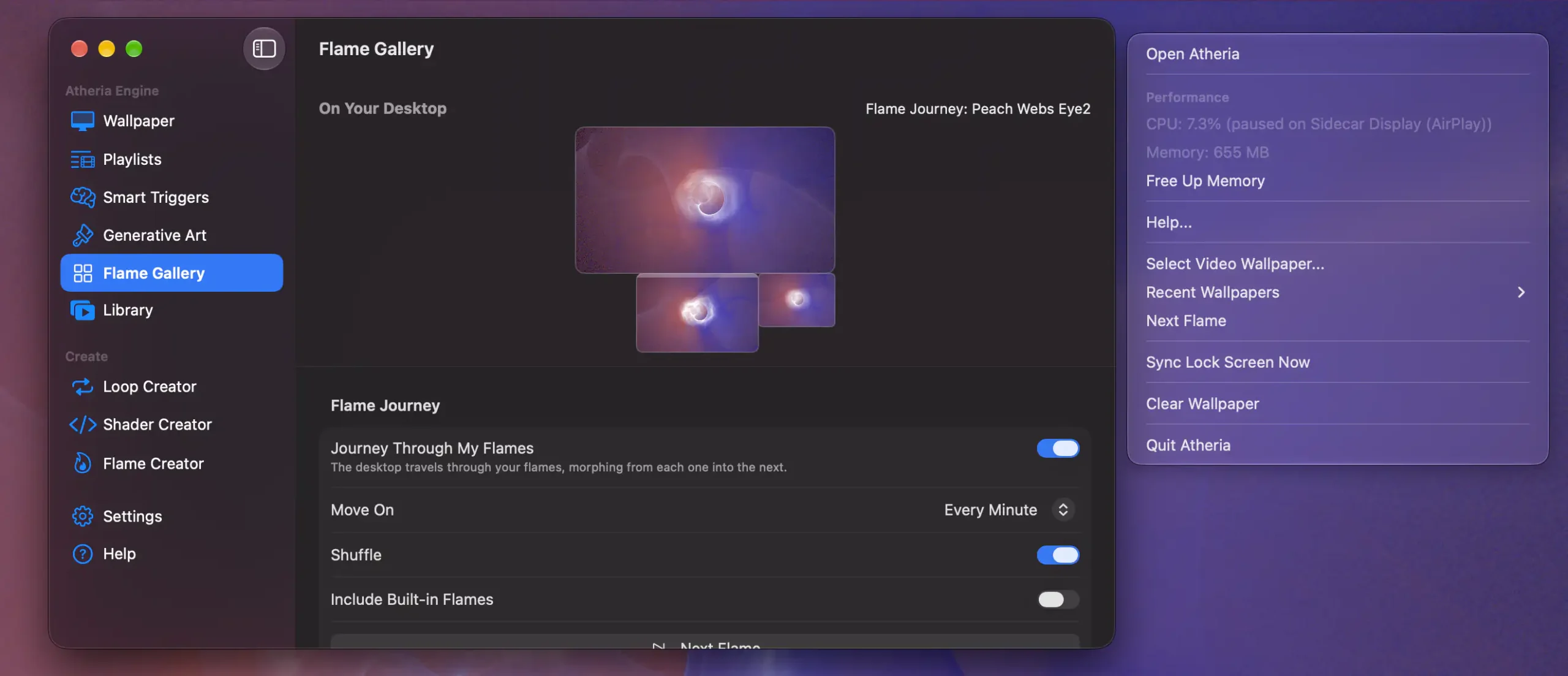
Transform your desktop into something alive, subtle, or entirely your own. Set dynamic video wallpapers, use live websites as backgrounds, rotate high resolution art, display real time satellite imagery, switch themes with sunrise and sunset, or add lightweight overlays and widgets, all controlled effortlessly from your menu bar.
Collection:
Wallpaper Apps
PanoPaper: Live Video Desktop
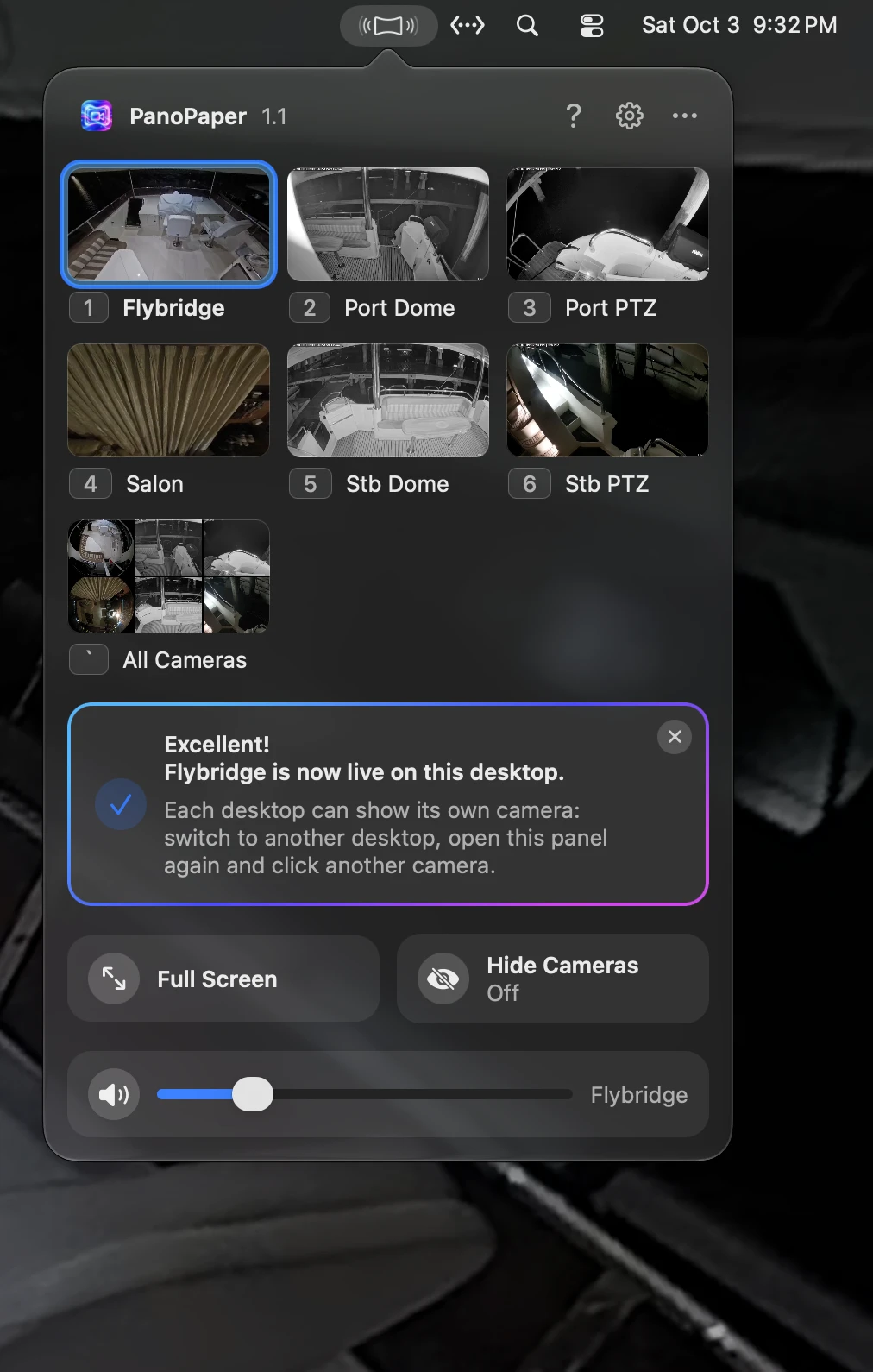
PanoPaper turns your security cameras into live desktop wallpapers. It works with UniFi Protect and with any ONVIF or RTSP IP camera. Show a different camera on each display or Space, with audio, alerts for people and animals from the cameras’ own detection, PTZ control for UniFi cameras, and video that never leaves your network.
Collection:
Wallpaper Apps
Arras
Collection:
Display Apps | Wallpaper Apps
WallTune
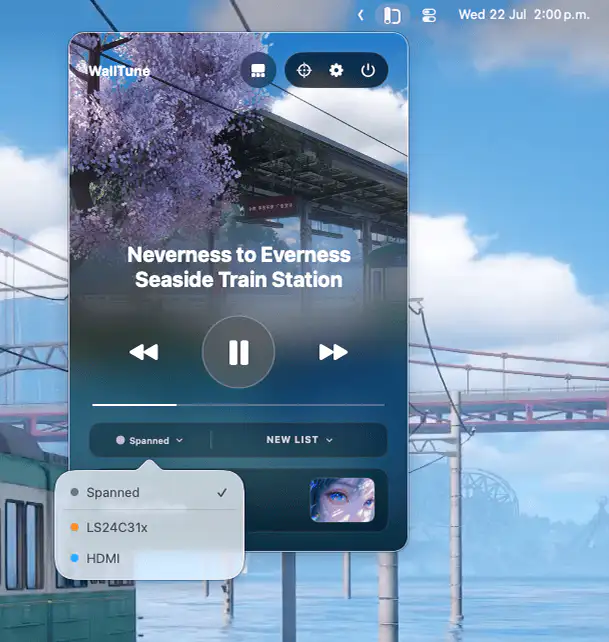
WallTune lets you create dynamic multi-monitor wallpaper setups with images, videos, profiles, and Focus Mode automation. Assign unique scenes to each display or span one across your entire desk with ease.
Collection:
Wallpaper Apps
Reactive Wallpaper
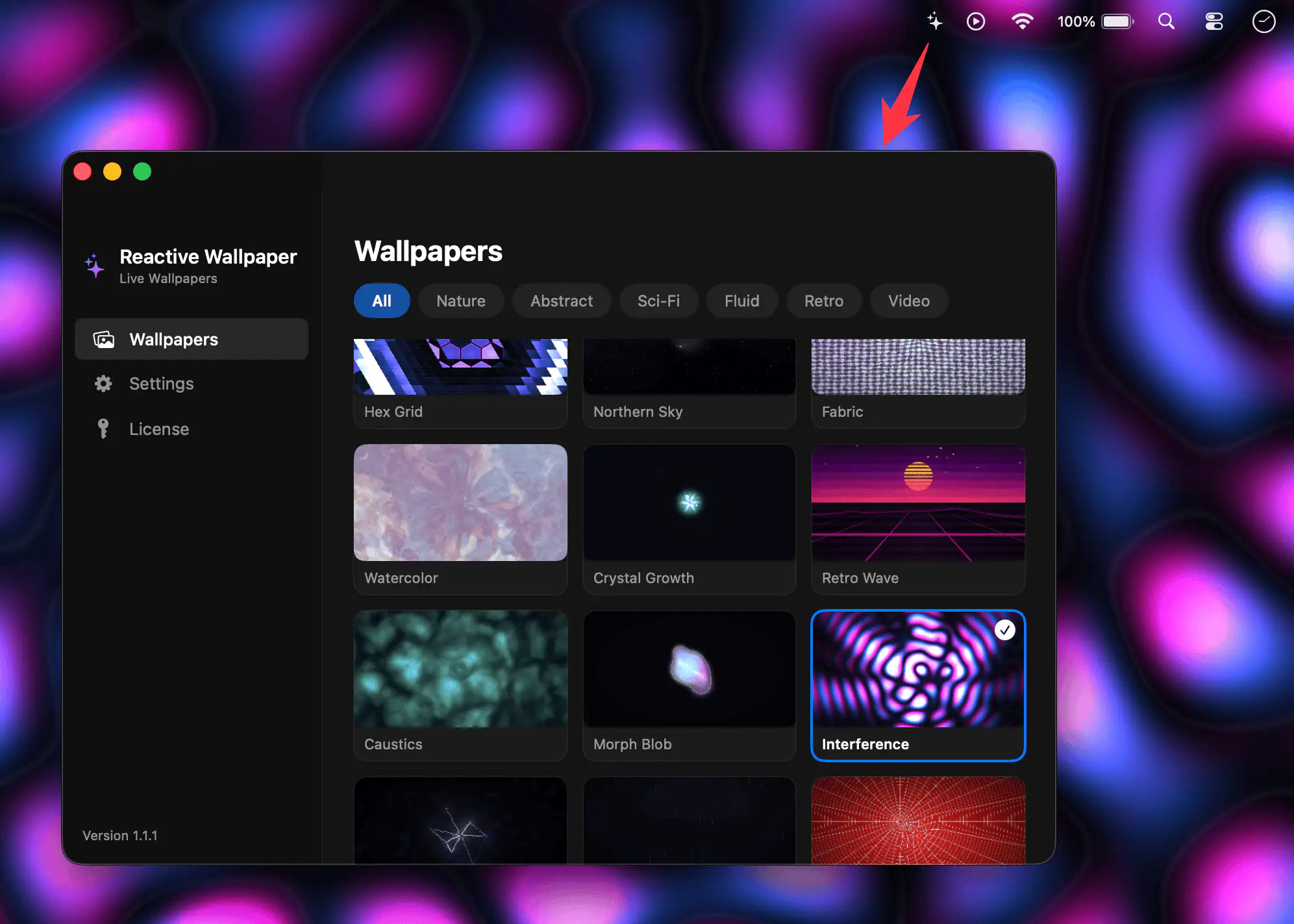
Reactive Wallpaper replaces your static desktop with GPU-driven live visuals, from auroras to code rain, responding subtly to cursor movement. Switch between dozens of effects or video wallpapers, with battery-aware control.
Collection:
Wallpaper Apps
OS Engine
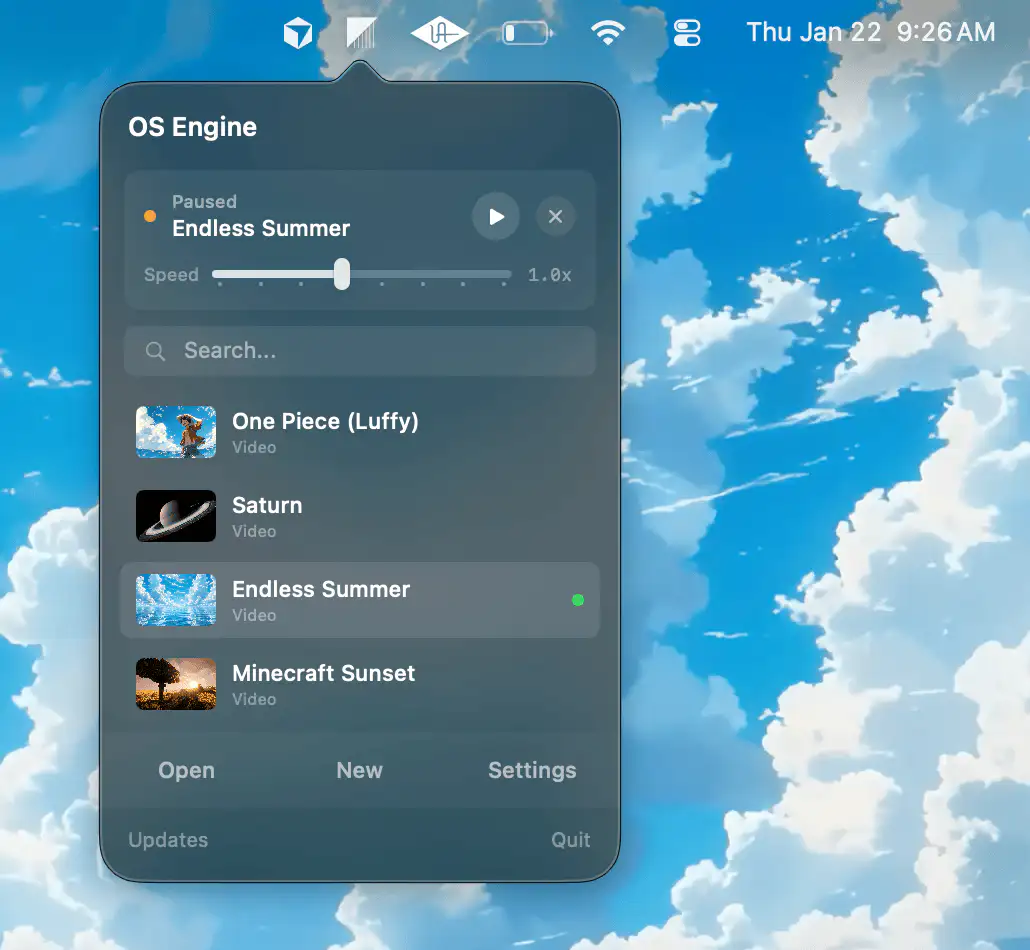
OS Engine brings your Mac desktop to life with dynamic video wallpapers, custom HTML overlays, and real-time widgets, all optimized for performance, battery life, and effortless control from the menu bar.
Collection:
Wallpaper Apps
Downlink
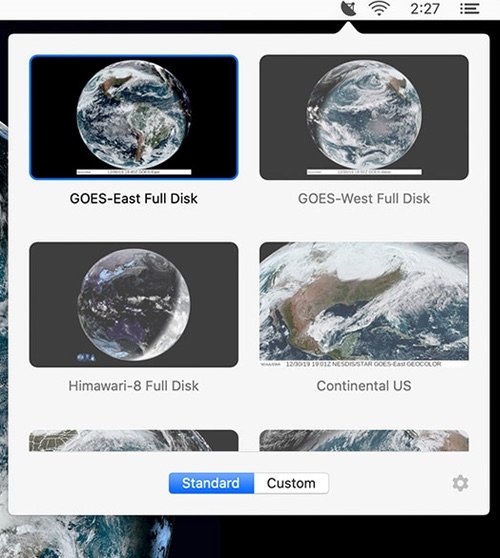
Real-time satellite imagery on your desktop. Every 20 minutes (or every hour, you pick), Downlink updates your desktop background with a fresh image of Earth. You can even create your own views.
Collection:
Wallpaper Apps
Plash
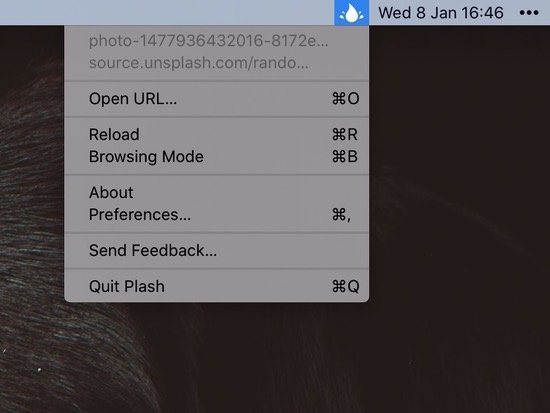
Plash lets you set any website as your Mac wallpaper. Just click the menu bar icon and paste in the URL you want to use.
Collection:
Wallpaper Apps