Collection:
Developer Apps
Ballast
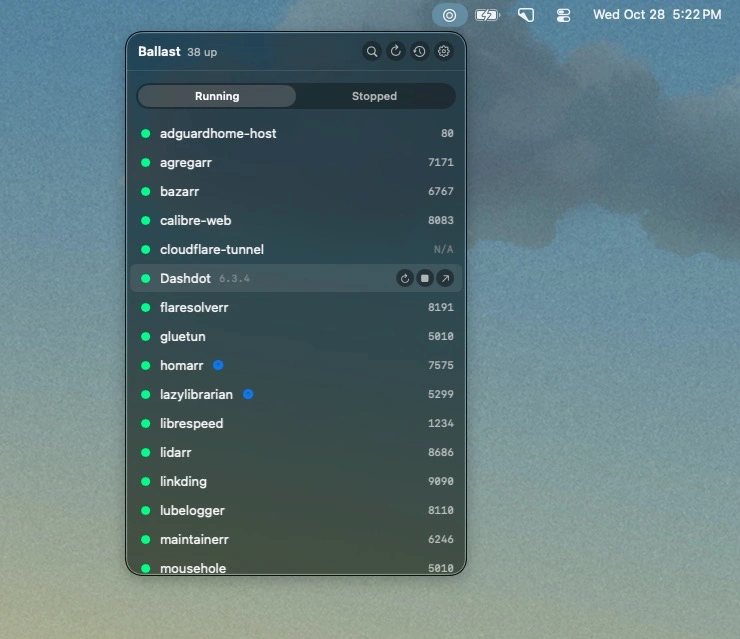
Monitor Docker containers on your Synology NAS, manage services with a click, and track crashes, restarts, and image updates. SSH access keeps things secure without exposing Docker.

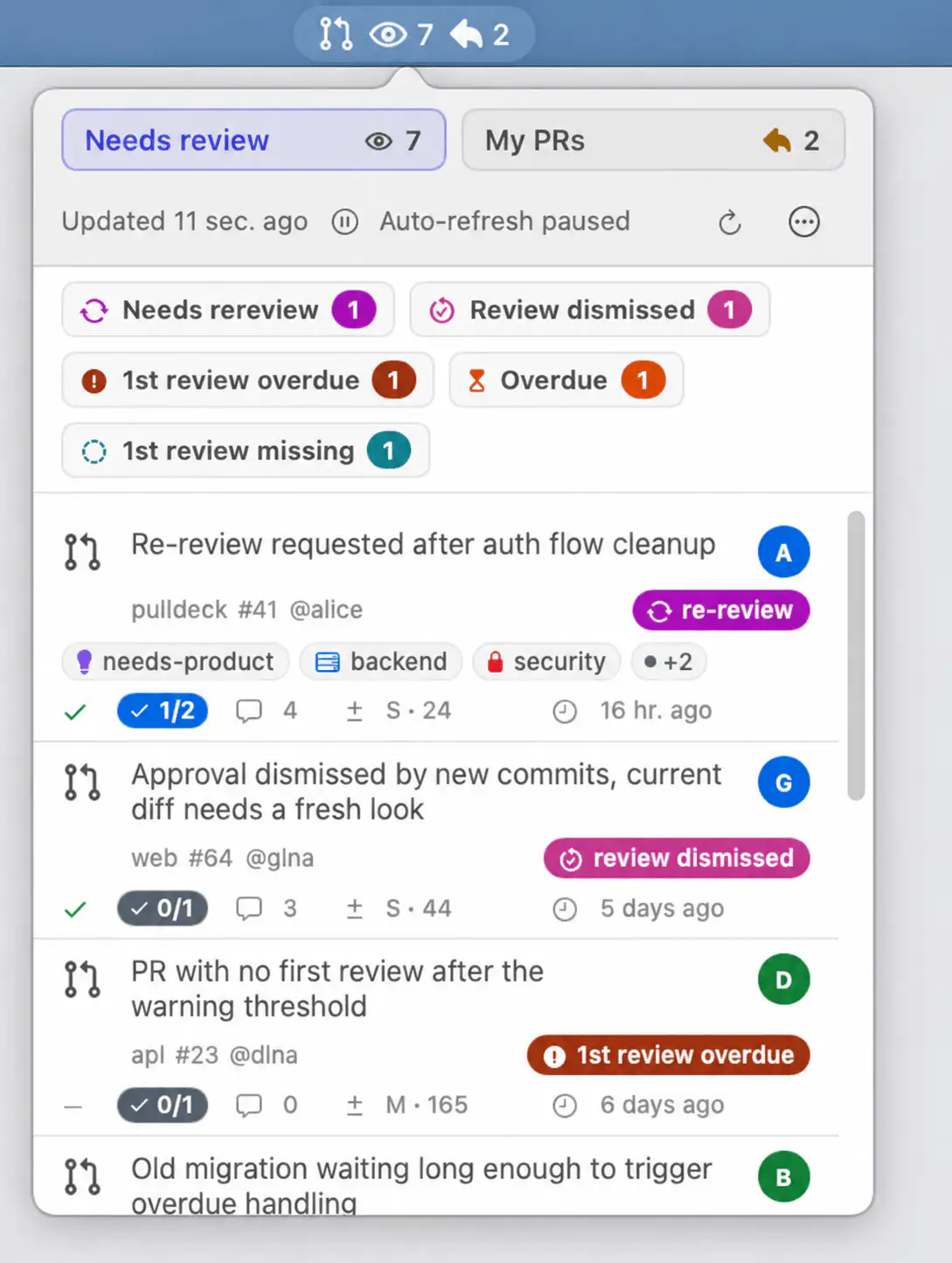
Build, ship, and monitor without leaving your flow. Track deployments, pull requests, builds, ports, API usage, repositories, and local services directly from your menu bar so you spend less time refreshing dashboards and more time writing code.
Build, ship, and monitor without leaving your flow. Track deployments, pull requests, builds, ports, API usage, repositories, and local services directly from your menu bar so you spend less time refreshing dashboards and more time writing code.
Monitor Docker containers on your Synology NAS, manage services with a click, and track crashes, restarts, and image updates. SSH access keeps things secure without exposing Docker.
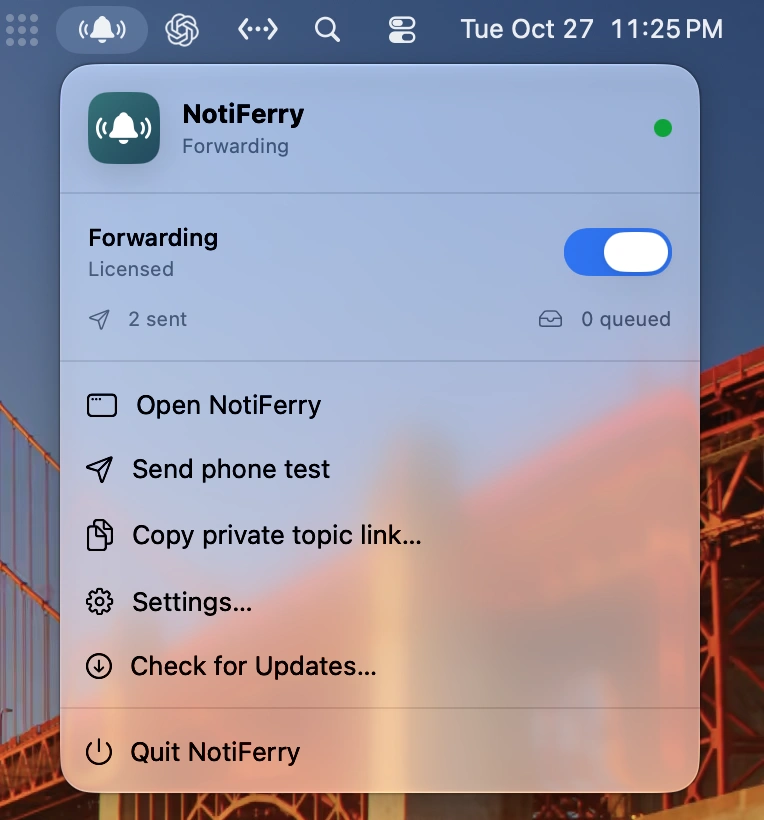
Forward Mac notifications to your iPhone and Apple Watch, including alerts from AI coding agents, completed builds, and backups. Choose how much notification content to share, with read-only access and no separate account required.
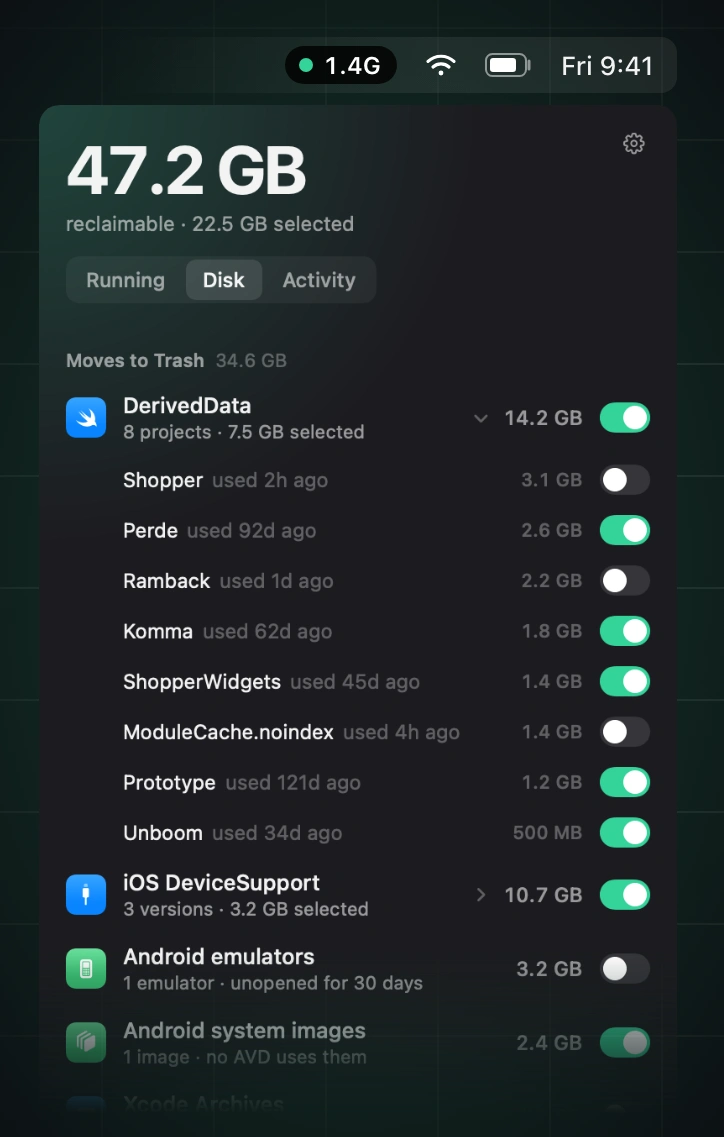
Reclaim memory by finding and stopping idle simulators, emulators, dev servers, containers, and lingering AI agent processes, while leaving databases, active builds, and pinned processes untouched.
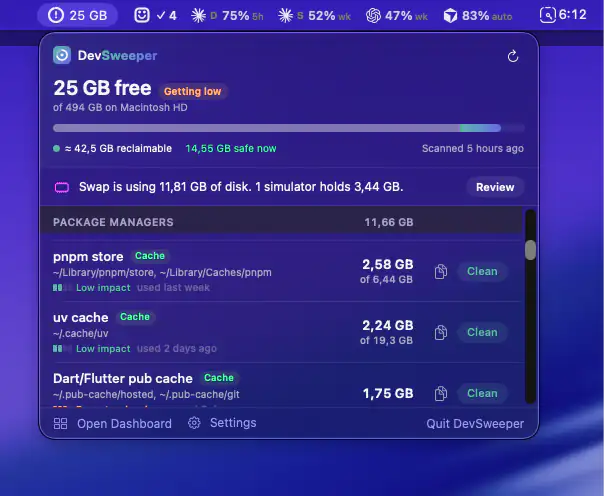
Reclaim disk space by cleaning up Xcode leftovers, simulator data, package caches, Docker files and coding agent worktrees. Clear safety ratings show what you can remove without disrupting active projects.
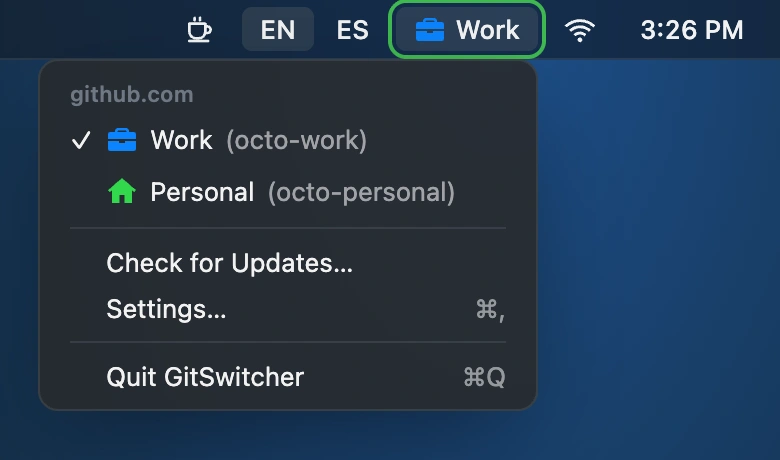
Switch between work and personal GitHub accounts with one click. GitSwitcher displays your active account, syncs with the GitHub CLI, and leaves your credentials safely in the macOS Keychain.
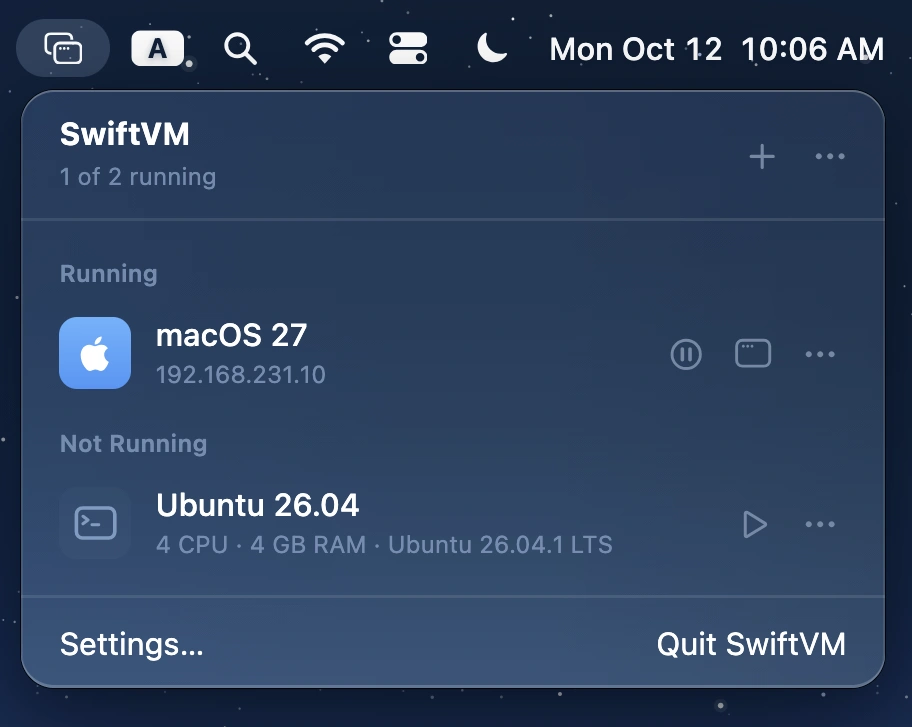
Run macOS and Linux virtual machines on Apple silicon, with streamlined setup, snapshots, shared folders, SSH access, and command-line control. Free, open source, and built with Swift.
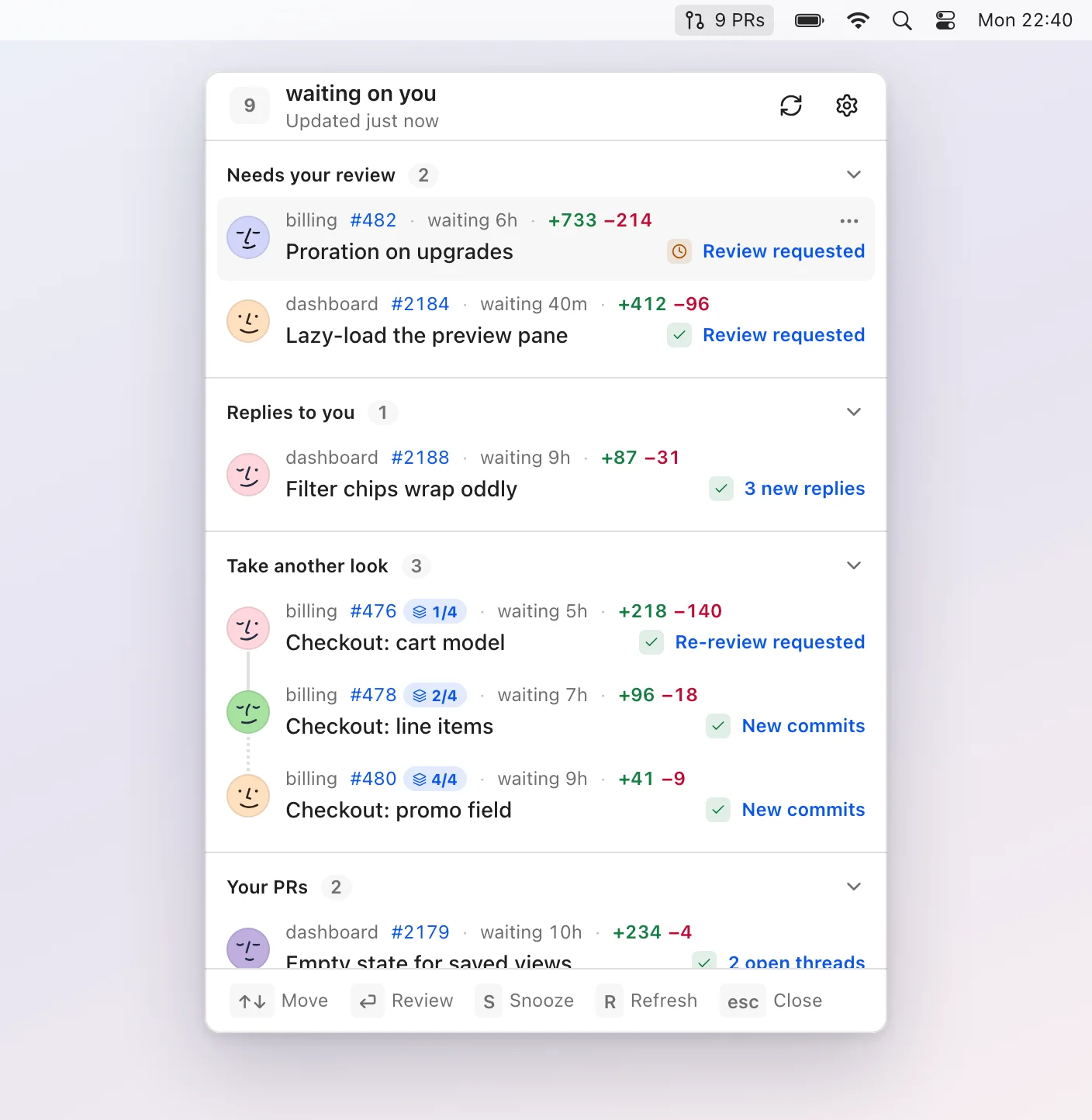
Pullover keeps your GitHub pull requests under control, showing only reviews, replies, new activity, and issues that need your attention, with local processing, keyboard navigation, and snoozing.
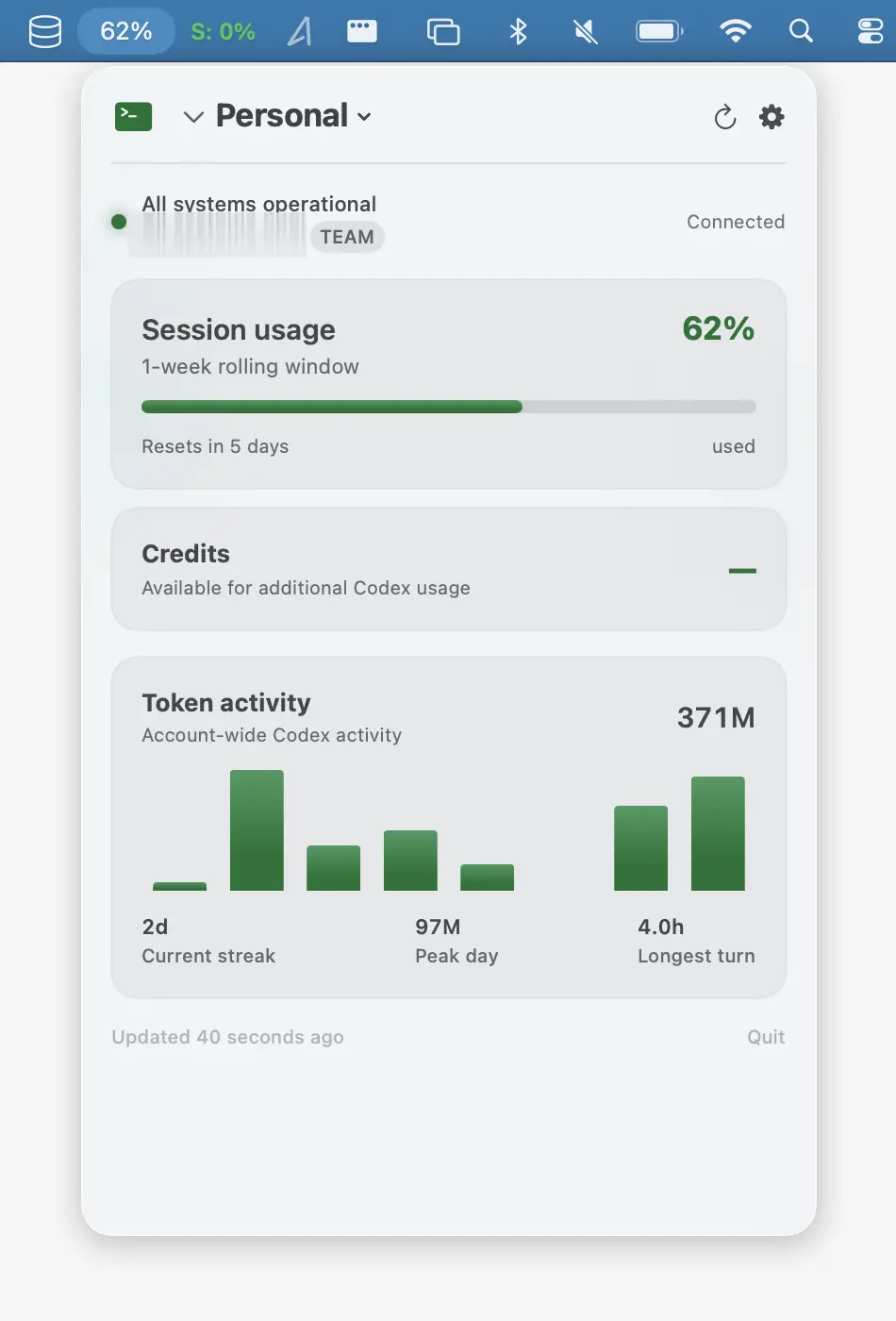
Monitor Codex usage, limits, reset times, tokens, and local history, with multiple profiles, alerts, CSV export, and no cloud sync.
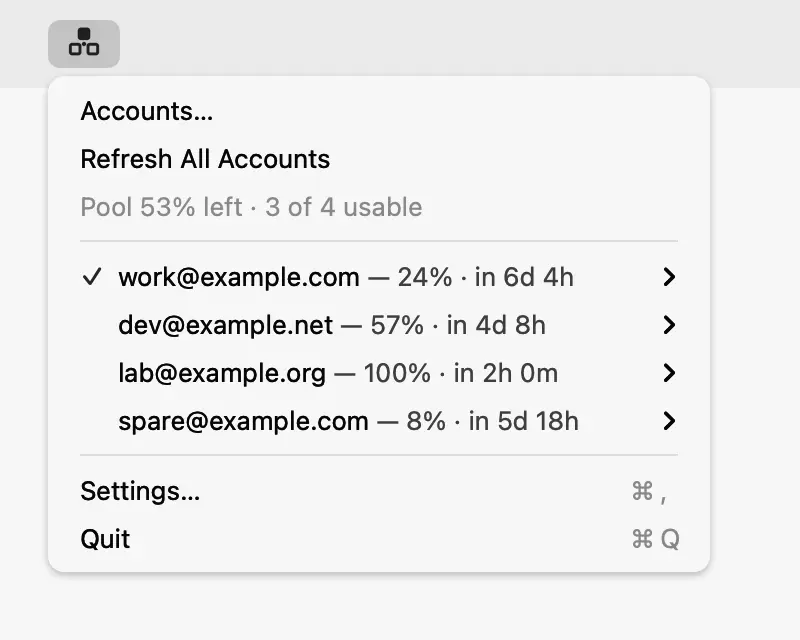
Manage multiple Codex accounts from one place, with usage and reset times at a glance and automatic failover when an account hits its limit. Credentials stay securely on your Mac.