Collection:
Display Apps
Hummingbird
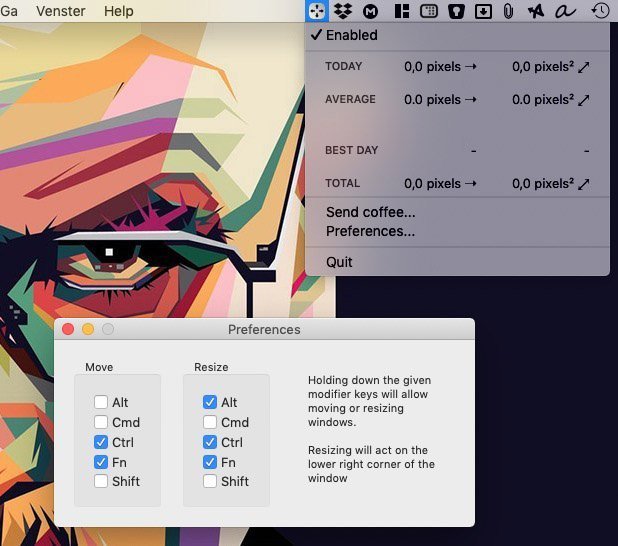
Hummingbird is a menu bar app that allows easy moving and resizing of windows by holding modifier keys and dragging your mouse to move and resize windows.

Take full control of how your Mac looks and behaves. Adjust brightness, contrast, resolution, and color, manage multiple monitors, lock docks in place, blur distractions, fine-tune window focus, and switch display profiles instantly from your menu bar.
Take full control of how your Mac looks and behaves. Adjust brightness, contrast, resolution, and color, manage multiple monitors, lock docks in place, blur distractions, fine-tune window focus, and switch display profiles instantly from your menu bar.
Hummingbird is a menu bar app that allows easy moving and resizing of windows by holding modifier keys and dragging your mouse to move and resize windows.
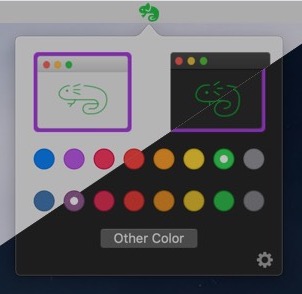
Chameleon is a quick and easy way to change your interface, accent and highlight colors. Right click on the bar icon to toggler between Light & Dark modes.
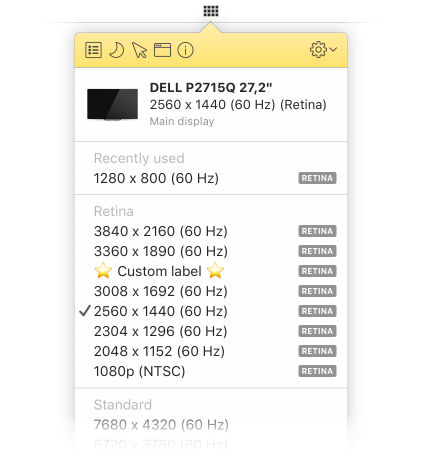
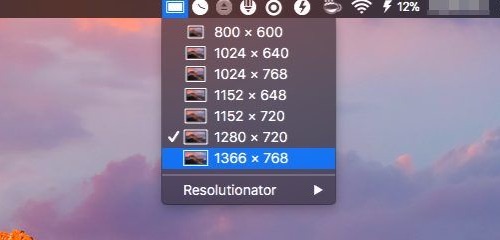
Click on Displays icon in the upper-right corner of your screen and choose your monitor resolution among all supported resolutions.
End of content
End of content