

Collection:
Display Apps
Take full control of how your Mac looks and behaves. Adjust brightness, contrast, resolution, and color, manage multiple monitors, lock docks in place, blur distractions, fine-tune window focus, and switch display profiles instantly from your menu bar.
Collection:
Display Apps
Display Menu
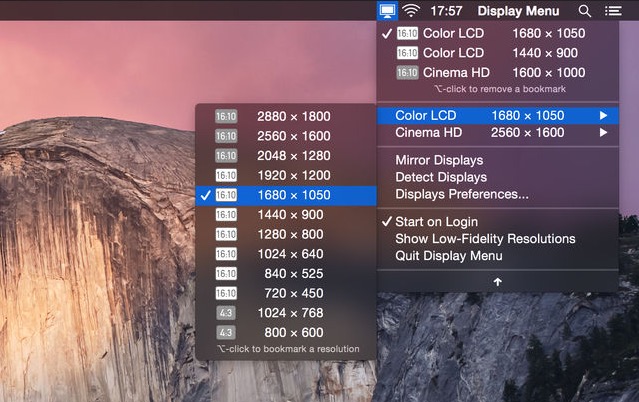
Display Menu makes it easy to adjust your screen settings with a single click. Switch resolutions, toggle mirroring, and fine-tune refresh rates on the fly. With the optional upgrade, you can unlock Retina resolutions, AppleScript support, and handy resolution bookmarks for even greater control.
Collection:
Display Apps
Stay
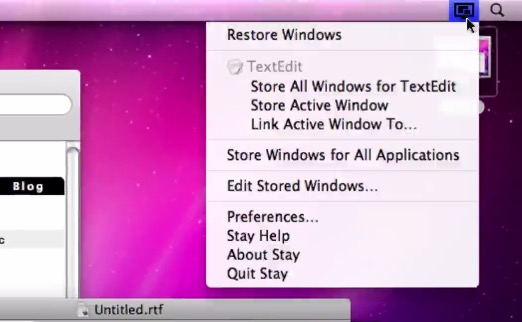
Stay remembers exactly where you placed every window and restores them instantly, even when you connect or disconnect external displays, so your setup always feels intentional rather than accidental.
Collection:
Display Apps
QuickRes
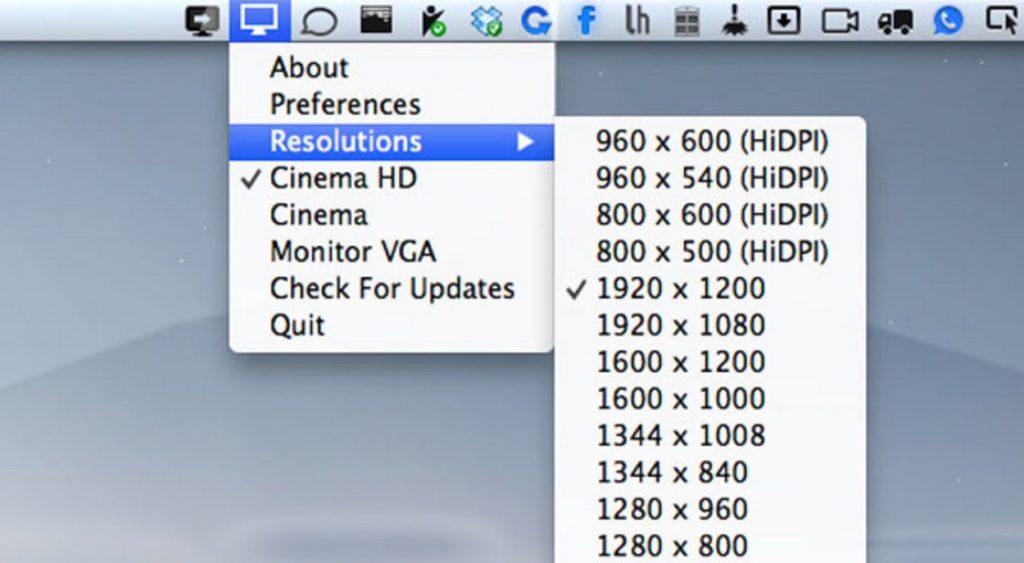
QuickRes makes switching screen resolutions on your Mac effortless, whether you are pushing a 15-inch Retina MacBook Pro to a sharp 3840 × 2400 or unlocking crisp HiDPI modes on older displays for a surprisingly refined workspace.
Collection:
Display Apps
NightTone
Work more comfortably.
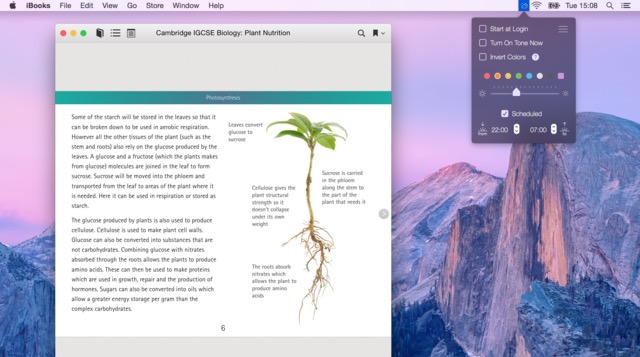
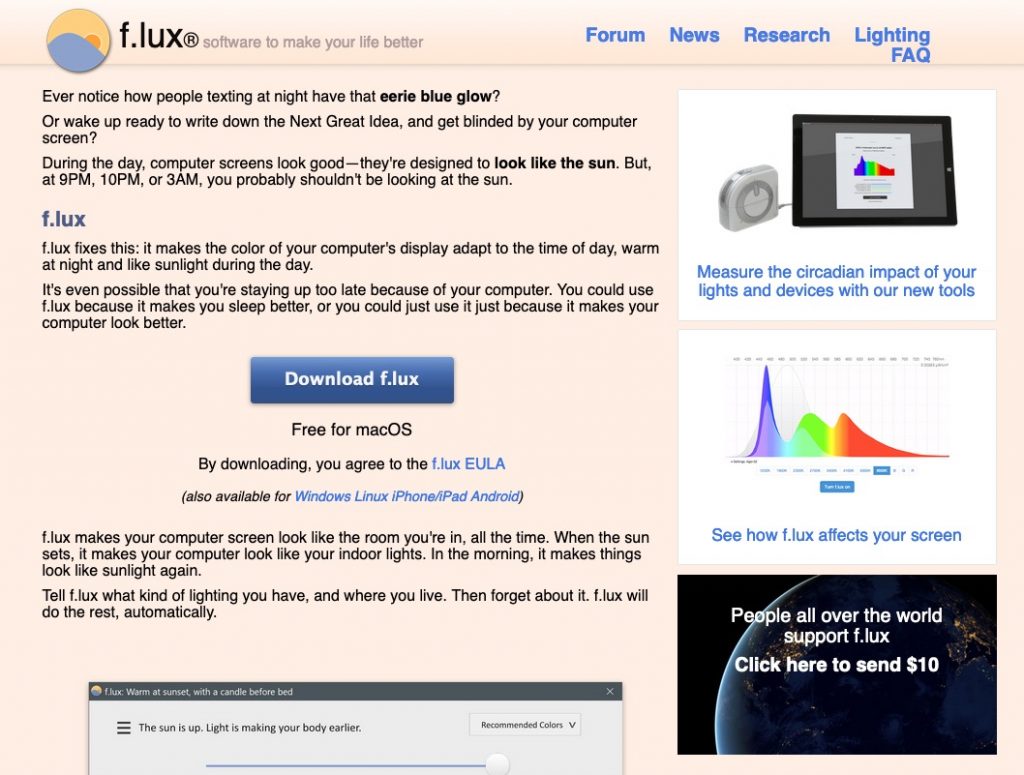
NightTone gently shifts your display toward warmer, softer tones, helping your eyes relax and your sleep cycle stay intact. With adjustable palettes, brightness control, scheduling, and multi-monitor support, it quietly adapts to your routine so you can work late without feeling like you just stared into a small artificial sun.
End of content
End of content