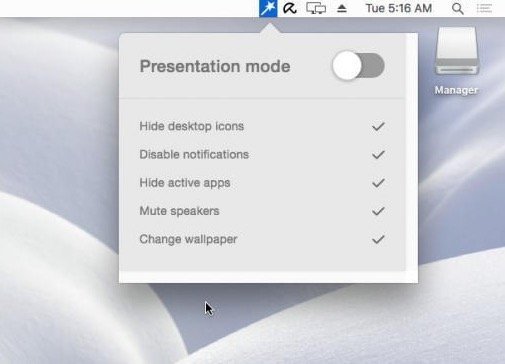
Collection:
Display Apps
Brightness Slider
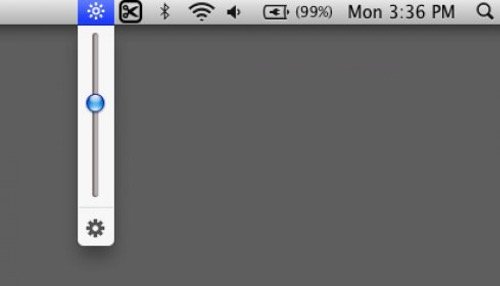
Adjust the screen brightness right from your menu bar, just like the sound menu. The app gives you a smooth transition between low light and total darkness.

Take full control of how your Mac looks and behaves. Adjust brightness, contrast, resolution, and color, manage multiple monitors, lock docks in place, blur distractions, fine-tune window focus, and switch display profiles instantly from your menu bar.
Take full control of how your Mac looks and behaves. Adjust brightness, contrast, resolution, and color, manage multiple monitors, lock docks in place, blur distractions, fine-tune window focus, and switch display profiles instantly from your menu bar.
Adjust the screen brightness right from your menu bar, just like the sound menu. The app gives you a smooth transition between low light and total darkness.
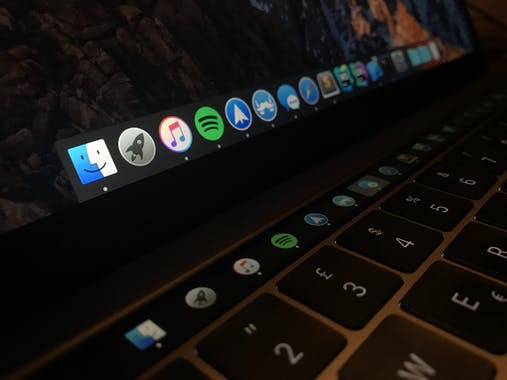
Pock is a menu bar app that displays the dock in the touch bar of your MacBook Pro, letting you enjoy your screen in full-size.
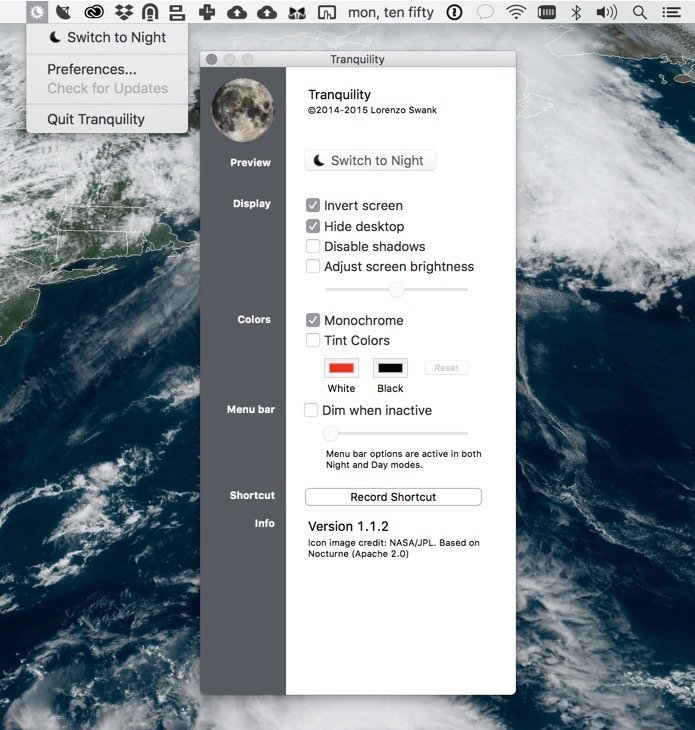
Tranquillity can change your display colors in various ways to give you a color scheme more suited to low light conditions (such as at night).
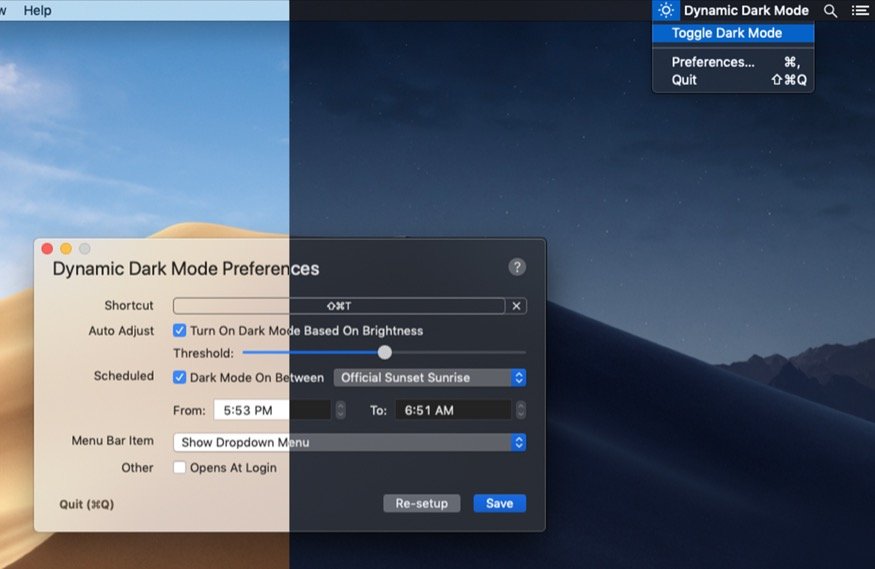
Instead of looking for the switch for dark mode in System Preferences, just click the icon in the menu bar. You can enable dark mode in dim lights, after sunset, or just anytime.
End of content
End of content