Collection:
Keyboard & Mouse Apps
Moxy
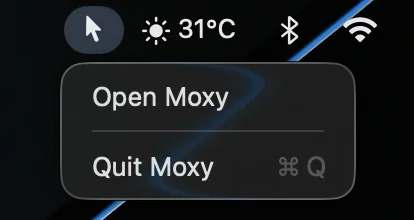
A tiny utility that hides the cursor with a customizable shortcut. Moxy works across apps and avoids unnecessary settings or background clutter.
The next time a site asks for a code, you’ll just tap it in. iPhone · iPad · Mac

Take control of every click and keystroke. Customize gestures, remap keys, automate shortcuts, smooth scrolling, simulate activity, switch keyboards intelligently, add typing sounds, or even replay input actions, all directly from your menu bar.
Take control of every click and keystroke. Customize gestures, remap keys, automate shortcuts, smooth scrolling, simulate activity, switch keyboards intelligently, add typing sounds, or even replay input actions, all directly from your menu bar.
A tiny utility that hides the cursor with a customizable shortcut. Moxy works across apps and avoids unnecessary settings or background clutter.
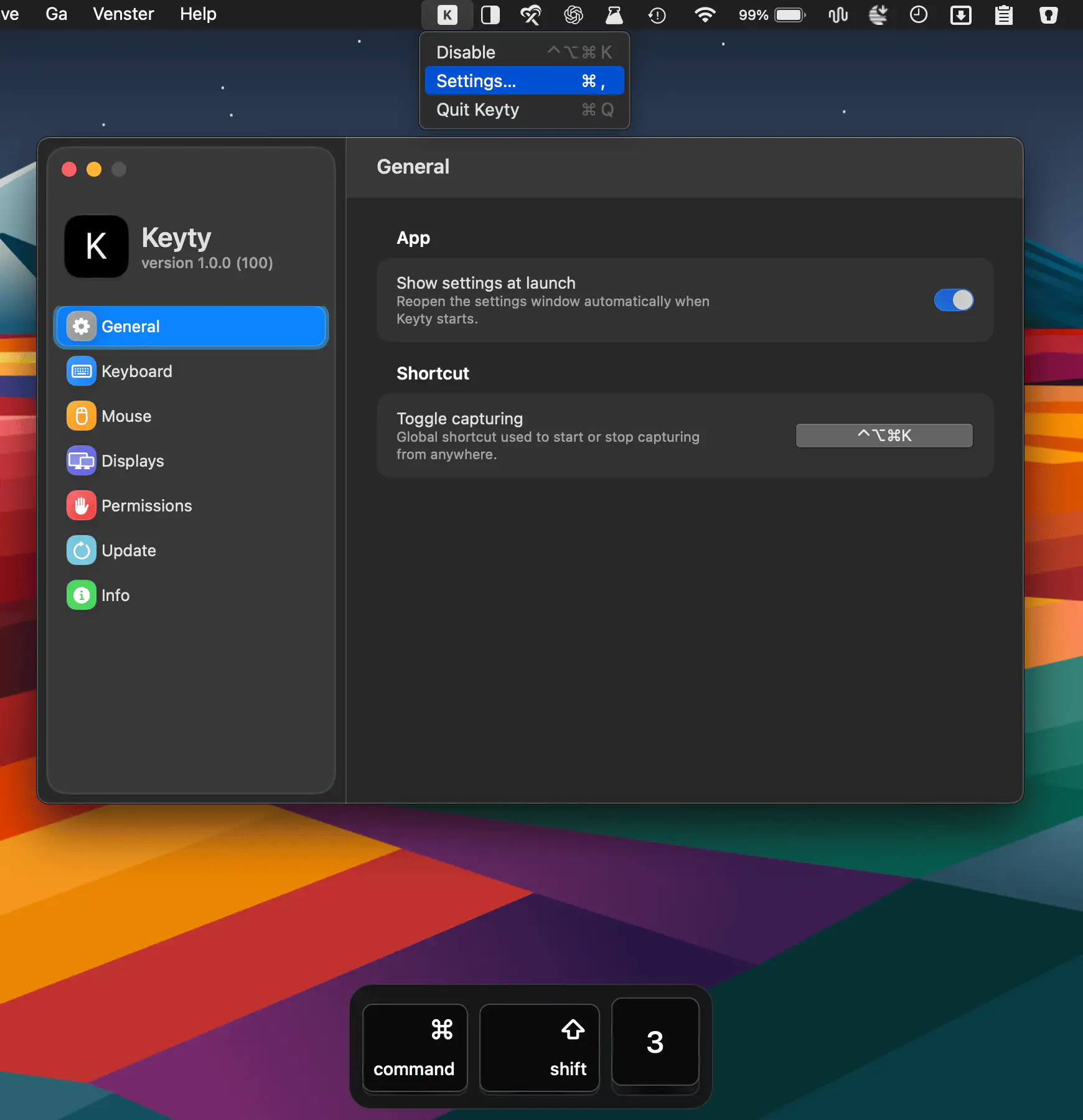
Keyty visualizes keyboard shortcuts, keystrokes, mouse clicks, and scrolling in real time, making screen recordings, demos, presentations, tutorials, and livestreams easier to follow.
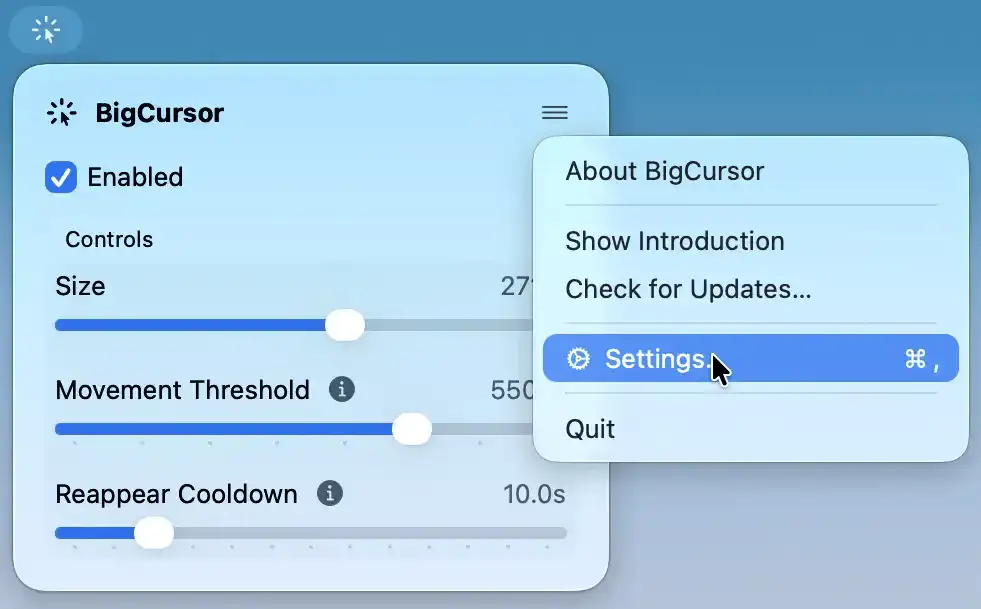
BigCursor makes your pointer easier to spot on large displays by enlarging it while you move and hiding it again when idle. It also offers adjustable size and smart triggers.
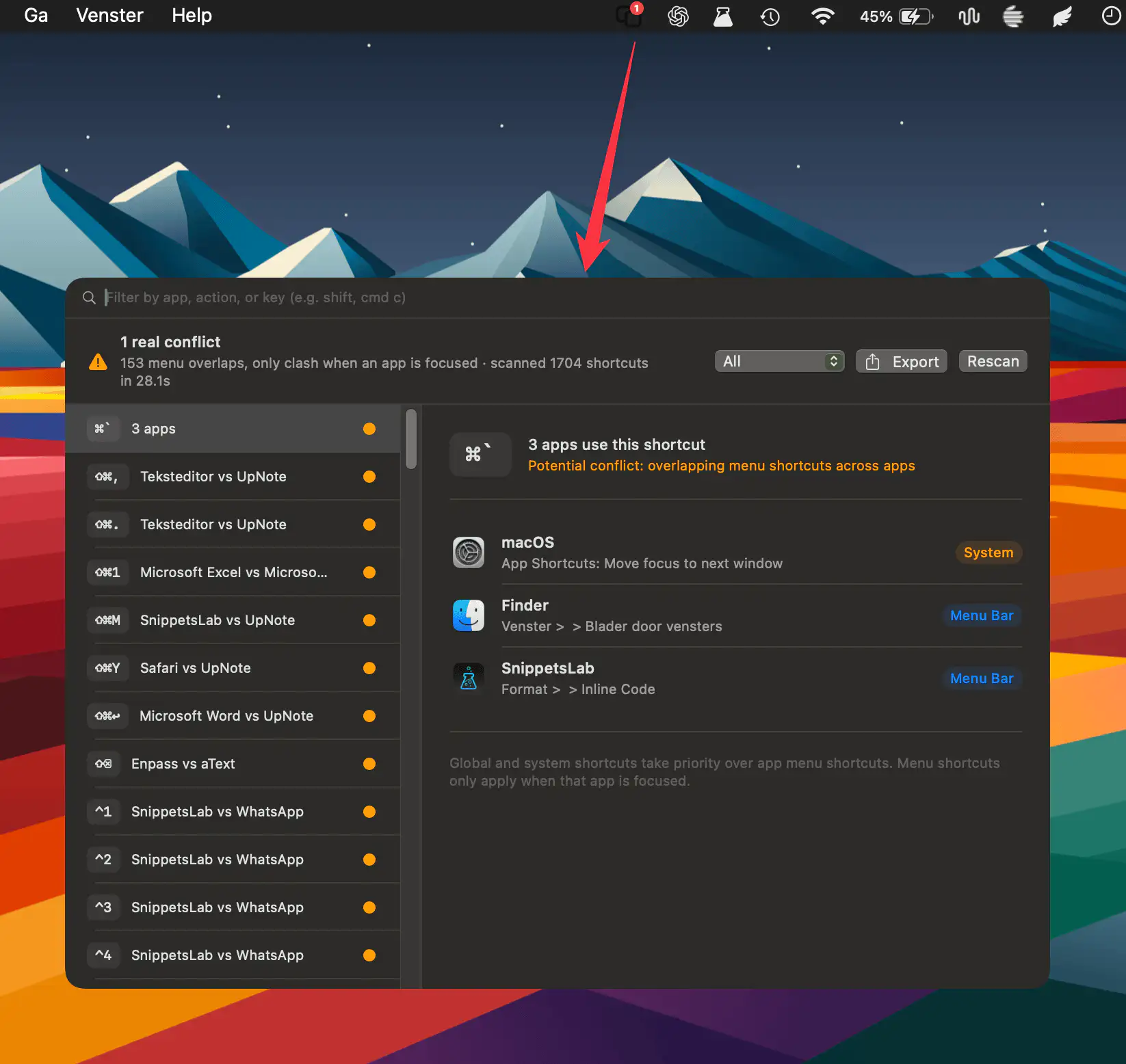
HotkeyClash scans running apps, system shortcuts, and automation configs on macOS to detect overlapping keyboard shortcuts and reveal conflicts in a clear, unified overview.
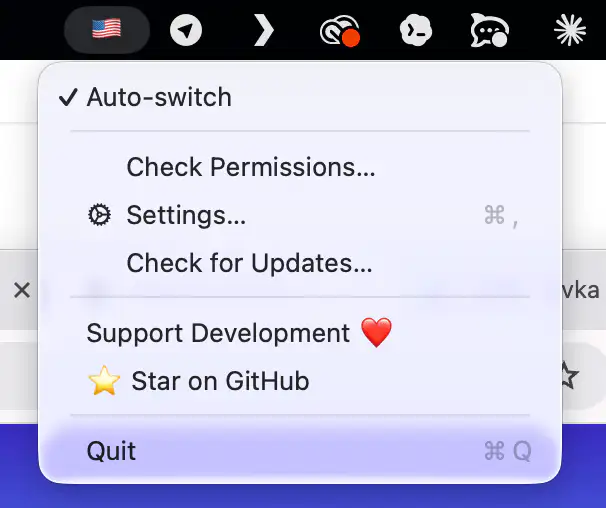
Mistyped your last word again? Tap ⌥ Alt and RuSwitcher quietly fixes it, converting text between any installed keyboard layouts.
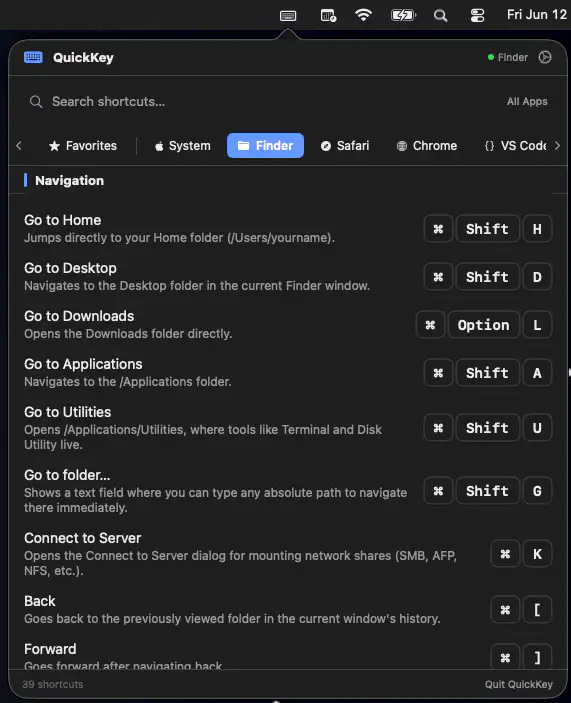
QuickKey keeps keyboard shortcuts close at hand by automatically showing commands for the app you’re using. Search, save favorites, and even trigger shortcuts instantly.
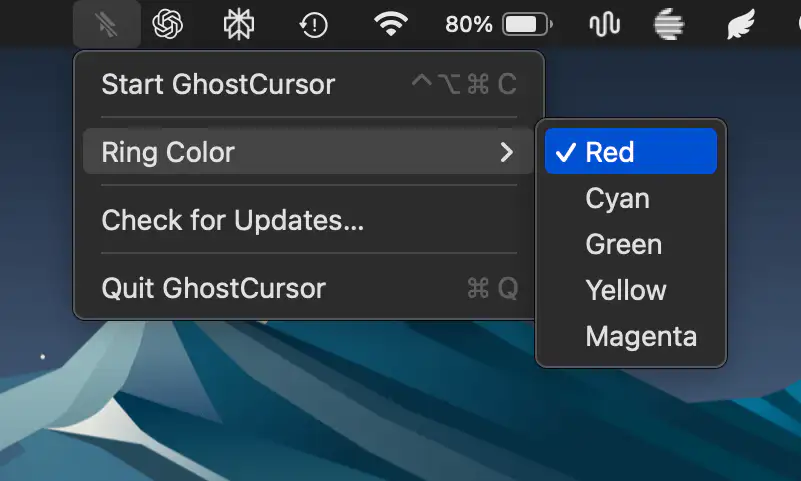
GhostCursor replaces your Mac’s pointer with a subtle highlight ring that remains visible to you while staying completely absent from screen recordings and screen sharing, making demos, tutorials, and presentations look cleaner.
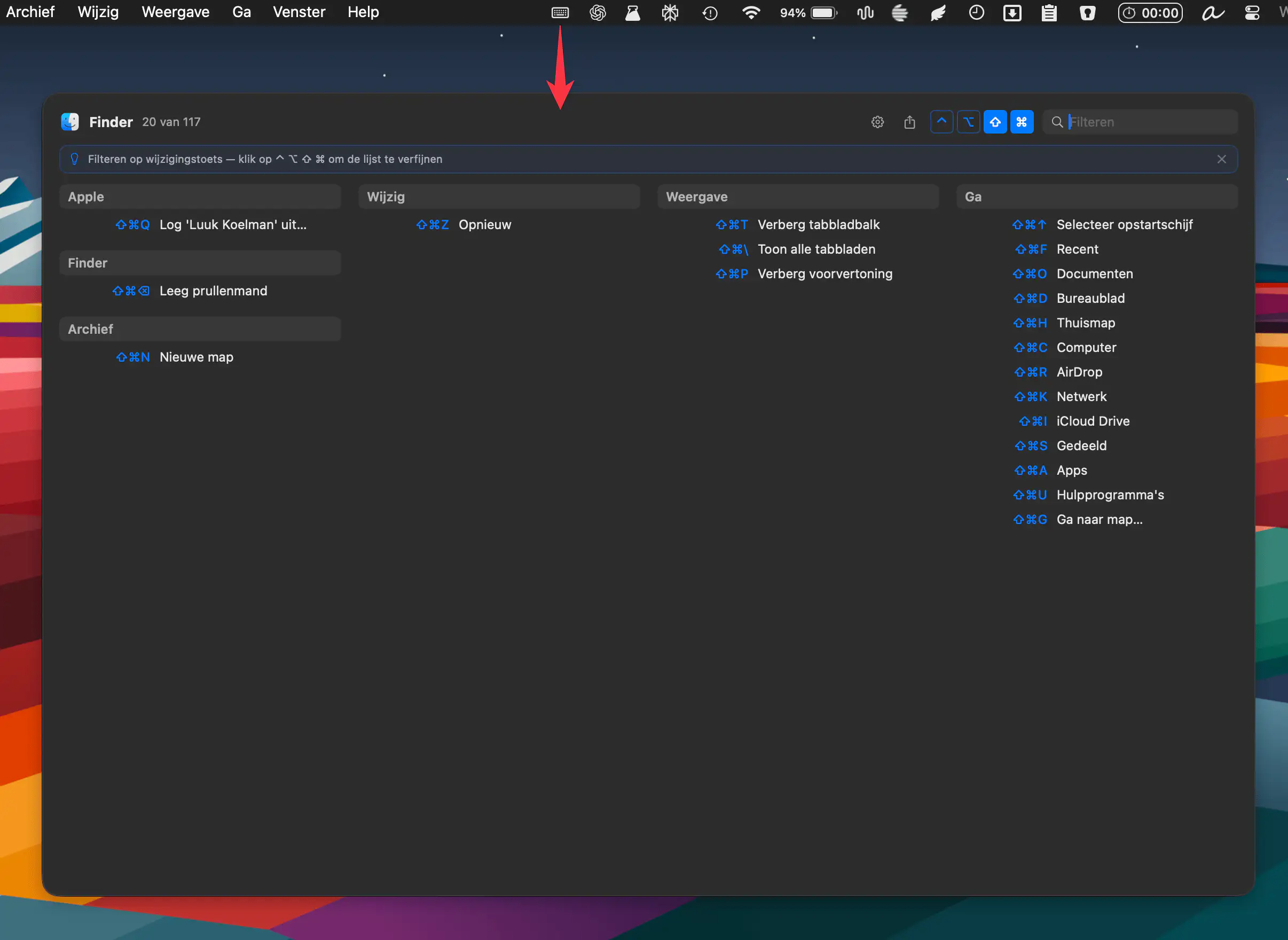
KeyMinder instantly reveals keyboard shortcuts for your active macOS app, grouped by menu. Triggered by a hotkey, it keeps workflows smooth. Free, open source, and always up to date.
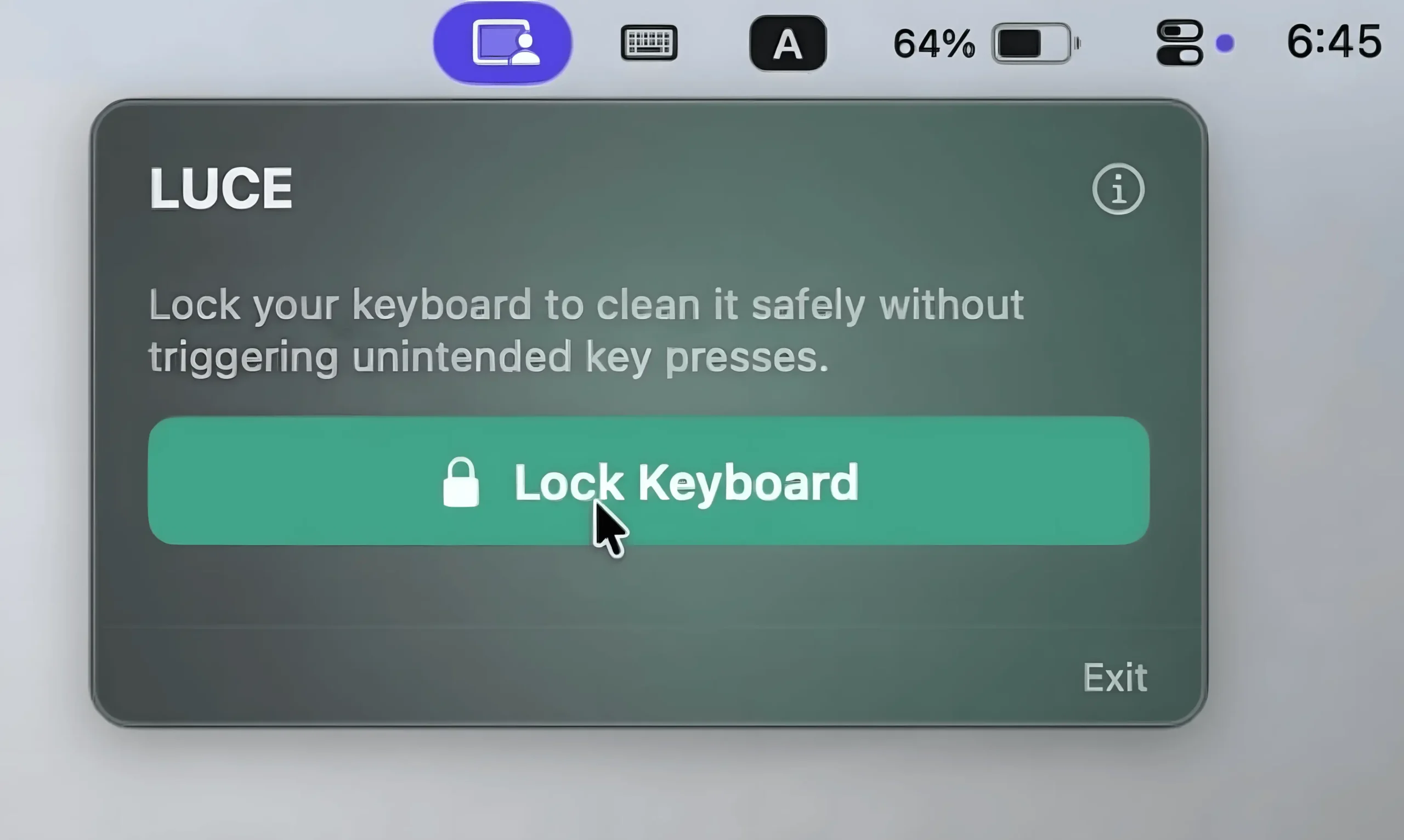
This menu bar app temporarily locks your keyboard while keeping mouse controls active, making keyboard cleaning effortless.