Collection:
Keyboard & Mouse Apps
Input Source Pro
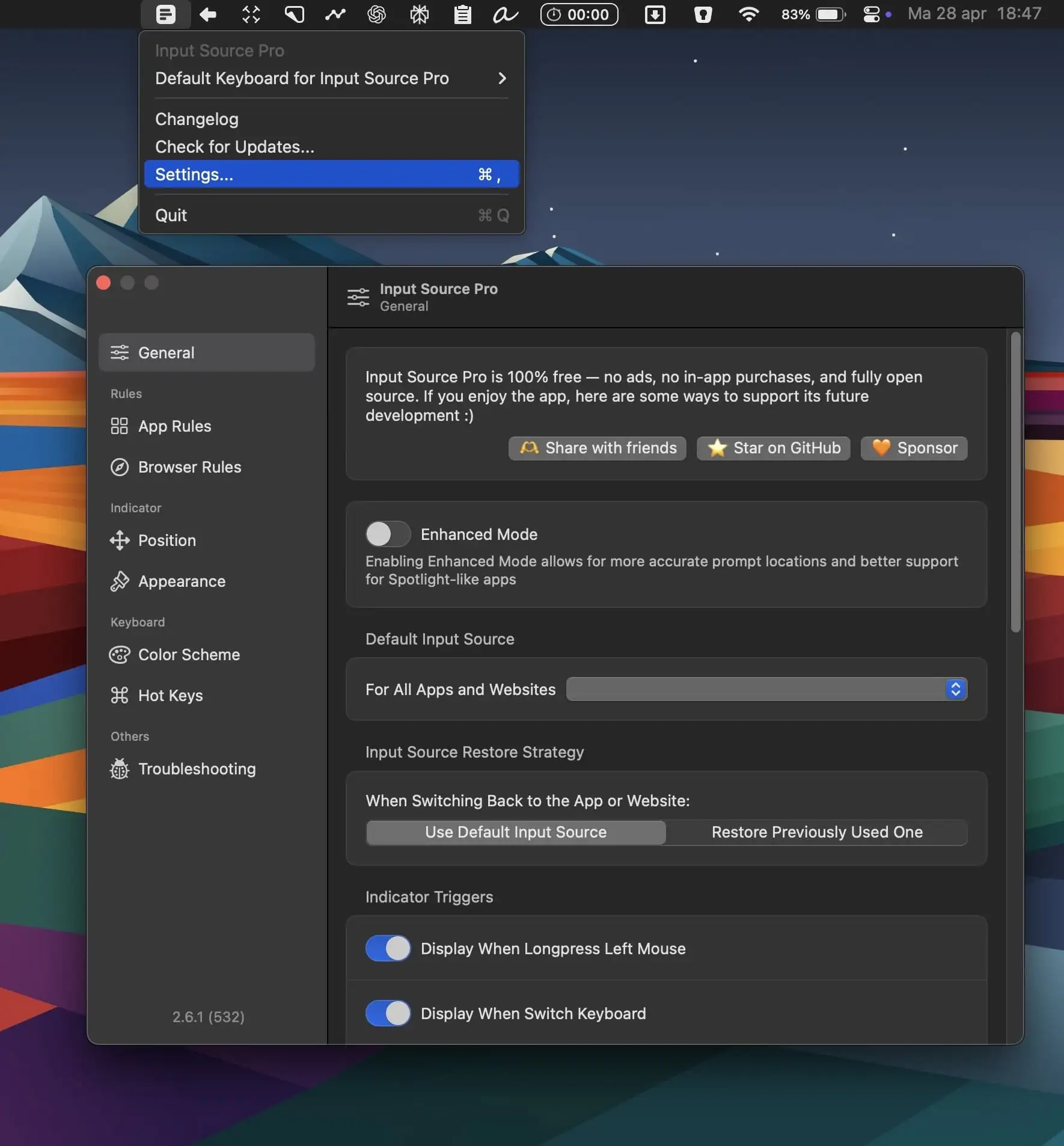
Input Source Pro automatically switches your keyboard depending on the app or website you’re using, keeping your workflow smooth and free from distractions.
The next time a site asks for a code, you’ll just tap it in. iPhone · iPad · Mac

Take control of every click and keystroke. Customize gestures, remap keys, automate shortcuts, smooth scrolling, simulate activity, switch keyboards intelligently, add typing sounds, or even replay input actions, all directly from your menu bar.
Take control of every click and keystroke. Customize gestures, remap keys, automate shortcuts, smooth scrolling, simulate activity, switch keyboards intelligently, add typing sounds, or even replay input actions, all directly from your menu bar.
Input Source Pro automatically switches your keyboard depending on the app or website you’re using, keeping your workflow smooth and free from distractions.
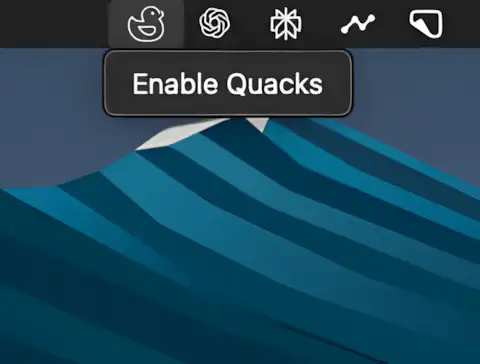
Always dreamed of sounding like a duck while typing? This menubar app delivers a crisp quack with every keystroke.
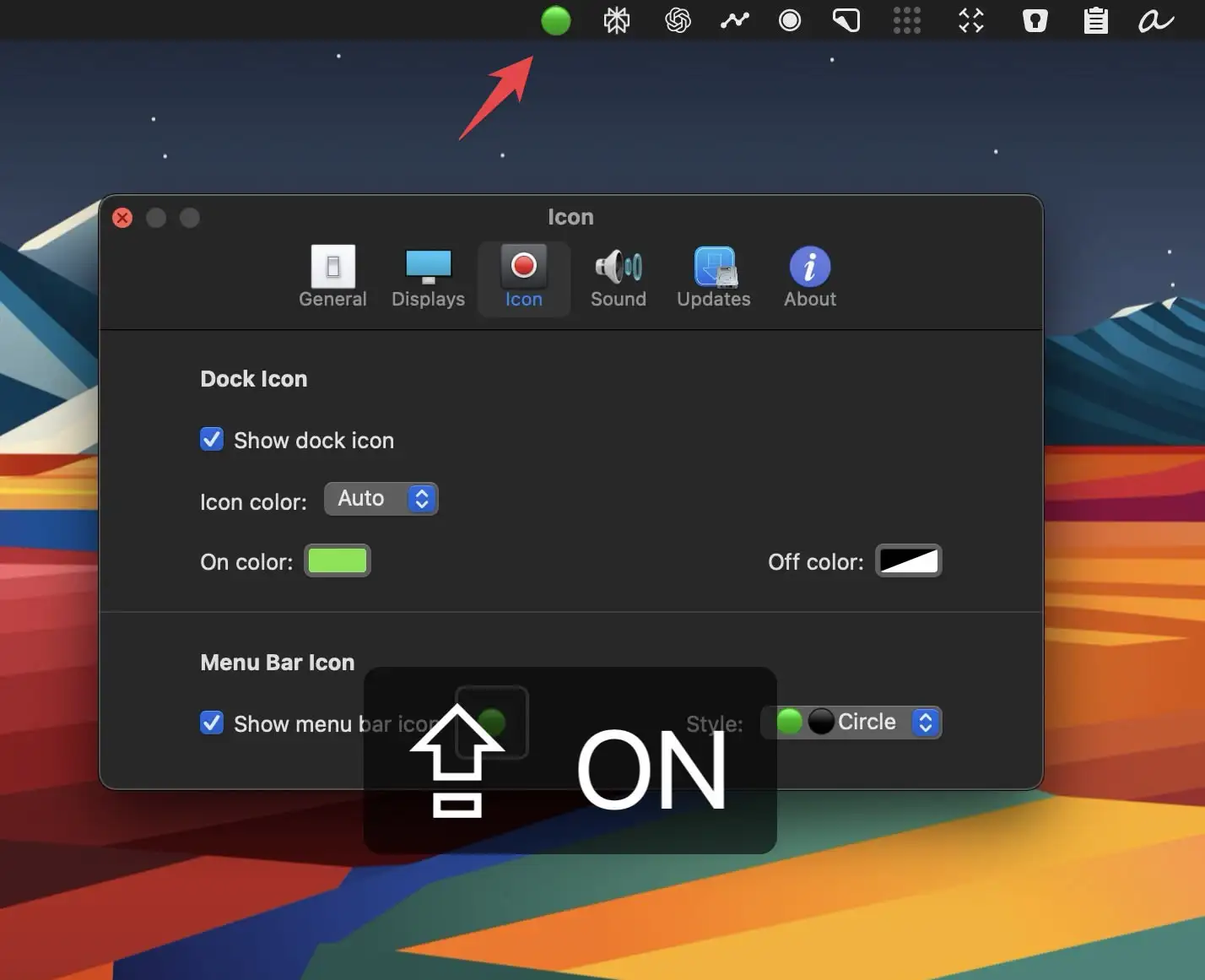
Captin displays your Mac’s Caps Lock status clearly on screen, preventing accidental all-caps messages and embarrassing typos from keyboard mistakes.
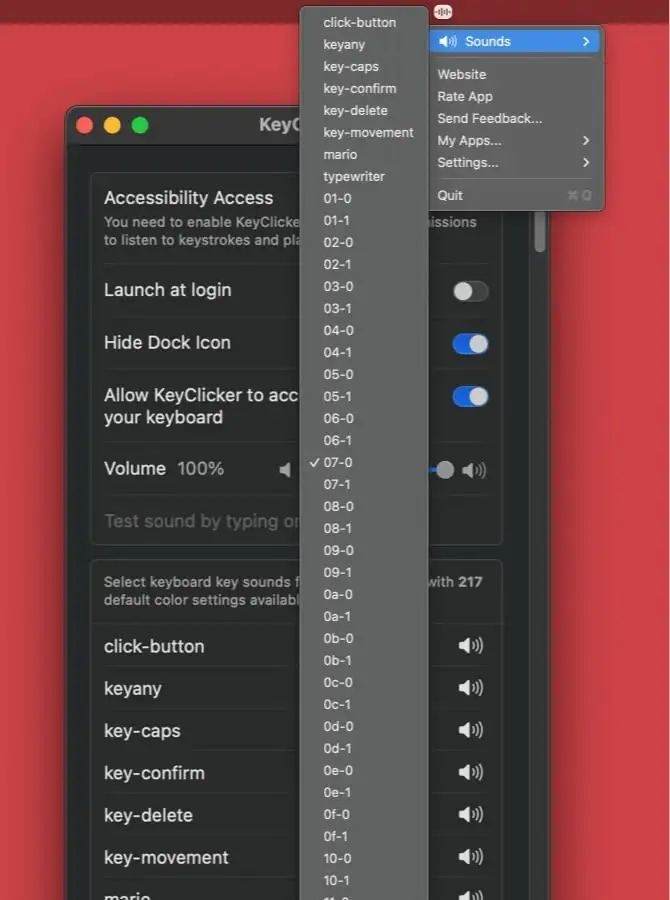
KeyClicker is a menu bar app that brings the authentic typing sounds of over 200 mechanical keyboards and typewriters to life.
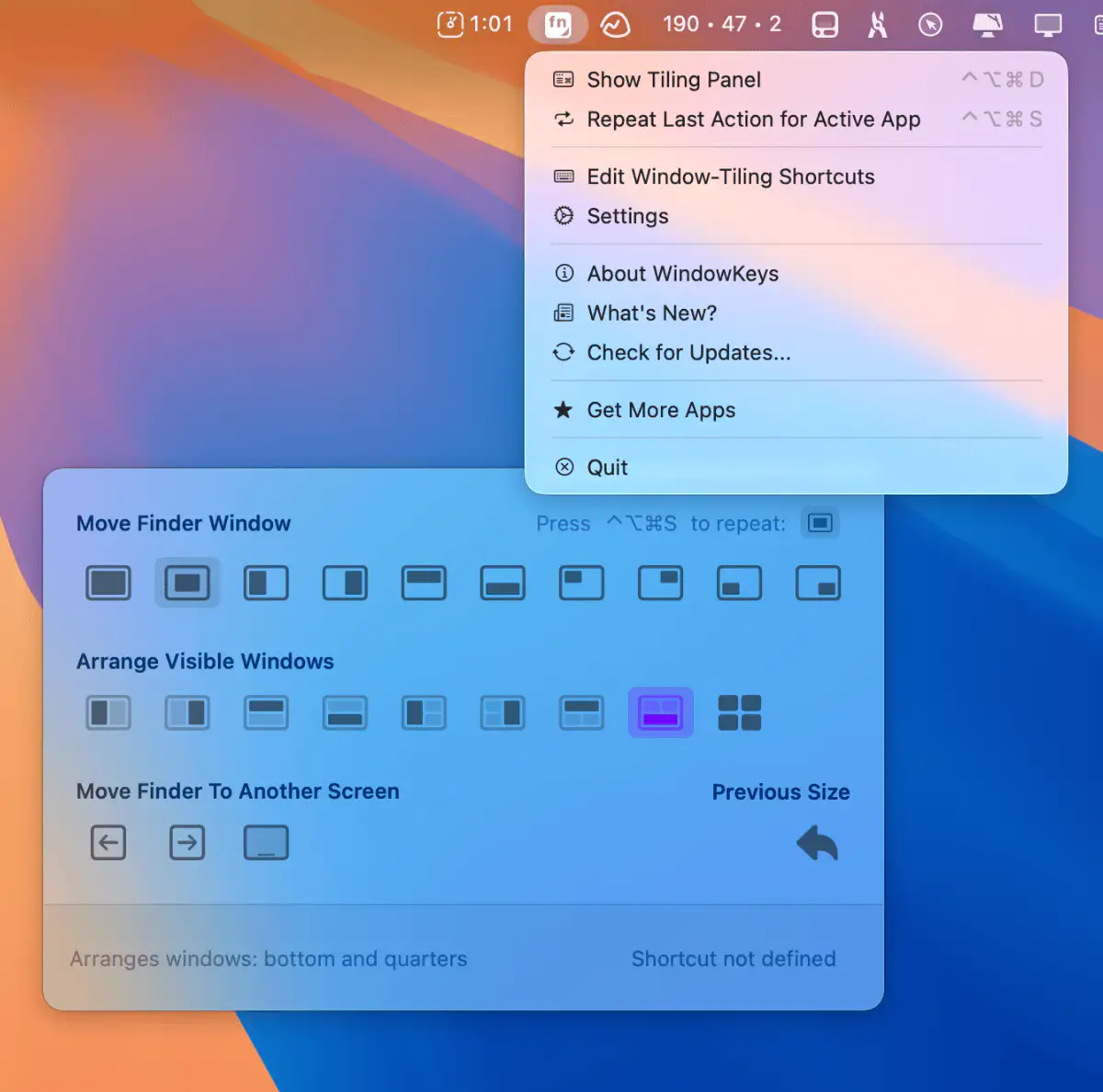
Customize macOS window tiling shortcuts and use them on any keyboard. This menu bar app gives you full control with a handy command panel—simple, flexible, and always within reach.
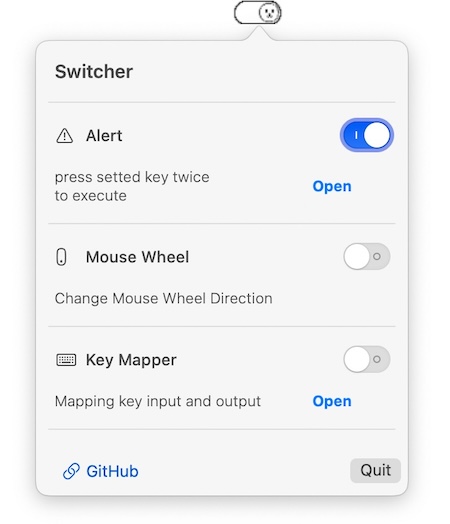
This menu bar app prevents the accidental closing of applications, for instance pressing cmd q by mistake.
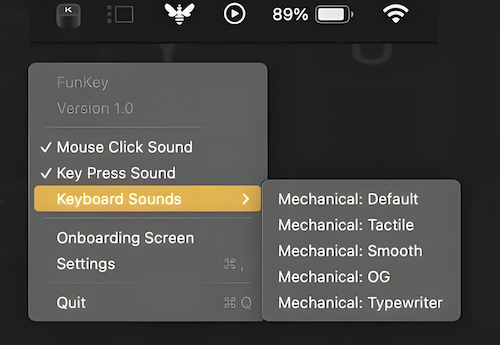
Enjoy satisfying mechanical keyboard and mouse click sounds to enhance your typing experience efficiently without extra steps for seamless integration with ease.
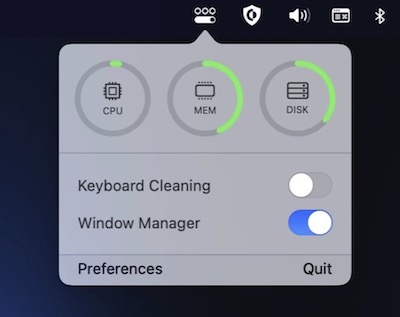
OneMenu is a menubar app featuring system monitoring, a window manager and a keyboard cleaning mode.
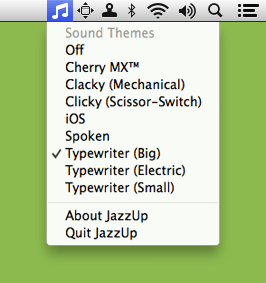
Add satisfying mechanical keyboard sounds—or others—to your typing for a more engaging experience efficiently without extra steps for seamless integration with ease.
