Collection:
Meeting Apps
DRFT
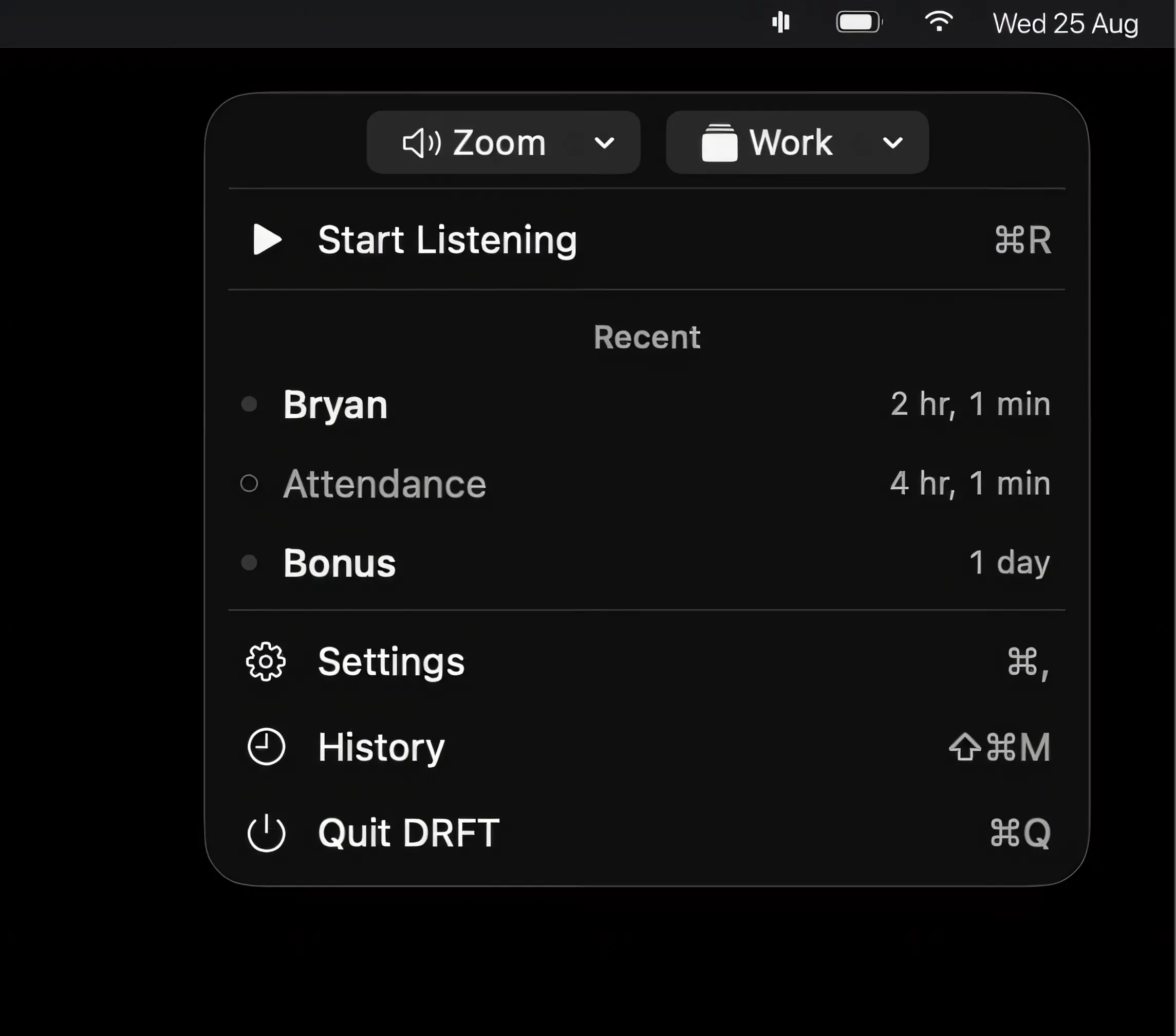
DRFT listens for words that matter during meetings and alerts you when they’re spoken. On-device speech recognition keeps audio private, while saved moments and AI summaries help you catch what matters.

Run your meetings without chaos. Join calls in one click, see what’s next, auto-mute your mic, blur sensitive areas, silence notifications, manage time zones, transcribe conversations, and protect your screen during recordings, all from your menu bar.
Run your meetings without chaos. Join calls in one click, see what’s next, auto-mute your mic, blur sensitive areas, silence notifications, manage time zones, transcribe conversations, and protect your screen during recordings, all from your menu bar.
DRFT listens for words that matter during meetings and alerts you when they’re spoken. On-device speech recognition keeps audio private, while saved moments and AI summaries help you catch what matters.
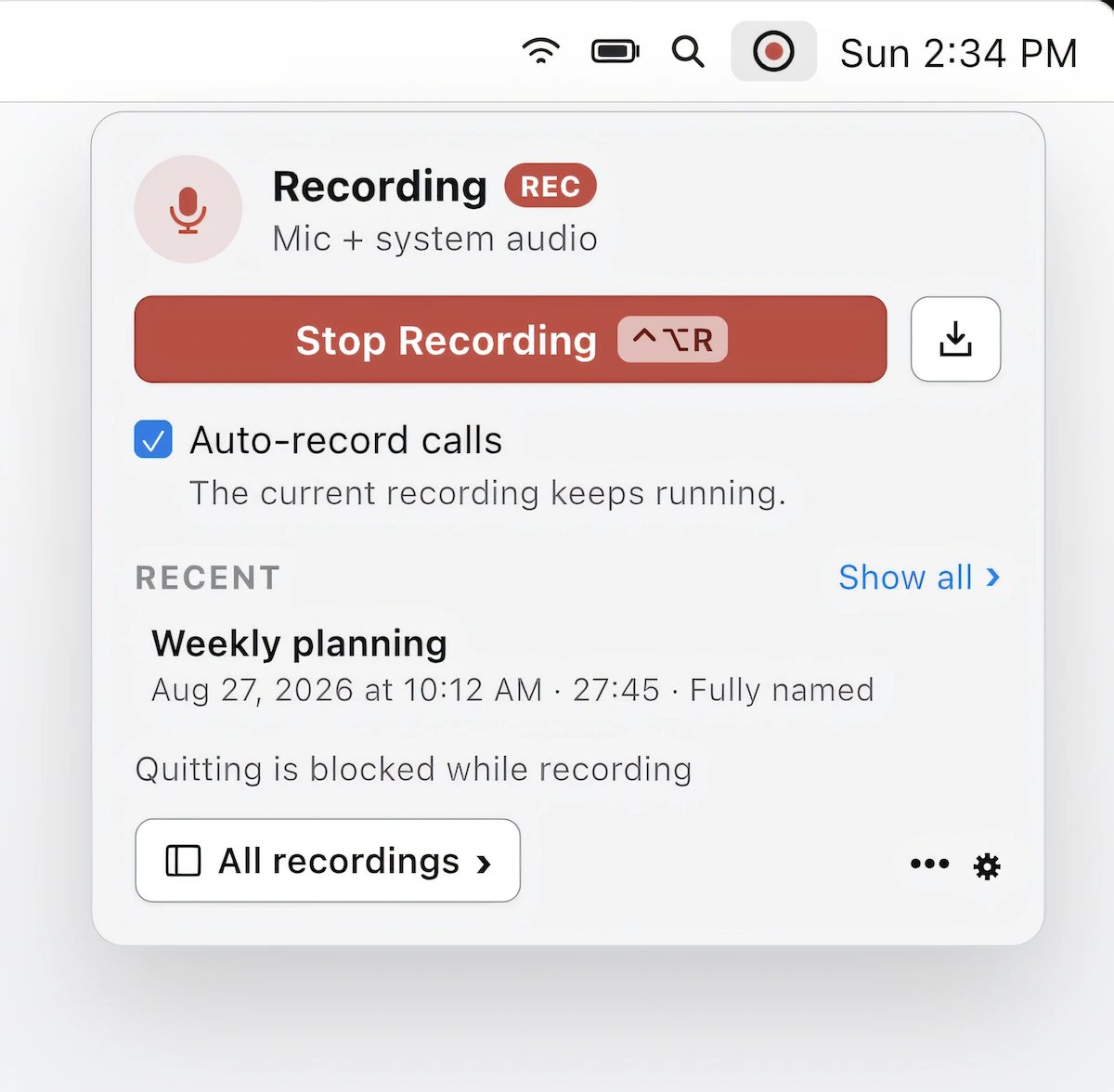
Record, transcribe, and summarize calls in Zoom, Teams, and Meet without a meeting bot. On-device recording, speaker identification, and AI-powered summaries keep your conversations private on your Mac.
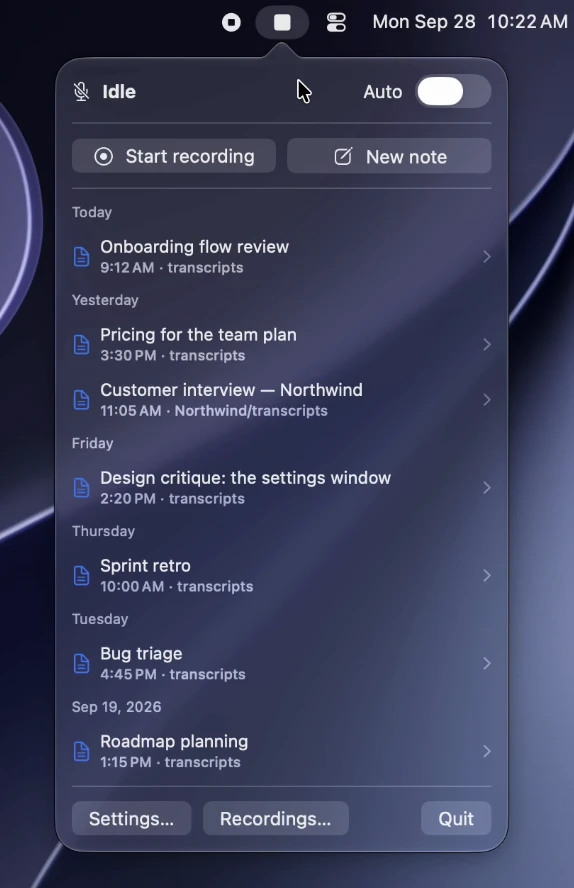
Transcripts automatically records and transcribes meetings on-device, with speaker labels, summaries and action items. It supports Zoom, Teams, Meet and more, keeping recordings and transcripts in your own folders.
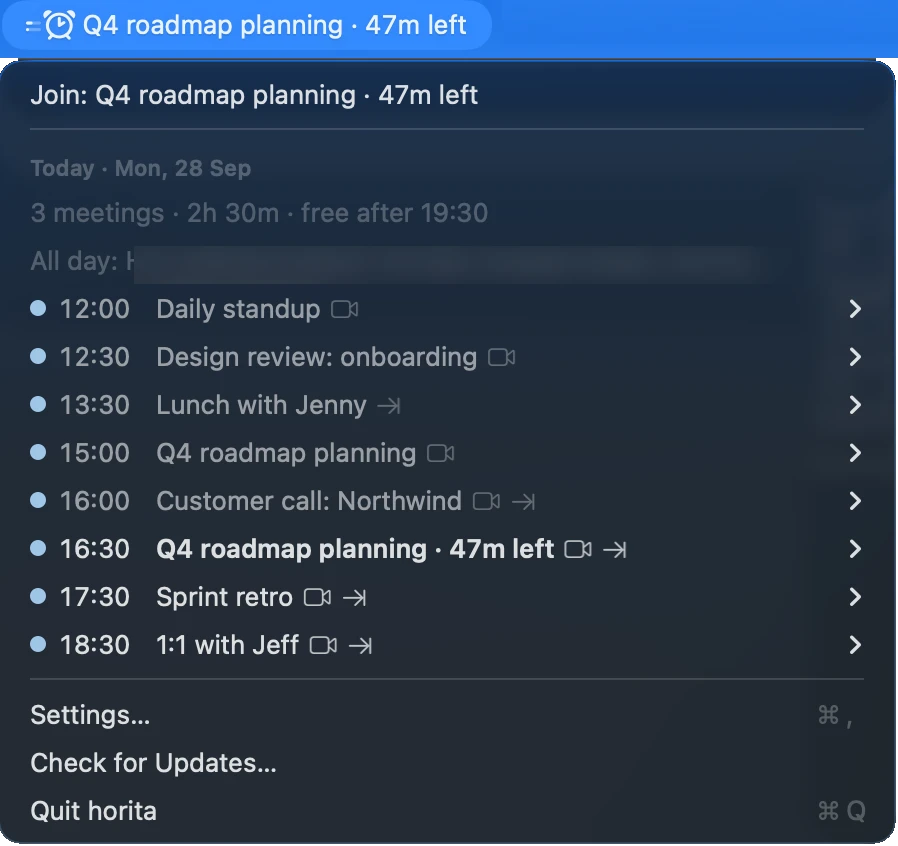
See your next meeting at a glance, with a countdown and one-click access to Zoom, Google Meet, or Microsoft Teams. Works with your Mac calendars, stays private, and keeps distractions to a minimum.
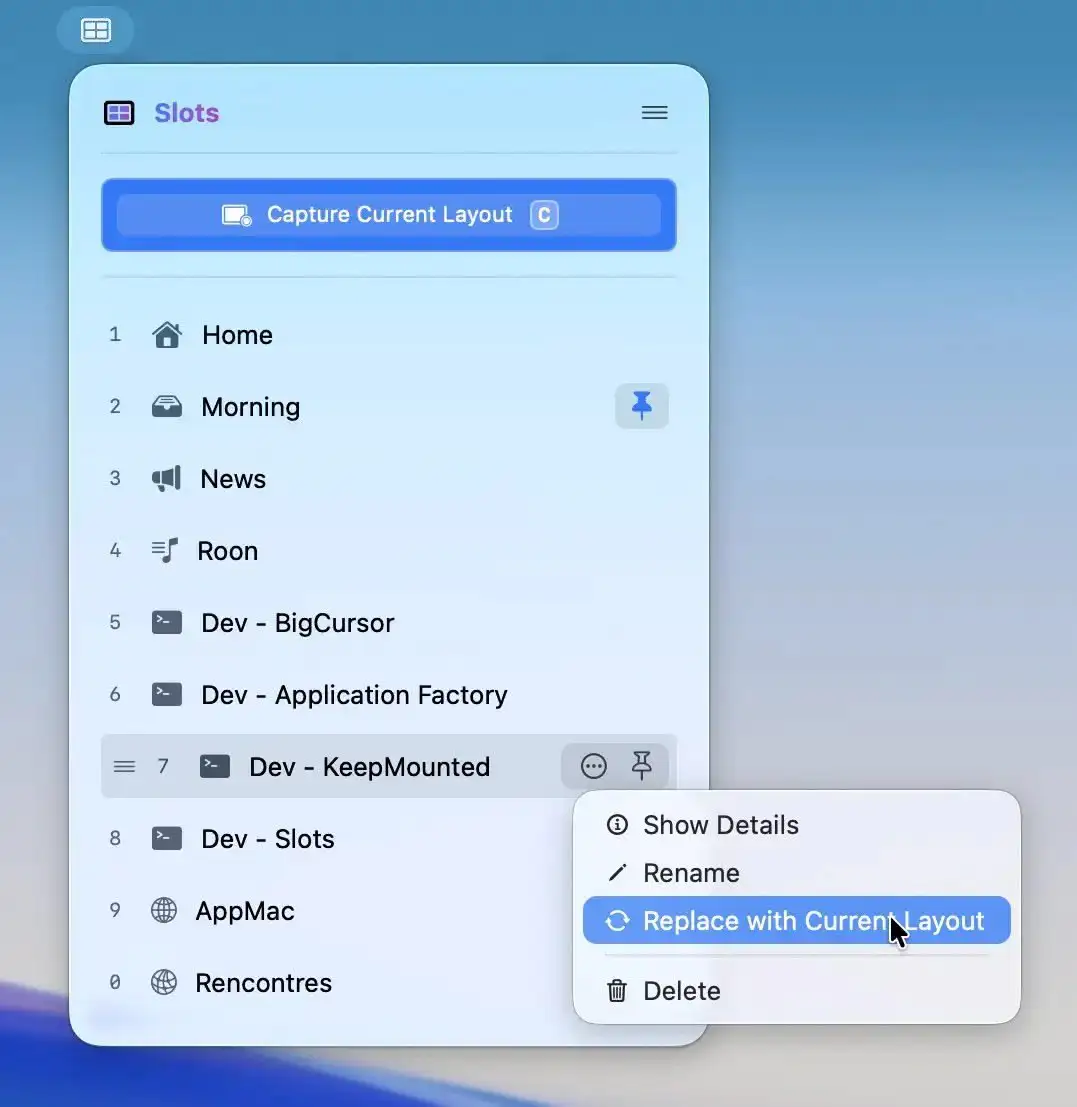
Slots lets you capture a perfectly arranged workspace and restore it instantly, relaunching apps and placing windows exactly where they belong. For supported apps, even tabs and documents return, all in a fast, native experience.
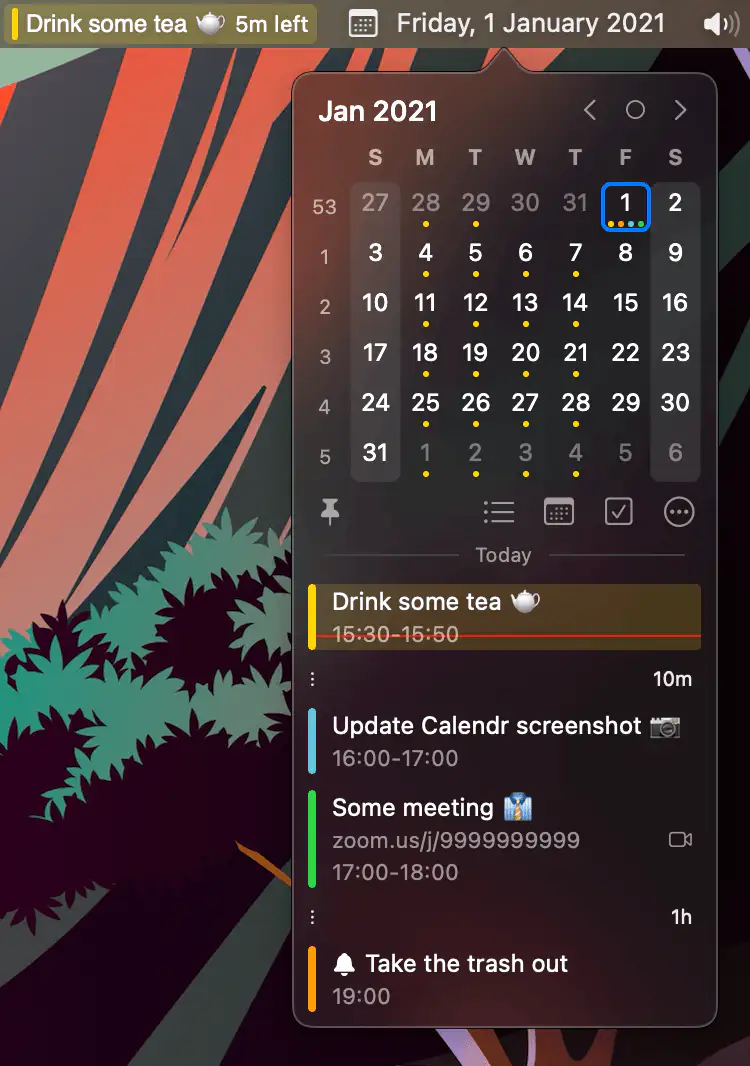
Calendr shows your next event with a countdown in the menu bar, so you don’t have to open Calendar just to check what’s next.
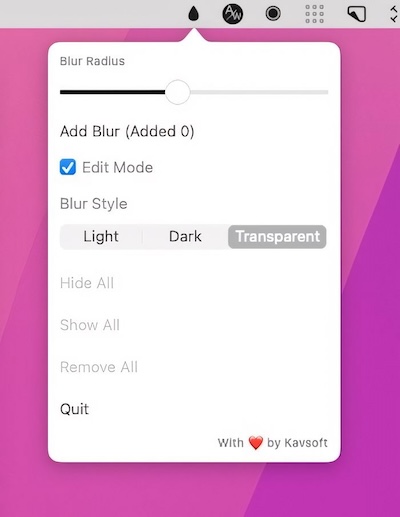
This menu bar app allows you to blur out sensitive information. You can resize each blurred part of your screen to meet your preferences.
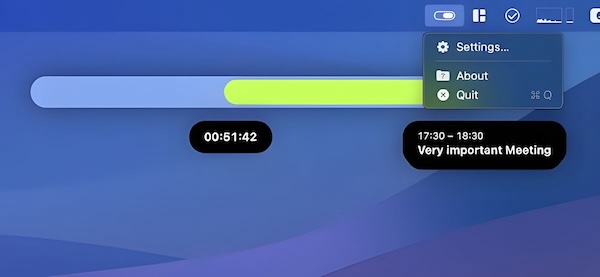
Soonie is a small menu bar app that visualizes your free time until the next meeting or calendar event on your list, and more.
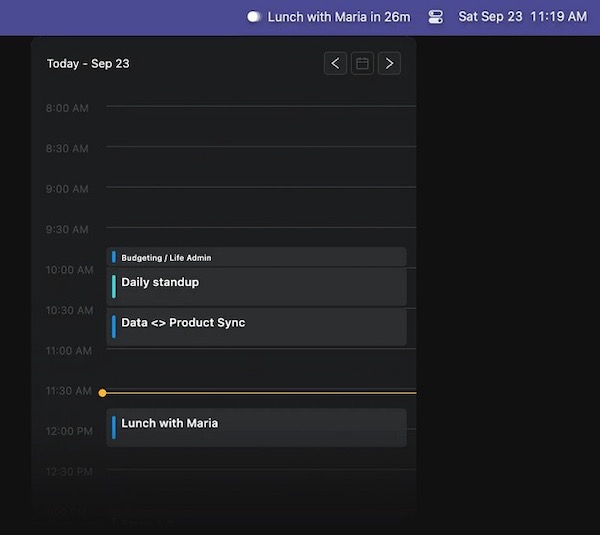
This menu bar app displays upcoming calendar events, sends notifications, and automatically joins meetings. It neither reads nor saves your events.
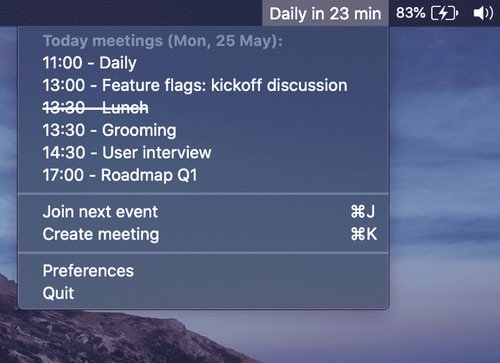
MeetingBar shows your next meeting in the menu bar and gets you into the call with one click, whether it’s on Zoom, Google Meet, Teams or one of more than 50 other services. It works with all your calendars, and it’s free and open source.