Muzzle

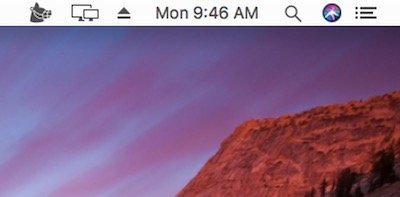
Muzzle runs quietly in the menu bar. When you start sharing your screen, it automatically enables ‘Do Not Disturb’ so that no notifications appear on your screen and interrupt or embarrass you during a meeting.
The next time a site asks for a code, you’ll just tap it in. iPhone · iPad · Mac
Run your meetings without chaos. Join calls in one click, see what’s next, auto-mute your mic, blur sensitive areas, silence notifications, manage time zones, transcribe conversations, and protect your screen during recordings, all from your menu bar.

Muzzle runs quietly in the menu bar. When you start sharing your screen, it automatically enables ‘Do Not Disturb’ so that no notifications appear on your screen and interrupt or embarrass you during a meeting.