Run your meetings without chaos. Join calls in one click, see what’s next, auto-mute your mic, blur sensitive areas, silence notifications, manage time zones, transcribe conversations, and protect your screen during recordings, all from your menu bar.
Show me the free apps only
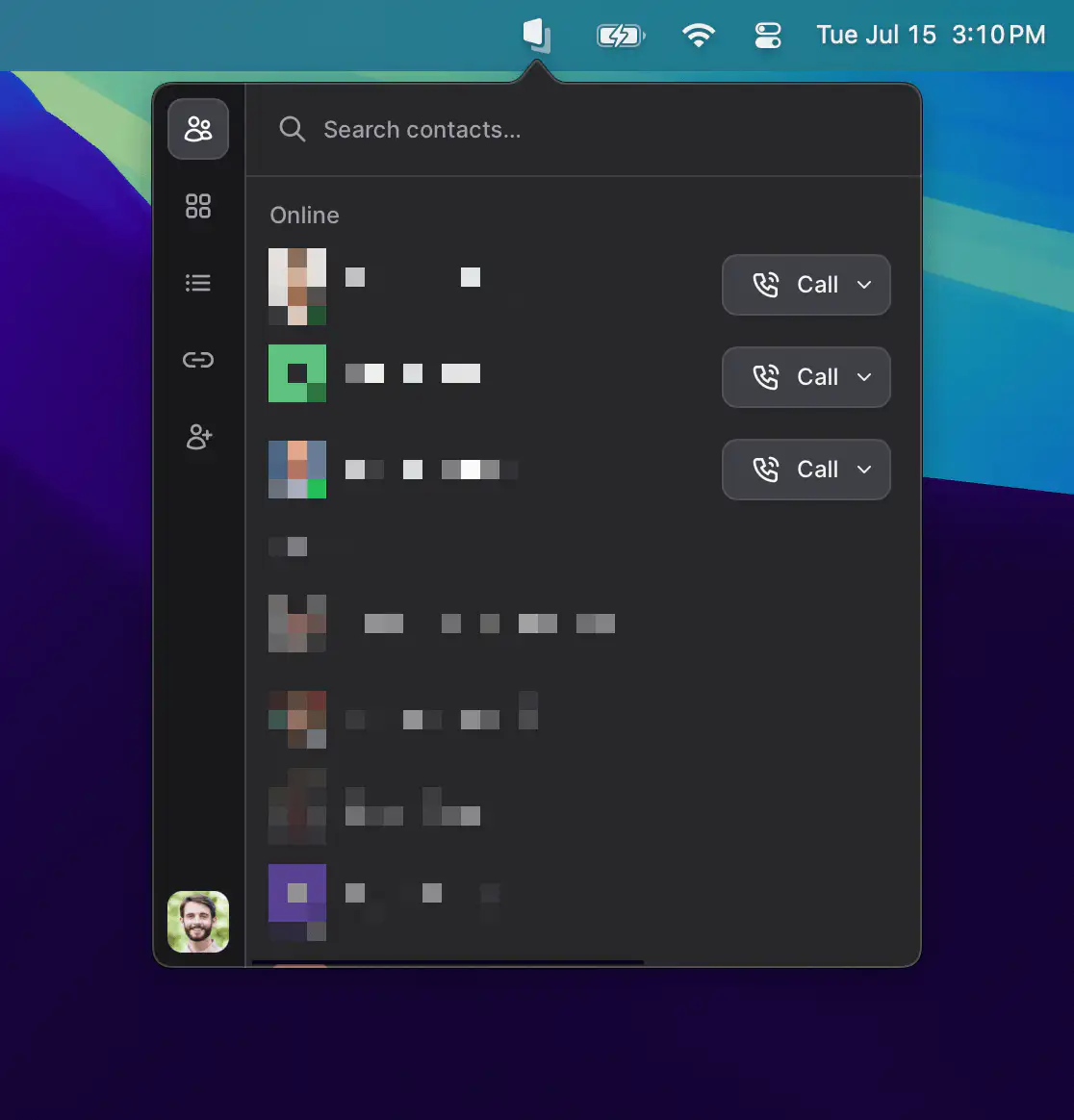
Tuple is a lightweight menu bar app for developers that makes remote pair programming feel effortless, with sharp screen sharing, crystal-clear audio, and intuitive controls that stay out of your way.
Visit
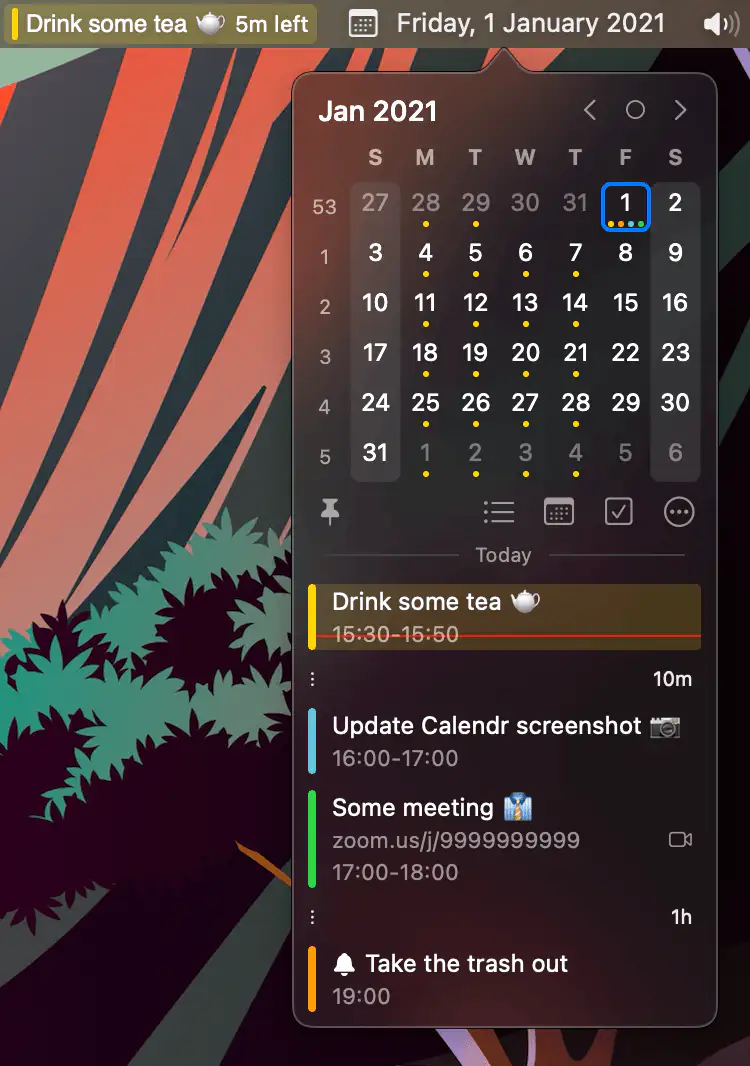
Calendr shows your next event with a countdown in the menu bar, so you don’t have to open Calendar just to check what’s next.
Visit
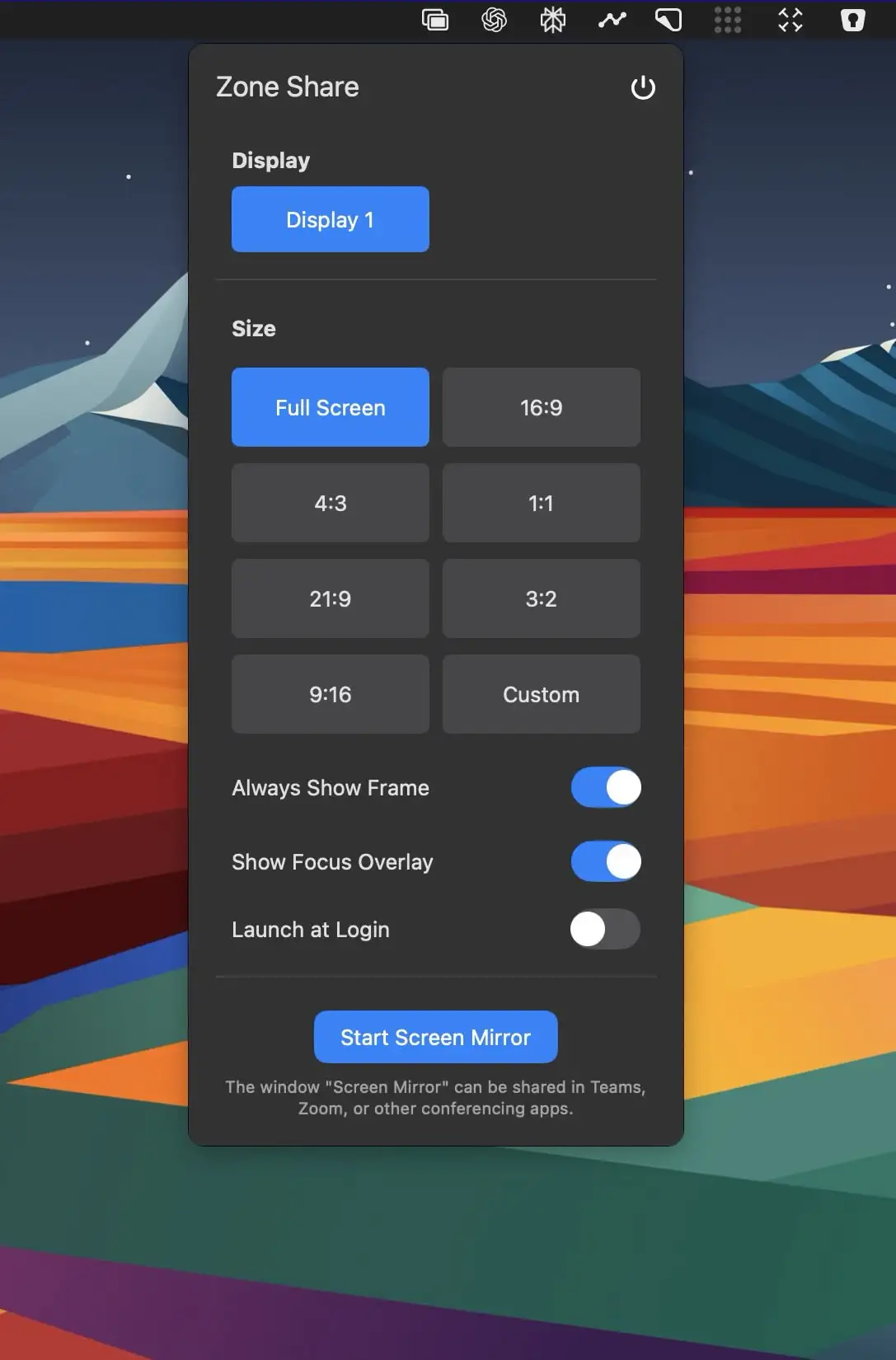
Zone Share lets you share just part of your screen in video calls, which is ideal on ultra-wide monitors. Show the selected area in a mirror window or as a virtual camera, draw and highlight on screen, and blur apps you’d rather keep private.
Visit

This menu bar app allows you to show a highly customizable live camera feed and text on your screen on top of everything else.
Visit Watch

MeetingMenu is the all-in-one meeting management tool designed specifically for the menu bar. Offering features like a meeting countdown timer, one-click meeting launches, screen recording, live camera preview, privacy tools and more.
Visit Watch

Notes.ai turns meetings and audio files into clean, structured transcripts using fully local AI models. It exports everything straight to Notion or Obsidian, lets you chat with your transcripts for insights, and keeps all data securely on your Mac.
Visit
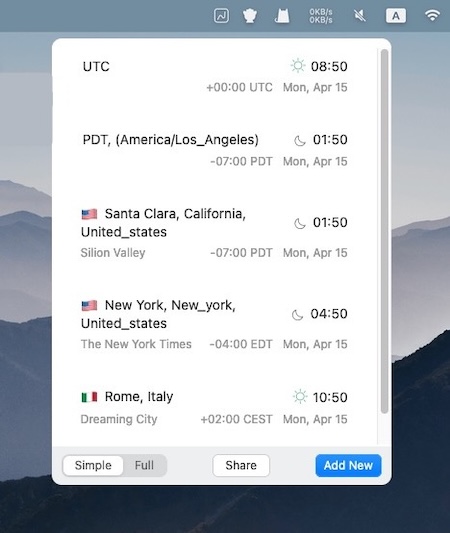
This menu bar app lets you find the correct time across multiple zones for traveling, planning meetings, calling abroad and so on. Offline mode is supported.
Visit
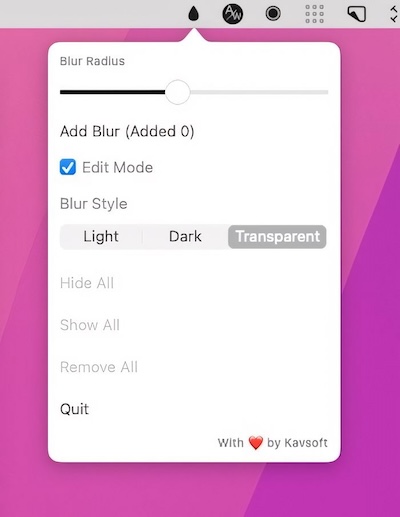
This menu bar app allows you to blur out sensitive information. You can resize each blurred part of your screen to meet your preferences.
Visit
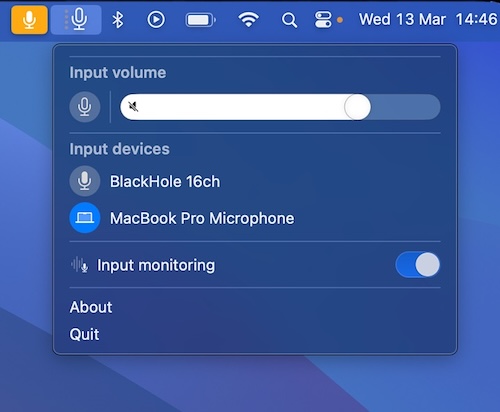
With MutePod, you can mute or unmute the microphone directly from your menu bar. Whether you’re in a Zoom meeting or grooving to record, MutePod syncs effortlessly with your AirPods. You can also modify the input volume or the default input device.
Visit
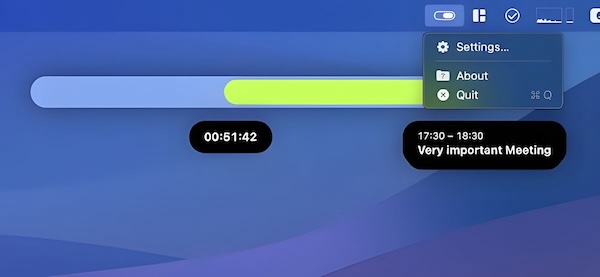
Soonie is a small menu bar app that visualizes your free time until the next meeting or calendar event on your list, and more.
Visit
