Collection:
Menu Bar Managers
MenuBarShelf
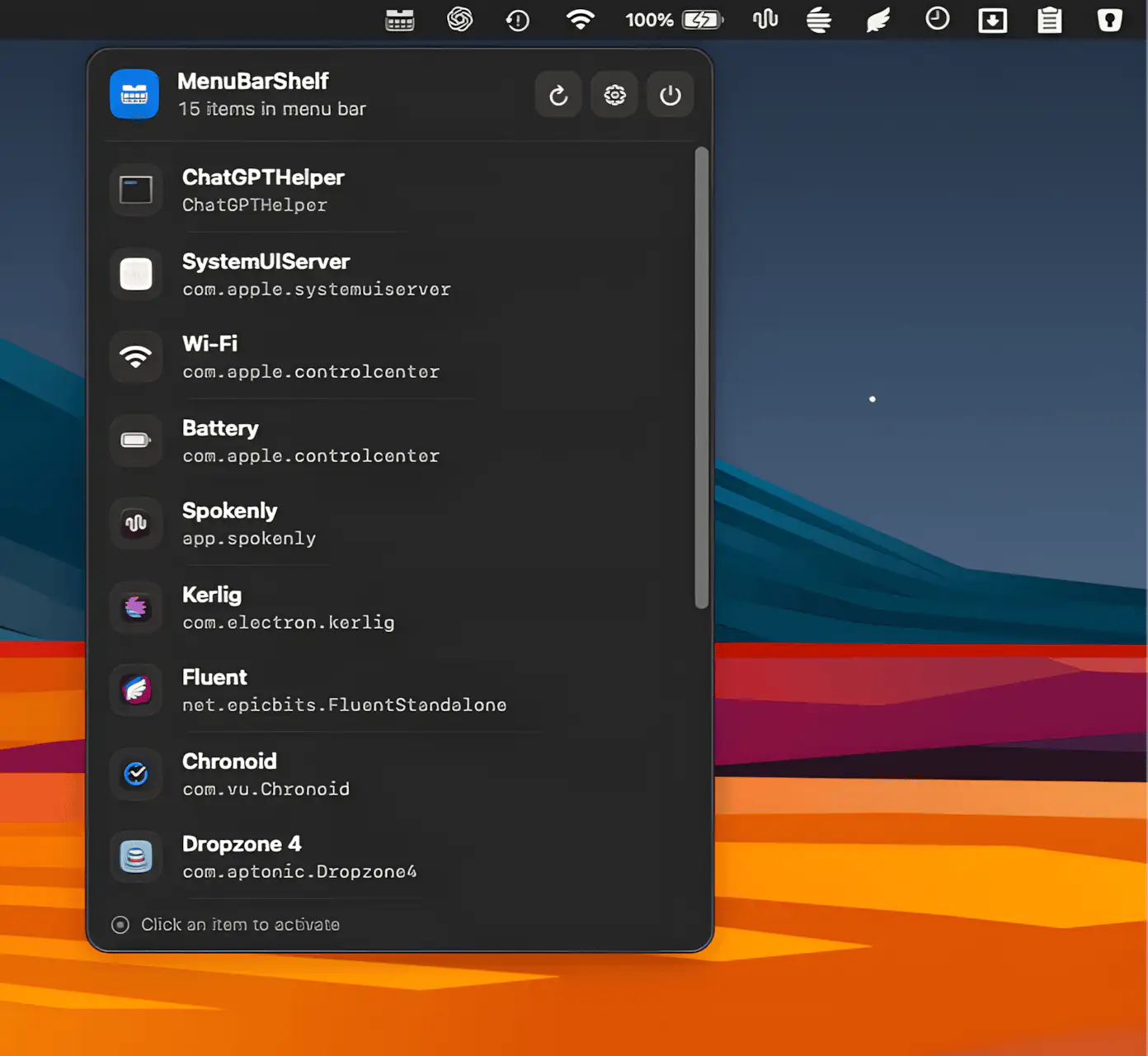
MenuBarShelf keeps overcrowded Mac menu bars manageable by gathering every icon, even the ones sacrificed to the notch, into a clean native popover.
The next time a site asks for a code, you’ll just tap it in. iPhone · iPad · Mac

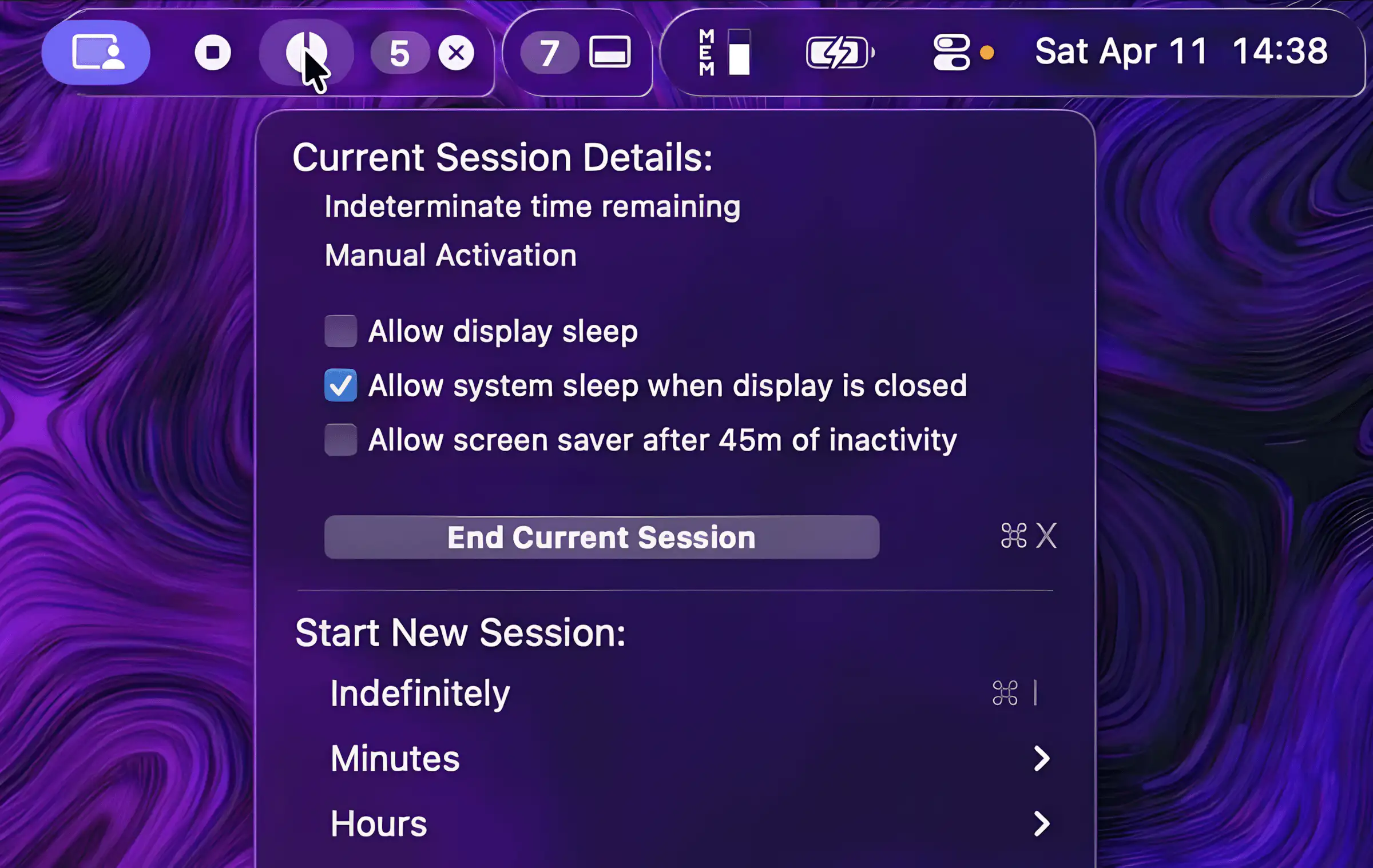
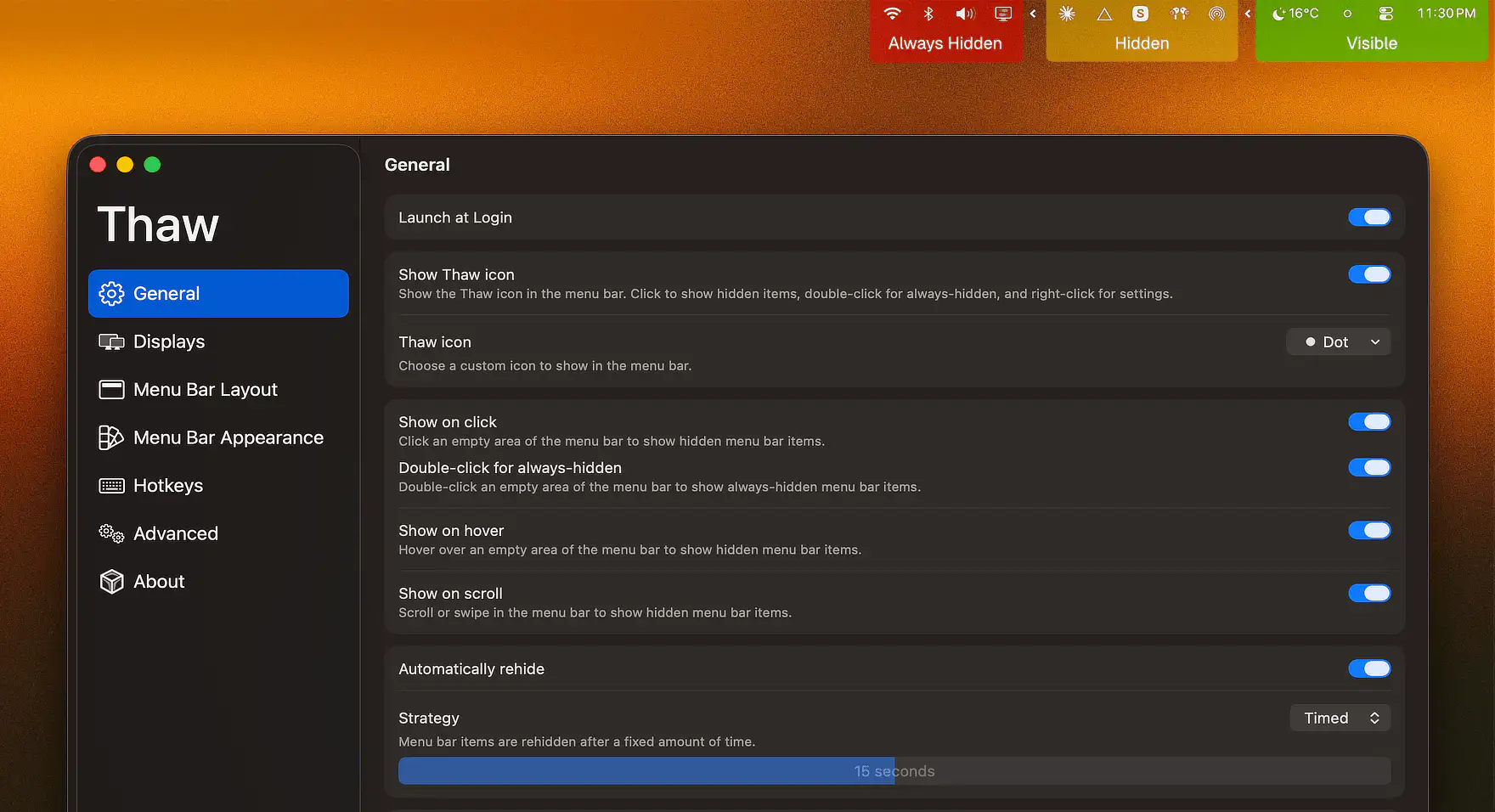
Keep your menu bar calm and under control. Hide, reveal, group, space, recolor, restyle, or reorganize menu bar icons, tame the notch, add custom text or badges, and build a cleaner, more intentional top bar that fits how you work.
Keep your menu bar calm and under control. Hide, reveal, group, space, recolor, restyle, or reorganize menu bar icons, tame the notch, add custom text or badges, and build a cleaner, more intentional top bar that fits how you work.
MenuBarShelf keeps overcrowded Mac menu bars manageable by gathering every icon, even the ones sacrificed to the notch, into a clean native popover.

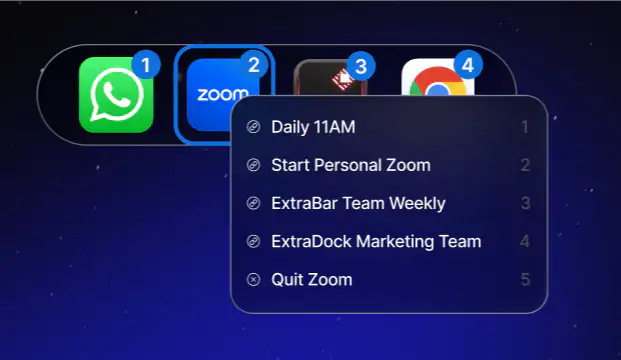
ChocolateBar adds a second row beneath your Mac’s menu bar, bringing hidden notch-blocked icons and open windows back into view.
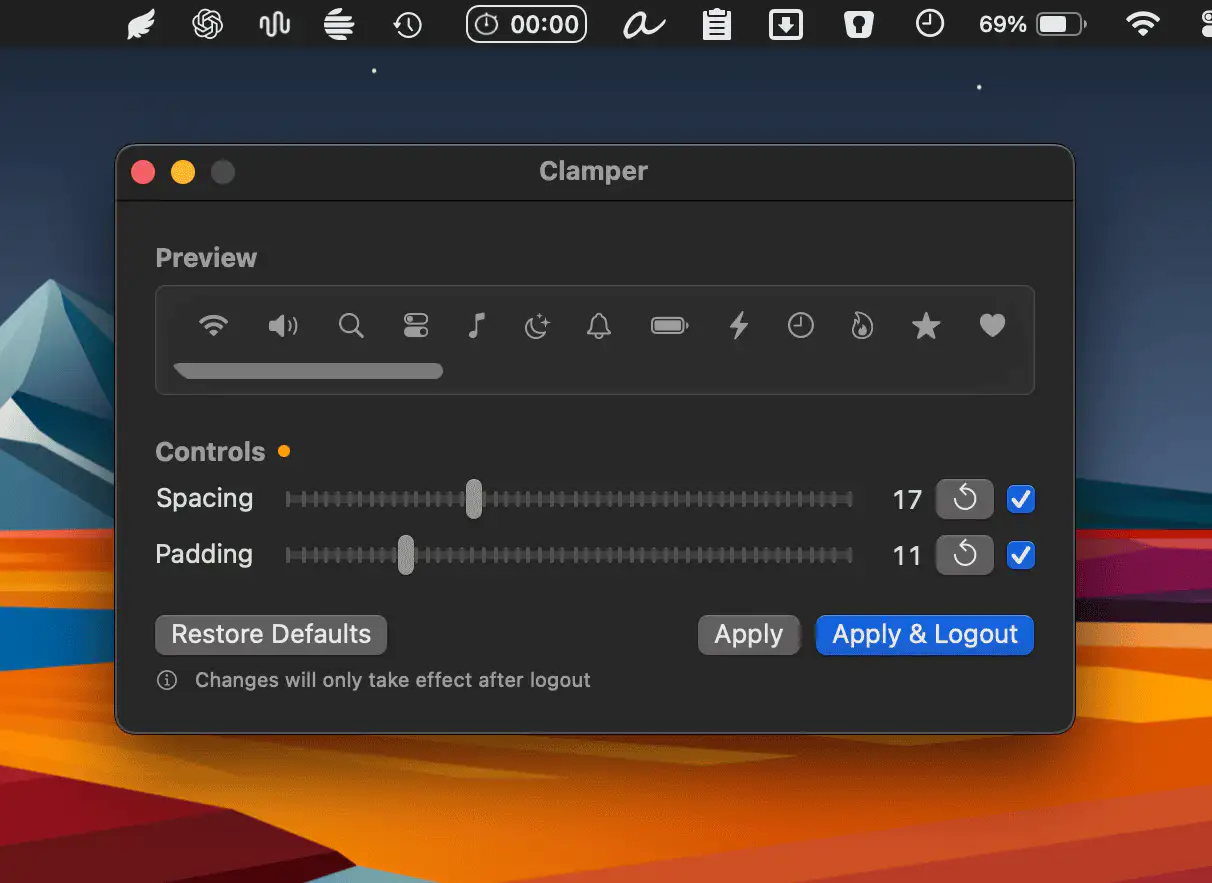
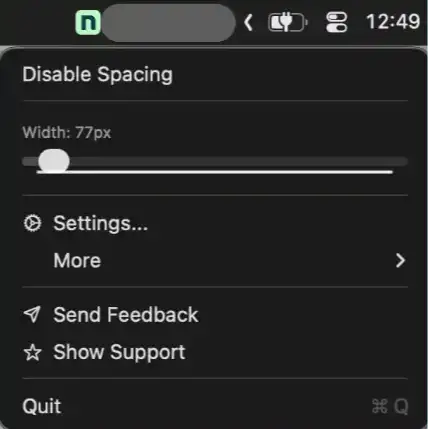
Clamper gives you precise control over the spacing and padding of your macOS menu bar icons, complete with real-time preview and subtle haptic feedback. A single click restores everything to default.
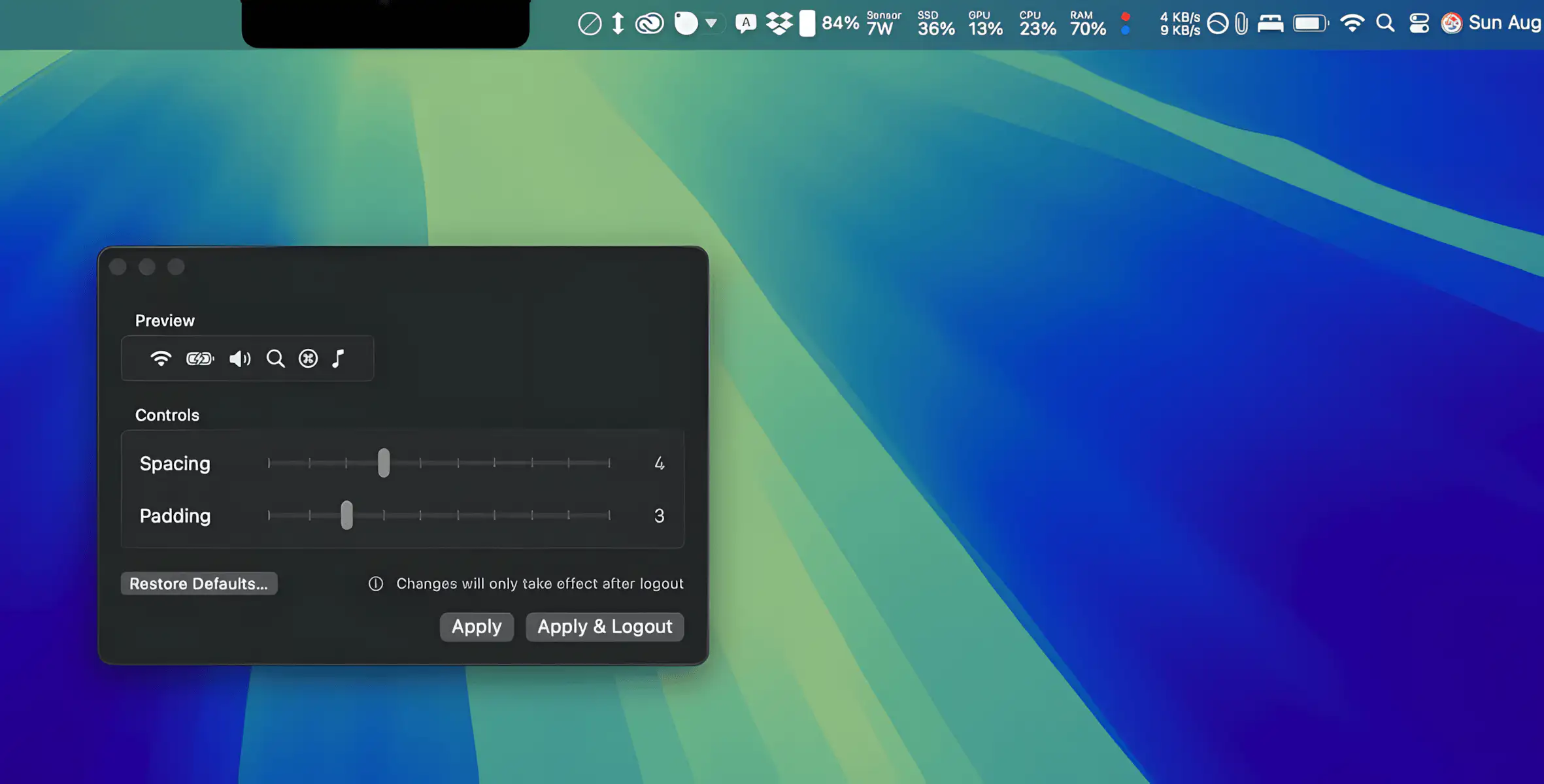
TighterMenubar lets you fine-tune menu bar spacing for a cleaner, more compact layout, so all your items stay visible without slipping behind the notch.
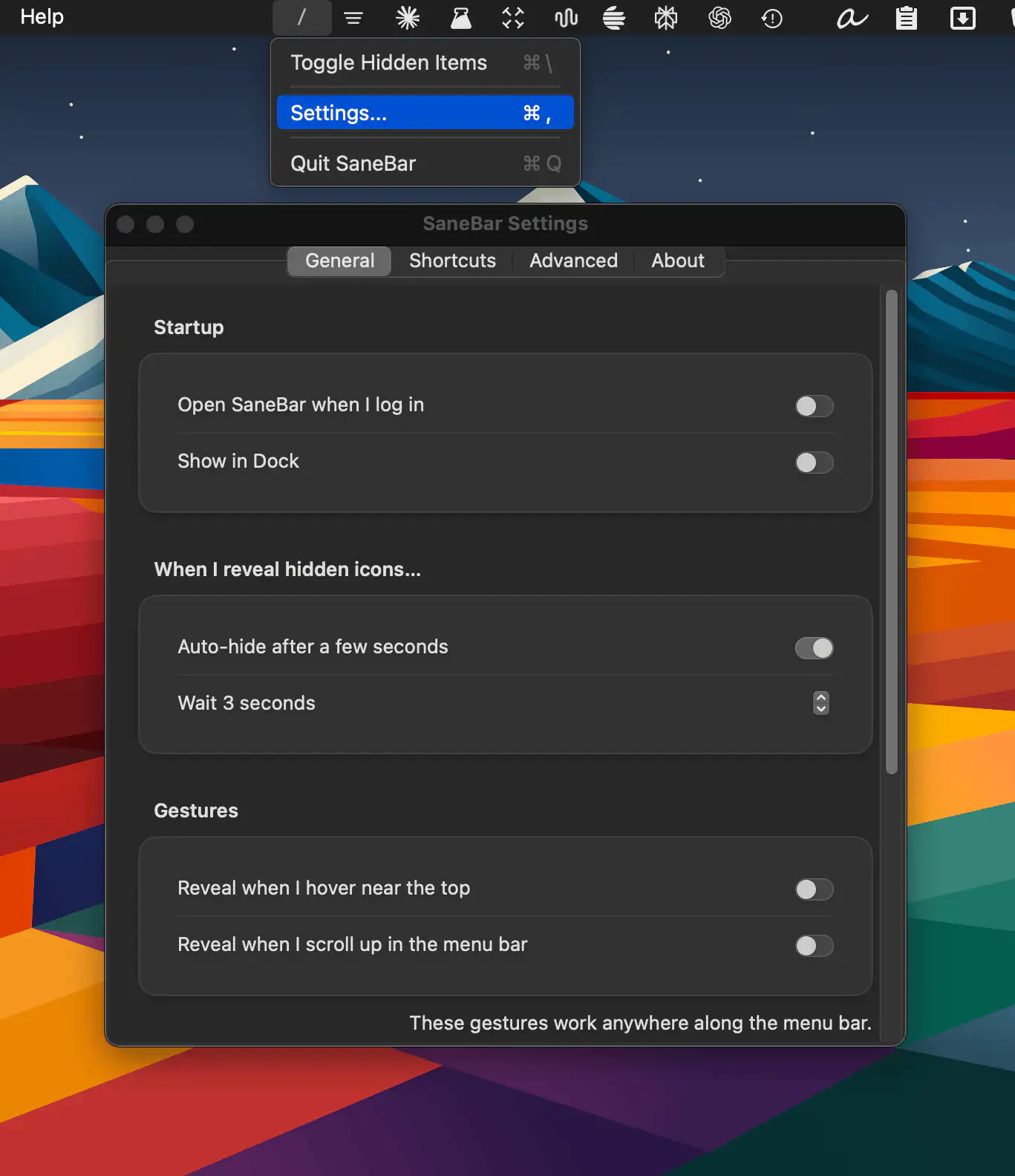
SaneBar is a privacy-first macOS menu bar manager that hides clutter, protects sensitive icons with Touch ID, and helps you find any app instantly, even behind the notch.
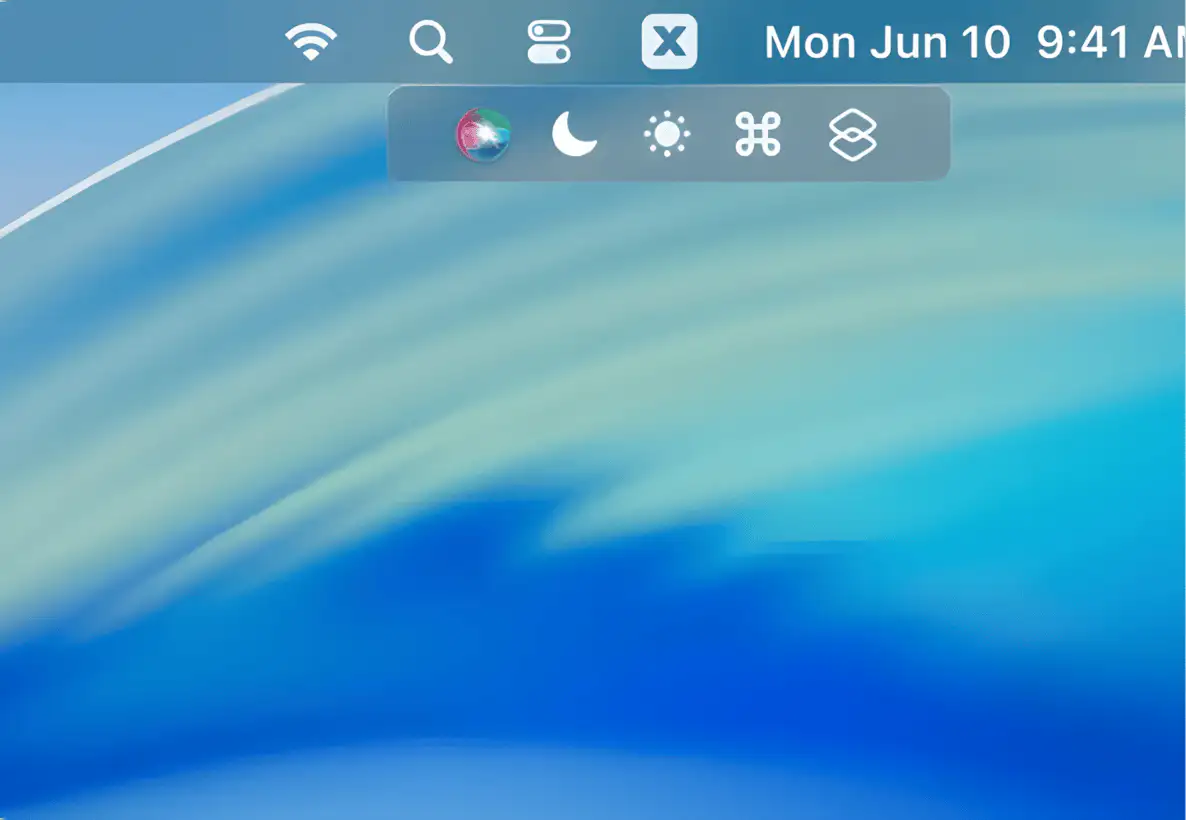
A lightweight Mac menu bar manager that hides cluttered icons, fixes notch cut-offs, and lets you reorder and space items just the way you like, with quick shortcuts built in.