
Collection:
Network Apps
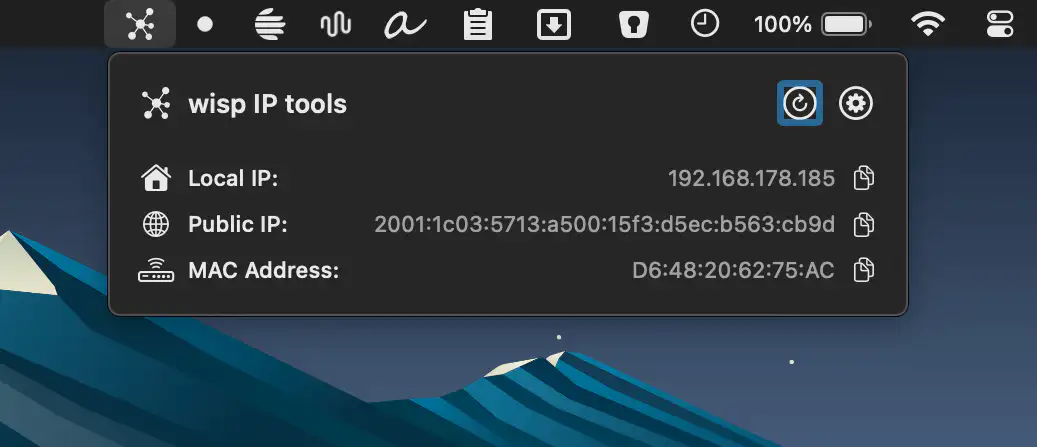
Stay in control of your connection. Monitor bandwidth, ping latency, IP addresses, DNS settings, VPN status, ports, and signal strength, automate network triggers, mount shares, switch proxies, and secure traffic directly from your menu bar.
Collection:
Network Apps
MenuBar IP
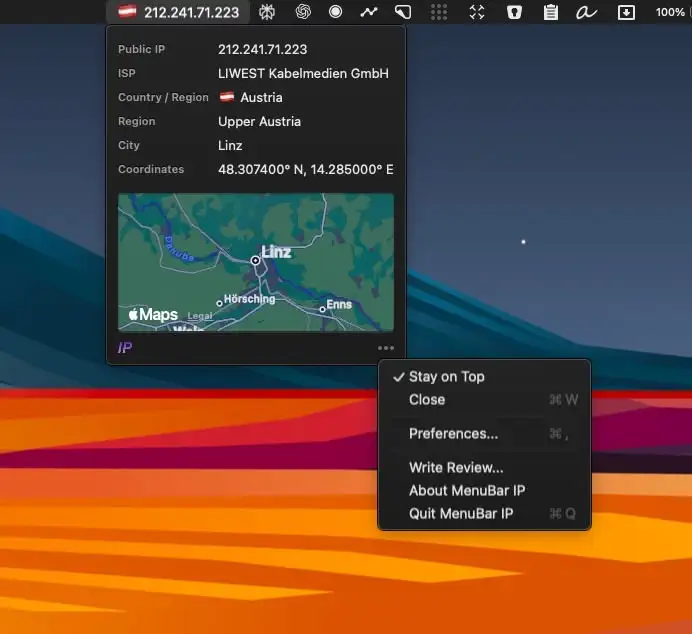
MenuBar IP displays your Mac’s public IP address in the menu bar, making it easy to monitor your network, verify VPN locations, and access geolocation insights instantly.
Collection:
Network Apps
DNS Easy Switcher
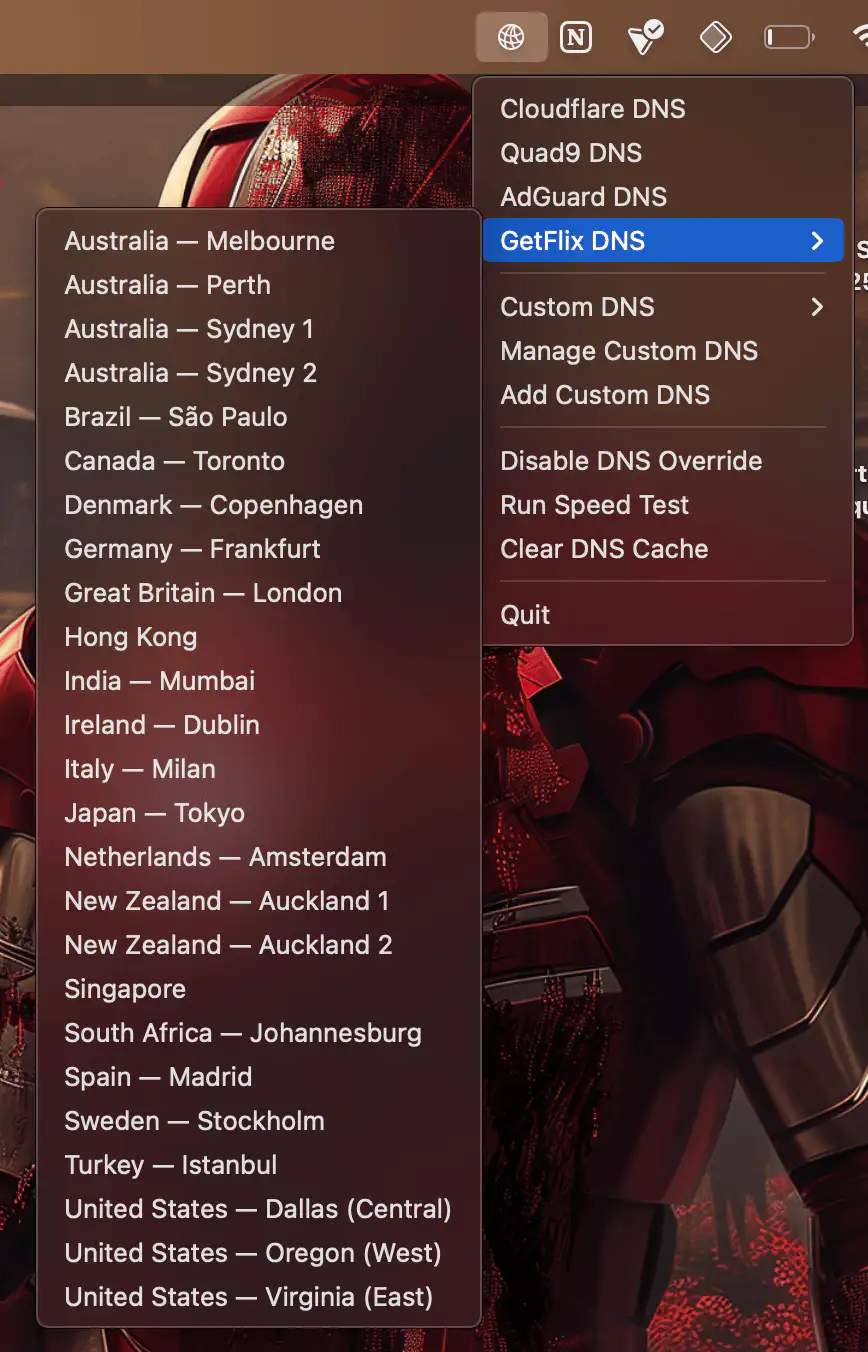
This menu bar app lets you quickly switch between different DNS providers (or add custom ones).
Collection:
Network Apps
Ping Menubar

Collection:
Network Apps
NetworkLight
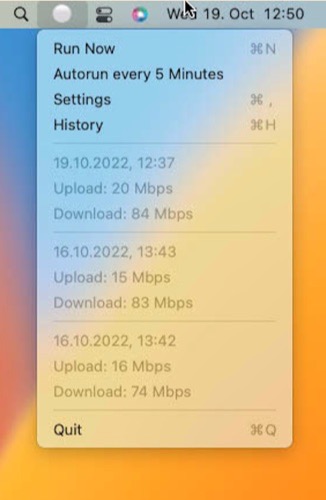
This menu bar app is a simple wrapper that regularly performs a speed test and checks your network quality. Designed primarily for problem resolution rather than long-term use.
Collection:
Network Apps
Easy Ethernet Icon

This menu bar app shows your Ethernet connection status at a glance. This comprehensive tool helps you stay organized and efficient throughout your workday without distractions or complications.
Collection:
Network Apps
Online Check

Check if you are online directly from the menu bar. The menu bar icon turns red when you are offline.
Collection:
Network Apps
IsThereNet

See when your internet disconnects and reconnects. A green top status line means connected; Red means disconnected (and Yellow means slow internet). The status line does not display in screenshots and does not interfere with menu bar navigation.
Collection:
Network Apps
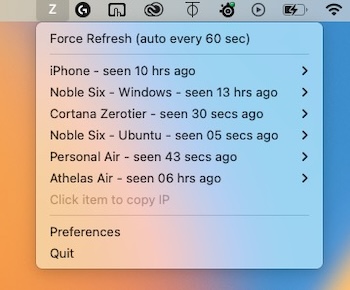
ZeroTierCortana
Collection:
Network Apps
Pingu
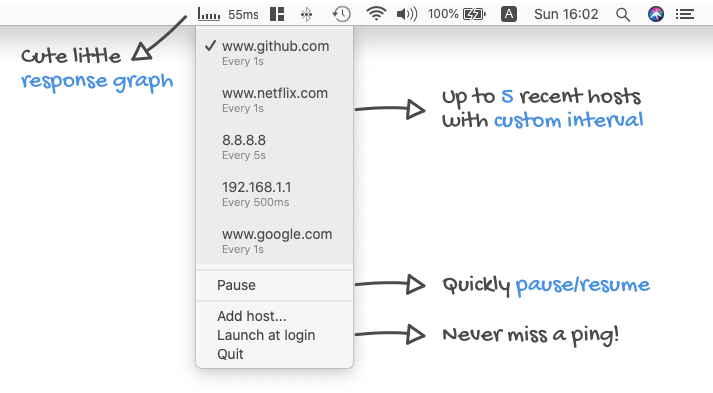
Ping servers and monitor network connectivity directly from your menu bar for instant access. This streamlines your workflow significantly.