Stay in control of your connection. Monitor bandwidth, ping latency, IP addresses, DNS settings, VPN status, ports, and signal strength, automate network triggers, mount shares, switch proxies, and secure traffic directly from your menu bar.
Show me the free apps only
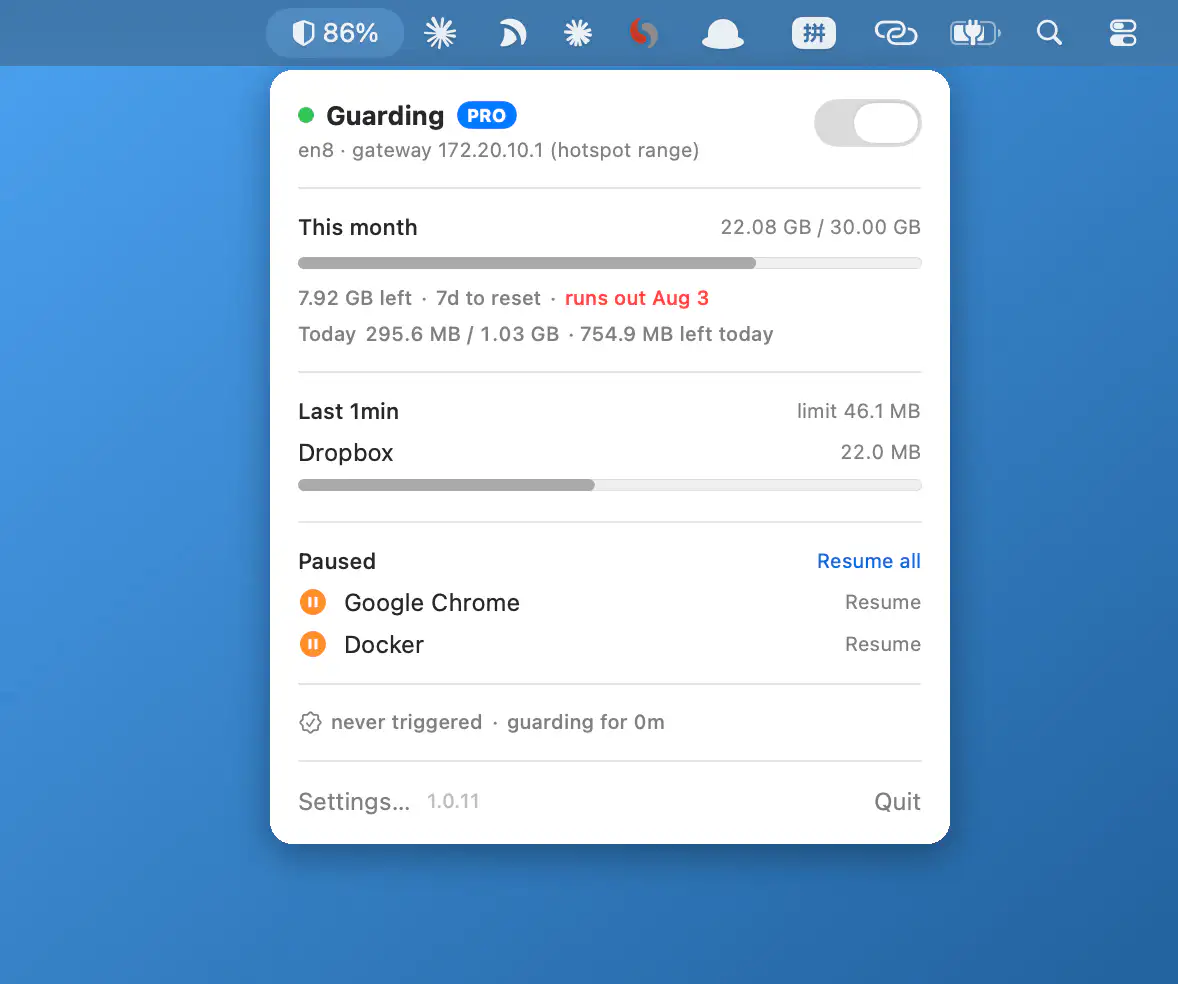
Hotspot Guard monitors app data usage on metered connections, helping prevent runaway data usage on mobile hotspots. Set limits, track budgets, and receive alerts with everything running on-device for a more private experience.
Visit
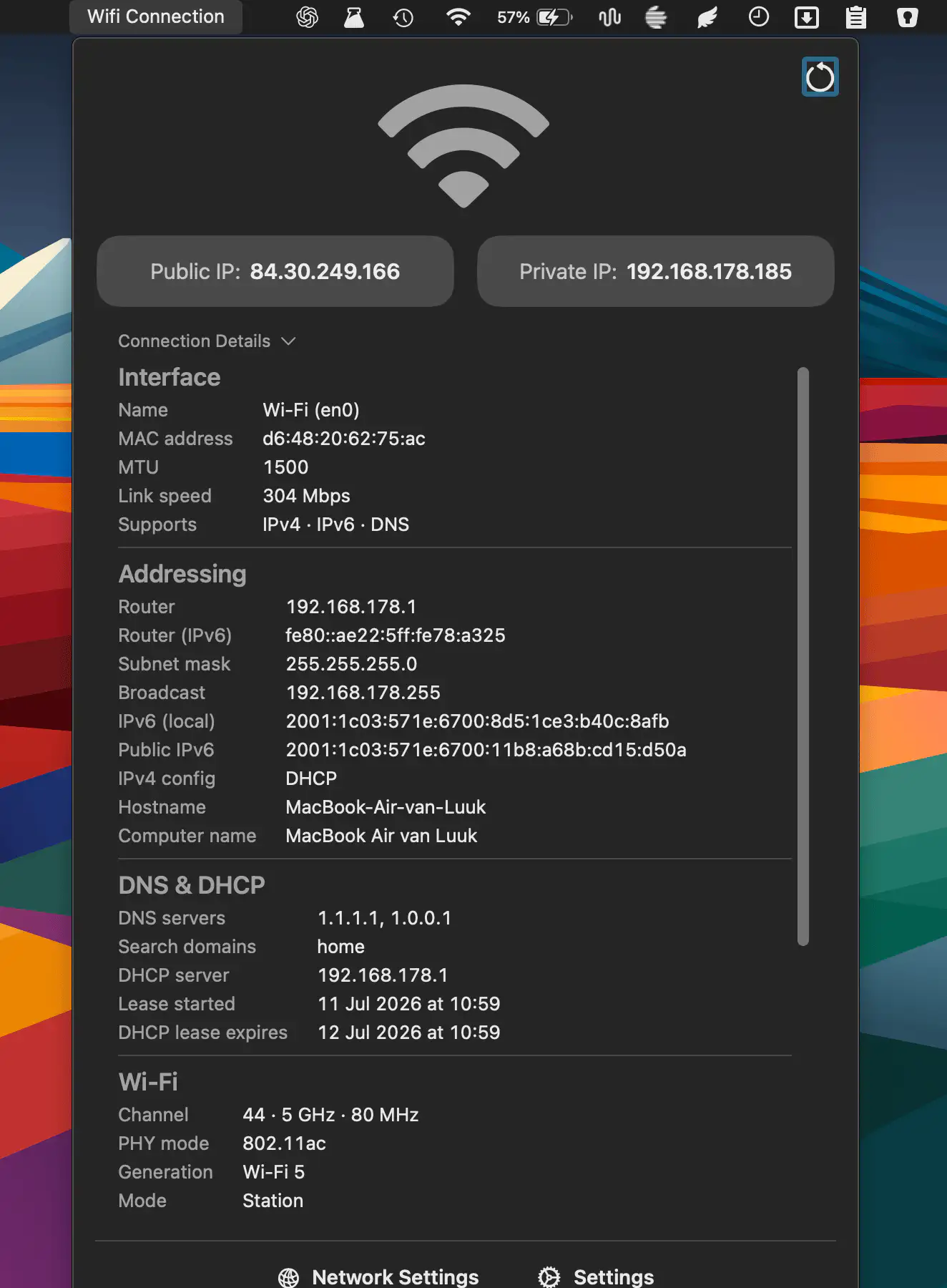
QuickNetStats shows connection type, link quality, and IPv4 addresses at a glance. It helps monitor connectivity and provides detailed information about your current network connection.
Visit
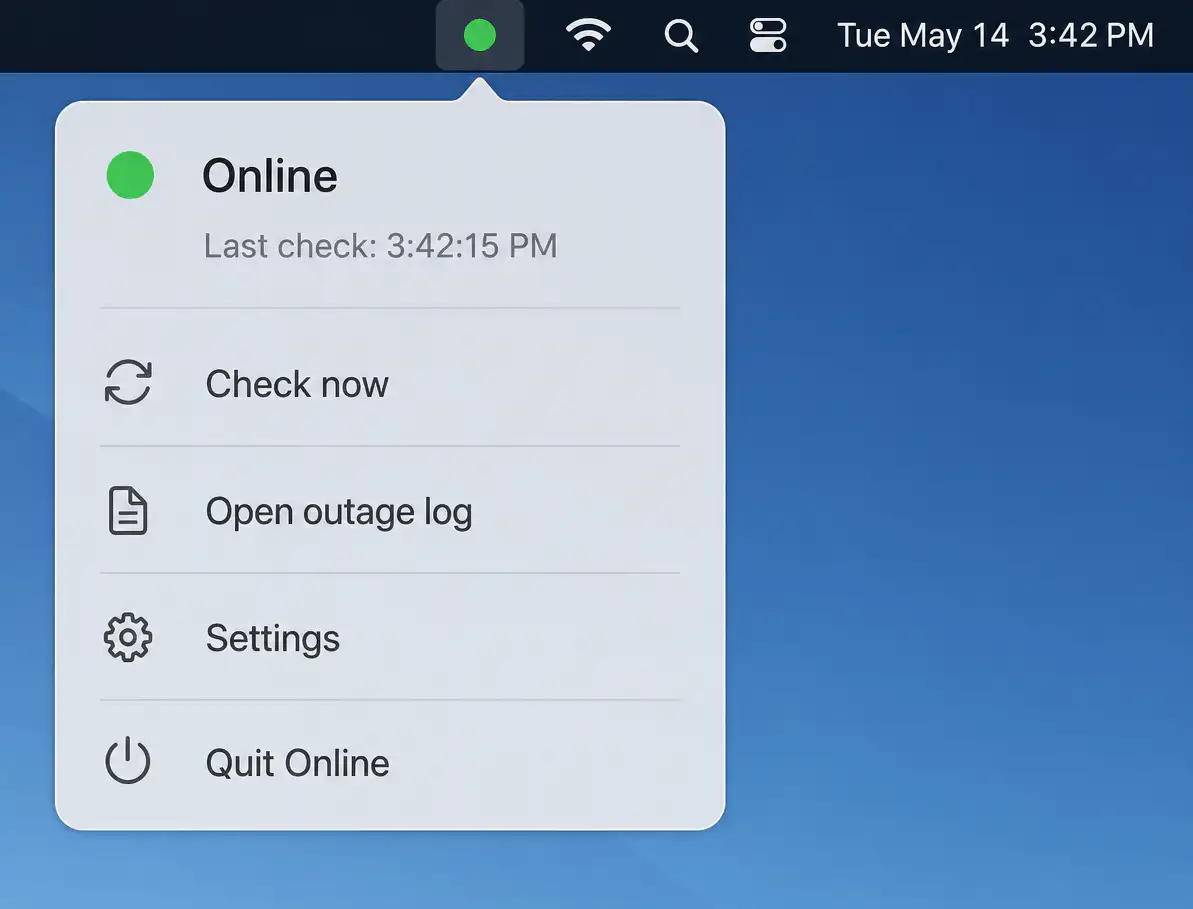
Online quietly monitors your internet connection with layered connectivity checks, detecting real outages beyond simple Wi-Fi status. It identifies likely causes, logs interruptions, and sends timely alerts while staying unobtrusive when everything works.
Visit
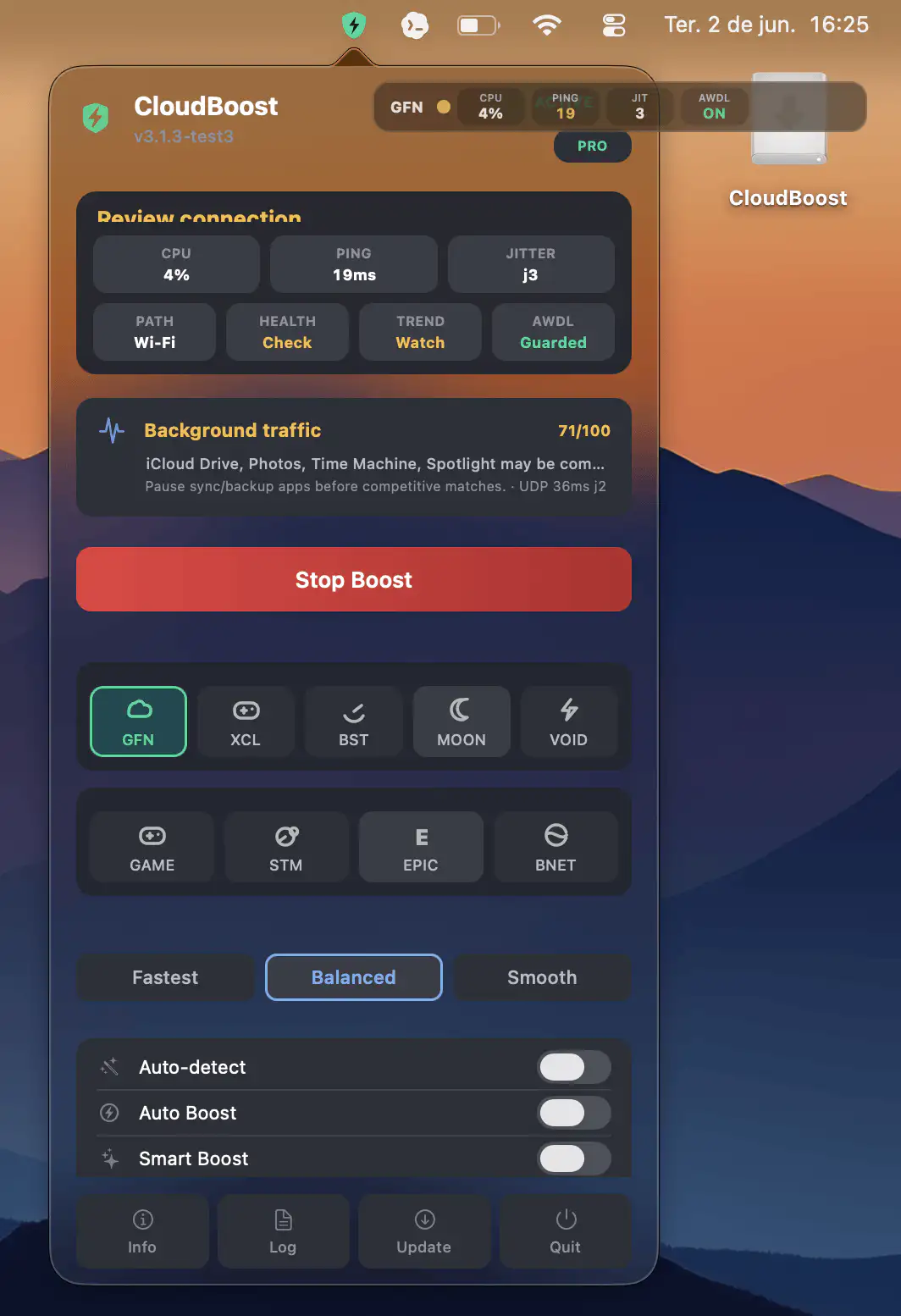
CloudBoost helps make cloud gaming on macOS smoother by applying temporary system optimizations that reduce stutters, latency spikes, and background interruptions, then automatically restoring your settings when the session ends.
Visit
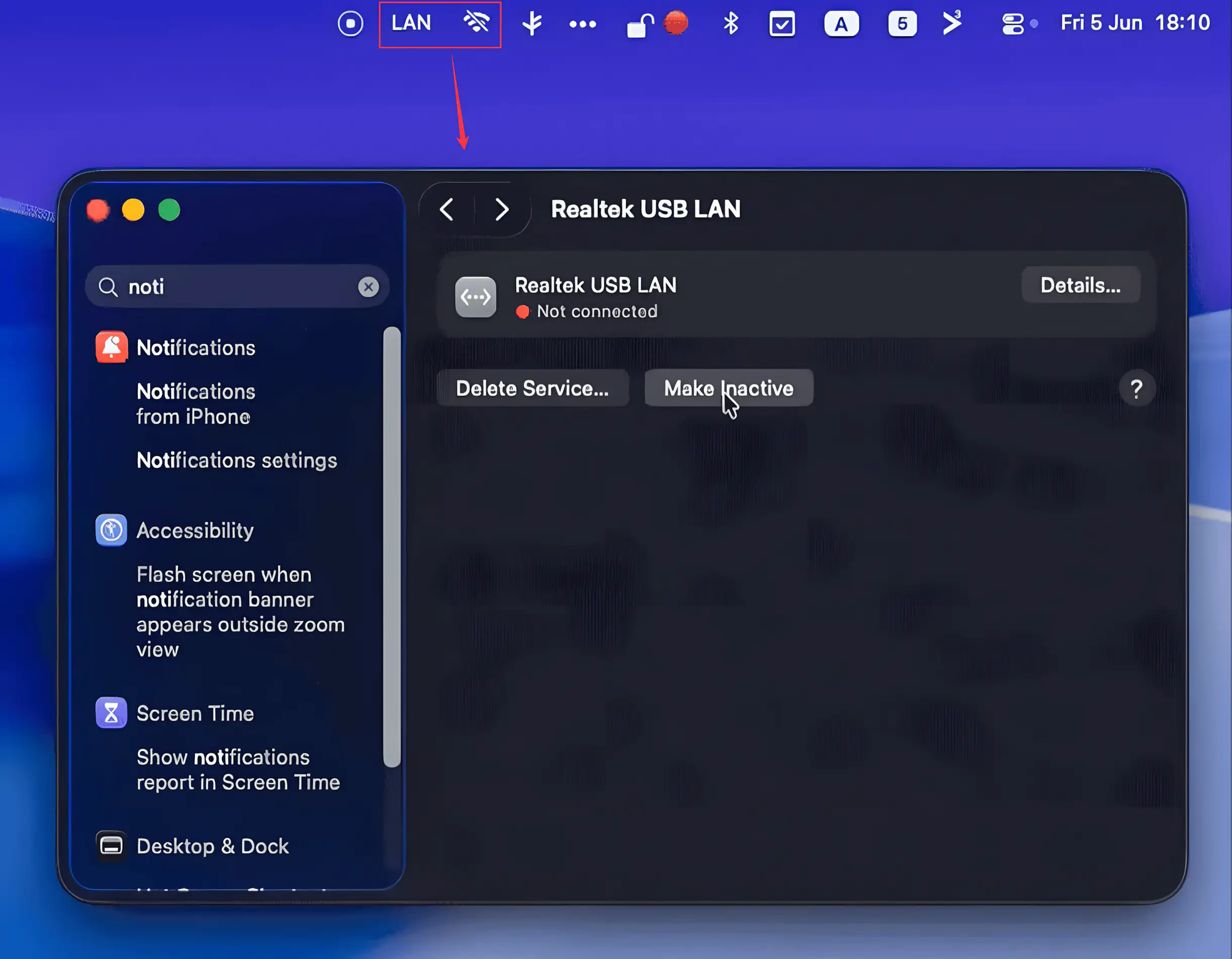
LanGuard automatically disables Wi-Fi whenever your Mac is connected to Ethernet and restores it when the cable is unplugged. Lightweight and wake-aware, it helps keep networking clean while respecting your manual Wi-Fi preferences and requiring no admin privileges.
Visit Watch
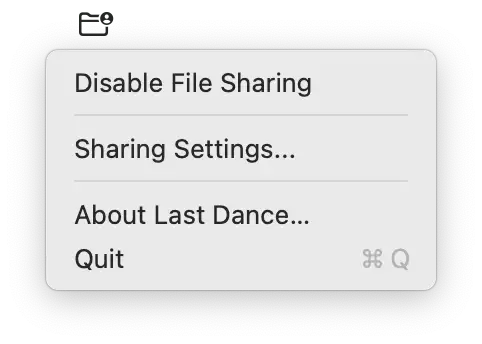
Last Dance fixes a persistent macOS issue where SMB file sharing stops responding after restart. It quietly disables sharing during shutdown and restores it on login, keeping everything reliably accessible.
Visit
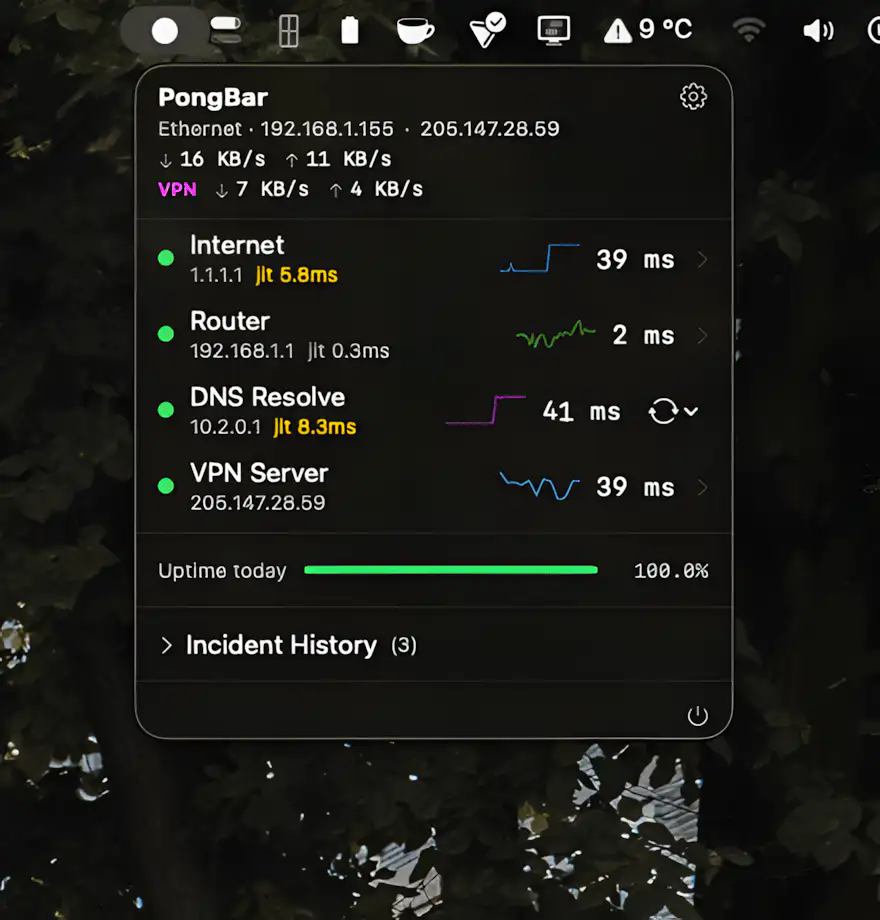
Still guessing why your internet feels so slow? PongBar watches every hop in the background and surfaces real-time latency, packet loss, VPN performance, and outages at a glance.
Visit
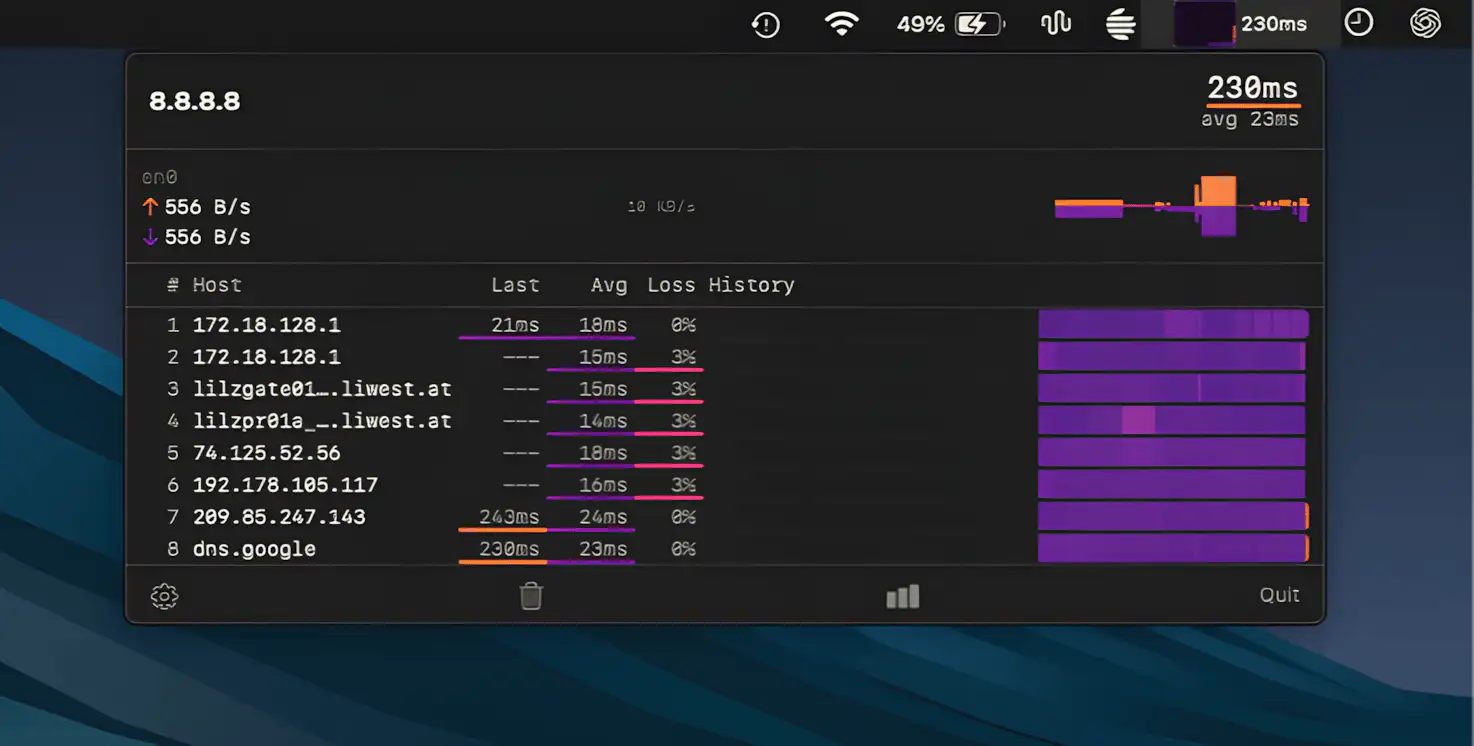
TraceBar keeps a continuous eye on your network by running traceroutes in the background, revealing latency and packet loss across each hop, so you can instantly spot where connections start to fall apart.
Visit
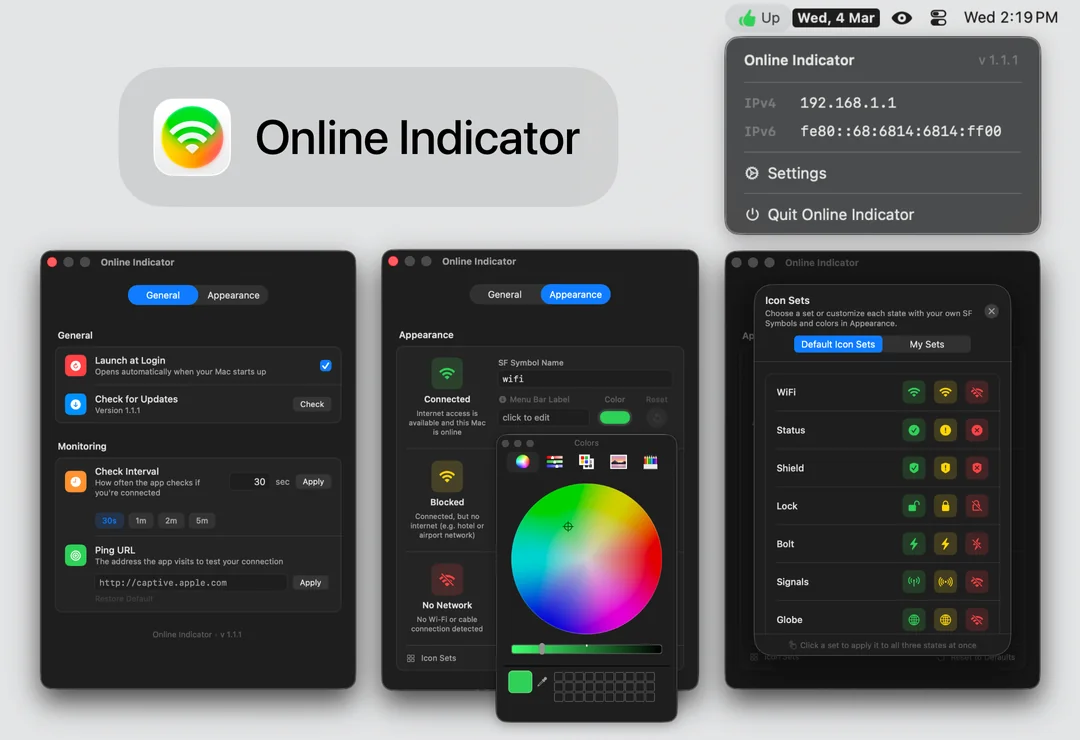
Online Indicator replaces the easy-to-ignore Wi-Fi icon with a clear status signal, showing whether you’re connected, blocked, or offline. Customize symbols, colors, and labels while automatic pings quietly monitor your connection in the background.
Visit
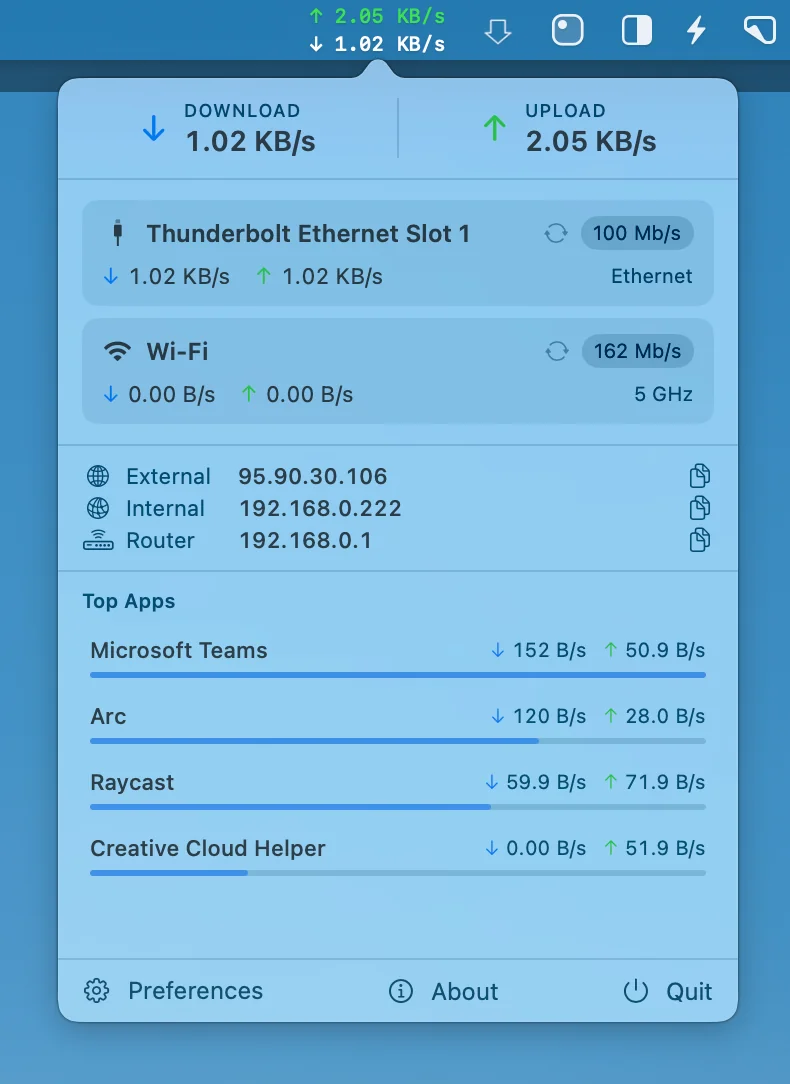
Netfluss keeps things simple, showing real-time upload and download speeds across all active adapters, along with key IP details and quick reconnect options, all in a clean, open-source Swift build that stays lightweight and out of your way.
Visit
