Collection:
Network Apps
Catch
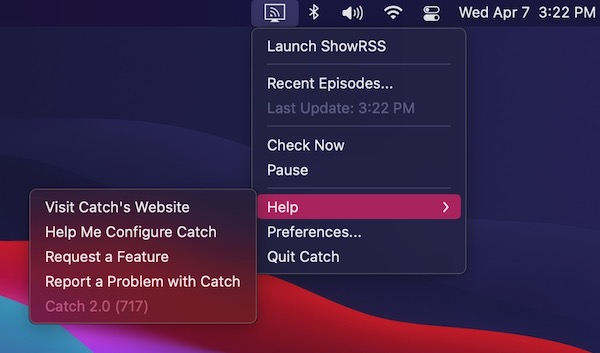
Catch is a menu bar app which enables you to download digital content made available via RSS. Simply add your feeds, and new episodes will be downloaded using your preferred BitTorrent client.

Stay in control of your connection. Monitor bandwidth, ping latency, IP addresses, DNS settings, VPN status, ports, and signal strength, automate network triggers, mount shares, switch proxies, and secure traffic directly from your menu bar.
Stay in control of your connection. Monitor bandwidth, ping latency, IP addresses, DNS settings, VPN status, ports, and signal strength, automate network triggers, mount shares, switch proxies, and secure traffic directly from your menu bar.
Catch is a menu bar app which enables you to download digital content made available via RSS. Simply add your feeds, and new episodes will be downloaded using your preferred BitTorrent client.
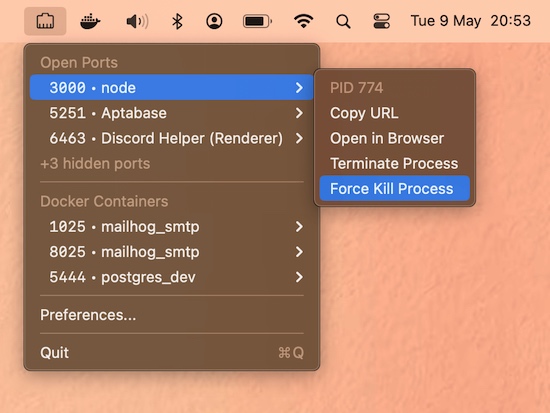
Manage open network ports with options to list, terminate, or kill them from your menu bar for instant access.
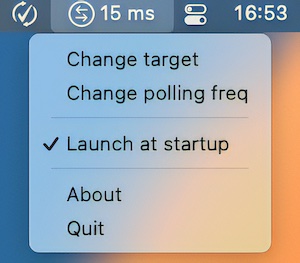
MenuPing is a menu bar app that checks how well the network is working. It pings a server on the Internet every seconds (configurable) and prints the result in a short way at the top of the screen.

When you want to access another computer remotely, you’ll need the SSH protocol. Shuttle brings the SSH client to your menu bar.
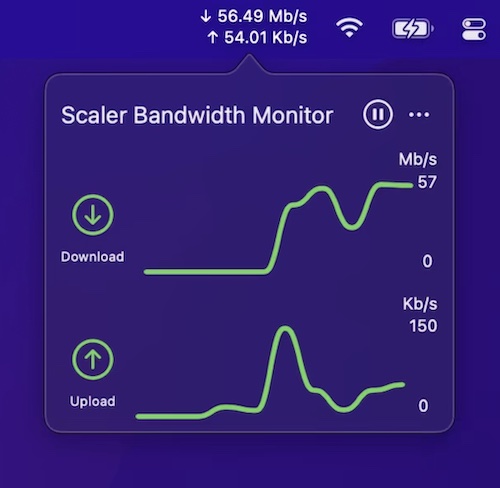
This menu bar app lets you track the current, combined incoming and outgoing network traffic of your device.
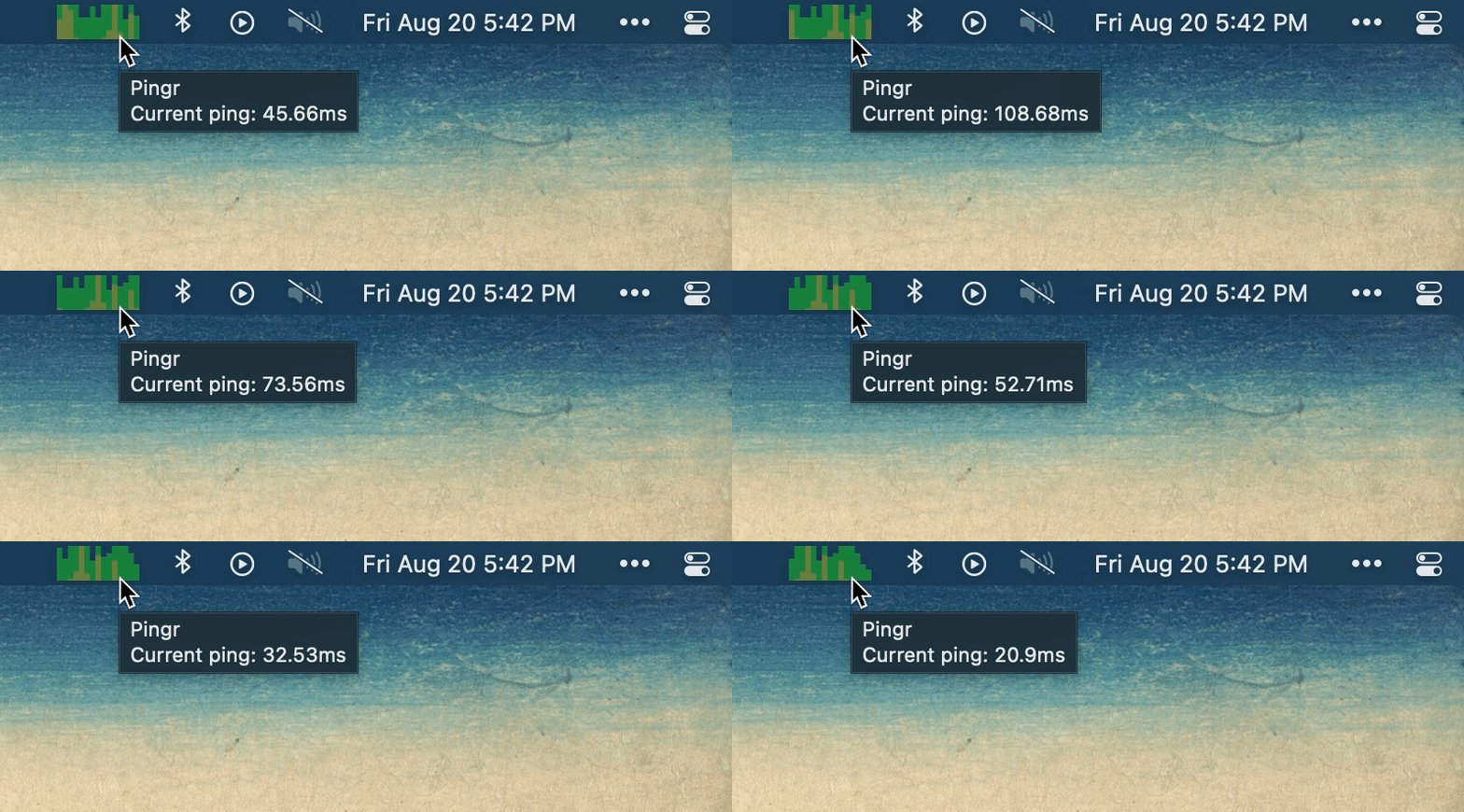
Pingr shows your current internet speed right in the menu bar with a clean, minimal widget — a quick at-a-glance check that tells you whether your connection is holding up without opening a speed test.
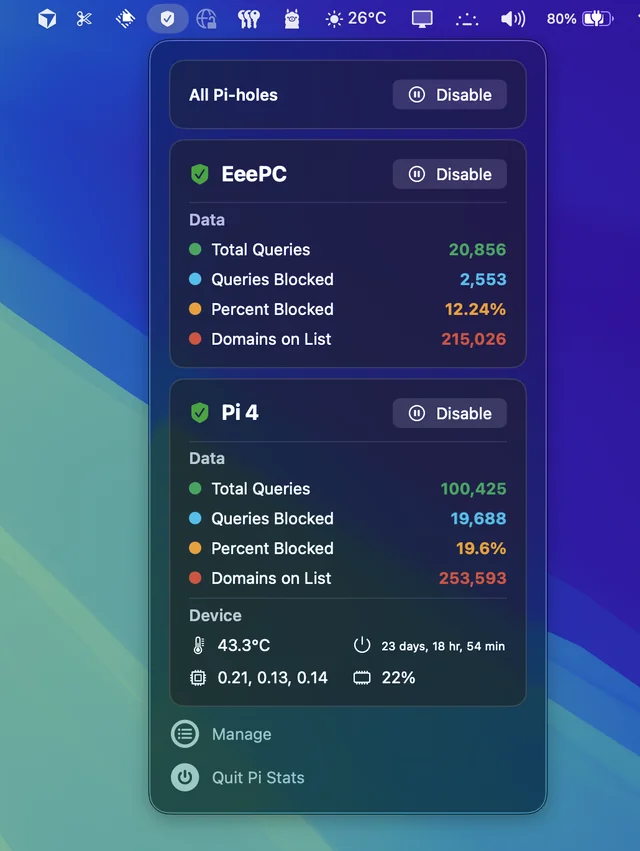
Follow up and manage the status of your Pi-hole(s). Comes in handy when you’re annoyed by having to open up the web interface every time you want to disable pihole.
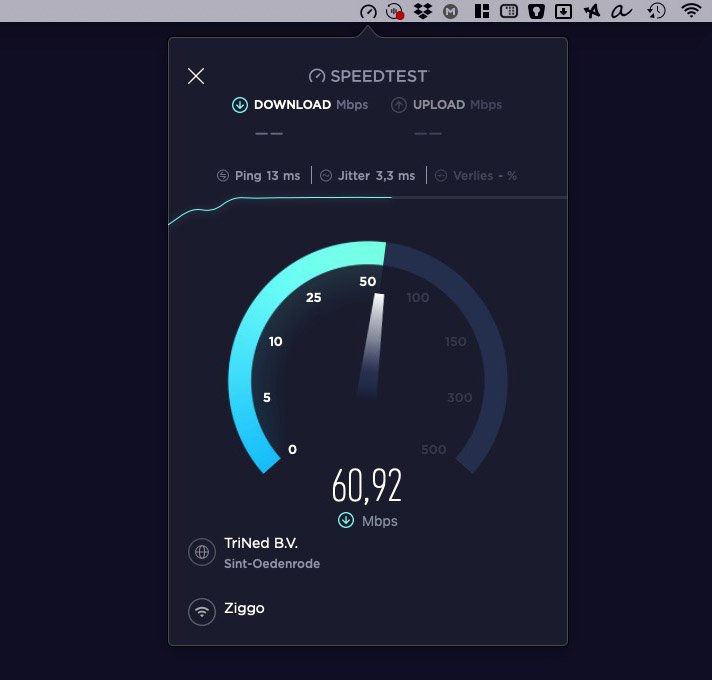
Launching a Speedtest straight from your Mac menu bar is the quickest way to check your connectivity.
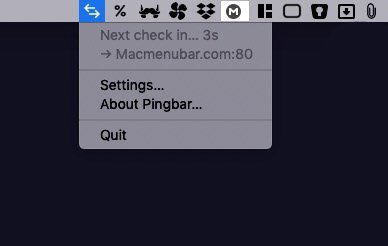
PingBar keeps an eye on your server. It will ping your server periodically, and show you the delay in the menubar.