Collection:
Sports Apps
GP Calendar
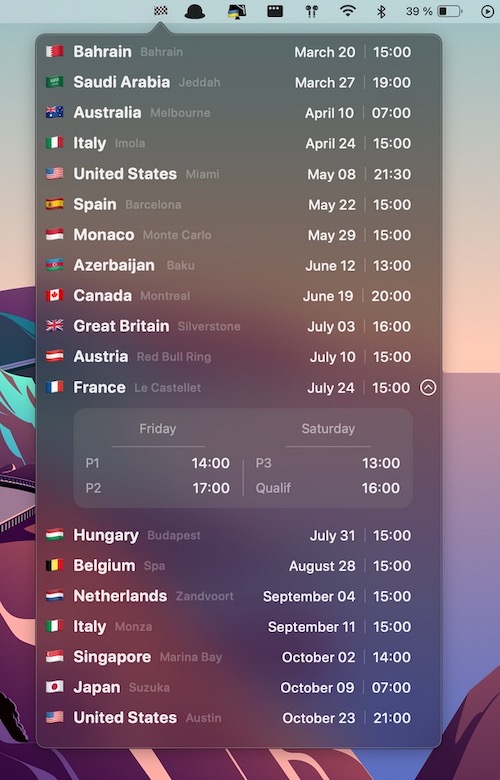
Never miss a race start with this Formula 1 Calendar (with Practices & Qualifying) right on your mac menu bar.
The next time a site asks for a code, you’ll just tap it in. iPhone · iPad · Mac

Never miss a race start with this Formula 1 Calendar (with Practices & Qualifying) right on your mac menu bar.
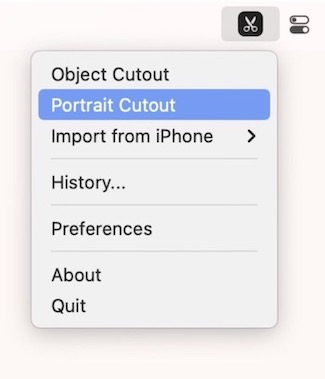
Select and remove an object from any photo without using complex selection tools. SpeedCut is the background removal tool, straight from your menu bar.
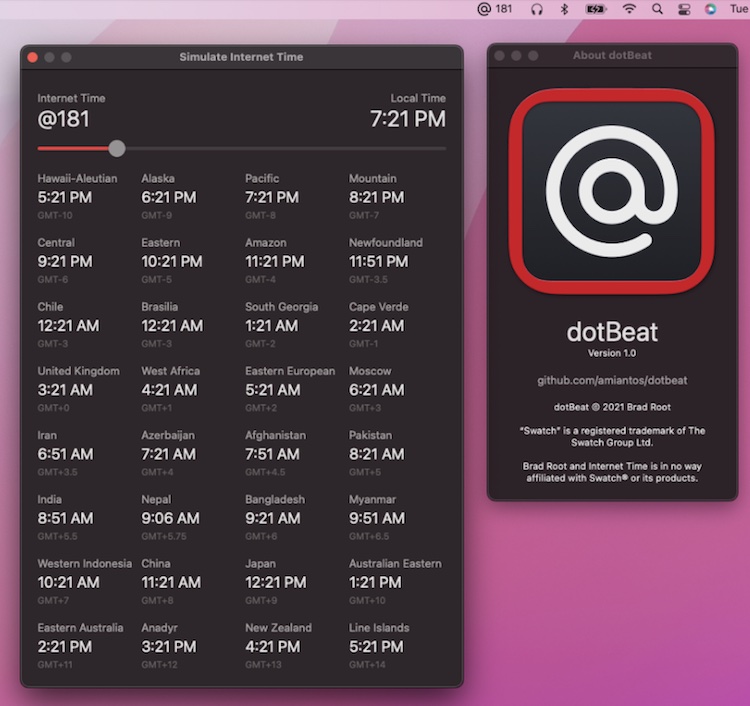
dotBeat shows the current Swatch Internet Time in your menu bar. It also includes gives you a view into how Internet Time corresponds to local times across the globe.
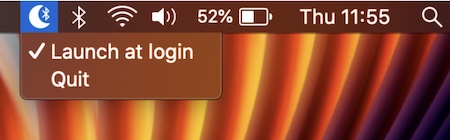
With this menu bar app the Bluetooth connection is switched off when your Mac sleeps, and switched on when your Mac wakes.
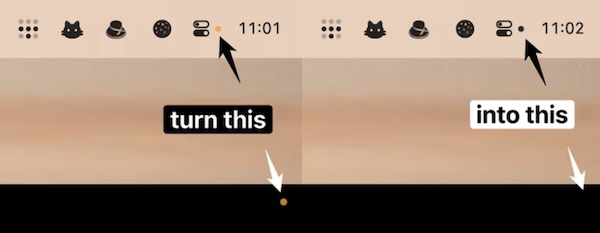
The yellow dot is useful in letting you know if an app is using the microphone. But when you’re familiar with all the apps that use the microphone, it can be an annoyance. When this menu bar app is running, the corner dot will always be hidden.
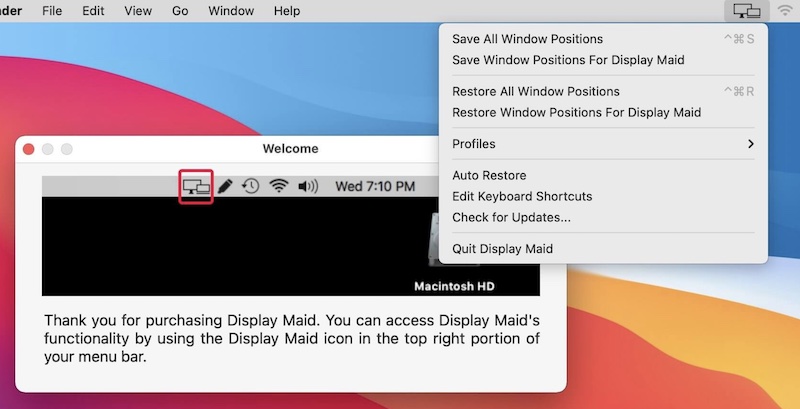
With this menu bar app you can save and restore window locations. So, when you reconnect your laptop to the external display arrangement, everything will be just as it was before. You can also create your display configuration or user created profiles.
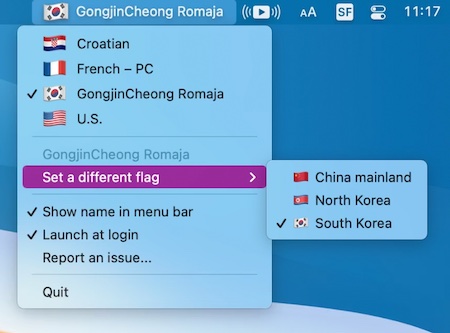
Since a lot of input sources and languages are used in multiple countries, why not let the user choose which flag they want to have displayed? Inspired by this blog post.
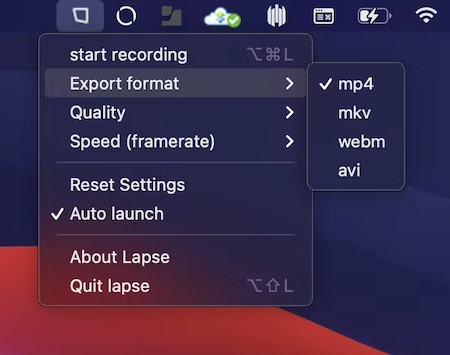
This menu bar app lets you capture your screen in time-lapse without re-rendering. Just as you would record a normal screen recording.