Collection:
Calendar Apps | Meeting Apps
Dottt App
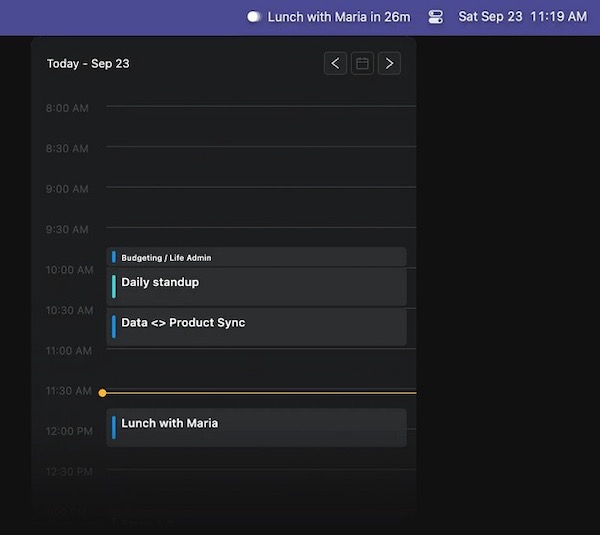
This menu bar app displays upcoming calendar events, sends notifications, and automatically joins meetings. It neither reads nor saves your events.

This menu bar app displays upcoming calendar events, sends notifications, and automatically joins meetings. It neither reads nor saves your events.
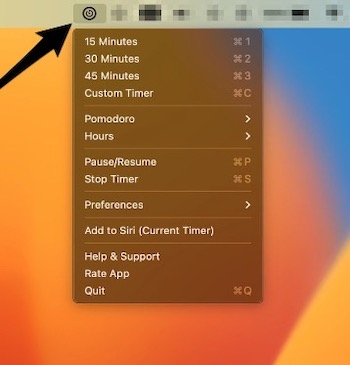
MenuBar Timer is designed to simplify your time management, whether you’re working, studying, cooking, or simply looking to boost your productivity. Probably the most important feature of this app is the ability to use Siri to ask it to start a timer.
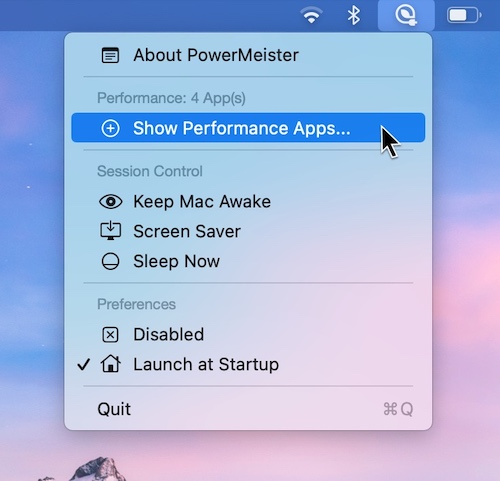
PowerMeister is a menu bar app that lets you run apps exclusively in Low Power Mode while also increasing performance by selecting apps that run exclusively in Performance Mode.
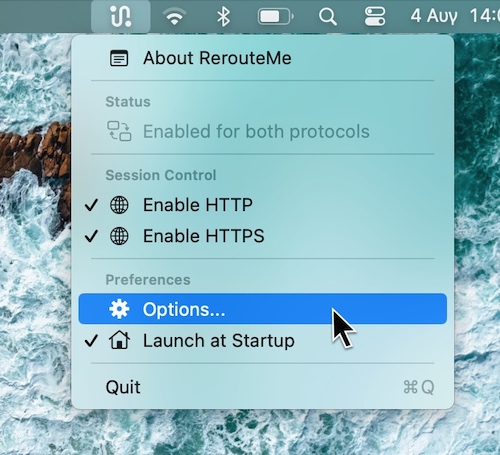
Just one click in your menu bar app to switch between Proxy Configurations. You can switch between a Localhost, WAN, or Custom Proxy Configuration.
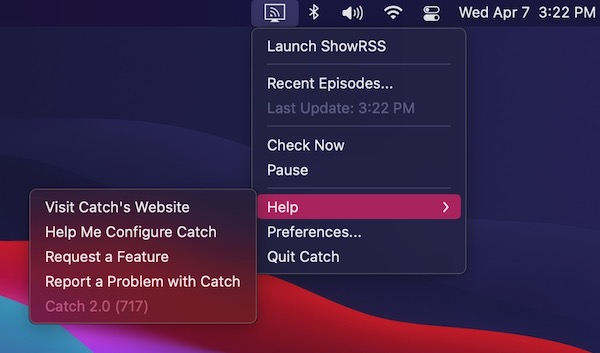
Catch is a menu bar app which enables you to download digital content made available via RSS. Simply add your feeds, and new episodes will be downloaded using your preferred BitTorrent client.
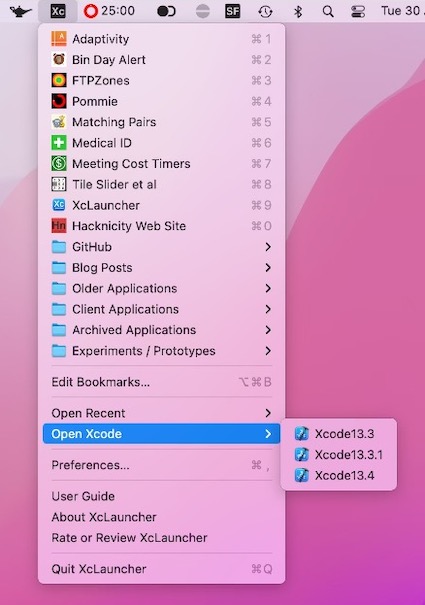
XcLauncher is a menu bar app that provides instant access to your favorite projects, workspaces, playgrounds and Swift files. It’s like having browser bookmarks for your Xcode files.
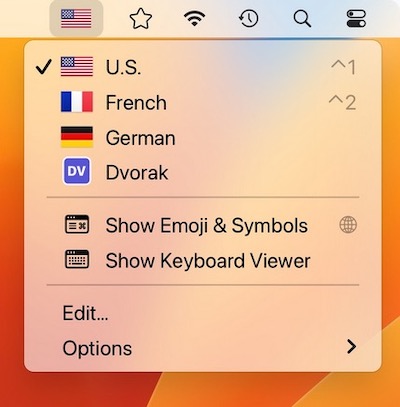
Switcheroo is a menu bar app that shows your input sources with colorful flags or custom icons of your choosing. Perfect for polyglots and vexillologists.