Fresh finds for your menu bar. Most recently added apps on top – last updated: November 4, 2026
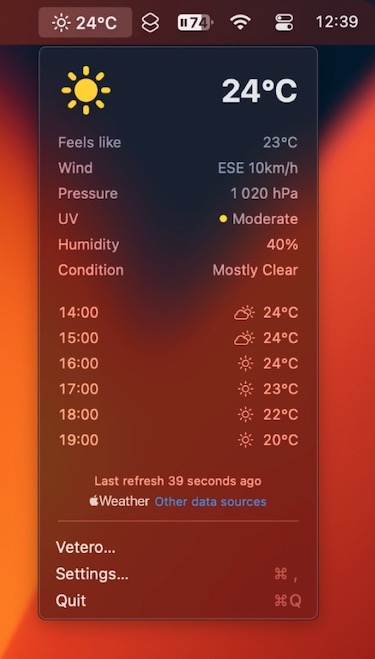
Vetero shows the weather in your menu bar, based on Apple Weather data. Choose what you want to see, from temperature to humidity, wind and UV, and get official severe weather warnings and a heads-up when rain is about to start.
Visit
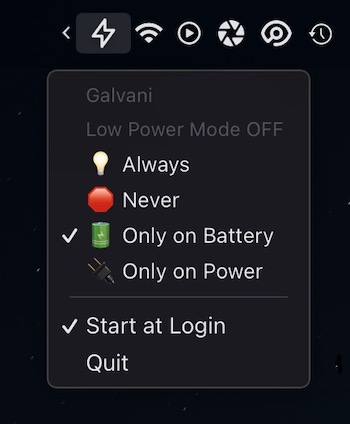
Galvani lets you toggle Low Power Mode on your Mac straight from the menu bar.
Visit
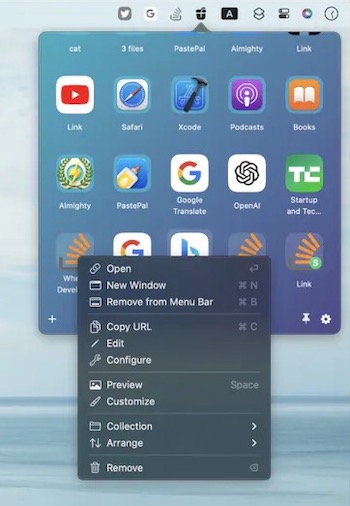
With this menu bar app you can easily store and access all of your frequently used files, folders, and website links right from your menu bar. No more digging through folders or cluttered desktops.
Visit Watch
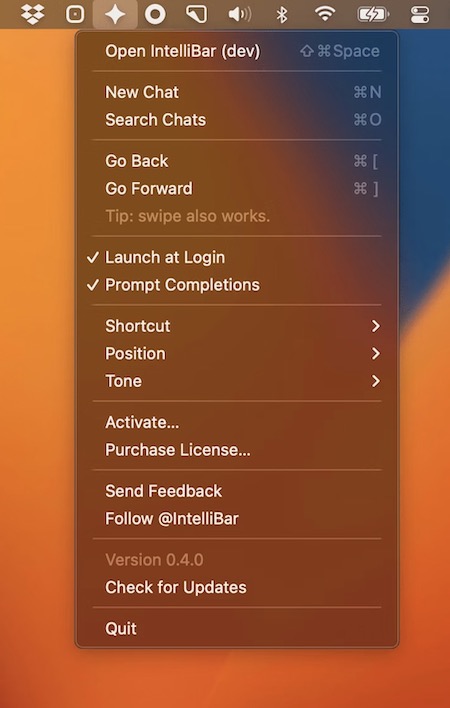
IntelliBar puts ChatGPT, Claude, Gemini and other AI models, including local ones via Ollama, in a single Spotlight-style window you open from your menu bar. Compare answers side by side, and keep your chats stored on your own Mac.
Visit
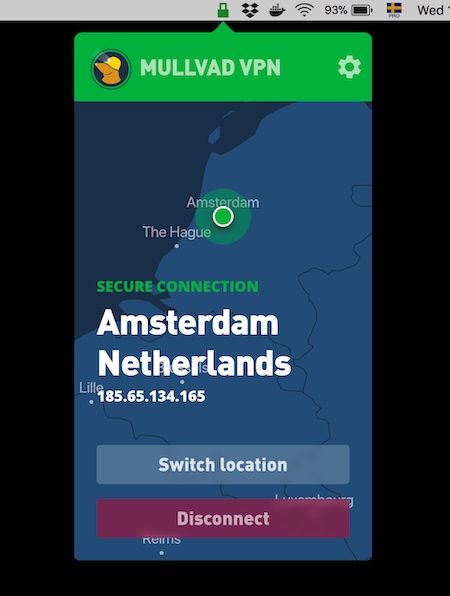
Mullvad is an open-source VPN from Sweden with strong privacy protections. Connect, disconnect and switch servers straight from your menu bar.
Visit Watch
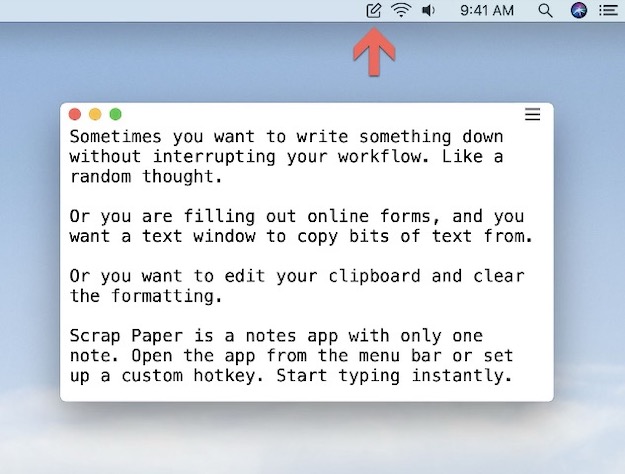
Scrap Paper lets you write short temporary notes and keeps them in sync using iCloud. The tool allows you to note down thoughts and ideas as they come to your mind, without interrupting your workflow.
Visit
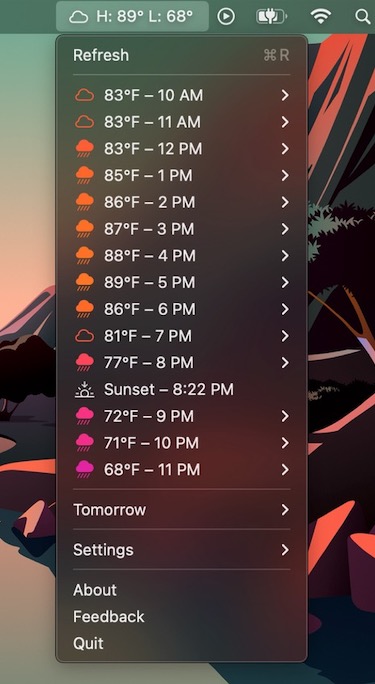
Sparrow is an hourly forecast menu bar app. Get quick access to the current weather conditions as well as the high and low for the day. Sunrise and sunset times are displayed accurately between the hours they appear.
Visit

This menu bar app gives you instant access to your Mac’s camera feed for quick checks, for instance before video calls. You can also resize and reposition the feed window to your preference.
Visit
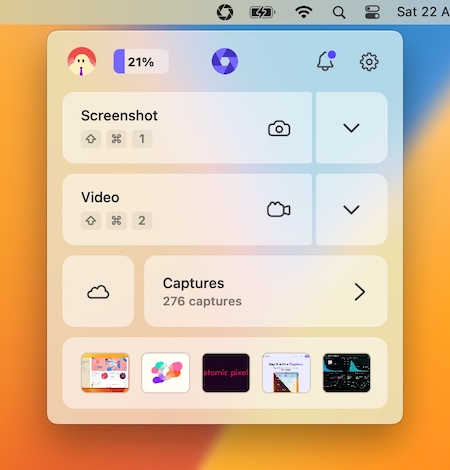
With this menu bar app, you can capture a screenshot or a video and instantly receive a shareable link. You can also annotate screenshots, browse your collection, and receive notifications when someone reacts to or views your capture.
Visit Watch
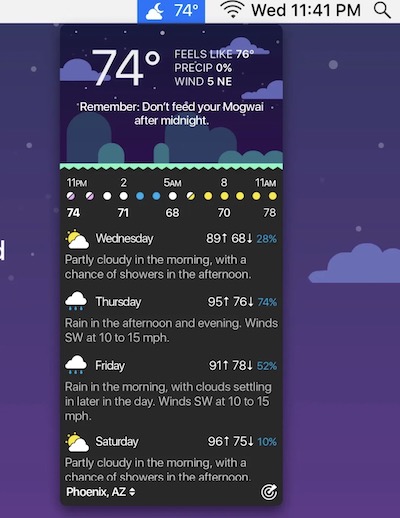
This menu bar app provides you with the current weather conditions, hourly forecasts, radar maps, precipitation notifications to the minute and animated maps. You can even view the weather for any location up to 70 years in the past.
Visit
