Collection:
Audio Apps (Music)
NepTunes
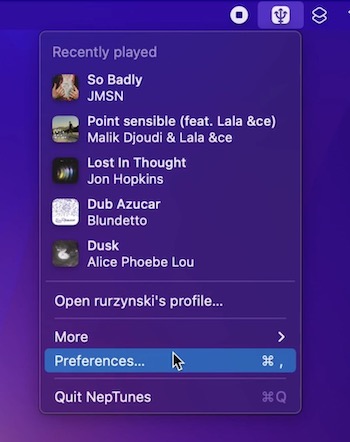
NepTunes is a Last.fm scrobbler, that also fully supports Apple Music and Spotify. This menu bar app will observe currently running apps and start fetching info about currently playing music.

NepTunes is a Last.fm scrobbler, that also fully supports Apple Music and Spotify. This menu bar app will observe currently running apps and start fetching info about currently playing music.
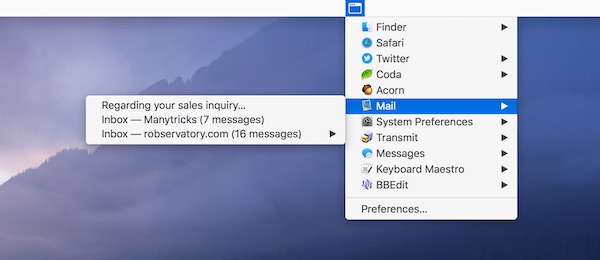
With this menu bar app, you can switch everything. Not only apps and windows, but also tabs. You can have as many switchers as you like.
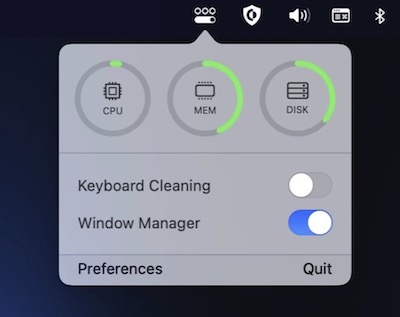
OneMenu is a menubar app featuring system monitoring, a window manager and a keyboard cleaning mode.
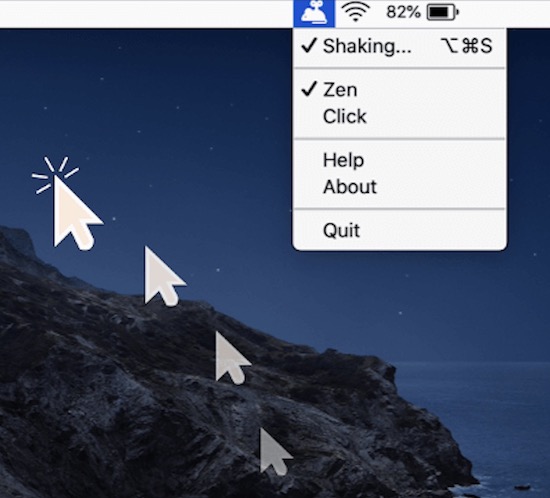
Mouse Shaker keeps you “Active” on any chat applications. The menu bar app automatically moves your cursor, clicks or simulates activity without you noticing.
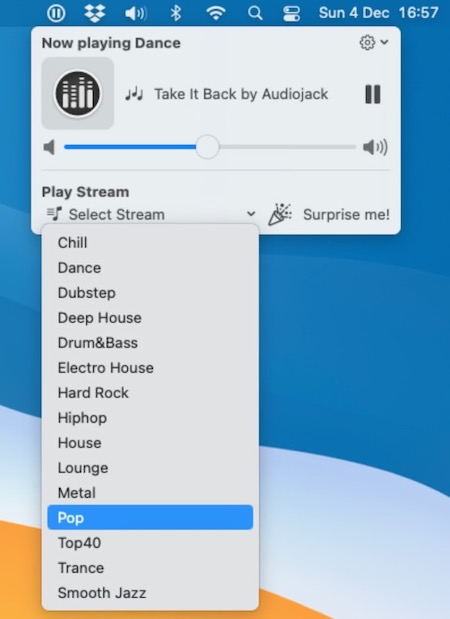
Tidewave is a distraction-free internet radio player, allowing you to focus on your work, relax or enjoy your favorite internet radio stations without any distractions.
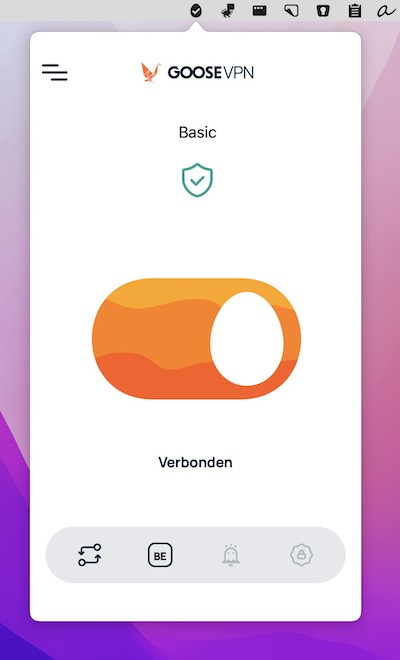
Goose VPN protects your privacy with a strict no-logging policy and lets you connect an unlimited number of devices. Switch servers or turn the VPN on and off straight from your menu bar.