Fresh finds for your menu bar. Most recently added apps on top – last updated: April 5, 2026.
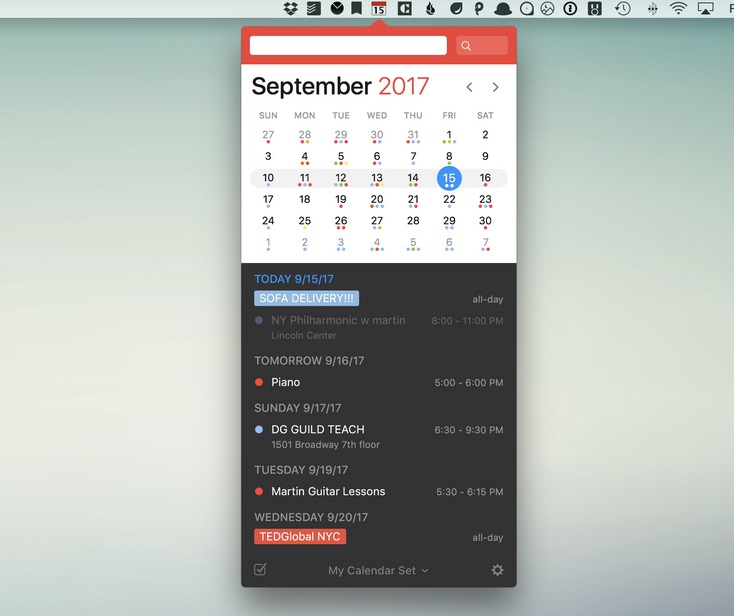
Fantastical 2 is a robust, intuitive calendar app with a beautiful interface and dozens of features. For instance, a full-fledged mini-calendar that sits in your menu bar for quick access. It works with iCloud, Exchange, Google, Yahoo, fruux, and CalDAV accounts. But… it comes with a $50 price tag.
Visit Watch
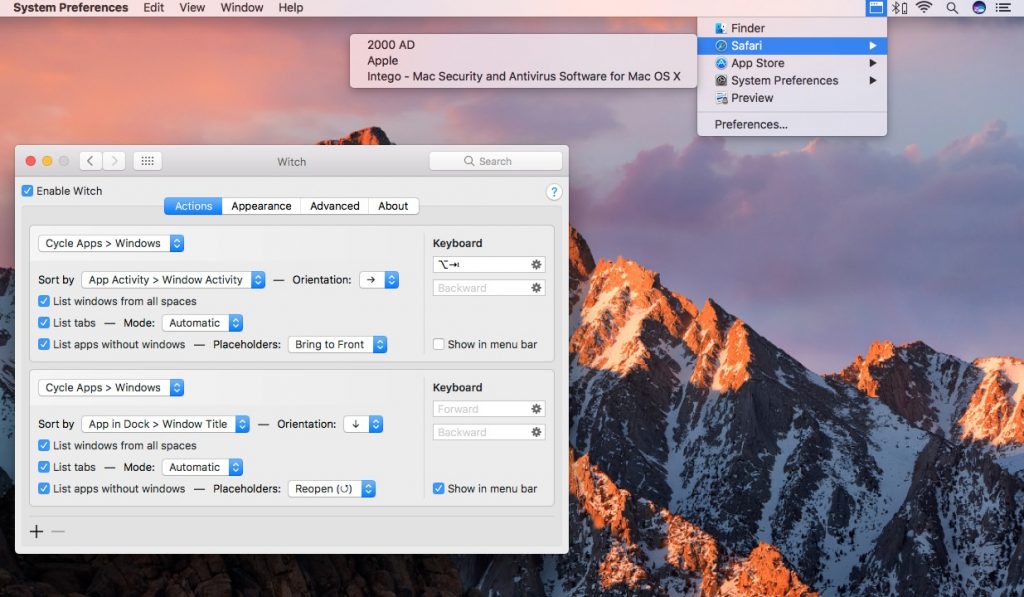
Witch enables you to quickly switch to individual windows. The menu bar component lists all of the apps you have open and on selecting a window from one of them will immediately bring it to the front.
Visit Watch
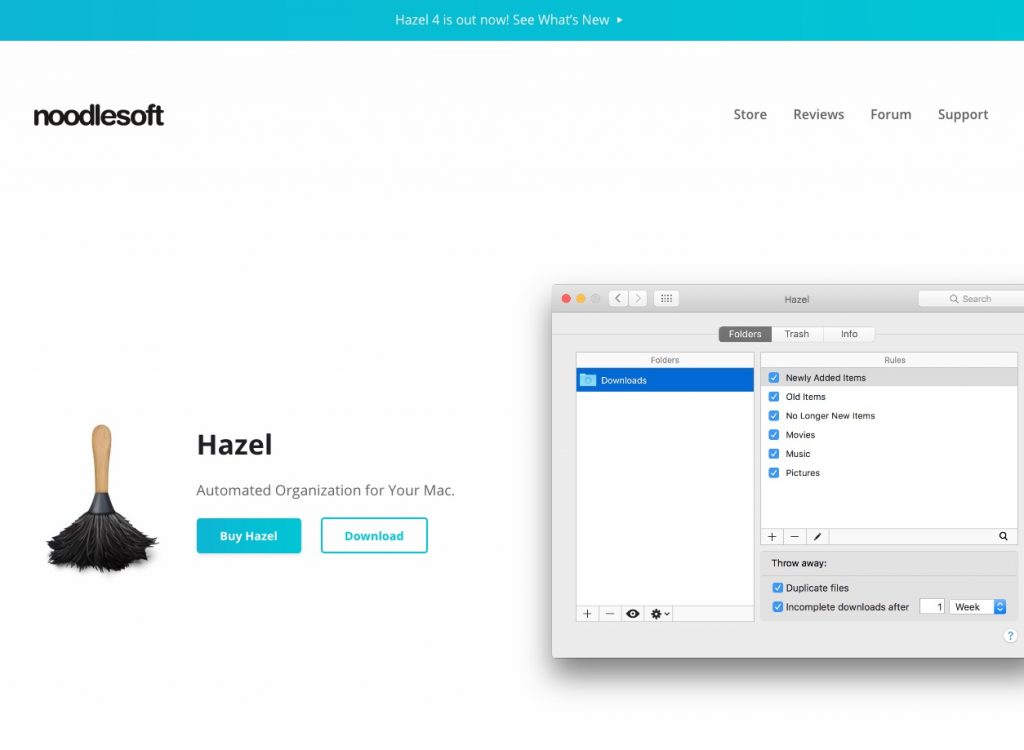
With Hazel you can create rules for organizing and cleaning folders. You can start and stop Hazel, open the Hazel app window, and even run individual rules from the menu bar.
Visit Watch
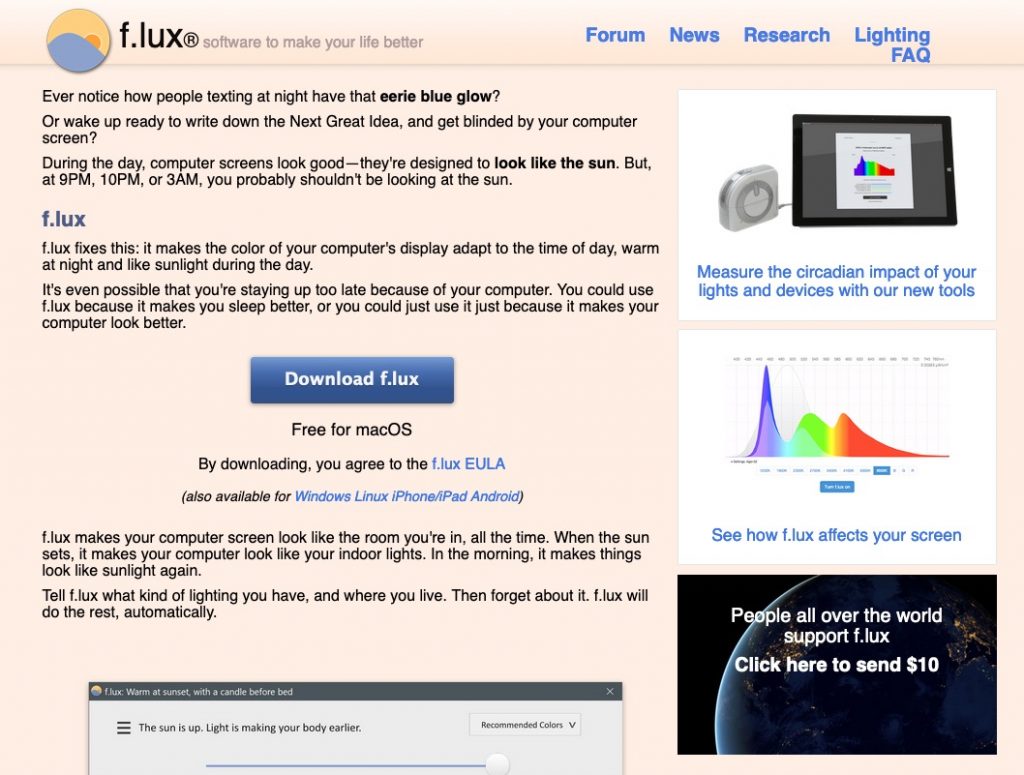
Is your Mac keeping you up late? F.lux is a free download that warms up your computer display at night, to match your indoor lighting. The app saves your eyes by making your display’s brightness adapt to the time of day.
Visit Watch
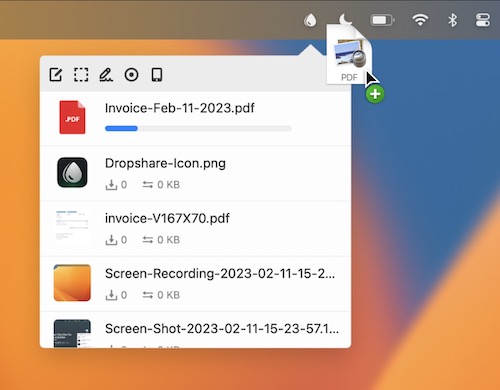
Upload screen shots, screen recordings, files, literally anything to your favorite storage provider or to your own server and share them with just a link.
Visit Watch
End of content
End of content