Collection:
Health Apps
Break In Motion
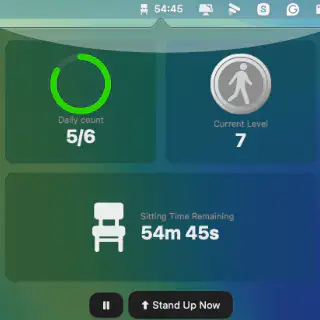
Transform your workday with a health-focused Mac menu bar app that syncs via iCloud, tracks your progress visually, and motivates you with achievements and gradually increasing challenges.

Transform your workday with a health-focused Mac menu bar app that syncs via iCloud, tracks your progress visually, and motivates you with achievements and gradually increasing challenges.
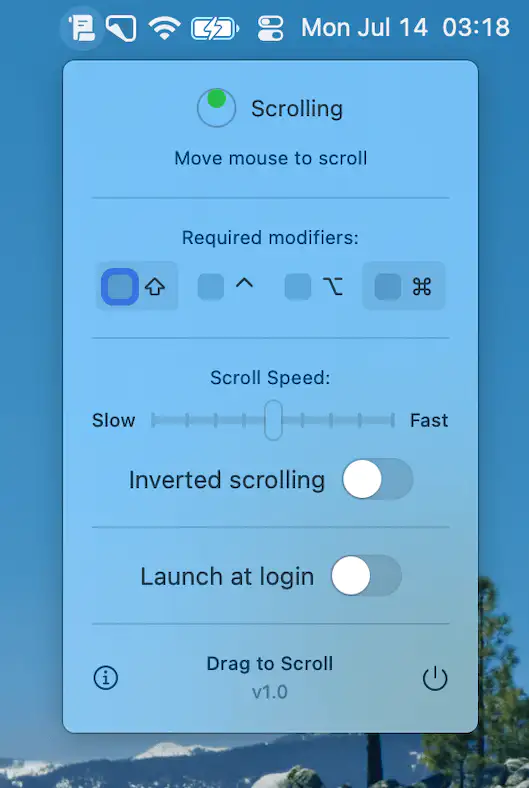
Drag to Scroll adds effortless click-and-drag scrolling to macOS, giving you precise control with any pointing device—ideal for trackball users and anyone seeking smooth, intuitive navigation.
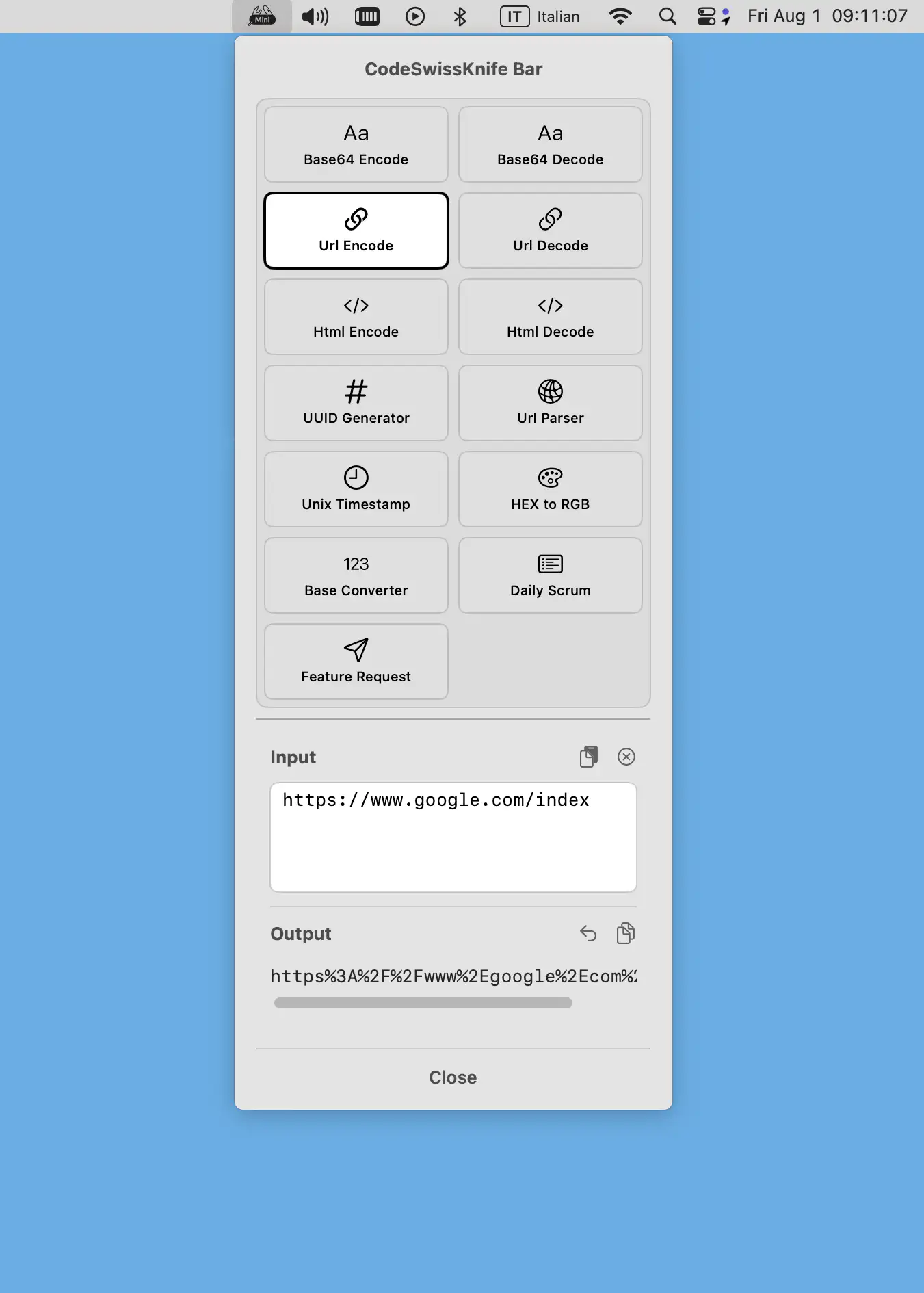
CodeSwissKnife Bar slots essential offline dev tools into your macOS menu bar—instant Base64, UUID, color, and timestamp magic with zero clutter or tracking, keeping your focus razor-sharp.
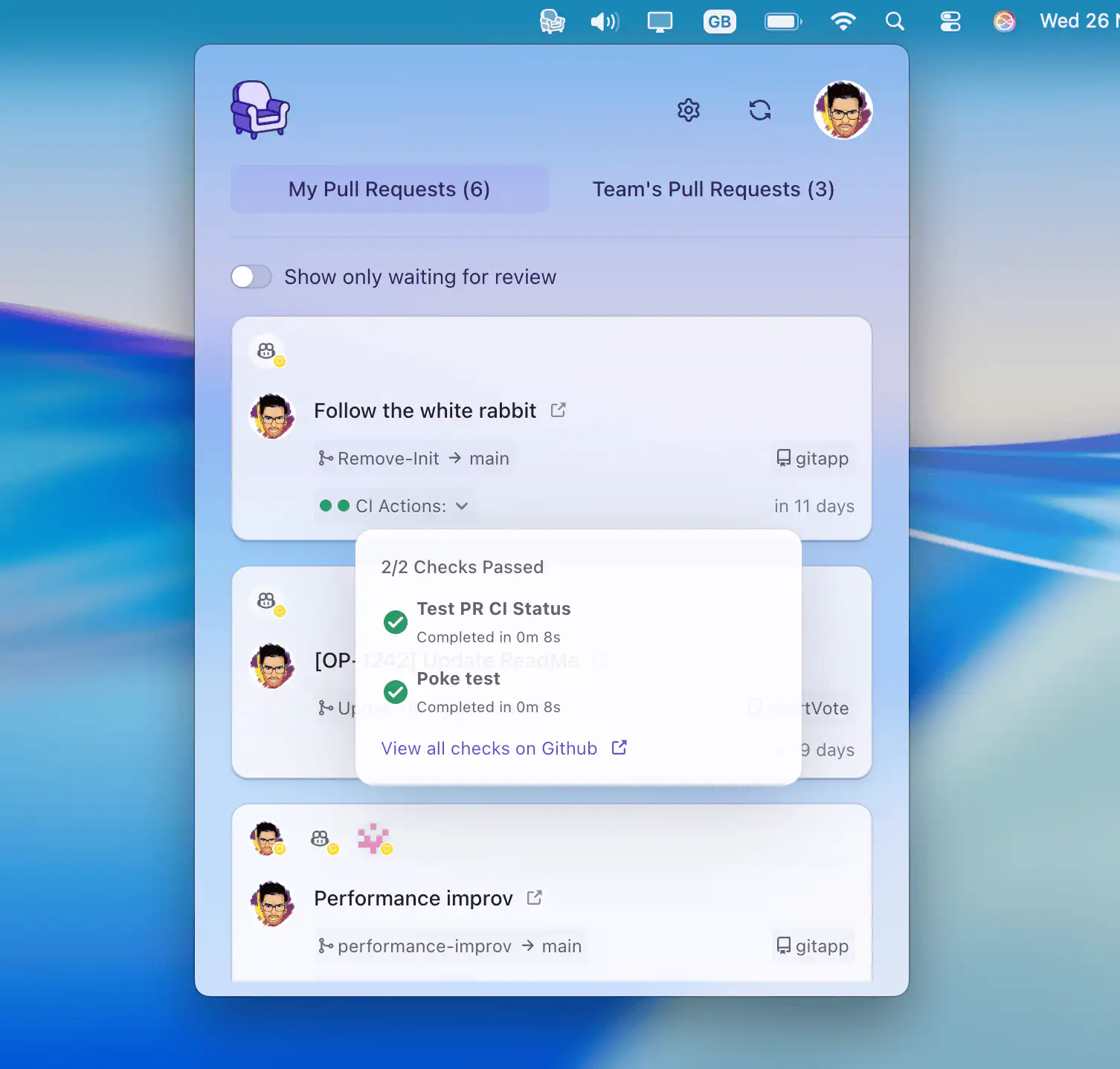
CozyWatch quietly keeps you updated on GitHub pull requests — notifying you when you’re needed, so you can stop refreshing your browser and stay focused.
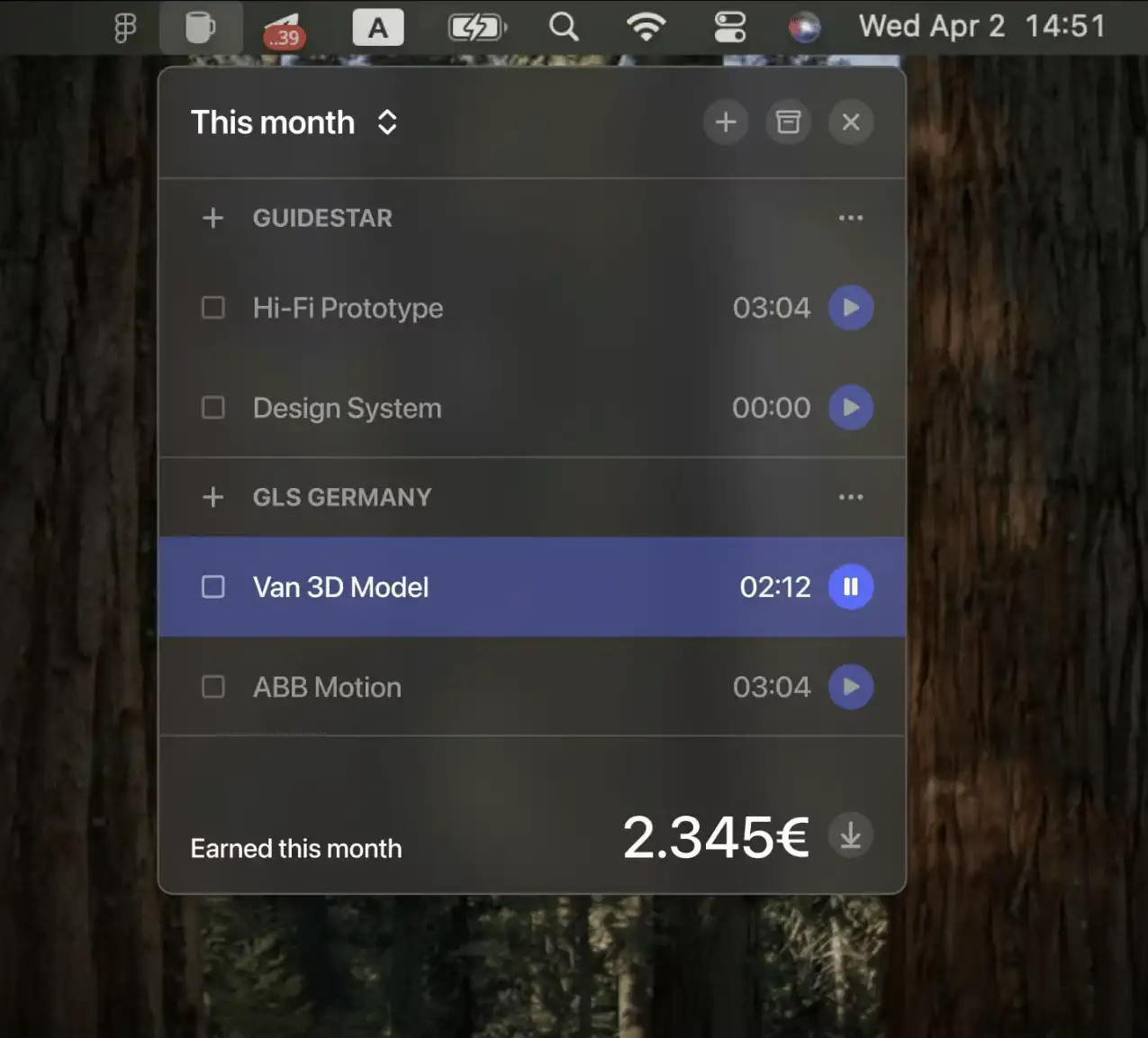
Daily Grind is a lightweight Mac menu bar app for freelancers to track time, manage tasks, and monitor earnings—without sign-ups, clutter, or cloud sync. Just simple, offline productivity.
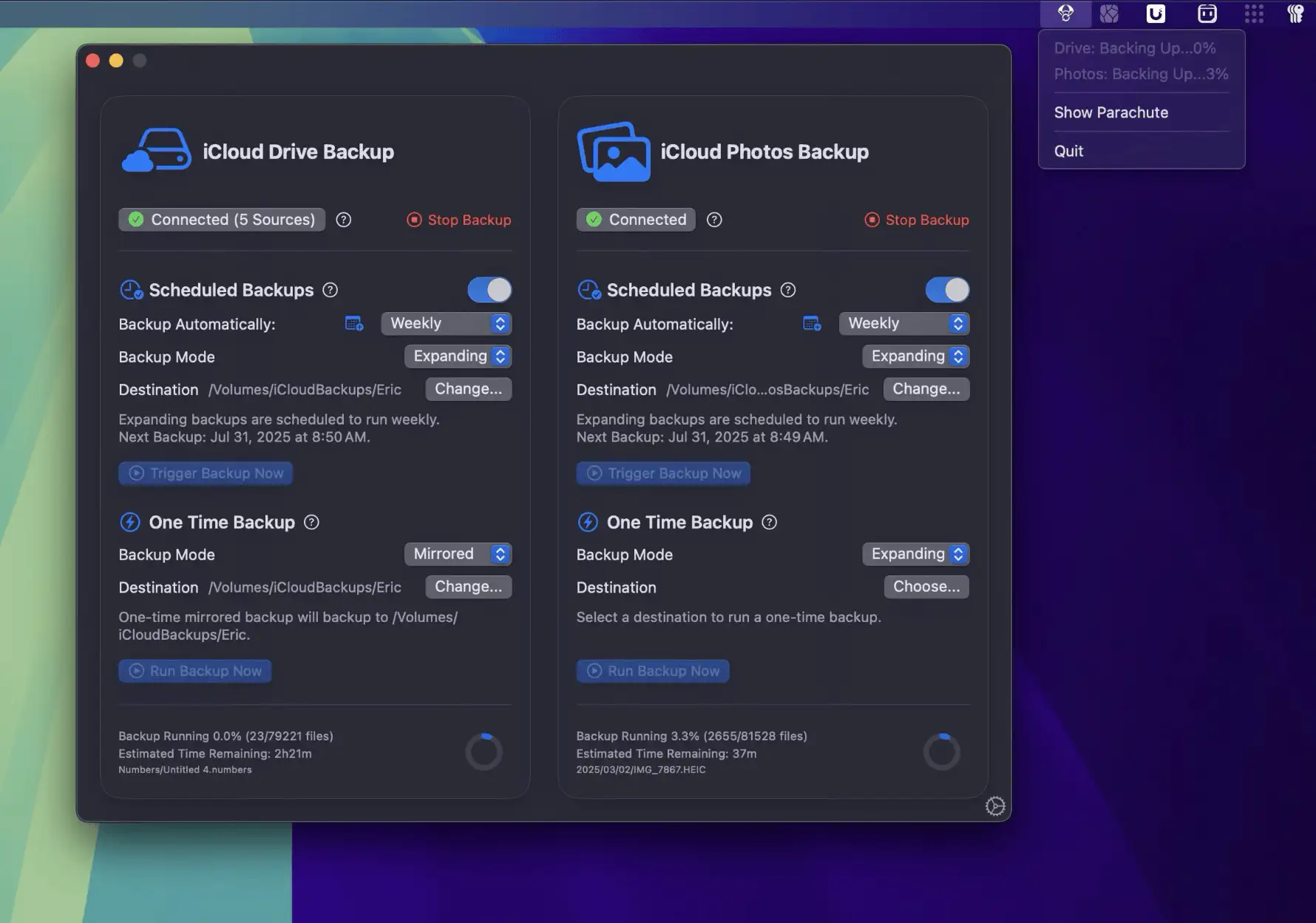
Parachute is a set-and-forget Mac menu bar app that backs up your iCloud Photos and Drive to your own storage, so you always have a copy under your own control.
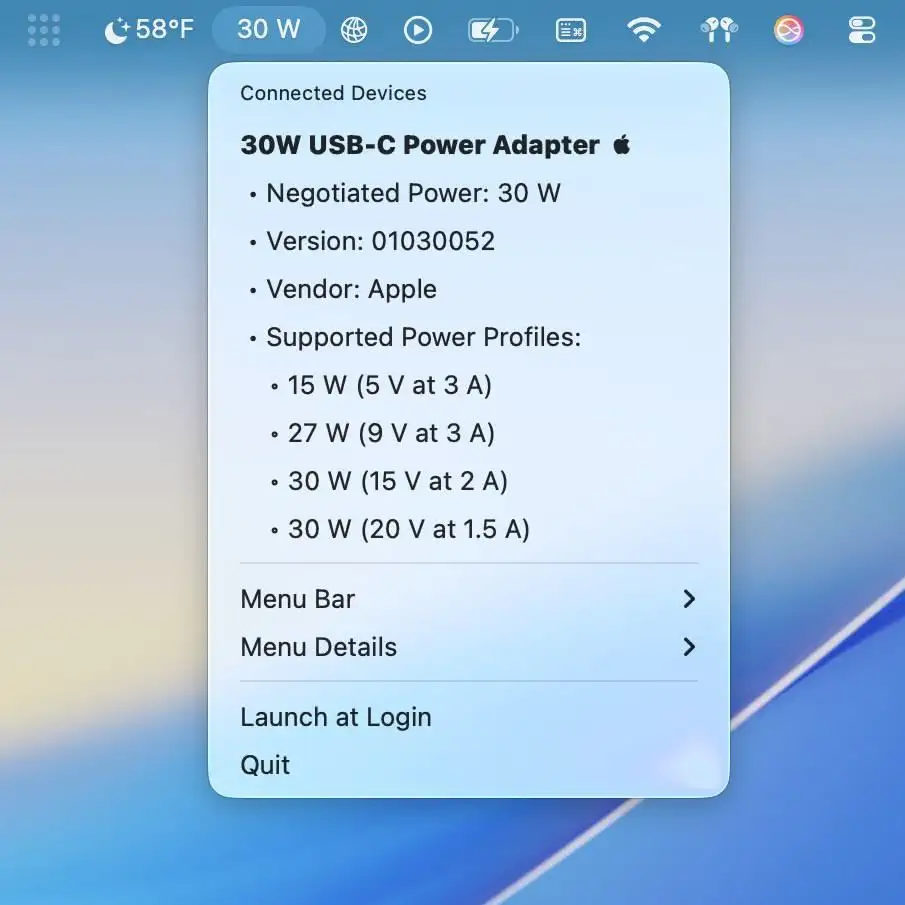
Quickly see what’s really happening with your USB devices. This lightweight menu bar app shows live connection speeds, power usage, and device details—so you’ll always know if your gear is performing.
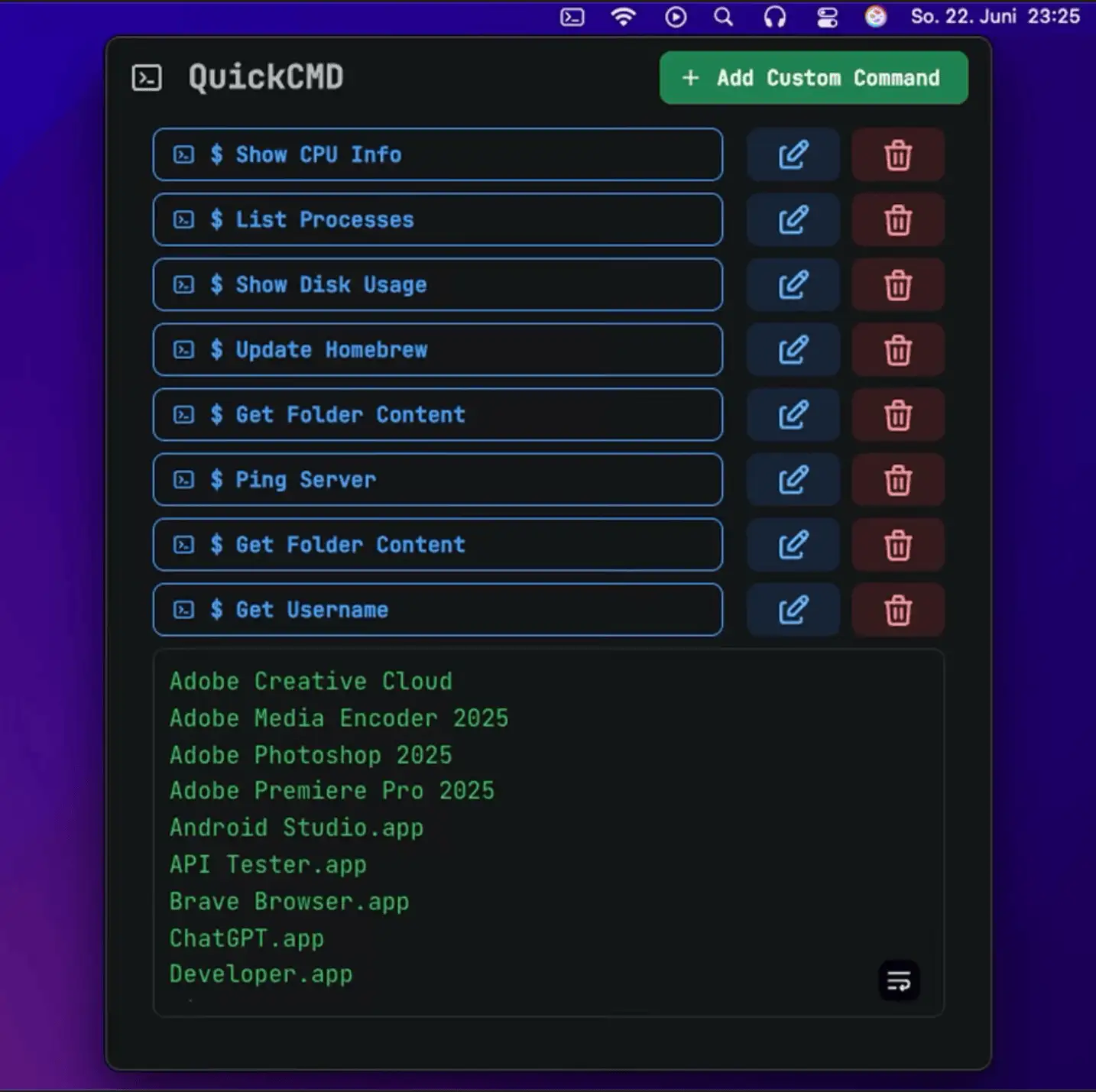
QuickCMD is a sleek macOS menu bar app that lets you run saved terminal commands instantly—perfect for developers and power users who want speed, simplicity, and smarter workflows at their fingertips.