Collection:
Launcher Apps
SomLauncher
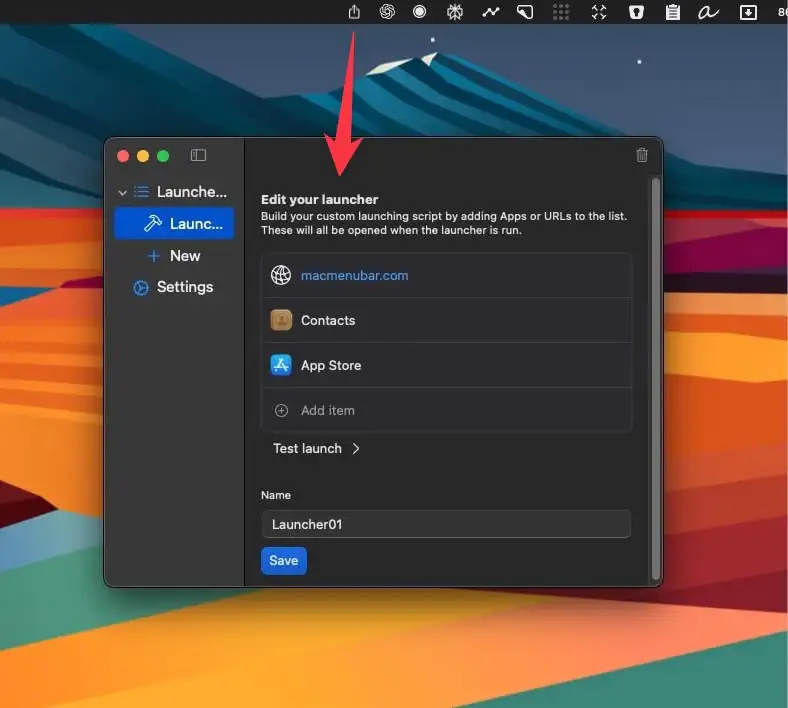
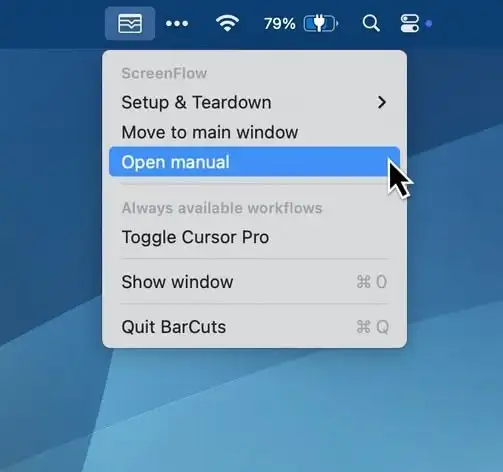
Create custom workflows and launch them instantly with a single click from your menu bar, streamlining repetitive tasks and boosting productivity.

Create custom workflows and launch them instantly with a single click from your menu bar, streamlining repetitive tasks and boosting productivity.
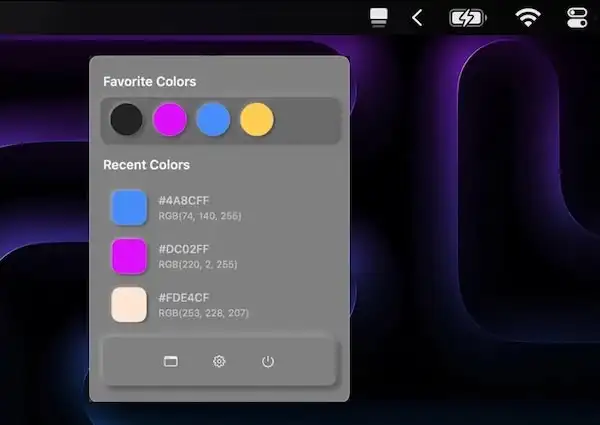
ColorKeep automatically captures HEX values from your clipboard, creating your perfect color library in seconds. Perfect for designers who need to quickly reuse colors.
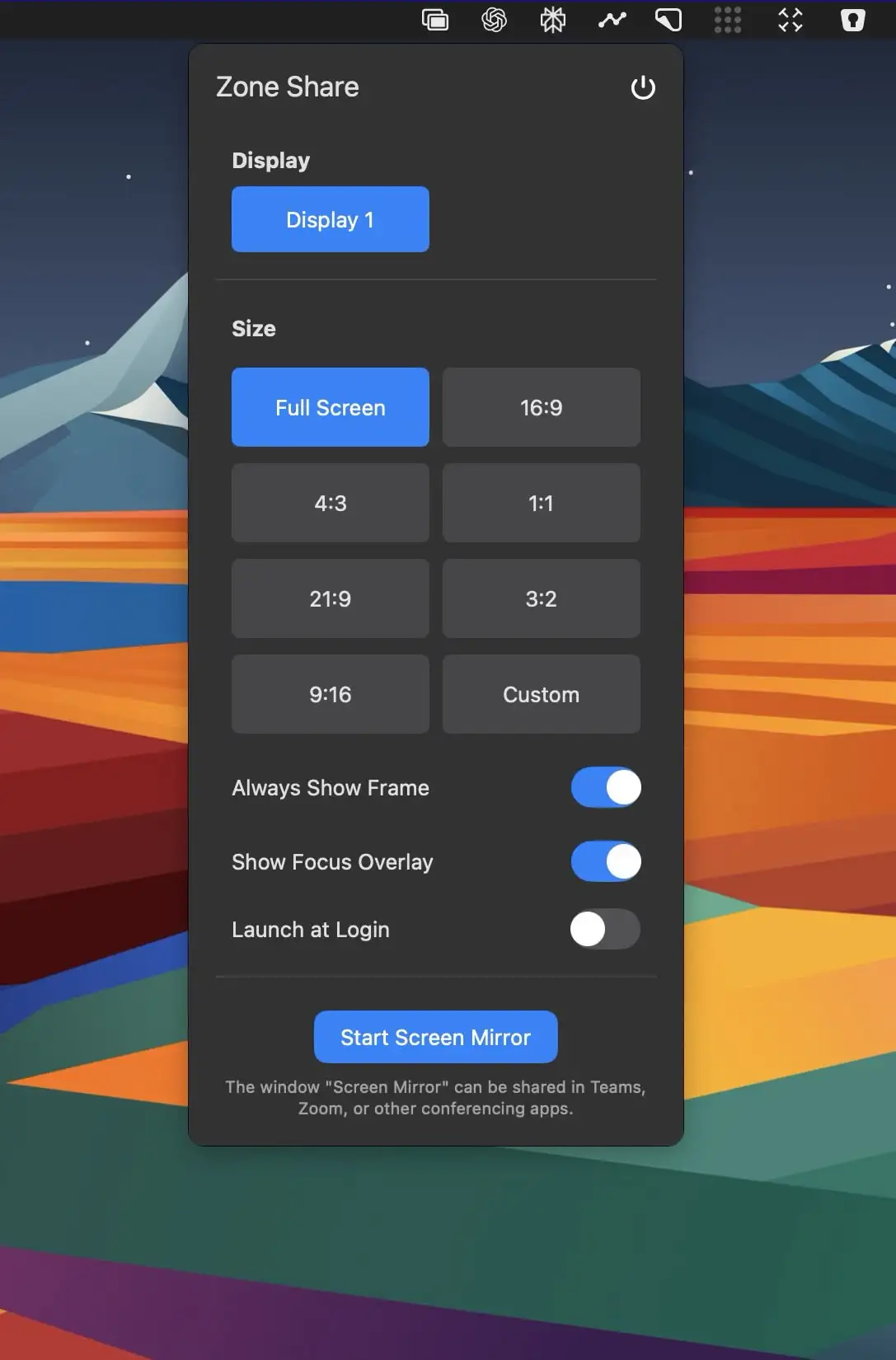
This menu bar app lets you mirror part of your screen into a resizable window—perfect for clearer screen sharing during video calls on ultra-wide monitors.
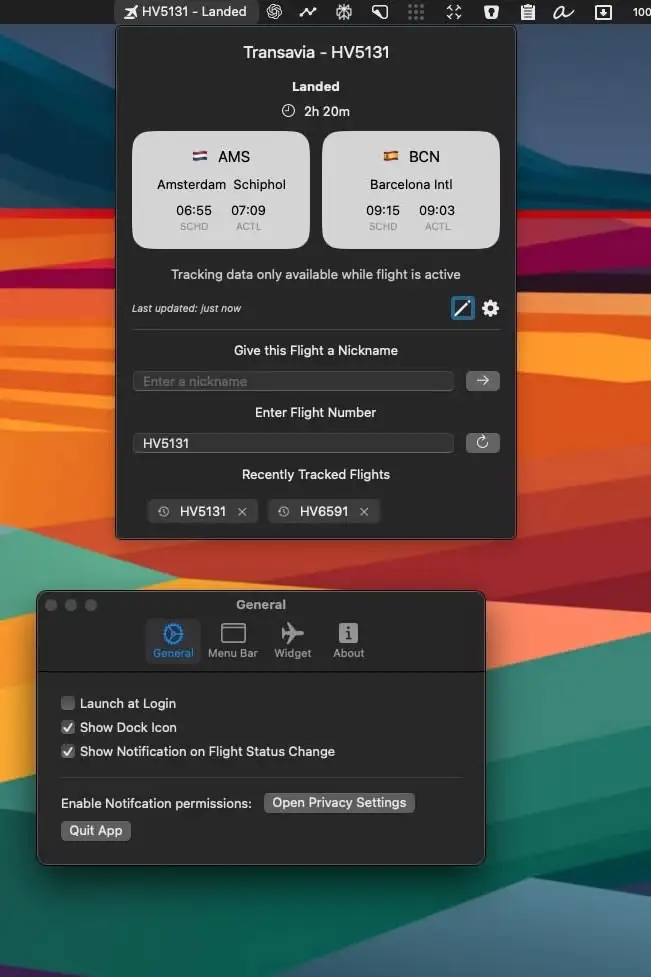
Track flights effortlessly with FlightBar—real-time updates, live maps, and notifications, all from your menu bar. Perfect for travelers and aviation enthusiasts.
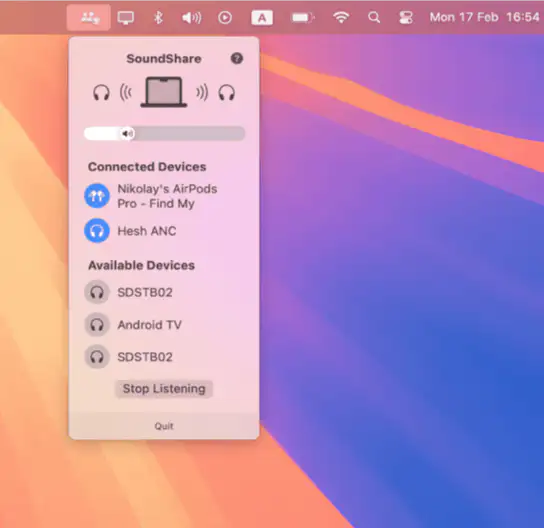
This menu bar app makes it easy to share audio on macOS, just like on iOS. Connect multiple Bluetooth audio devices and enjoy music, podcasts, or movies together—without the hassle. SoundShare keeps your audio perfectly in sync.