
Collection:
Audio Apps
Fresh finds for your menu bar. Most recently added apps on top – last updated: November 6, 2026
Collection:
Time Tracking Apps
Simple Time Tracker
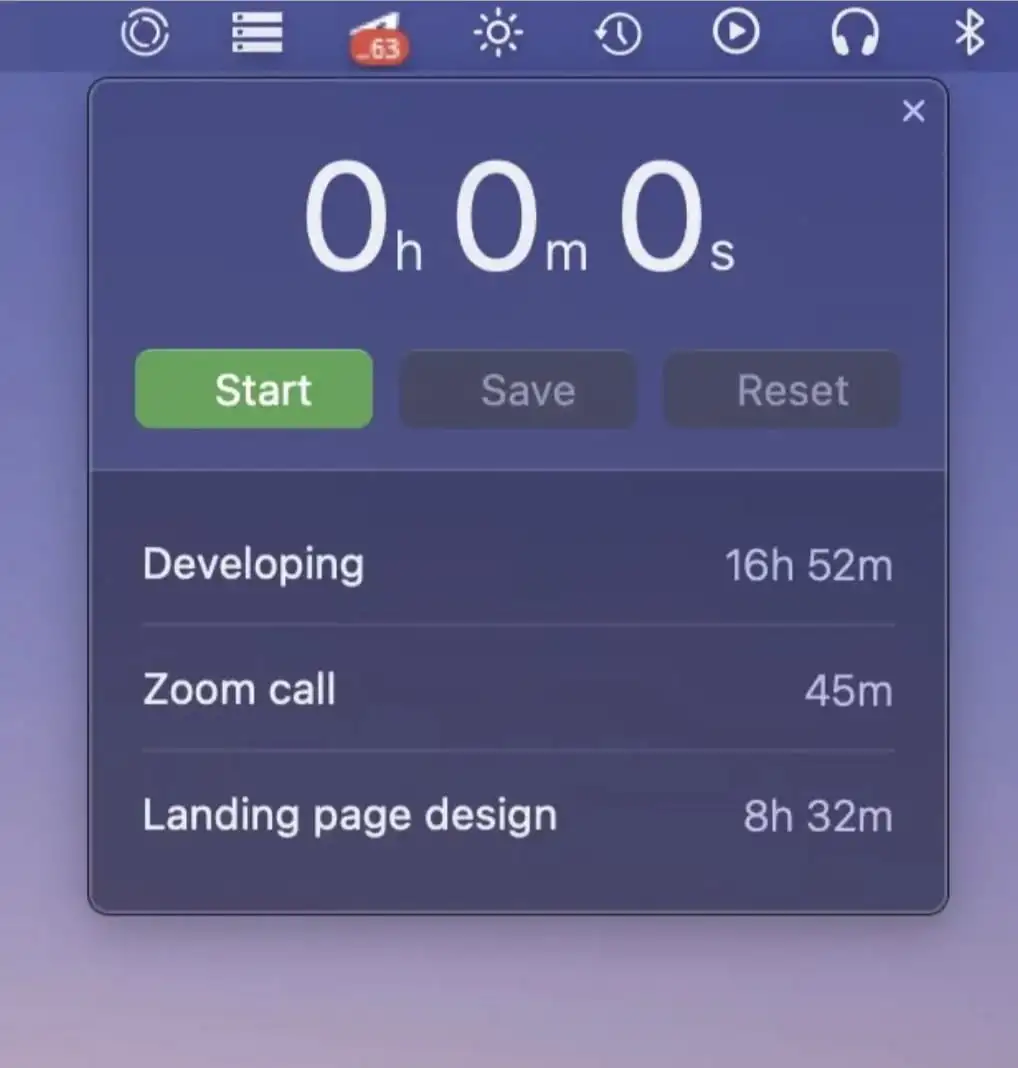
This menu bar app lets you track the time you spend on tasks and projects. Start a timer with one click, resume it later, and review your logs grouped by day.
Collection:
Sleep Control Apps
Mouse Jiggler
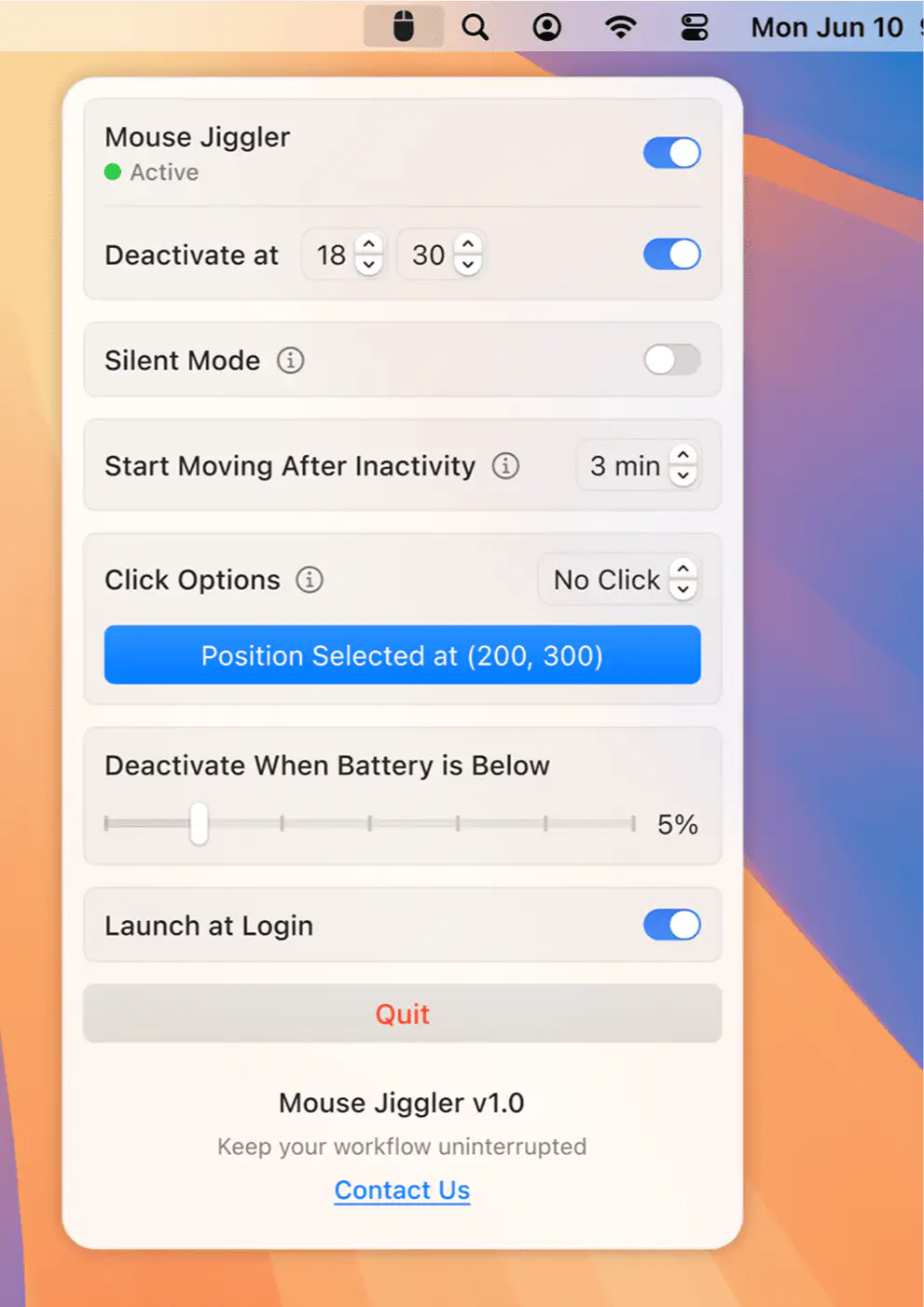
Mouse Jiggler keeps your Mac awake by moving the cursor at intervals you set. You can schedule it for certain hours, tie it to specific apps, and have it stop automatically at a set time or battery level.
Collection:
System Tools
DiskView
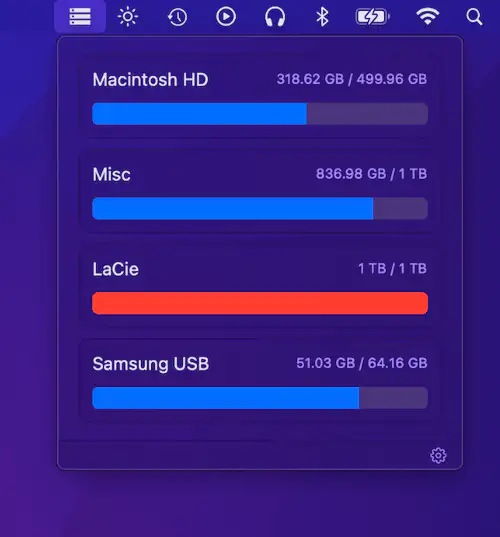
DiskView shows all mounted drives with free and used space at a glance. Simple, minimal, and efficient for quick disk monitoring.
Collection:
Writing Apps
Wunderbar
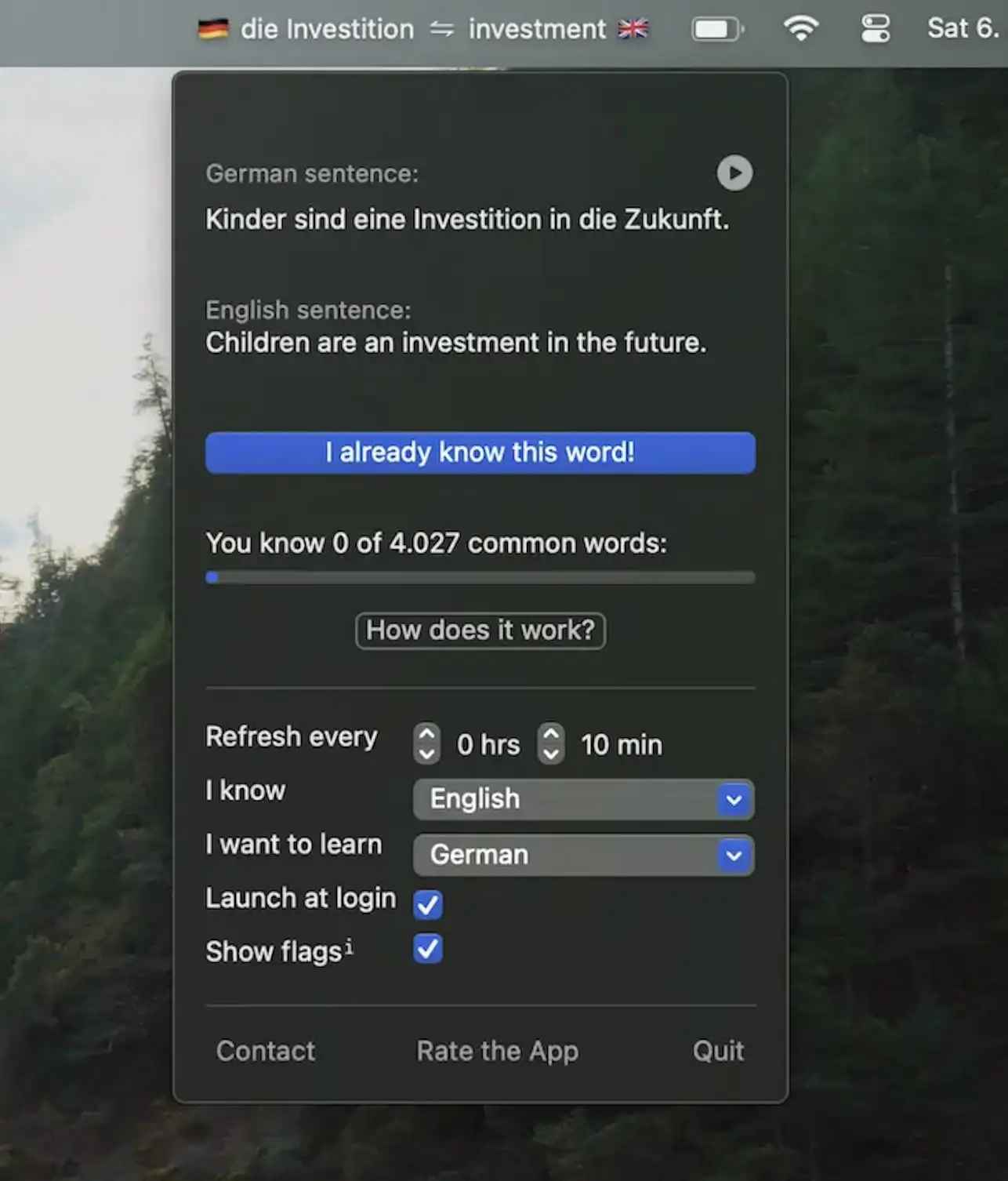
Wunderbar shows a new word in your menu bar every minute, with an example sentence and its pronunciation. Learn German, French, Spanish, Italian, Dutch, Swedish, Japanese, Polish or Portuguese, with spaced repetition and the option to import your own word lists.
Collection:
Fun Apps
Googly Eyes
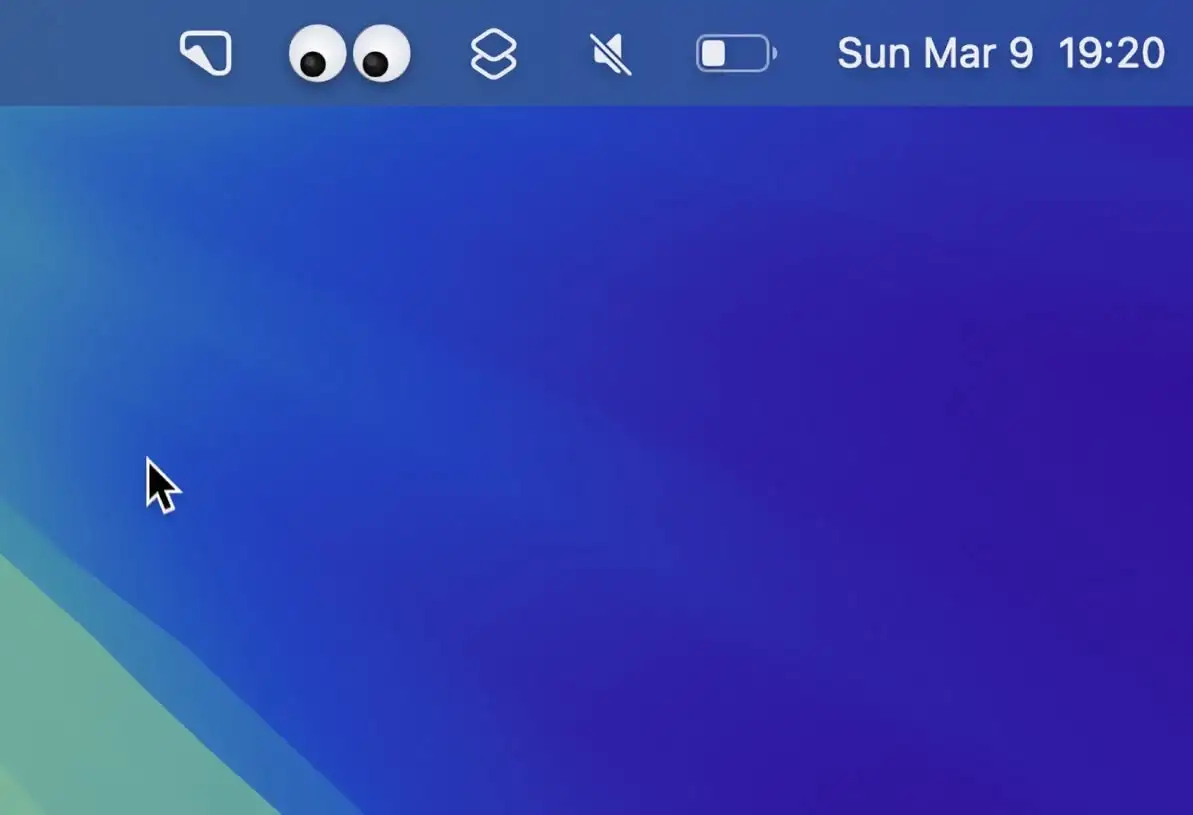
This menu bar app adds animated googly eyes to your screen that follow your cursor as you move— a fun and lighthearted way to bring some personality to your desktop.
Collection:
Personal Apps | System Tools
FocusNudge
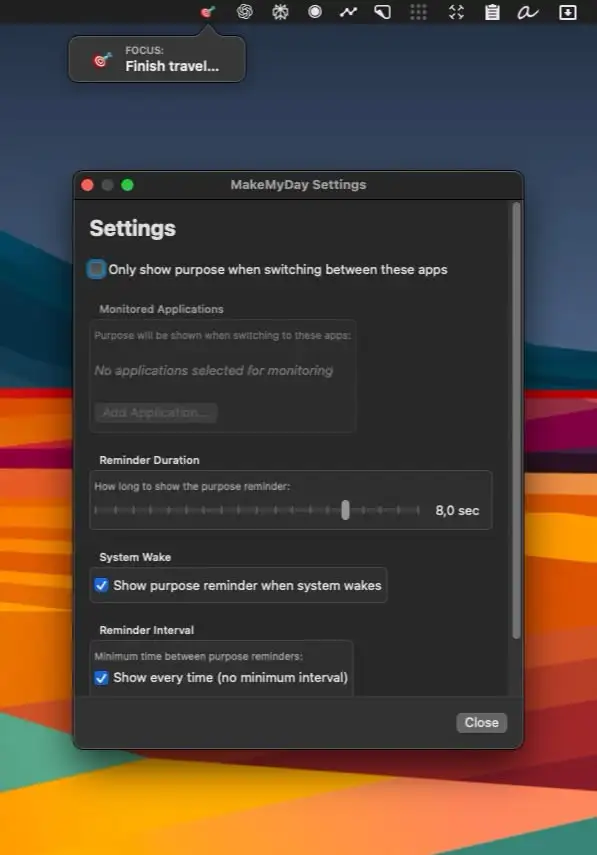
Collection:
Window Managers
Last Window Quits
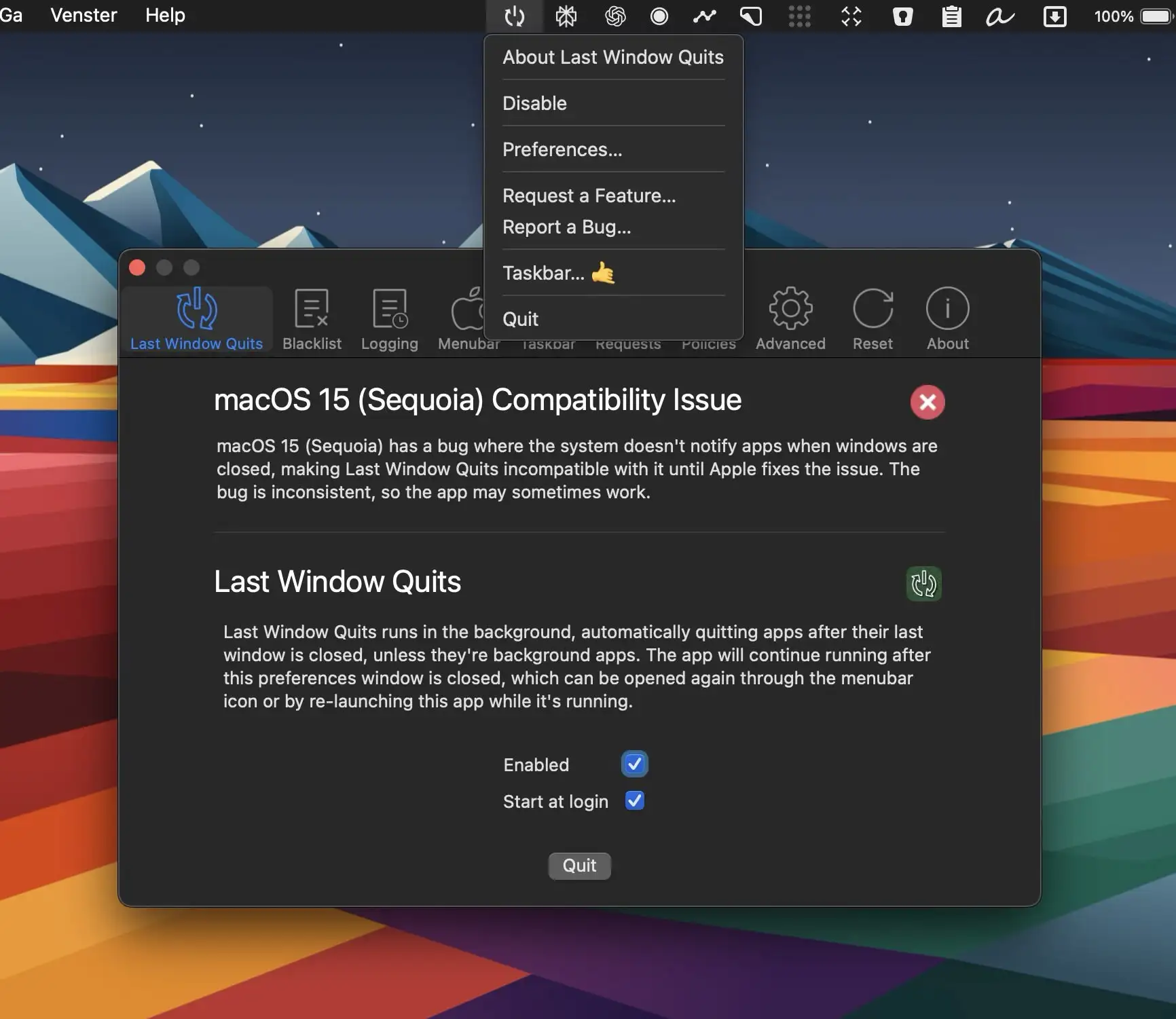
Last Window Quits is designed to automatically close apps when their last window is closed, saving system memory and preventing unnecessary background processes.
Collection:
Security Apps
BackEyes
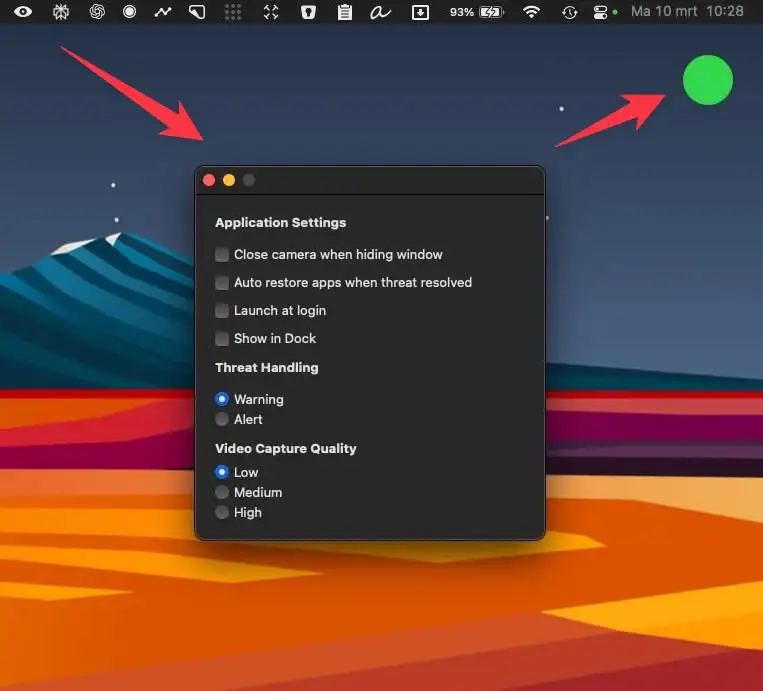
BackEyes uses your Mac’s camera to spot when someone is looking over your shoulder, and automatically hides the apps you choose. It can also hide them when you step away from your desk. Face detection runs entirely offline, and no facial data is stored.
Collection:
Developer Apps
MaClicker
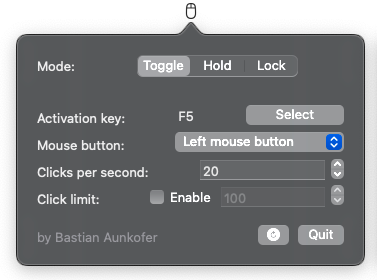
MaClicker is a simple auto-clicker for Mac. It is built with Swift and can achieve up to 100 clicks per second.