Collection:
Security Apps
QuickOTP Authenticator & Passkeys
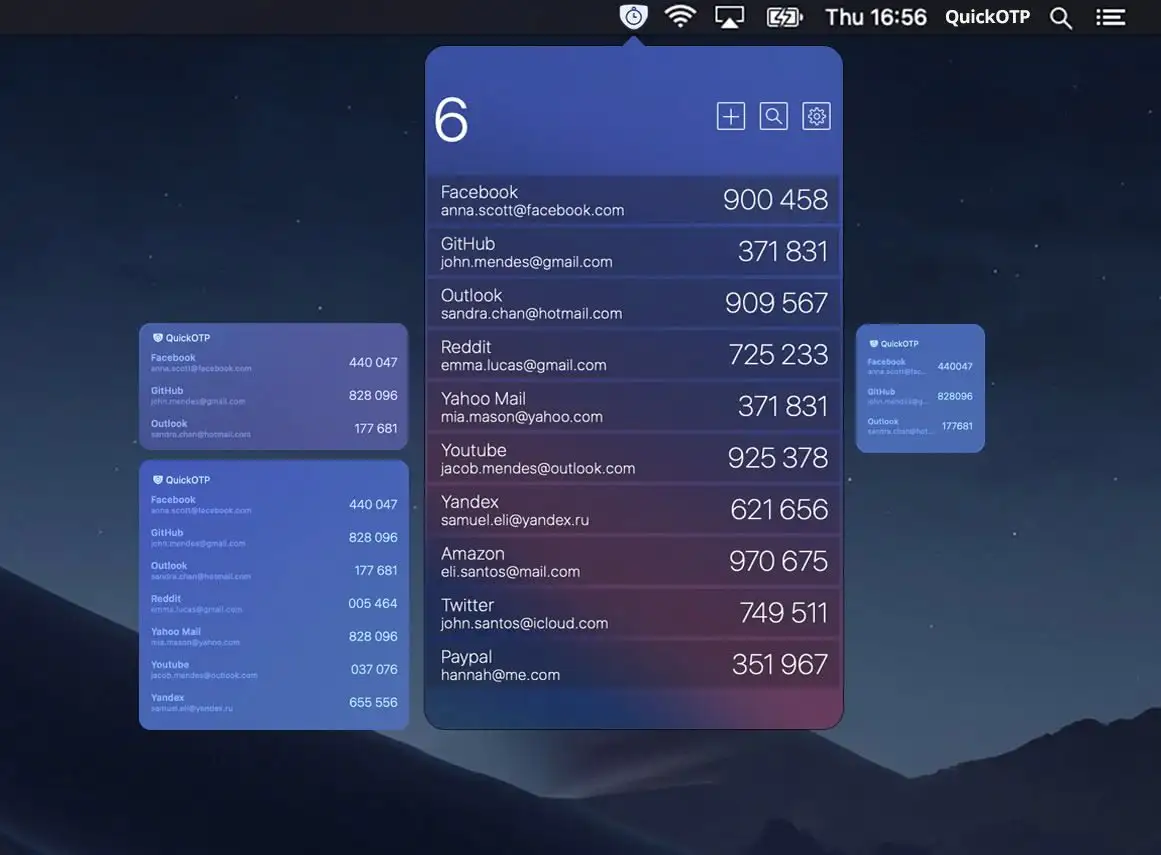
QuickOTP Authenticator & Passkeys is a fast, privacy-first macOS menu bar app for managing 2FA codes and Passkeys, secure, offline, and seamlessly integrated with Apple Keychain.

Protect your Mac, your data and your privacy in real time. Monitor network activity, control outgoing connections, manage VPNs and DNS, secure apps with locks and 2FA, detect surveillance, prevent theft, automate backups and guard against malware directly from your menu bar.
Protect your Mac, your data and your privacy in real time. Monitor network activity, control outgoing connections, manage VPNs and DNS, secure apps with locks and 2FA, detect surveillance, prevent theft, automate backups and guard against malware directly from your menu bar.
QuickOTP Authenticator & Passkeys is a fast, privacy-first macOS menu bar app for managing 2FA codes and Passkeys, secure, offline, and seamlessly integrated with Apple Keychain.
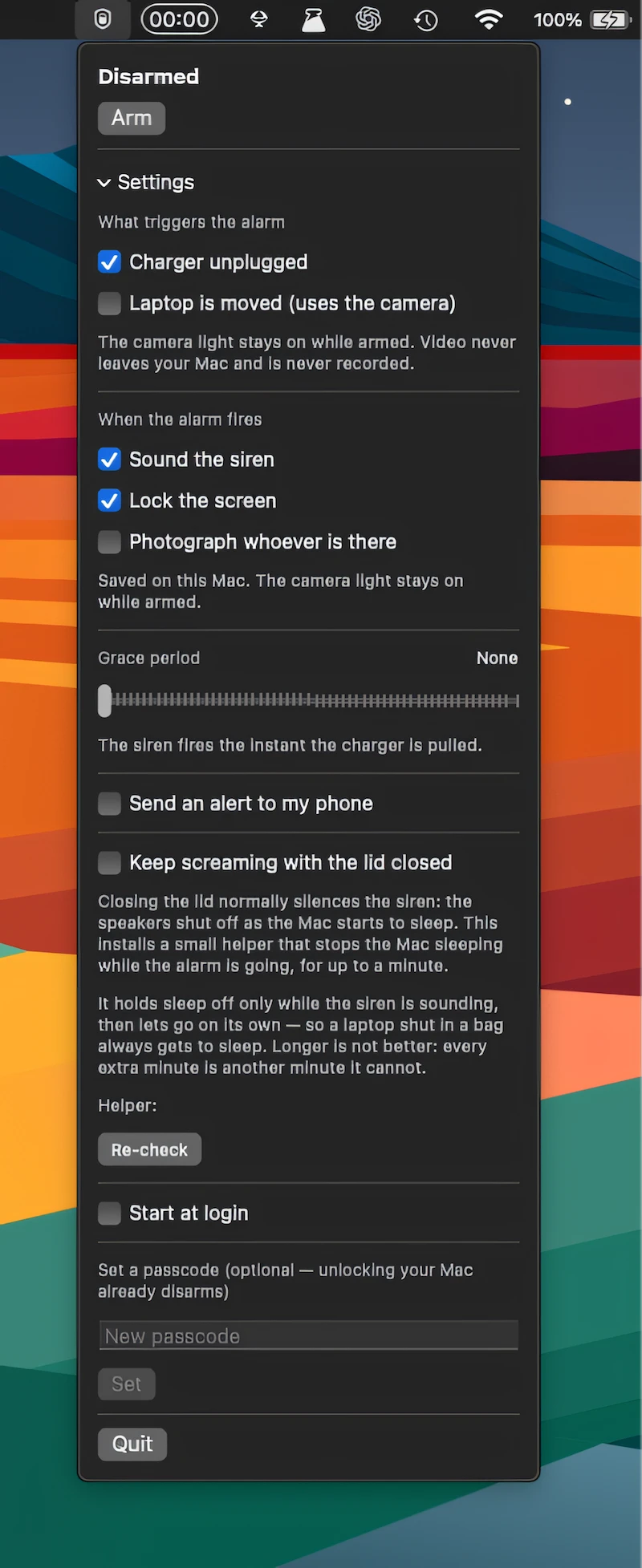
Deter Mac theft with a loud alarm that detects movement, charger removal, or lid closure, locks the screen, takes photos, and sends alerts to your phone.
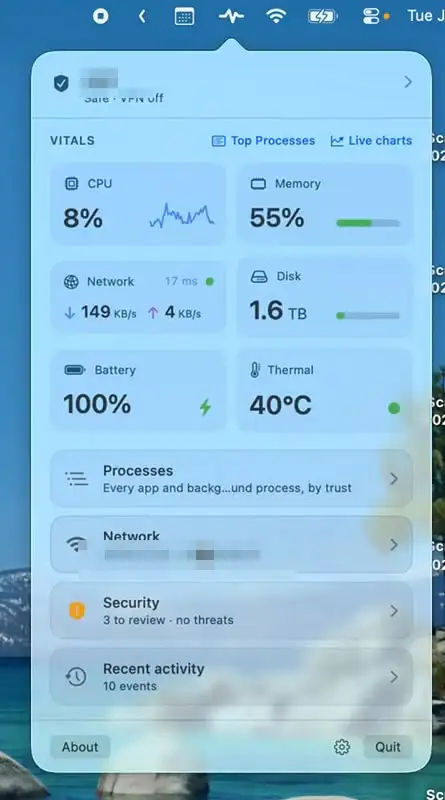
Mojo Pulse monitors your Mac’s performance, security, network activity, battery health, and hardware status, with clear alerts when something needs attention. A quiet companion that helps keep your Mac running smoothly.
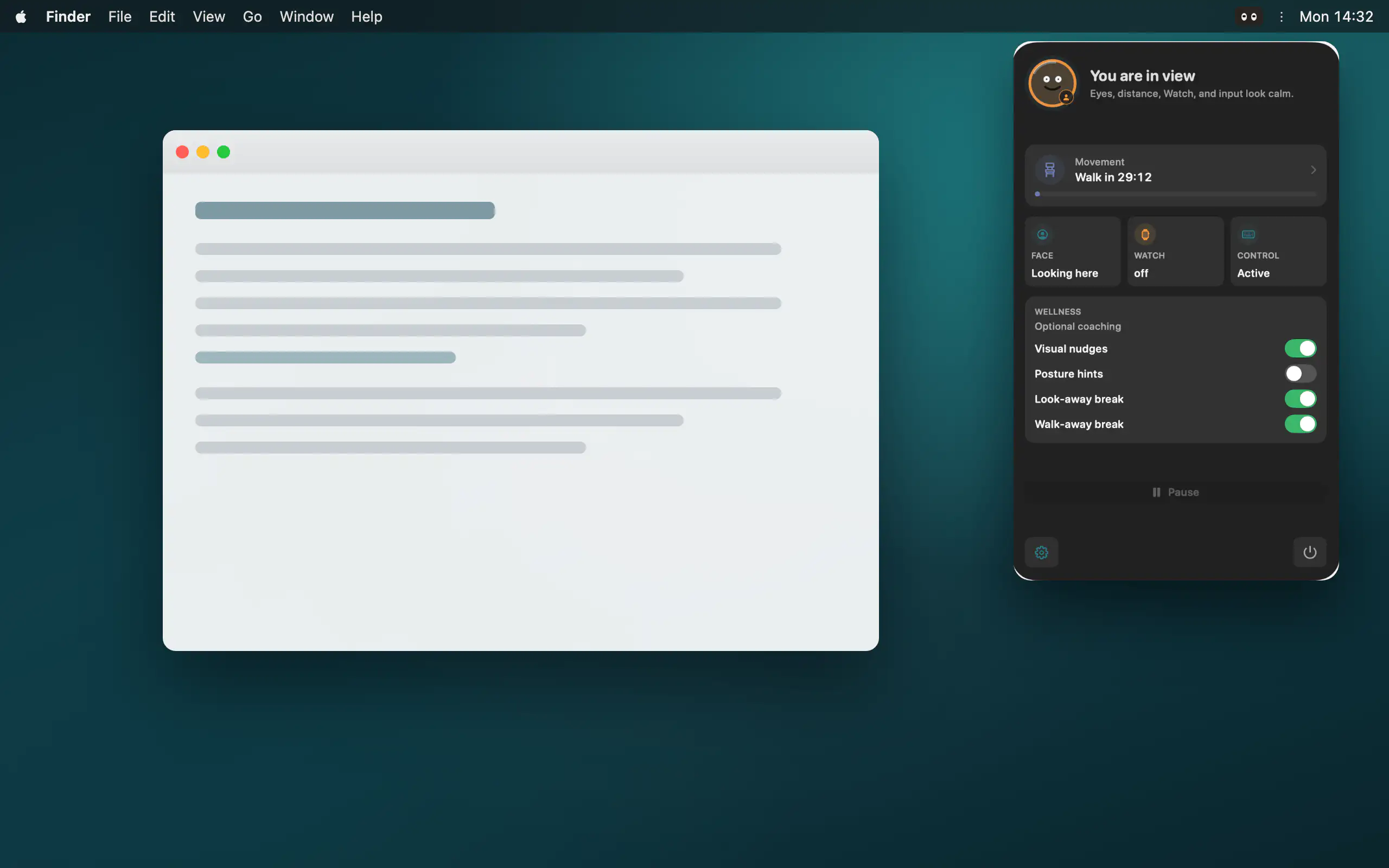
Peeku locks your Mac when you step away, using on-device camera analysis, Apple Watch proximity, and activity signals, all processed locally with no cloud or account.
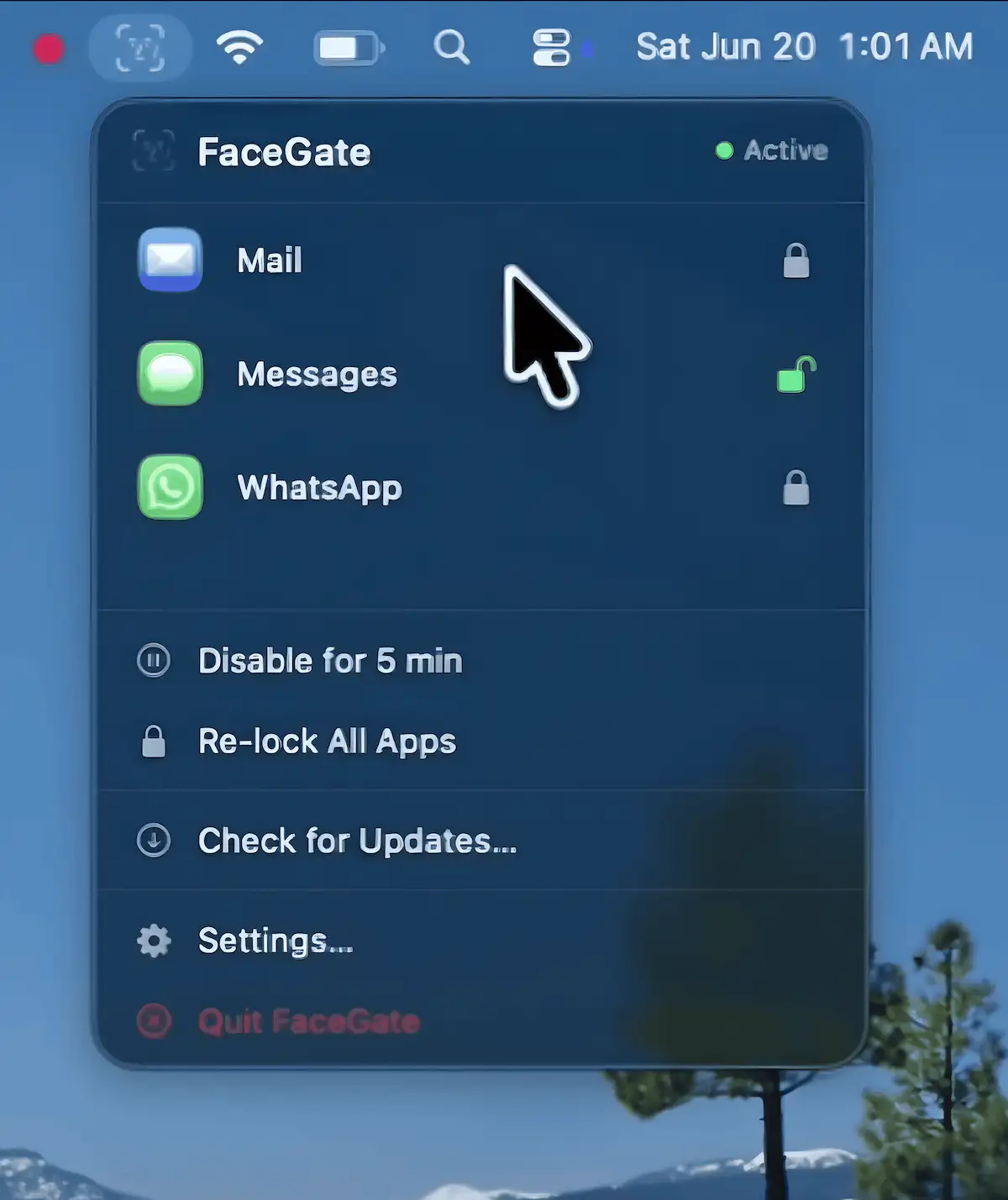
FaceGate adds per-app locking to macOS, letting you secure individual applications with Face Unlock, Touch ID, or a password while keeping the rest of your system accessible. It runs locally with no accounts or cloud, offering fast on-device authentication.
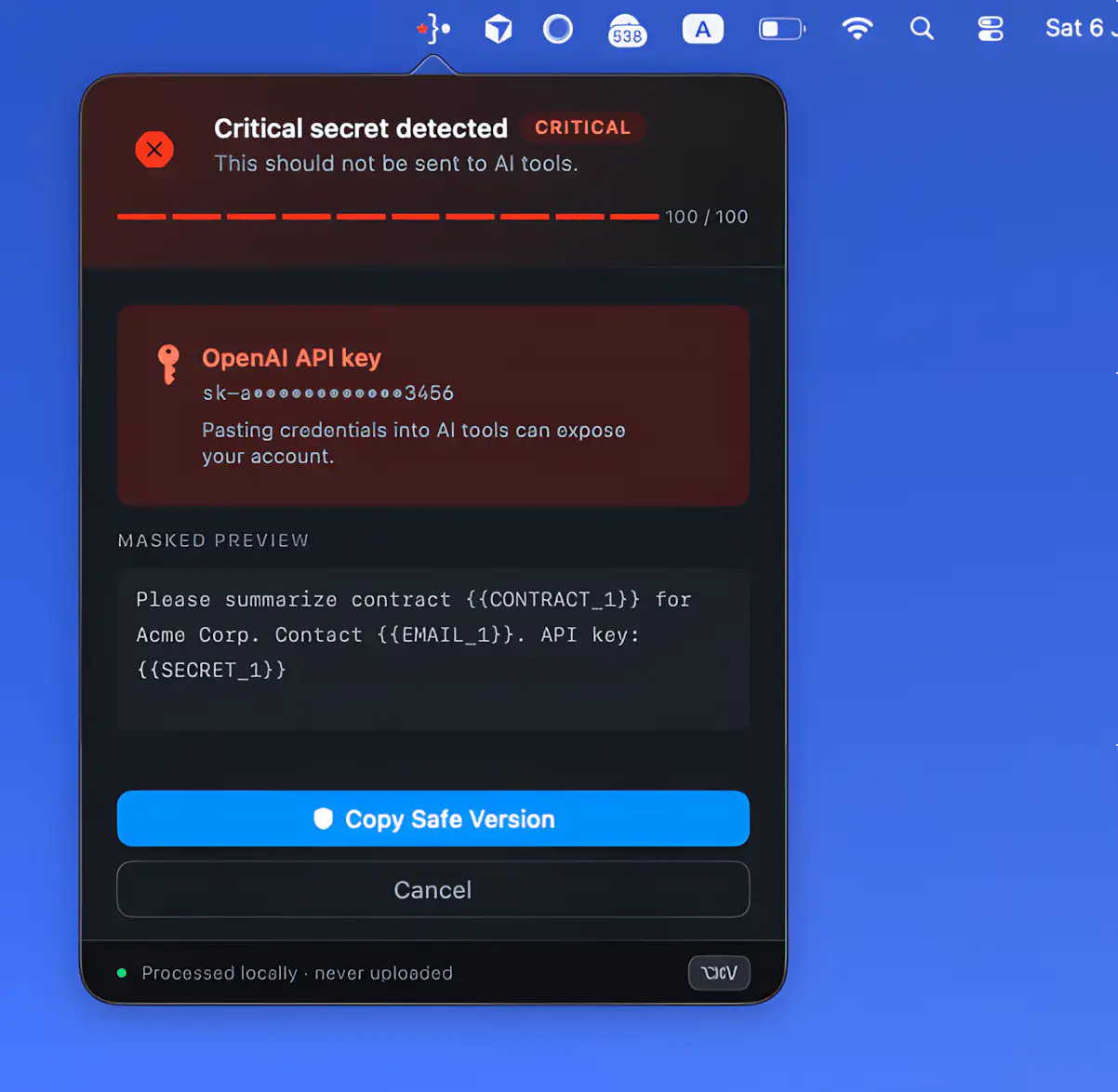
Offsend helps prepare projects, files, and clipboard text before sending them into AI tools like ChatGPT and Claude. It runs locally on your Mac, masking sensitive data such as keys, client info, and internal paths without relying on cloud processing or external servers.
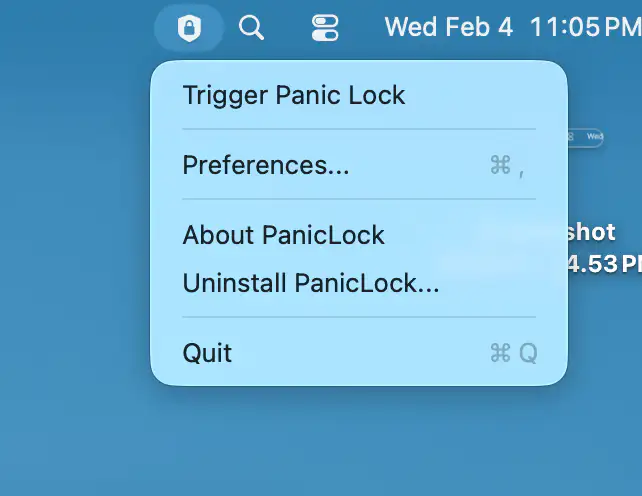
Some people trust biometric authentication right up to the exact moment they don’t. PanicLock keeps Touch ID for daily ease, but lets you instantly disable it and lock your Mac with a shortcut, forcing password-only access without interrupting your session.
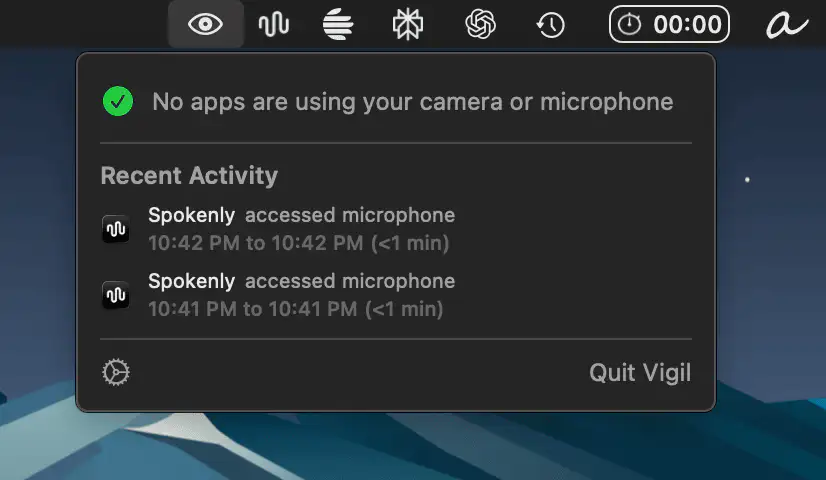
Vigil keeps an eye on your Mac, showing in real time which apps are using your camera or microphone, complete with proper names and icons. It runs fully offline, and respects your privacy.
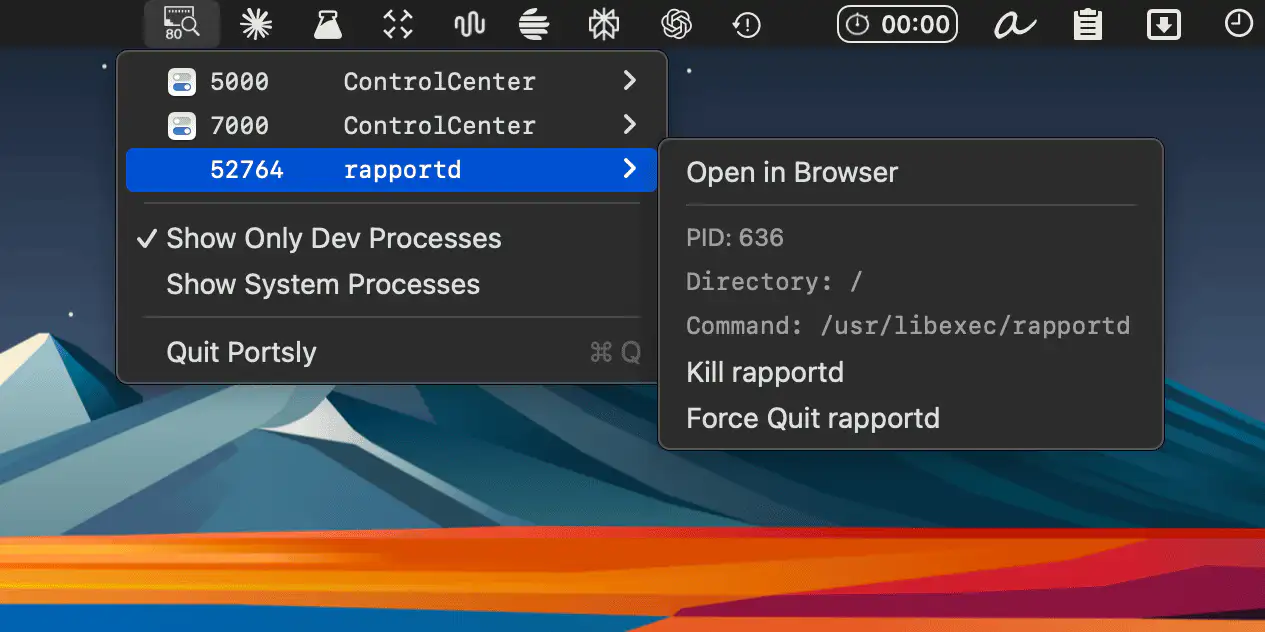
Portsly lives in your menu bar, showing which apps occupy which ports, so you can inspect processes, open services instantly, and terminate anything misbehaving with a single click.
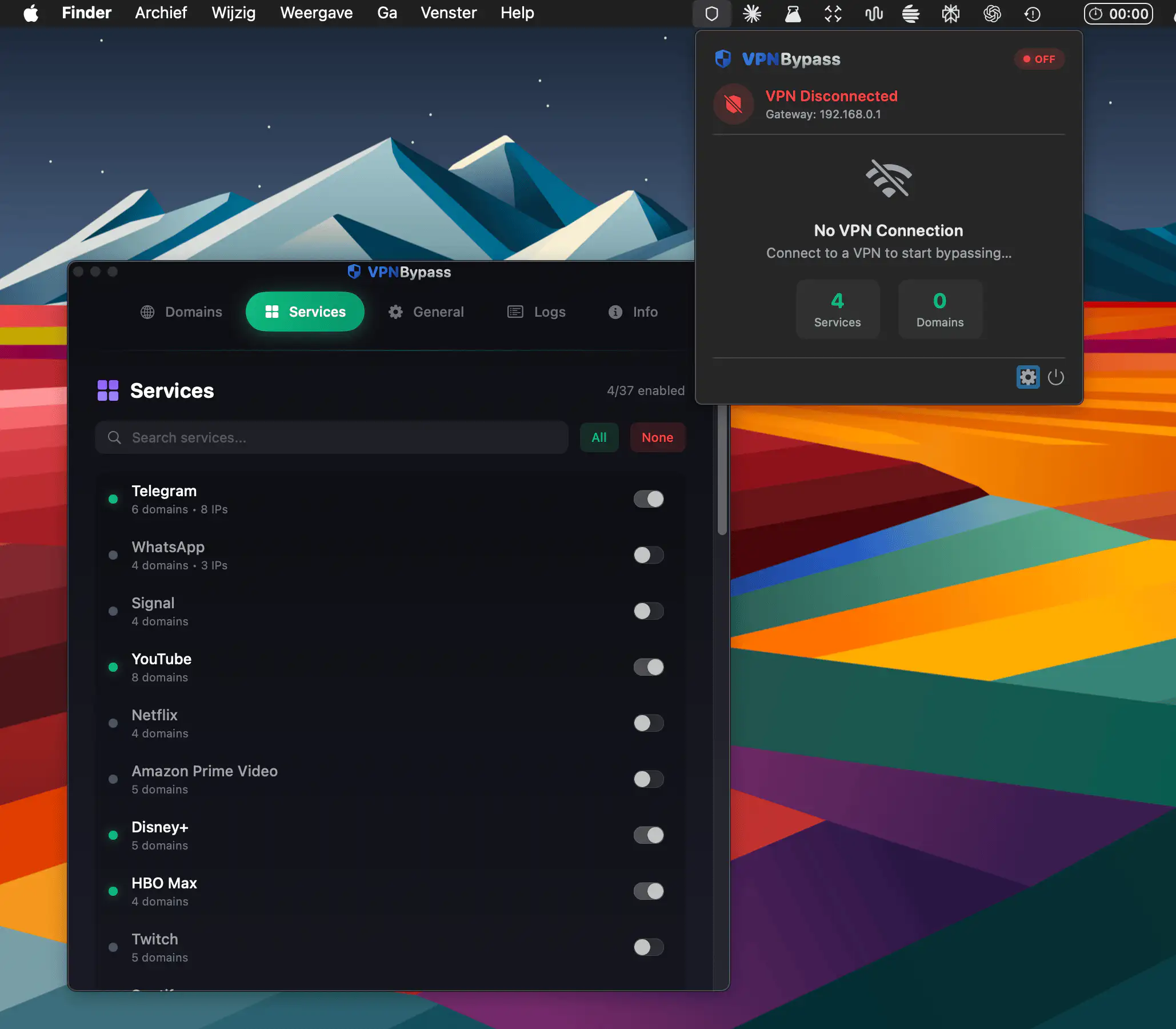
VPN Bypass lives in your menu bar and routes selected apps and domains outside your VPN, keeping work secure while streaming, messaging, and everyday browsing stay fast and hassle-free.
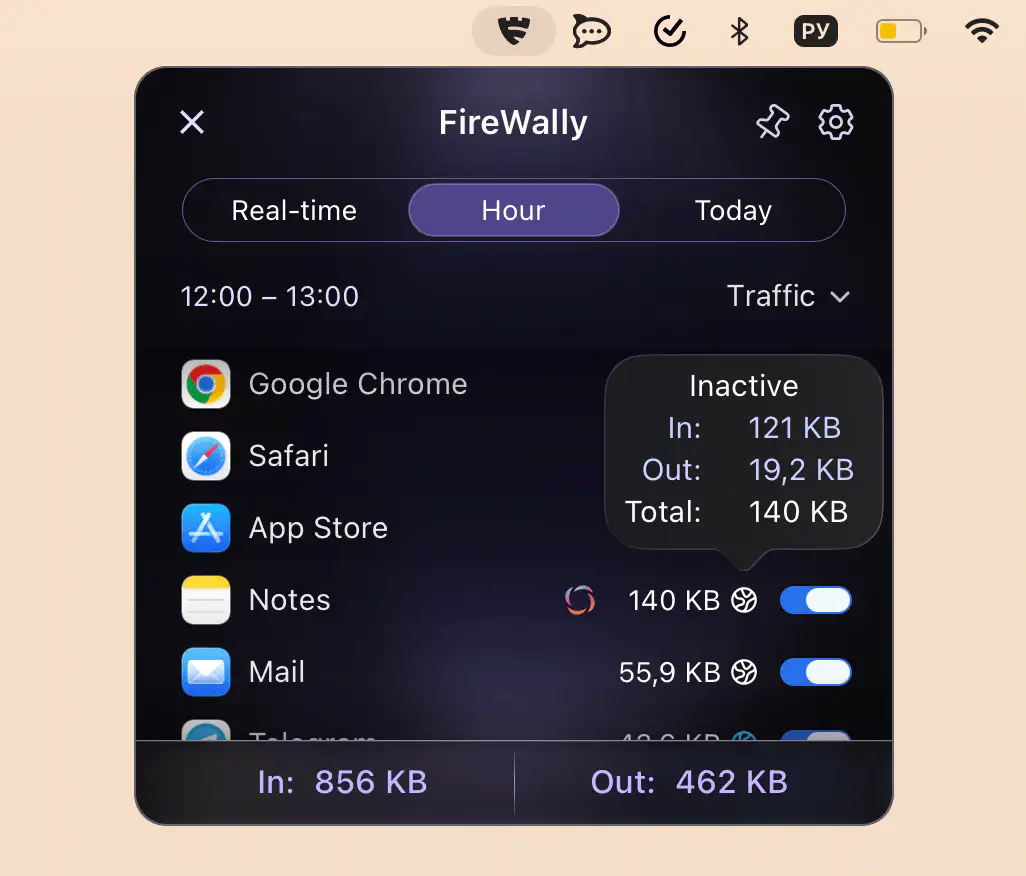
This menu bar app lets you monitor and control which apps connect to the internet in real time, clearly explains their activity, and allows you to block unwanted connections to protect privacy and data usage.