Take full control over when your Mac sleeps or stays awake. Schedule sleep, prevent idle timeouts, disable clamshell restrictions, simulate activity, manage power behavior or automate WiFi and Bluetooth actions when your Mac sleeps or wakes, all directly from your menu bar.
Show me the free apps only
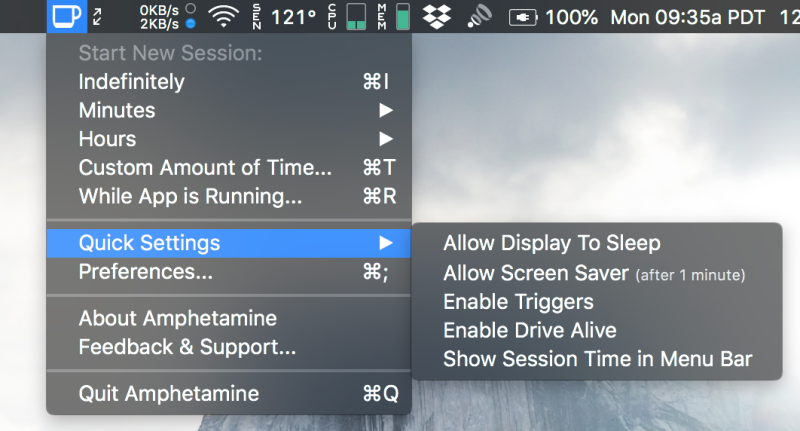
With Amphetamine, you can effortlessly override your energy saving settings and keep your Mac awake. You just have to tap on a single icon on your macOS Menu Ba. Once activated, your system will stop going to sleep. You can also set it up so that Amphetamine only kicks on when it notices that a particular app is running.
Visit Watch
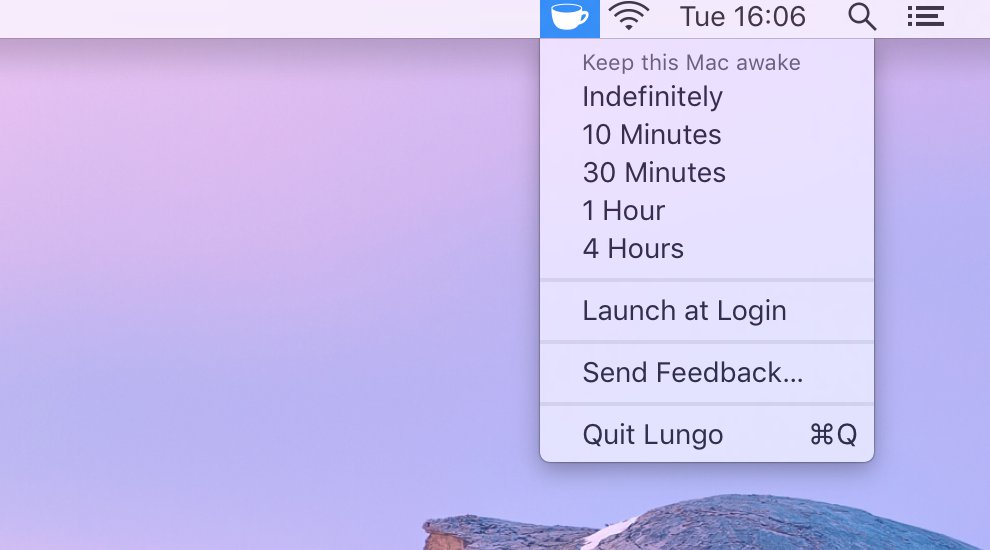
Lungo keeps your Mac awake and the display bright when you actually need it, whether you’re presenting, following a recipe, or monitoring a long task. Activate it with a click or shortcut, set custom durations, automate behavior, and let it quietly step aside when power is disconnected.
Visit
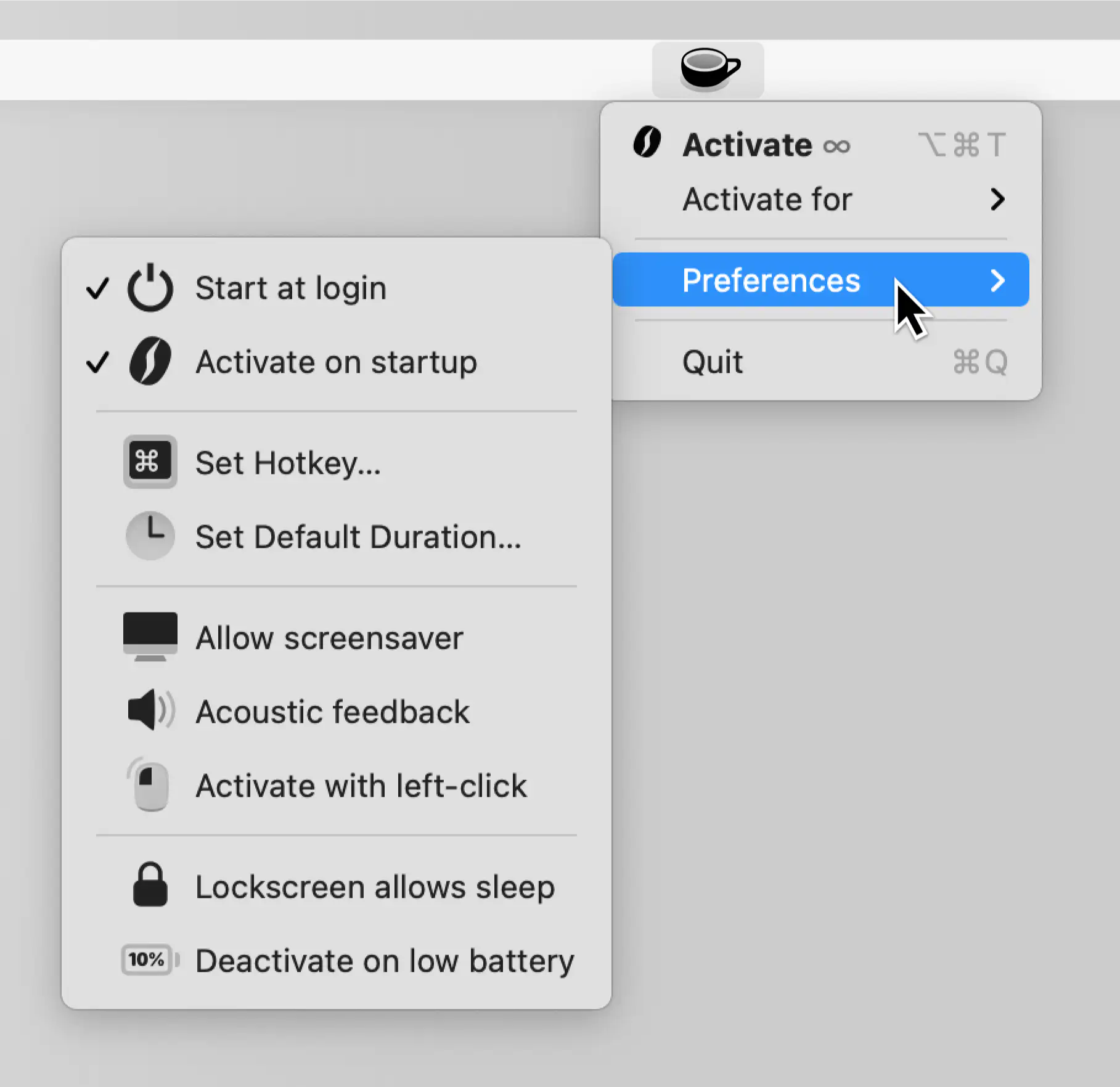
Theine prevents your Mac from dozing off mid-presentation or mid-render, keeping the screen bright with a single click. Timers, shortcuts, and full automation make it flexible for any workflow.
Visit Watch
