Collection:
System Stats | System Tools
Ghostmoon
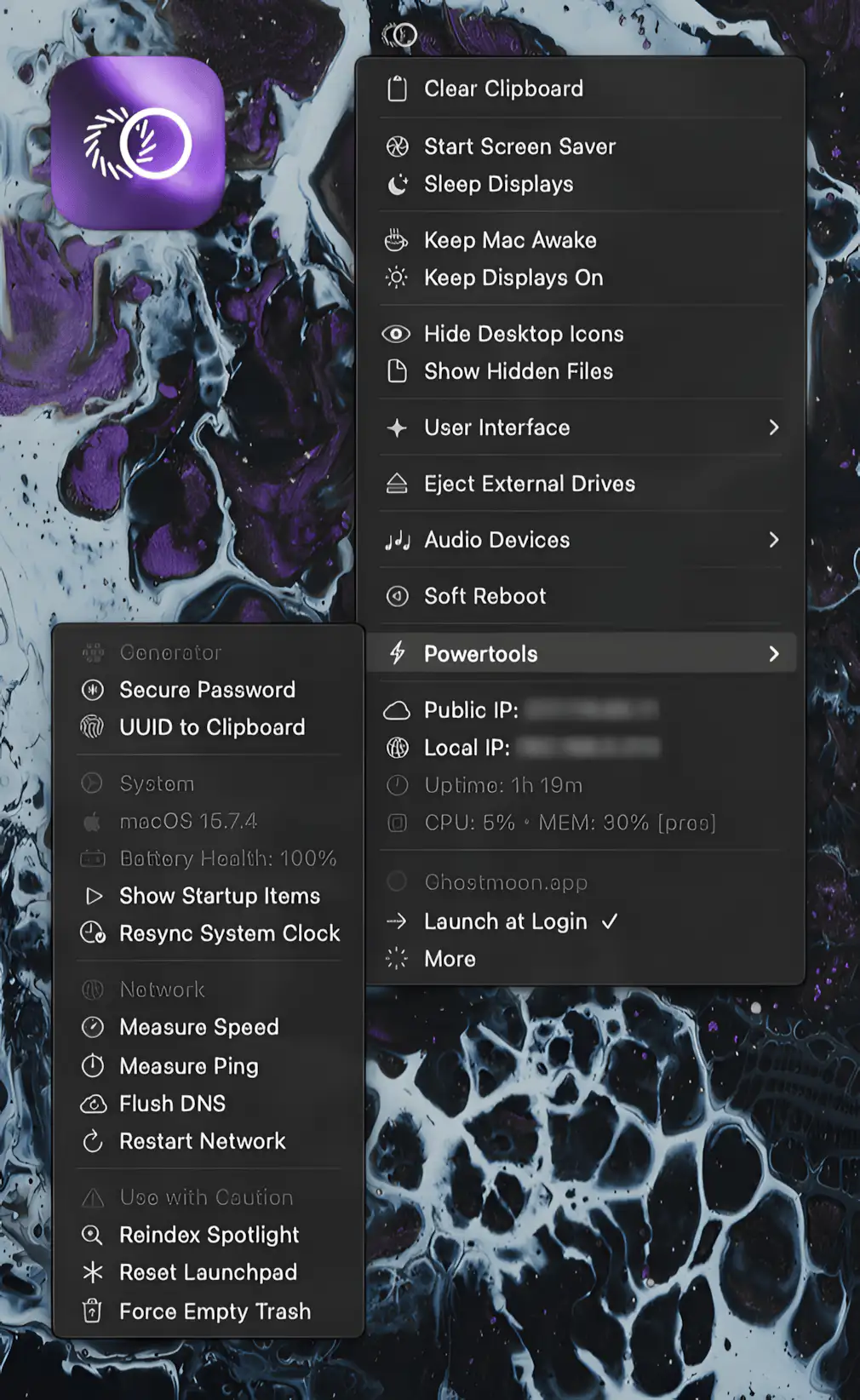
Every feature you keep digging for in macOS is suddenly within reach. Keep Mac awake, manage drives, switch audio, reset networks, and generate secure passwords.

Understand what your Mac is really doing. Monitor CPU, GPU, memory, disk activity, temperatures, fans, battery health, network performance and per-process usage in real time, directly from your menu bar with clear visuals and detailed diagnostics.
Understand what your Mac is really doing. Monitor CPU, GPU, memory, disk activity, temperatures, fans, battery health, network performance and per-process usage in real time, directly from your menu bar with clear visuals and detailed diagnostics.
Every feature you keep digging for in macOS is suddenly within reach. Keep Mac awake, manage drives, switch audio, reset networks, and generate secure passwords.
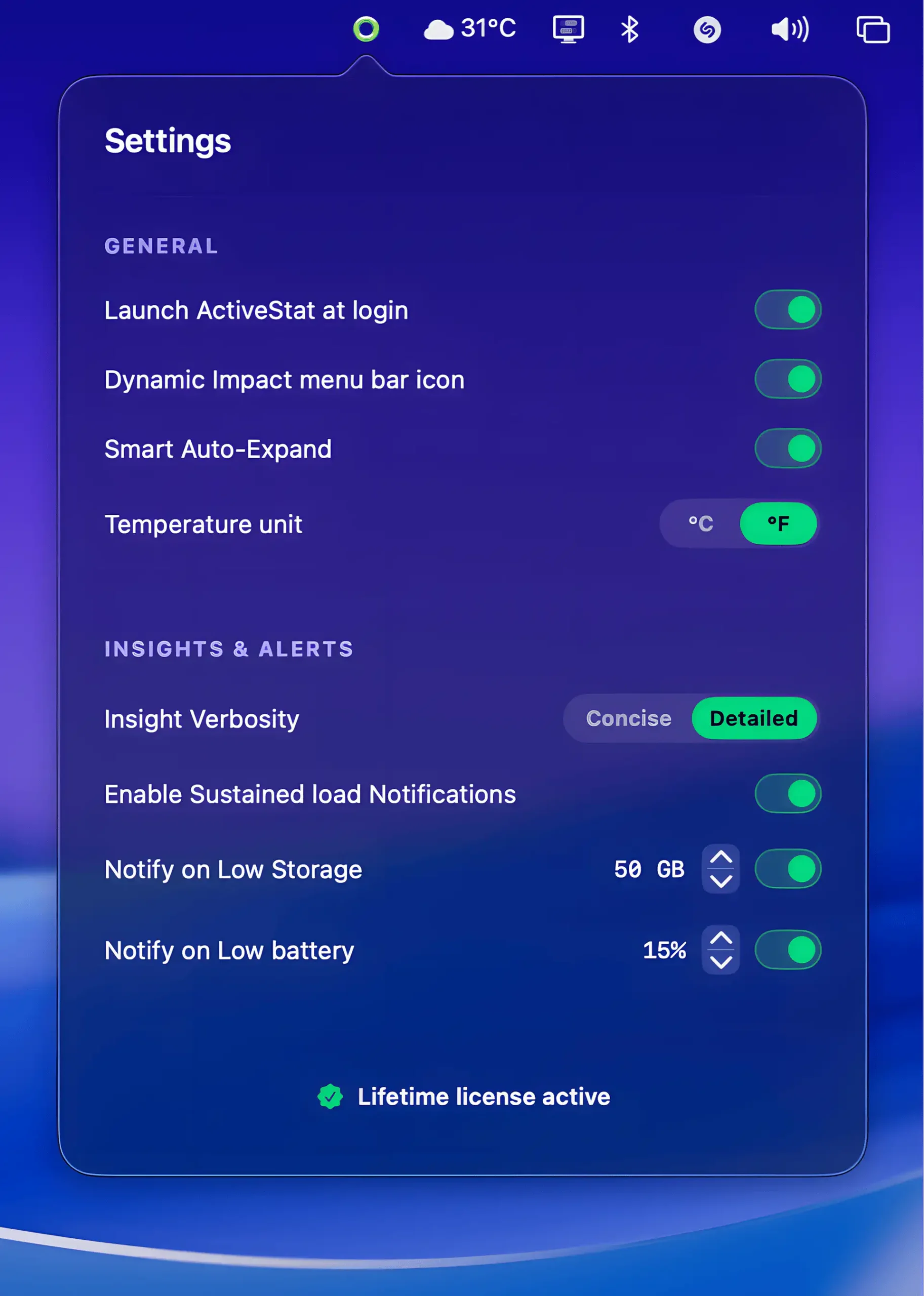
ActiveStat keeps a calm eye on your Mac’s performance, showing real-time CPU load, memory pressure, disk activity, and energy impact in a clean interface that surfaces useful insights without getting in your way.
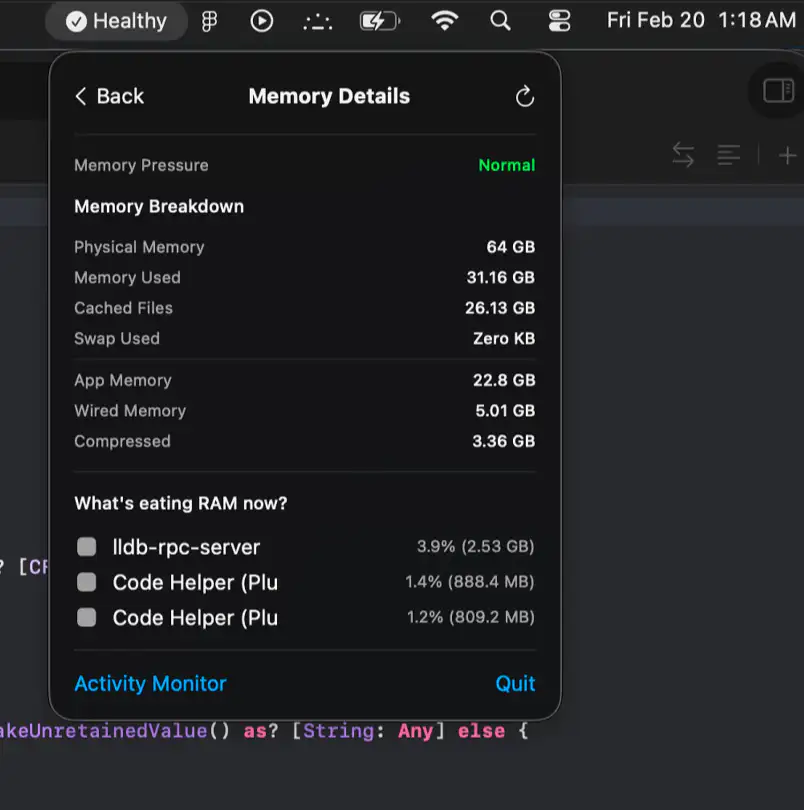
Lazy Stats keeps CPU, memory, storage, thermals, battery, and network activity in clear view, with smart health summaries and focused diagnostics that help you catch trouble before your fans start screaming.
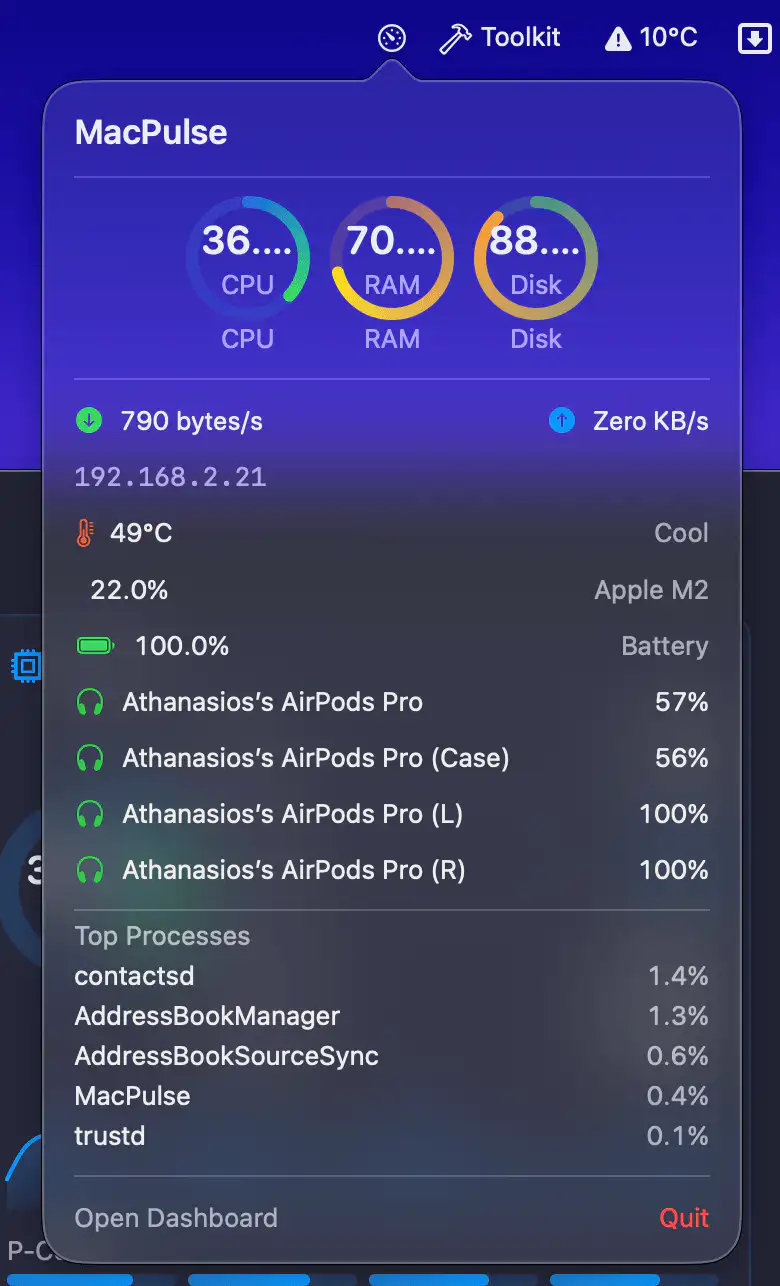
MacPulse reimagines Activity Monitor with a clear dashboard and plain-English insights, recording performance sessions and turning CPU, memory, and thermal data into practical advice so you actually understand your Mac.
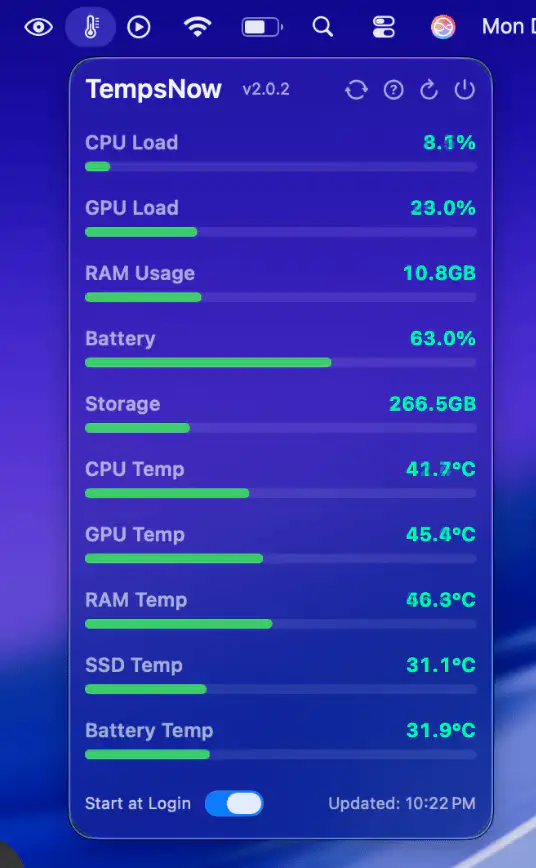
TempsNow gives you clear, real-time insight into your Mac’s CPU and GPU temperatures, offering smooth, lightweight performance monitoring in the menu bar with always-updating, beautifully designed widgets.

Wifilicious shows what’s going on with your Wi-Fi: signal strength, noise, link rate and channel, plus honest speed tests and a history of your connection. On macOS 26 you can also ask Apple Intelligence questions about your network.

Mactop shows your CPU usage, core count and memory consumption in your menu bar, along with a list of the processes using the most resources.

Stats Panel is a customizable system monitor for your menu bar. It has an adaptive UI which changes with the theme of your Mac.

This menu bar app is designed for indie app developers. It provides easy access to your recent installation data from App Store Connect.

A menu bar app to track your system’s activity and performance. You can build the menu from more than 40 components.