ProcessSpy
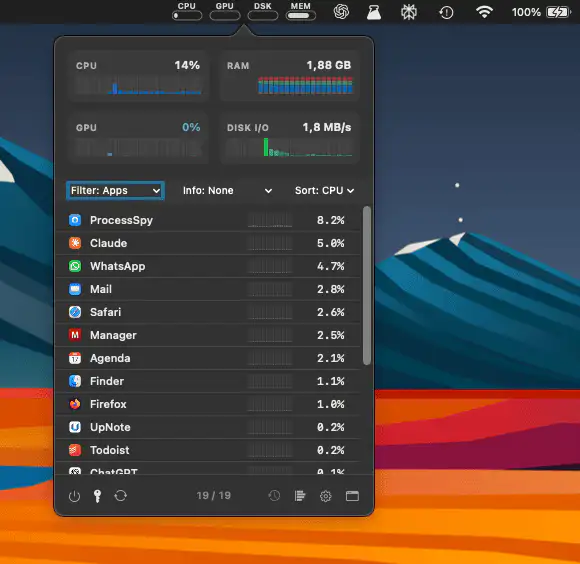
ProcessSpy provides in-depth macOS process monitoring with CPU and memory history, disk I/O, hierarchical views, regex search, and a detailed inspector for real-time system insight and performance analysis tracking overview.
The next time a site asks for a code, you’ll just tap it in. iPhone · iPad · Mac

Control, tweak and extend macOS beyond its defaults. Toggle hidden settings, manage drives and NTFS volumes, monitor hardware health, control fans and power behavior, manage Homebrew services, automate routines, throttle processes, fix system glitches and access advanced functions directly from your menu bar.
Control, tweak and extend macOS beyond its defaults. Toggle hidden settings, manage drives and NTFS volumes, monitor hardware health, control fans and power behavior, manage Homebrew services, automate routines, throttle processes, fix system glitches and access advanced functions directly from your menu bar.
ProcessSpy provides in-depth macOS process monitoring with CPU and memory history, disk I/O, hierarchical views, regex search, and a detailed inspector for real-time system insight and performance analysis tracking overview.
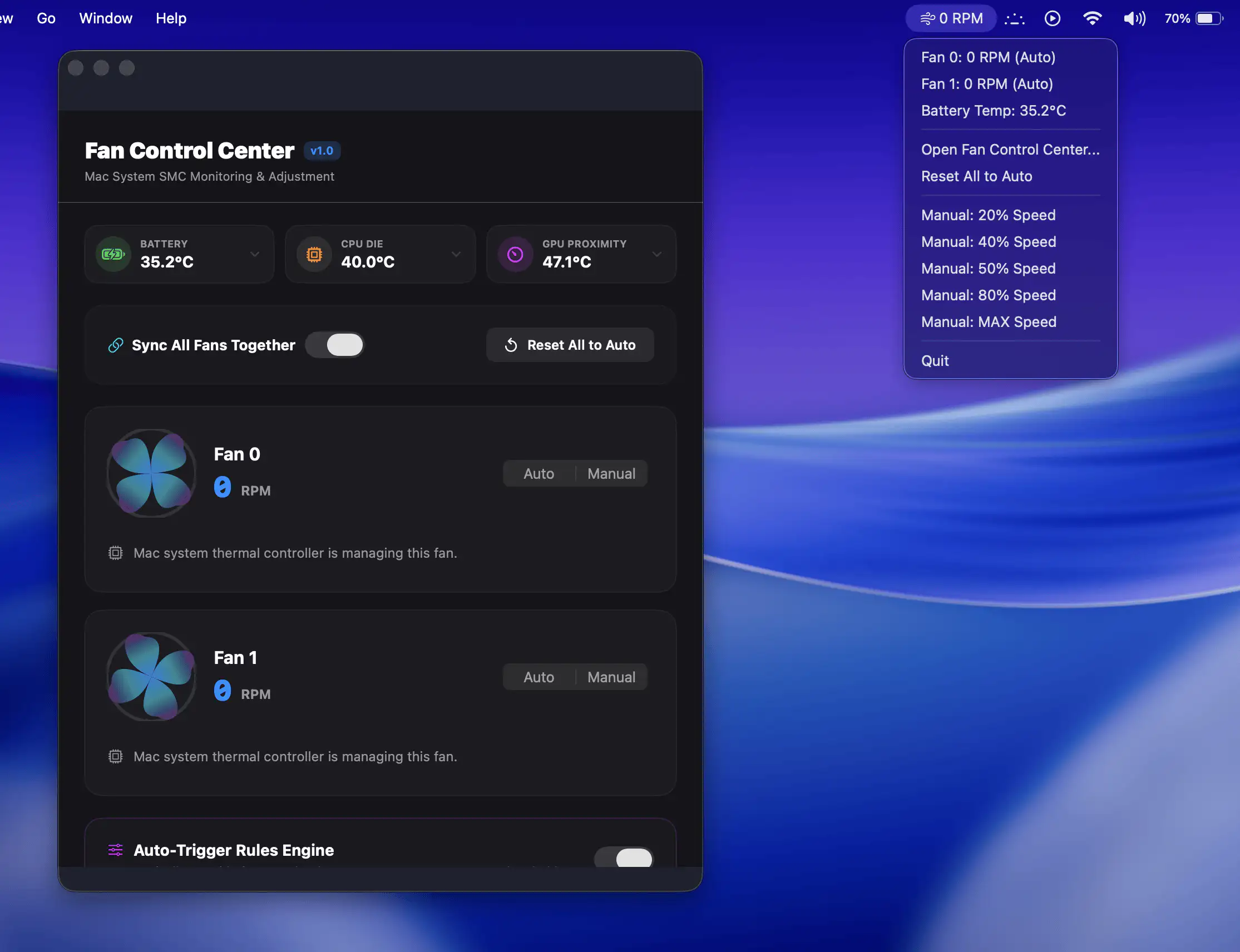
Fan Control Center gives Mac users direct control over cooling performance with manual fan adjustments, real-time temperature monitoring, and customizable automation rules.
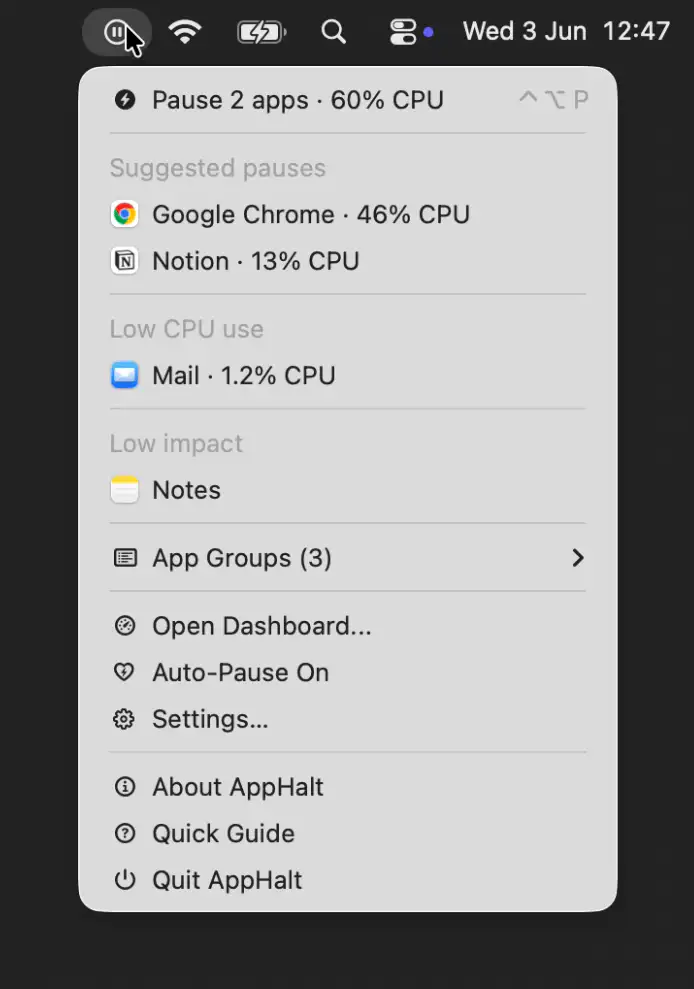
AppHalt helps keep your Mac responsive by pausing unused apps without closing their windows, tabs, or documents. It offers a simple way to reduce background activity while keeping your workspace fully intact.
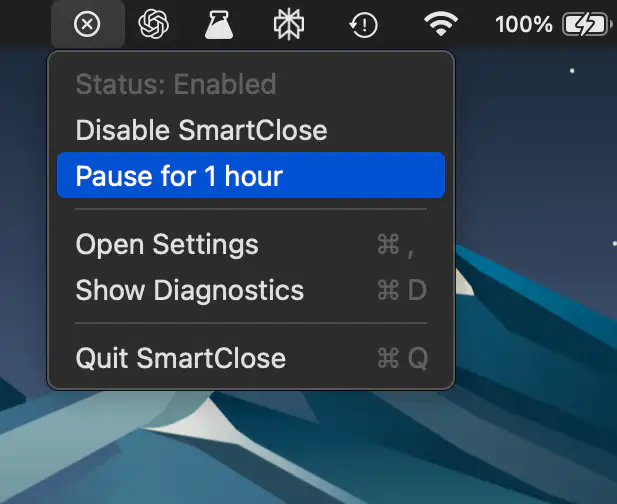
SmartClose makes macOS behave a little more like Windows by quitting apps when their last window closes.
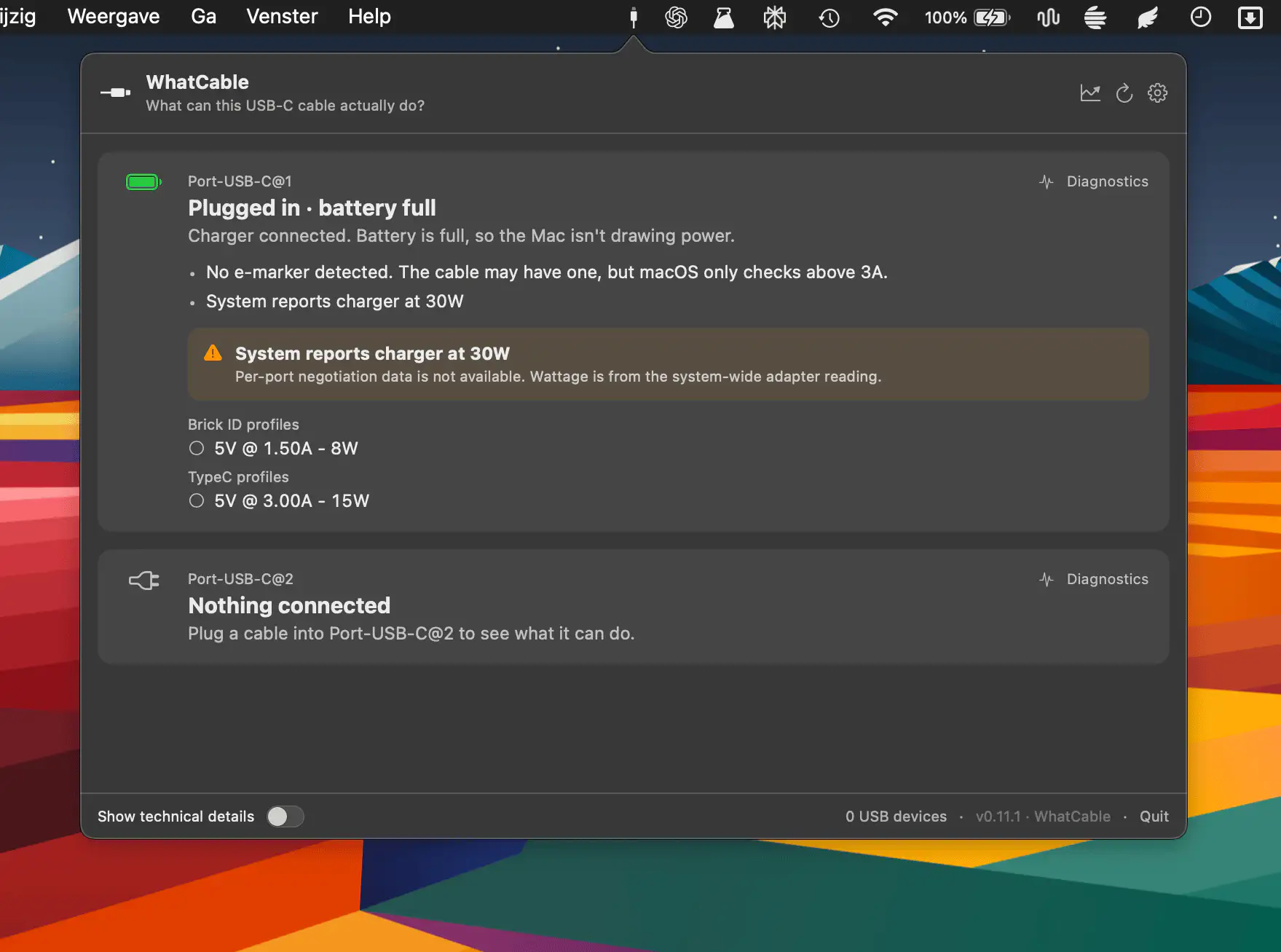
WhatCable reveals what your USB-C cables are actually doing, translating hidden power, speed, and e-marker data into plain language so you can quickly understand charging limits, data rates, and connected devices without guesswork or digging through system details.

Better Resource Monitor keeps an eye on your Mac’s CPU, memory, GPU, and network activity with minimal system impact, offering a clean, privacy-friendly approach that stays fully sandboxed and never asks for elevated permissions.
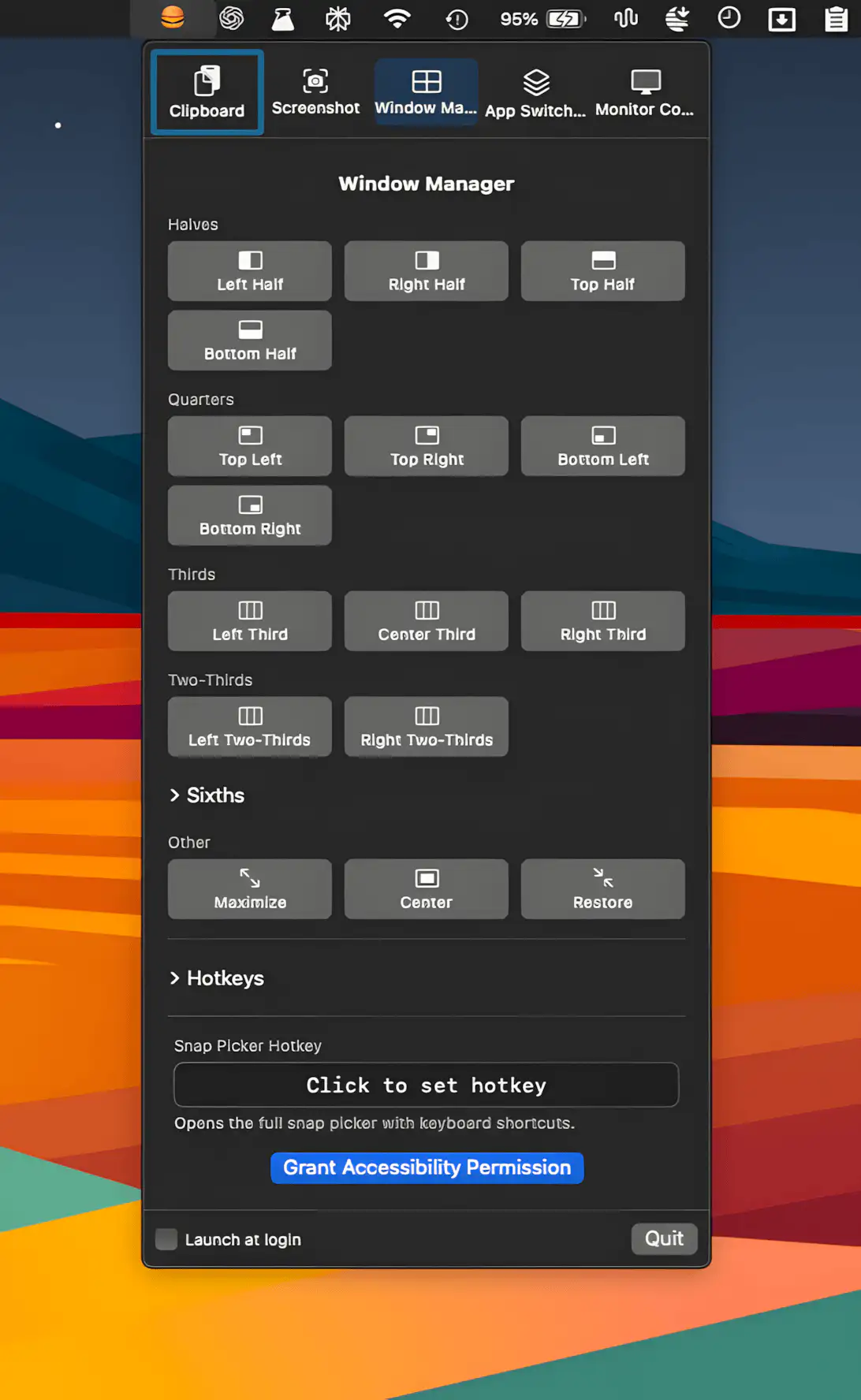
This menu bar app pulls clipboard history, screenshots, window snapping, app switching, and display control into one tidy place, with customizable hotkeys and polite conflict detection.
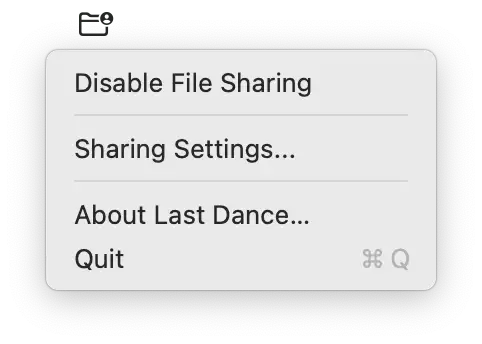
Last Dance fixes a persistent macOS issue where SMB file sharing stops responding after restart. It quietly disables sharing during shutdown and restores it on login, keeping everything reliably accessible.
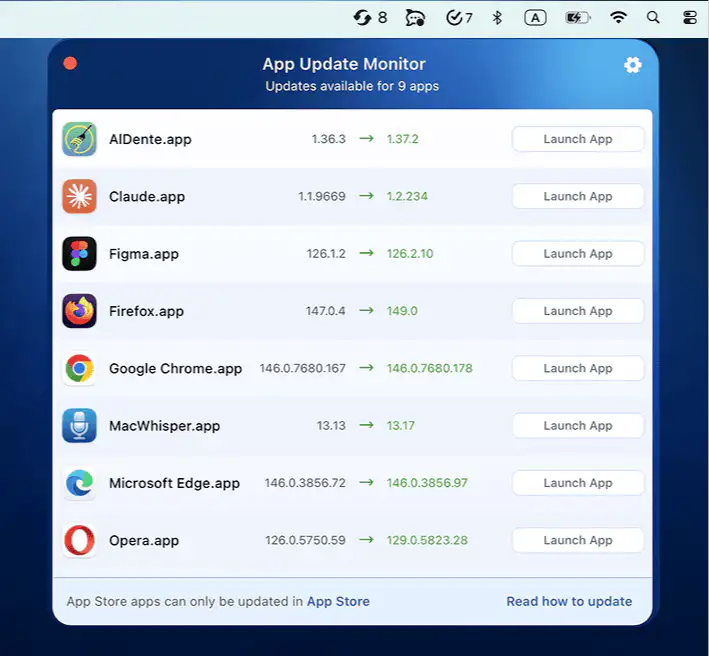
App Update Monitor scans your apps in seconds, detects new versions from trusted sources, and keeps everything current without interrupting whatever you were pretending to focus on.
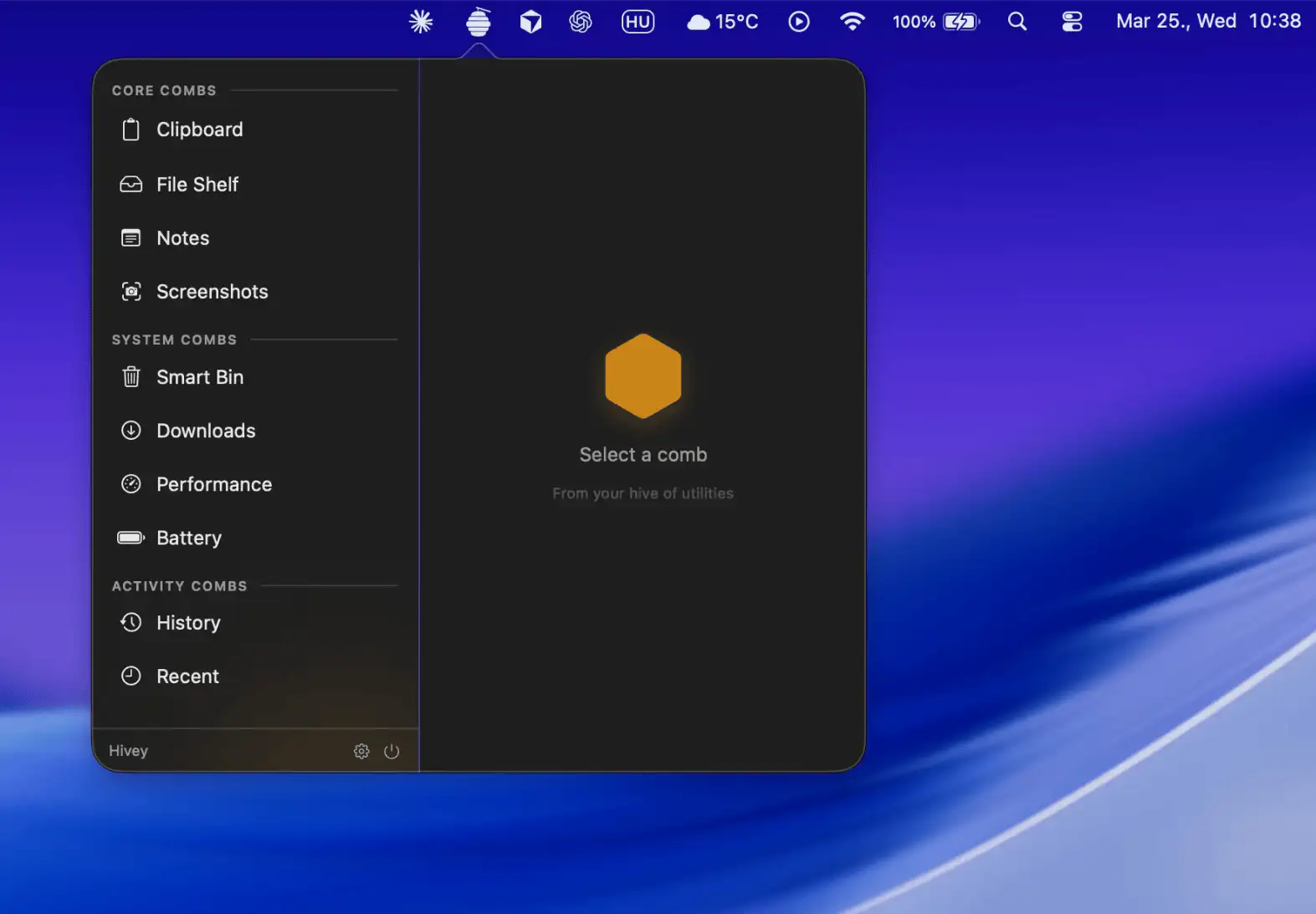
Hivey gathers everyday Mac utilities into one tidy, expandable interface, from clipboard history and notes to storage, downloads, and battery insights, keeping everything close at hand without ever getting in your way.