Collection:
System Tools
MenuBarUSB

Lightweight Mac menu bar app that shows active USB connections and their port speeds, available in a compact or full version with identical functionality. Simple, unobtrusive, and efficient.

Control, tweak and extend macOS beyond its defaults. Toggle hidden settings, manage drives and NTFS volumes, monitor hardware health, control fans and power behavior, manage Homebrew services, automate routines, throttle processes, fix system glitches and access advanced functions directly from your menu bar.
Control, tweak and extend macOS beyond its defaults. Toggle hidden settings, manage drives and NTFS volumes, monitor hardware health, control fans and power behavior, manage Homebrew services, automate routines, throttle processes, fix system glitches and access advanced functions directly from your menu bar.
Lightweight Mac menu bar app that shows active USB connections and their port speeds, available in a compact or full version with identical functionality. Simple, unobtrusive, and efficient.
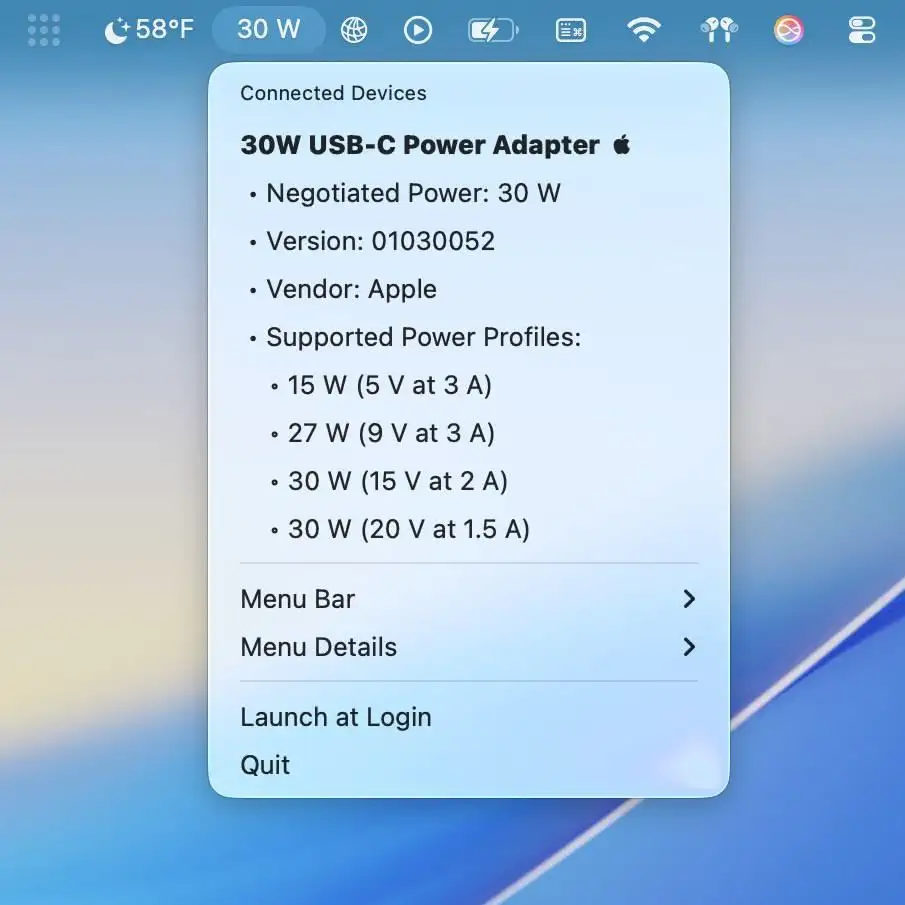
Quickly see what’s really happening with your USB devices. This lightweight menu bar app shows live connection speeds, power usage, and device details—so you’ll always know if your gear is performing.
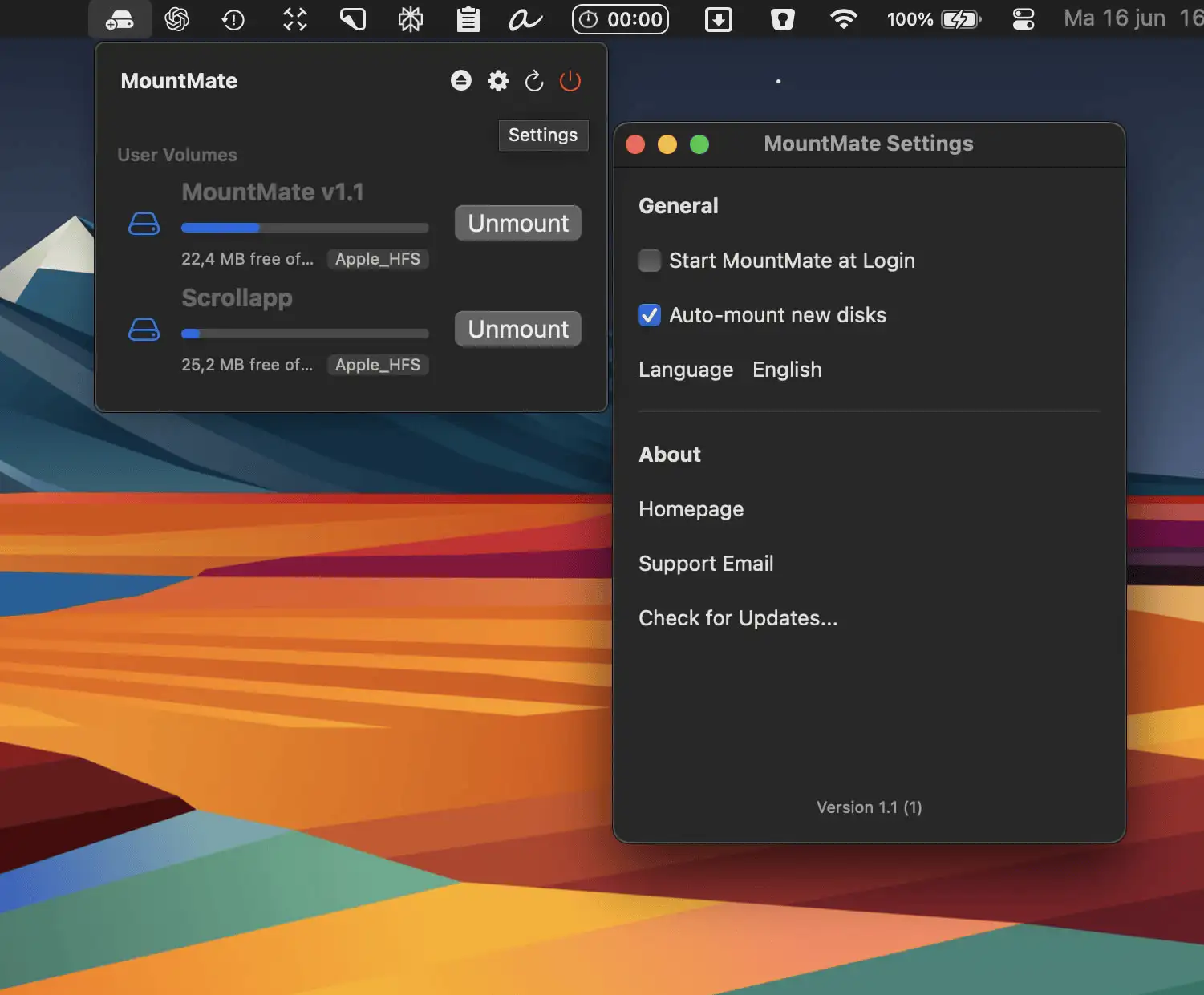
MountMate is a simple, elegant Mac menu bar app that lets you mount or unmount external drives instantly—perfect for keeping your system fast without opening Disk Utility.
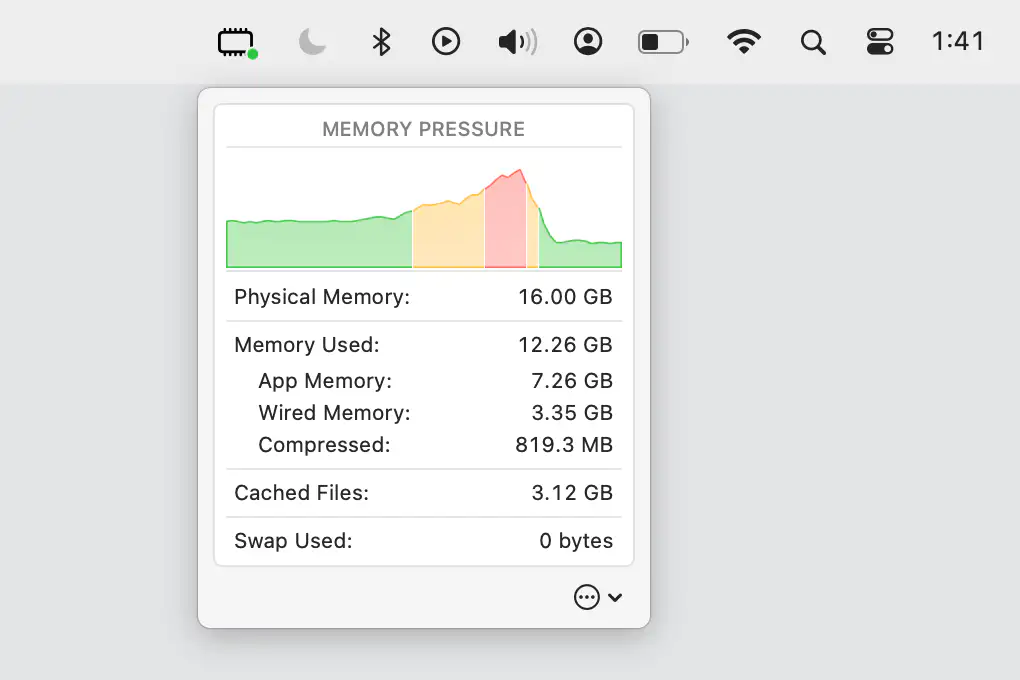
Keep an eye on your Mac’s memory pressure and key stats, conveniently displayed in your menu bar for quick, effortless monitoring.
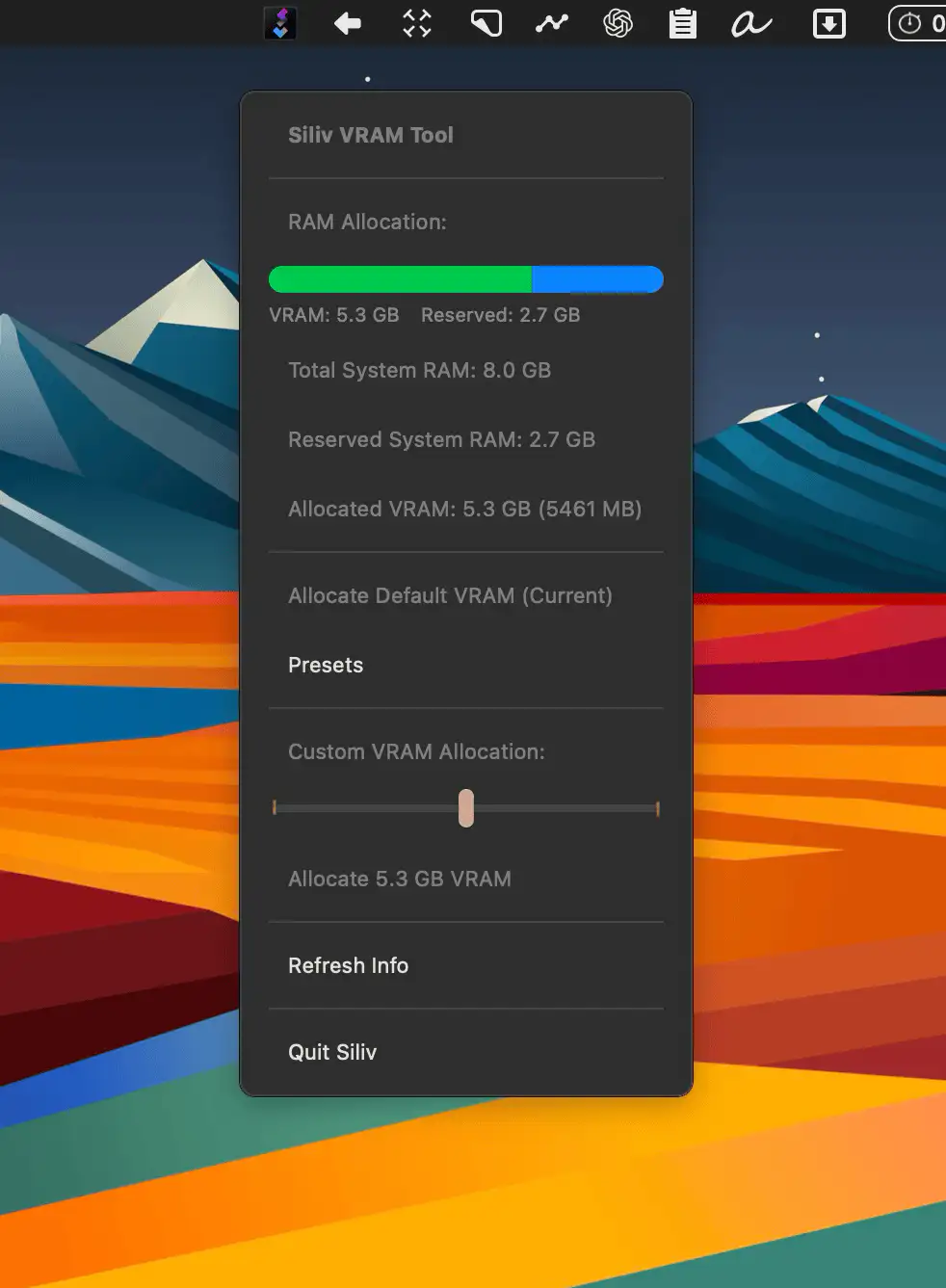
With Siliv, you can easily allocate more VRAM to your GPU—ideal for running local LLMs or editing high-res video.
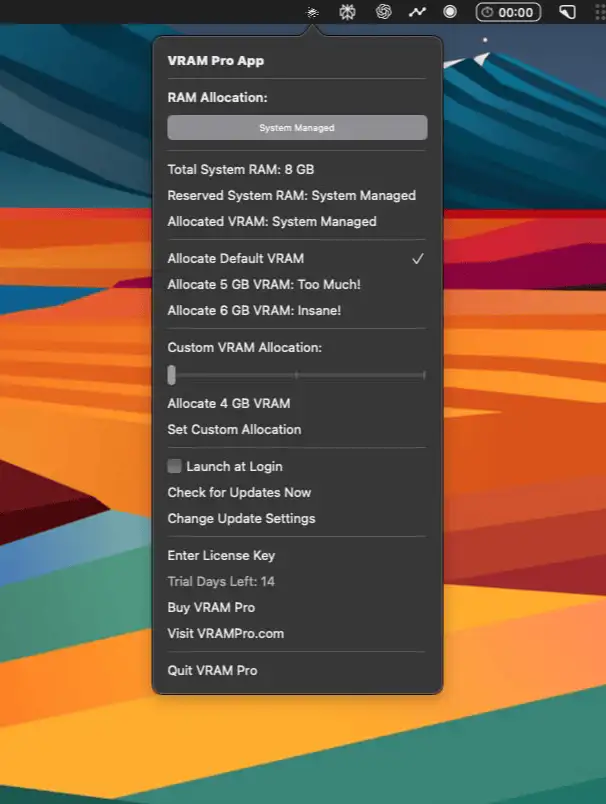
Take full control of GPU memory on your Apple Silicon Mac with an intuitive interface that boosts performance for AI, 3D, and video workflows—no command line needed.
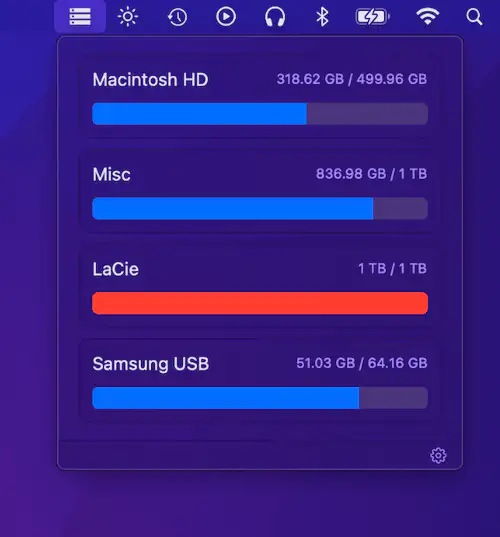
DiskView shows all mounted drives with free and used space at a glance. Simple, minimal, and efficient for quick disk monitoring.