Collection:
System Tools
App Update Monitor
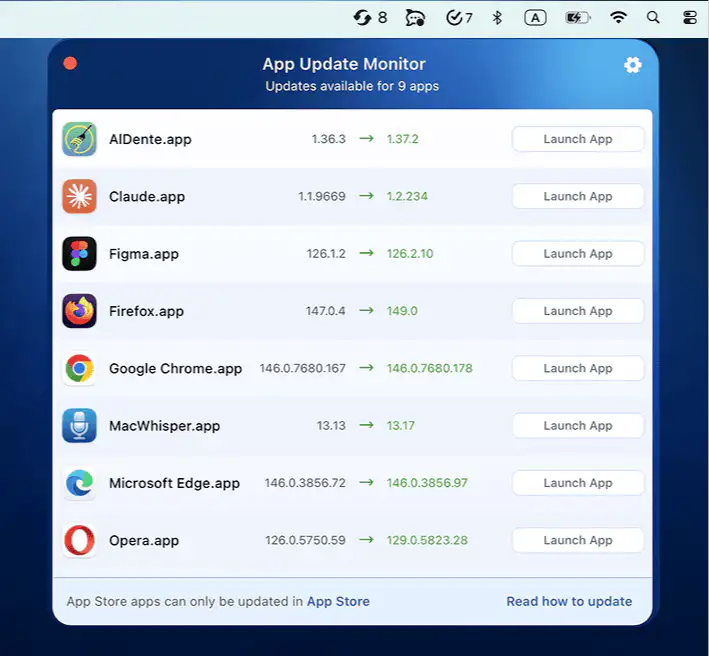
App Update Monitor scans your apps in seconds, detects new versions from trusted sources, and keeps everything current without interrupting whatever you were pretending to focus on.

Control, tweak and extend macOS beyond its defaults. Toggle hidden settings, manage drives and NTFS volumes, monitor hardware health, control fans and power behavior, manage Homebrew services, automate routines, throttle processes, fix system glitches and access advanced functions directly from your menu bar.
Control, tweak and extend macOS beyond its defaults. Toggle hidden settings, manage drives and NTFS volumes, monitor hardware health, control fans and power behavior, manage Homebrew services, automate routines, throttle processes, fix system glitches and access advanced functions directly from your menu bar.
App Update Monitor scans your apps in seconds, detects new versions from trusted sources, and keeps everything current without interrupting whatever you were pretending to focus on.
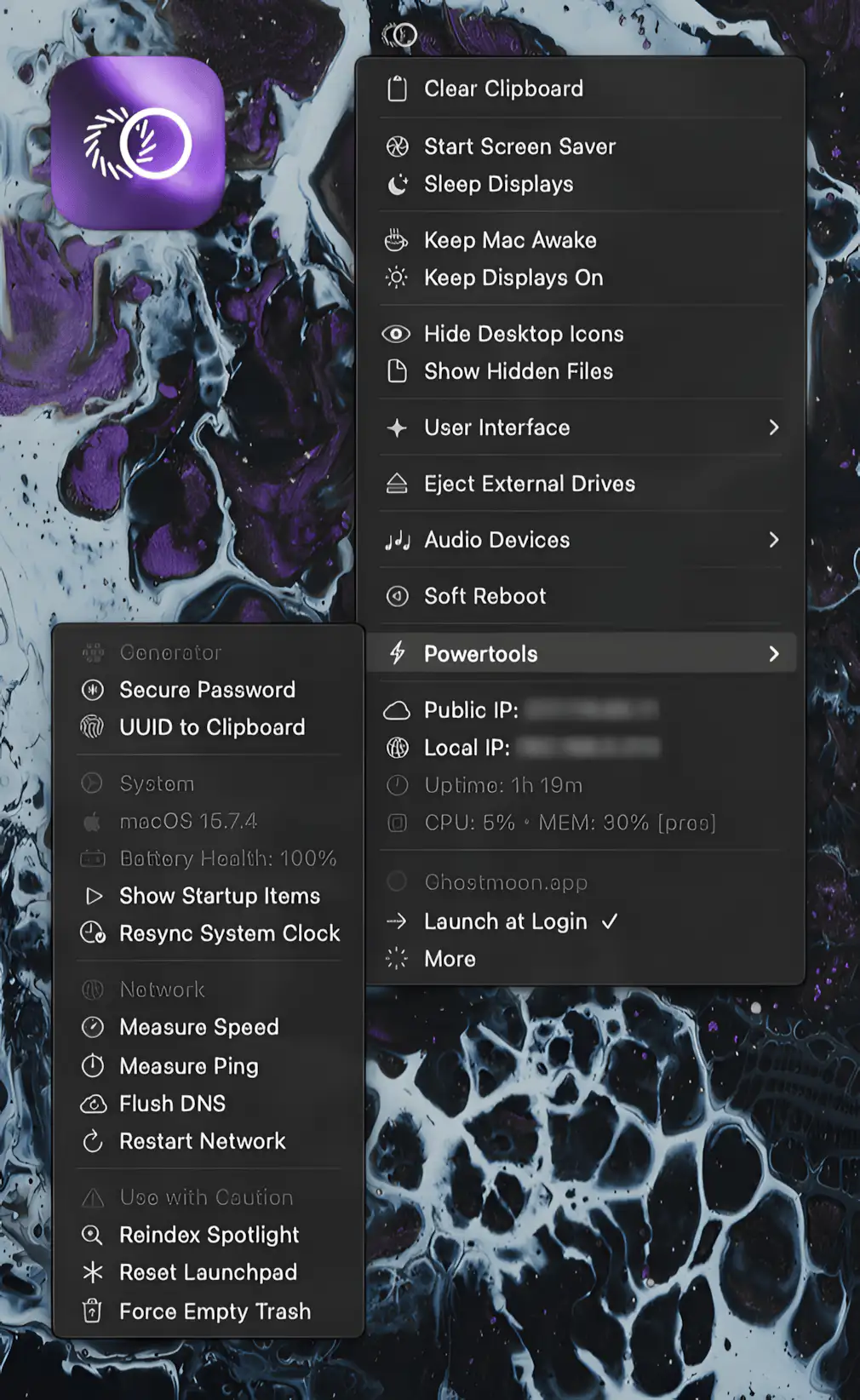
Every feature you keep digging for in macOS is suddenly within reach. Keep Mac awake, manage drives, switch audio, reset networks, and generate secure passwords.

Manage Homebrew services straight from the menu bar. Start, stop, and monitor user or system services in real time, without touching the Terminal or breaking your workflow.
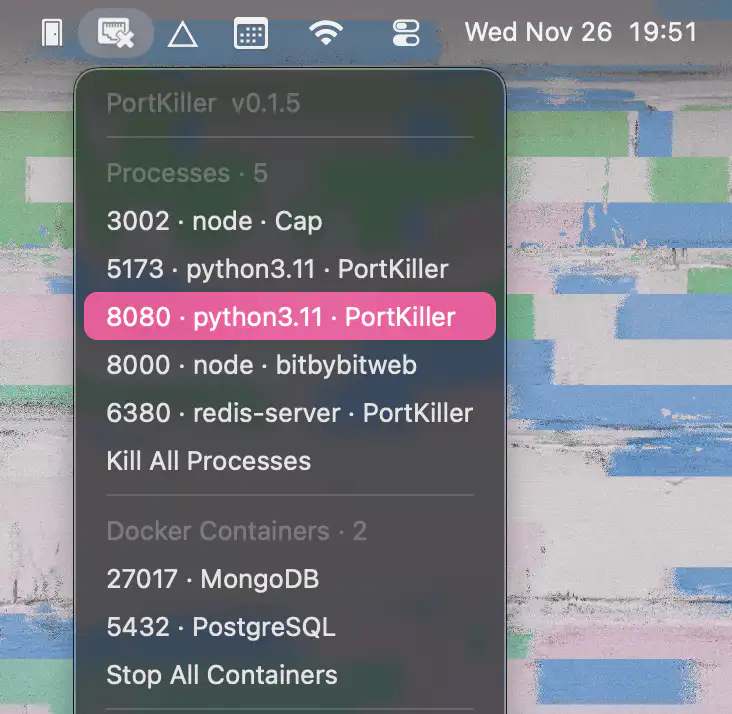
PortKiller reveals active development port processes, identifies their sources, and lets you effortlessly kill anything misbehaving, with smooth support for Docker, Homebrew, and modern Macs.

Lightweight Mac menu bar app that shows active USB connections and their port speeds, available in a compact or full version with identical functionality. Simple, unobtrusive, and efficient.
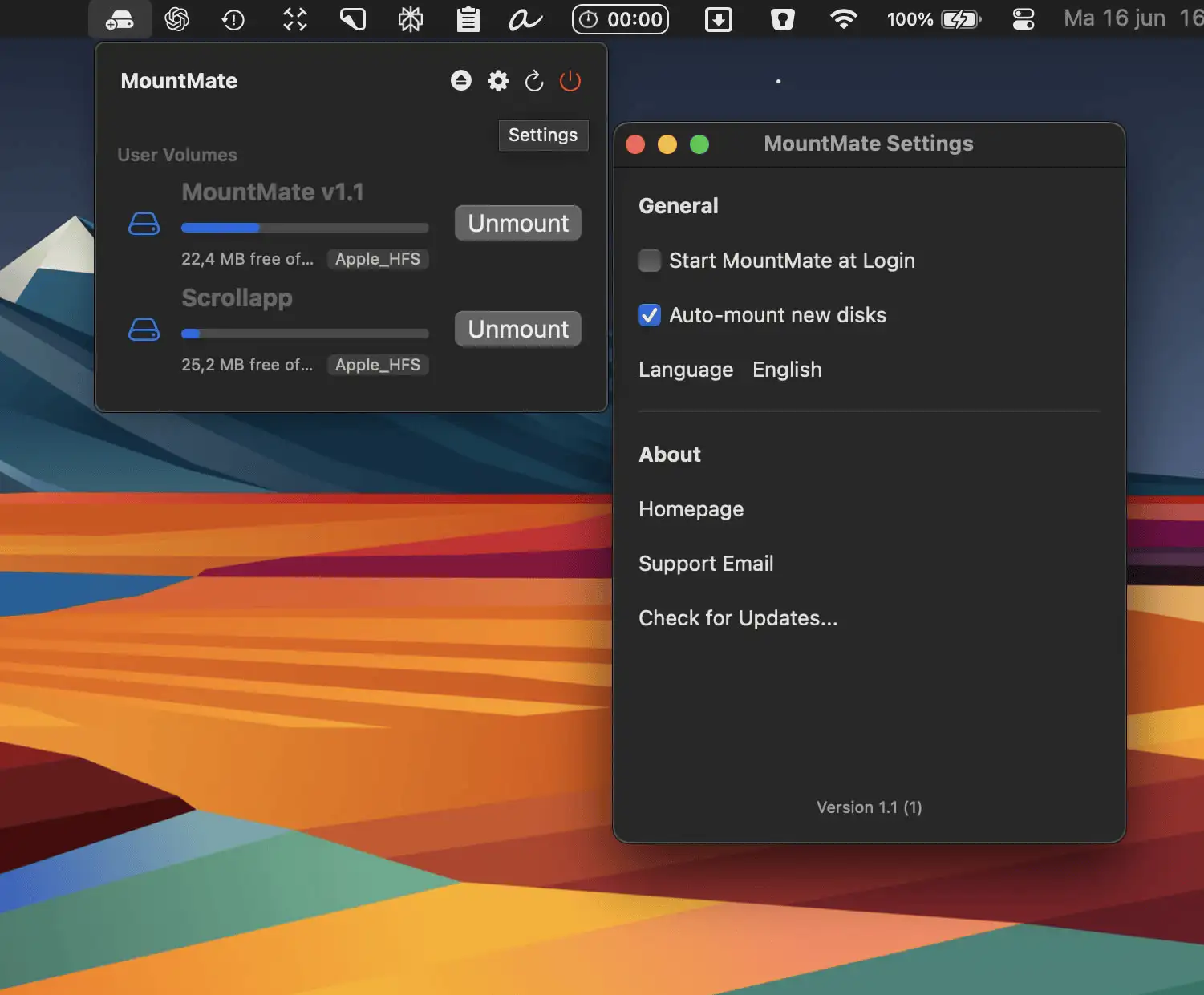
MountMate is a simple, elegant Mac menu bar app that lets you mount or unmount external drives instantly—perfect for keeping your system fast without opening Disk Utility.
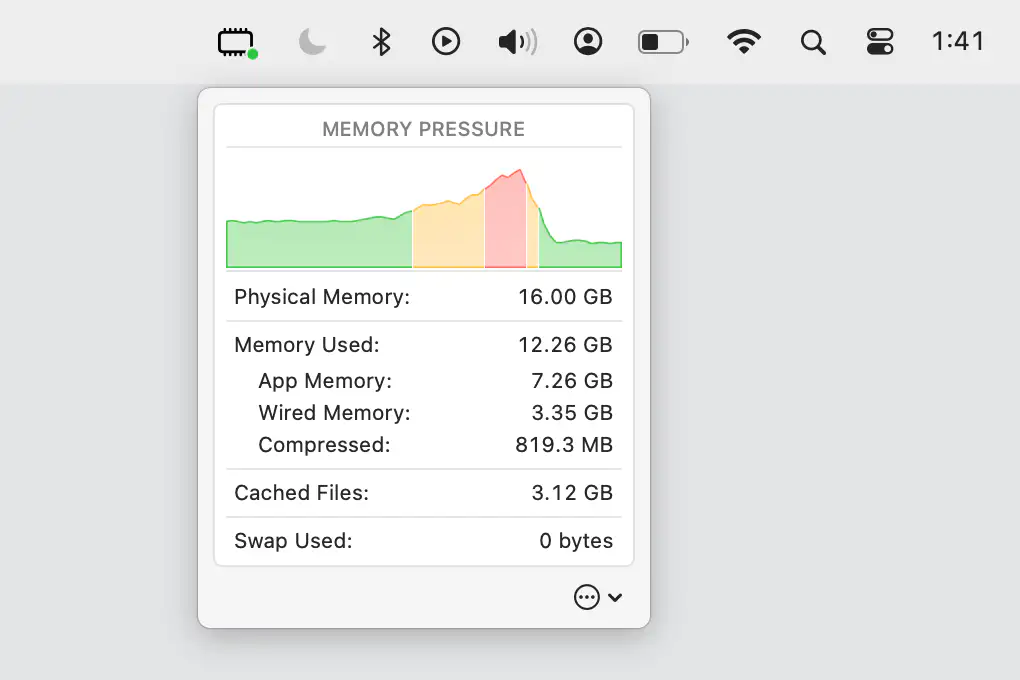
Keep an eye on your Mac’s memory pressure and key stats, conveniently displayed in your menu bar for quick, effortless monitoring.
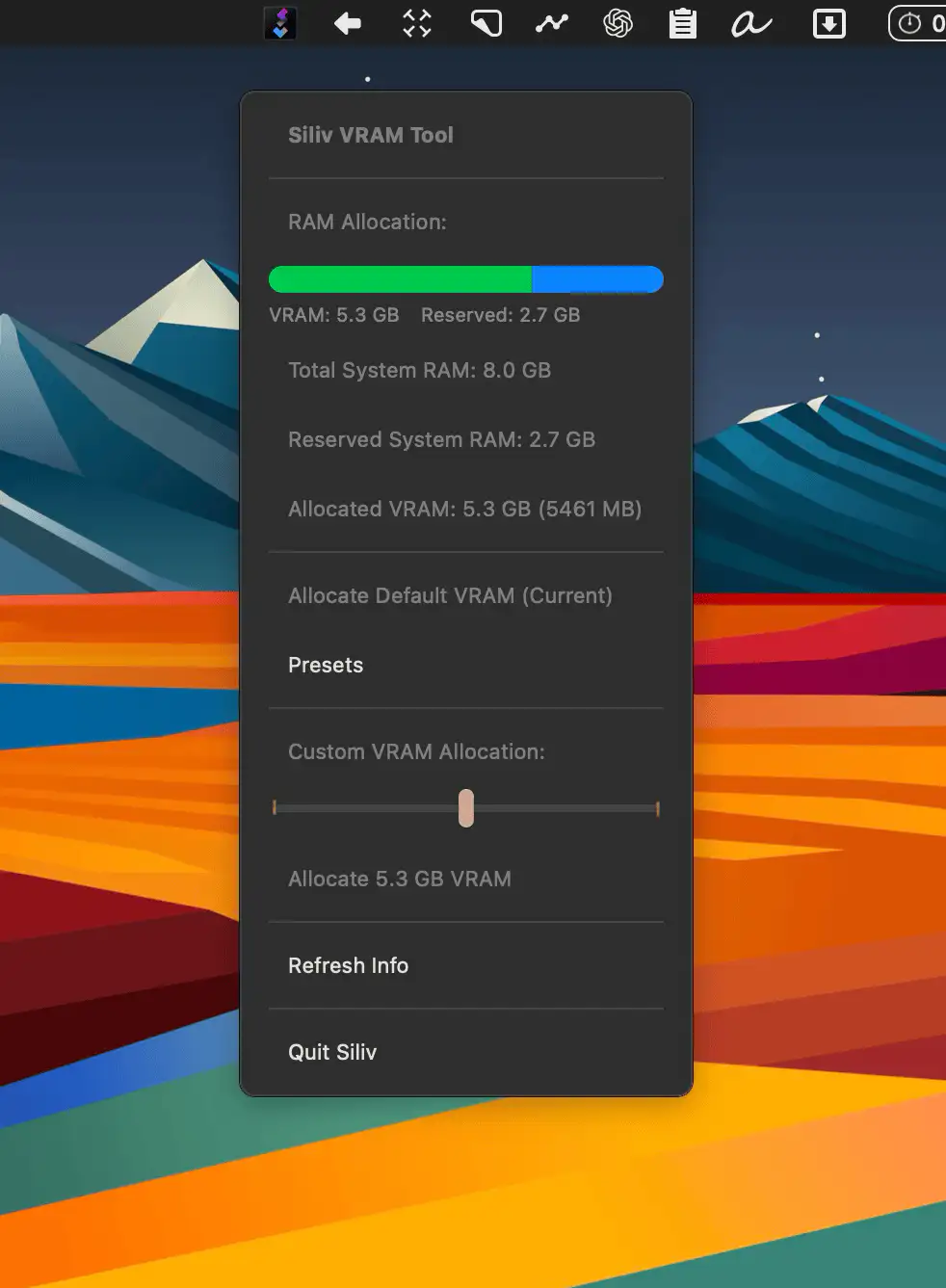
With Siliv, you can easily allocate more VRAM to your GPU—ideal for running local LLMs or editing high-res video.
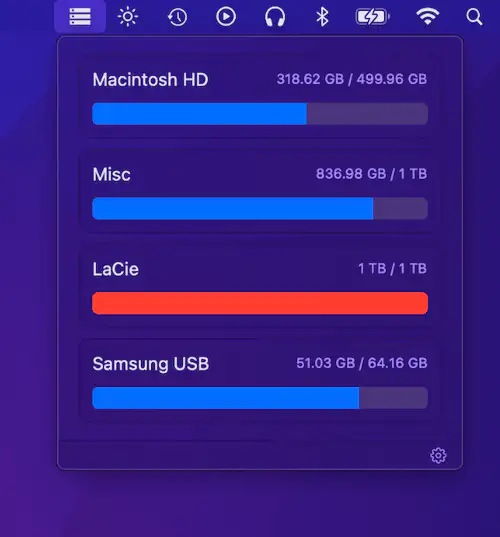
DiskView shows all mounted drives with free and used space at a glance. Simple, minimal, and efficient for quick disk monitoring.