Collection:
Developer Apps | System Tools
SwiftVM
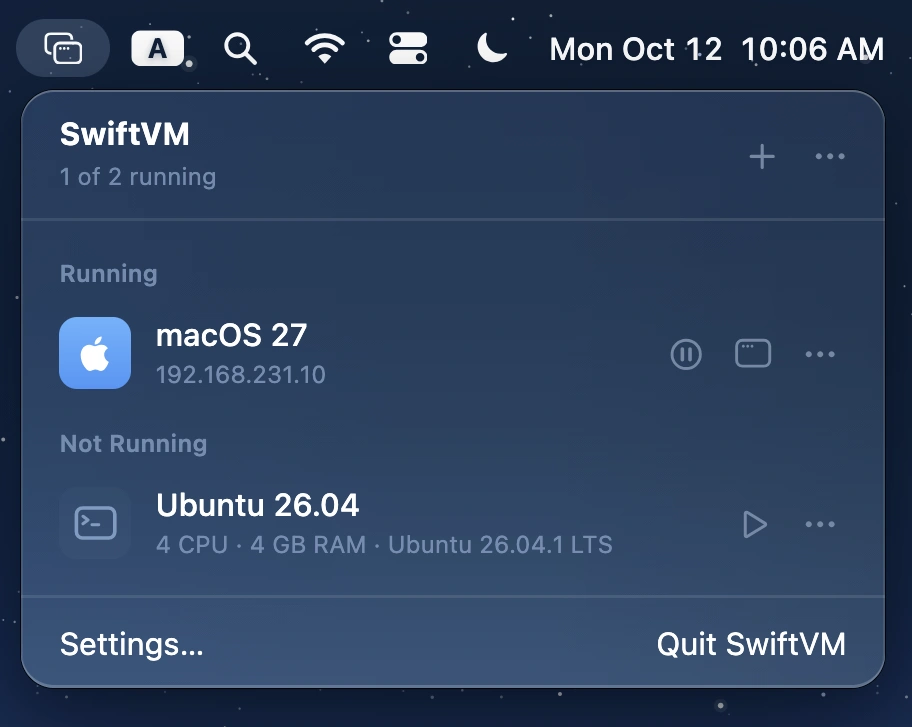
Run macOS and Linux virtual machines on Apple silicon, with streamlined setup, snapshots, shared folders, SSH access, and command-line control. Free, open source, and built with Swift.

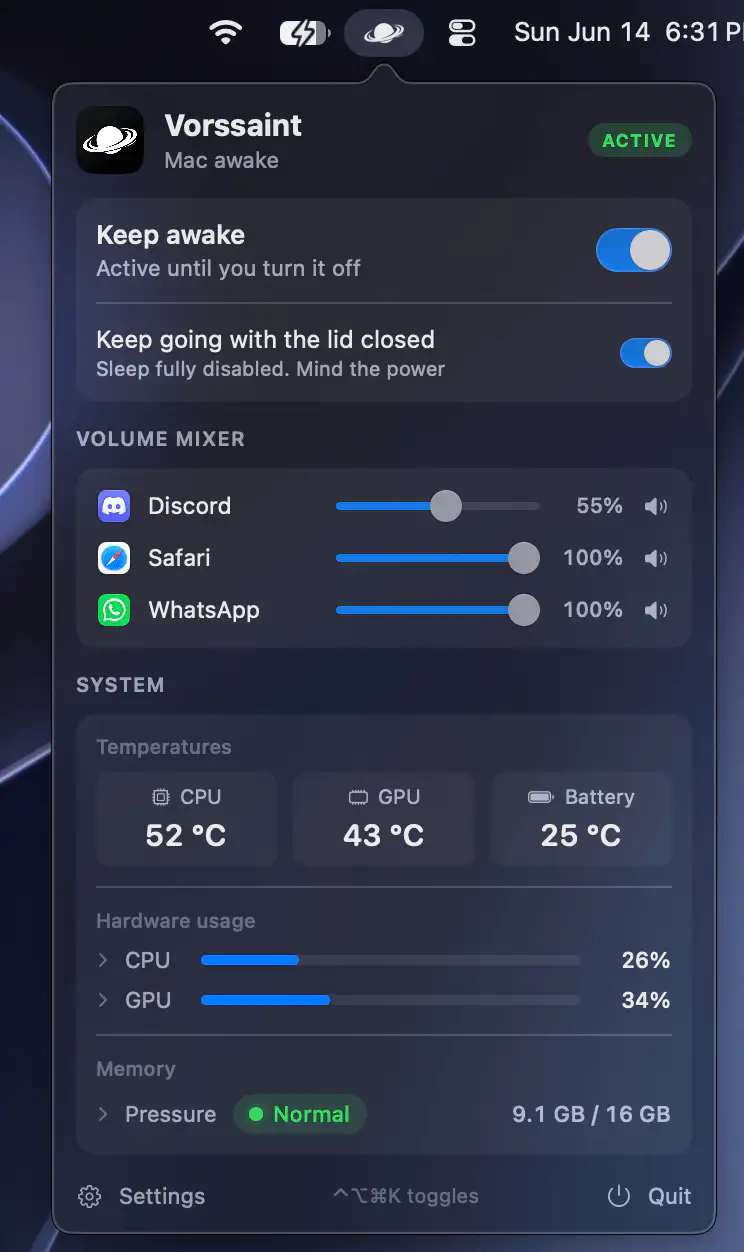
Control, tweak and extend macOS beyond its defaults. Toggle hidden settings, manage drives and NTFS volumes, monitor hardware health, control fans and power behavior, manage Homebrew services, automate routines, throttle processes, fix system glitches and access advanced functions directly from your menu bar.
Control, tweak and extend macOS beyond its defaults. Toggle hidden settings, manage drives and NTFS volumes, monitor hardware health, control fans and power behavior, manage Homebrew services, automate routines, throttle processes, fix system glitches and access advanced functions directly from your menu bar.
Run macOS and Linux virtual machines on Apple silicon, with streamlined setup, snapshots, shared folders, SSH access, and command-line control. Free, open source, and built with Swift.
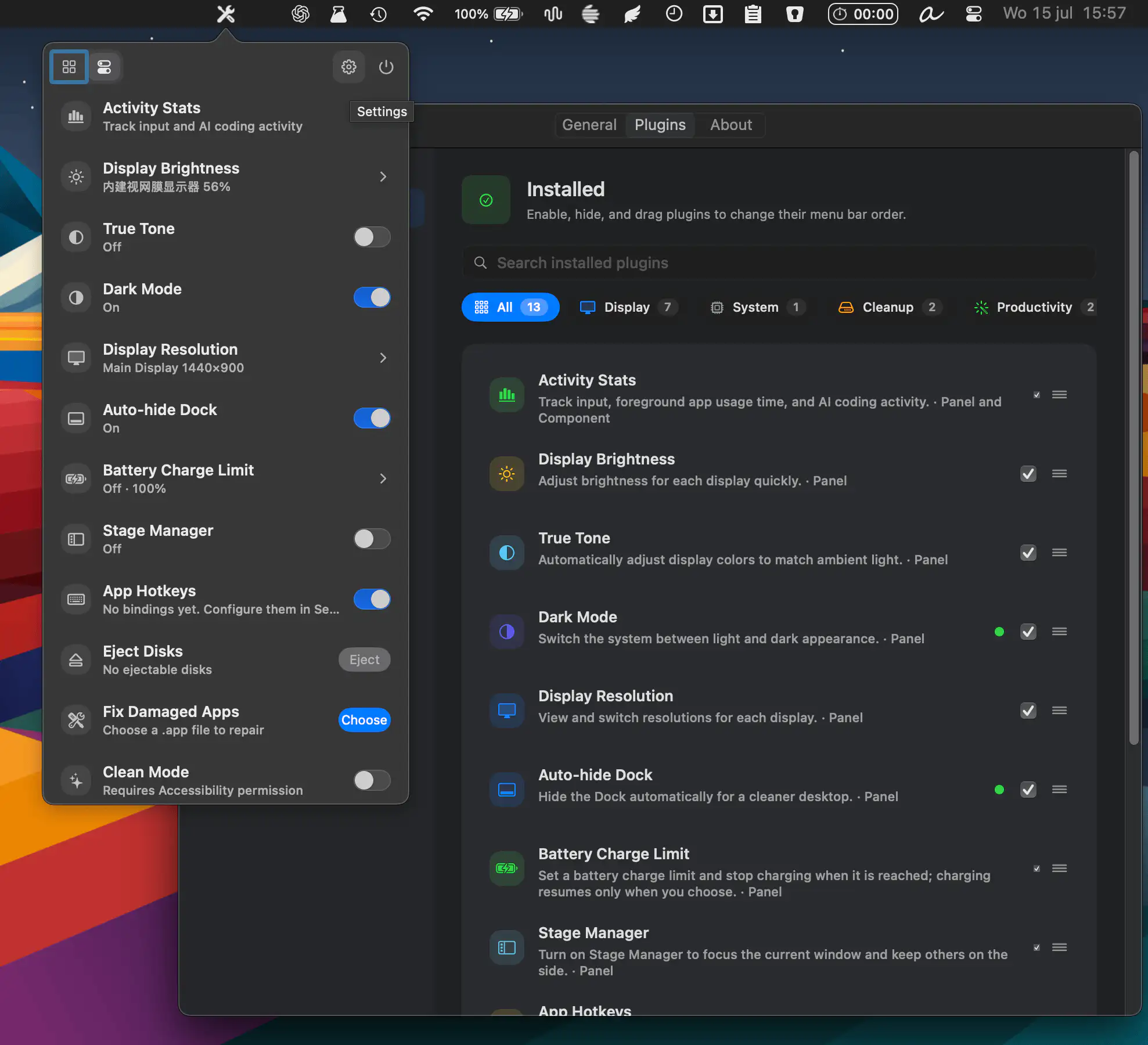
MacTools combines dozens of system utilities into one customizable app, with display controls, cleanup tools, monitoring widgets, battery management, and productivity features. Enable only the tools you need and keep everything organized in one place.
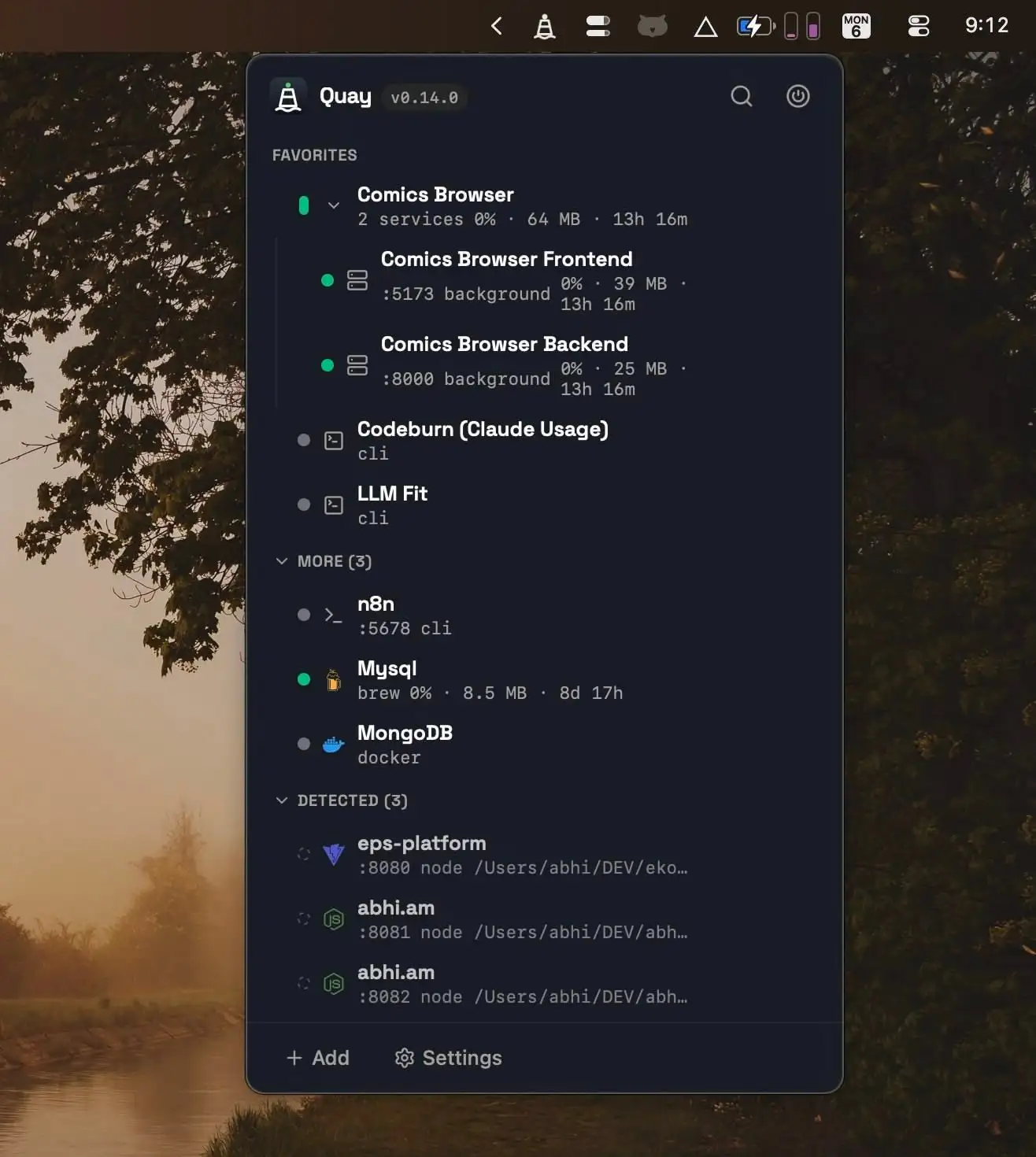
Quay helps developers manage local services from one place, making it easy to start, stop, and monitor project servers, Docker containers, Homebrew services, and terminal agents with live resource metrics and one-click browser access.
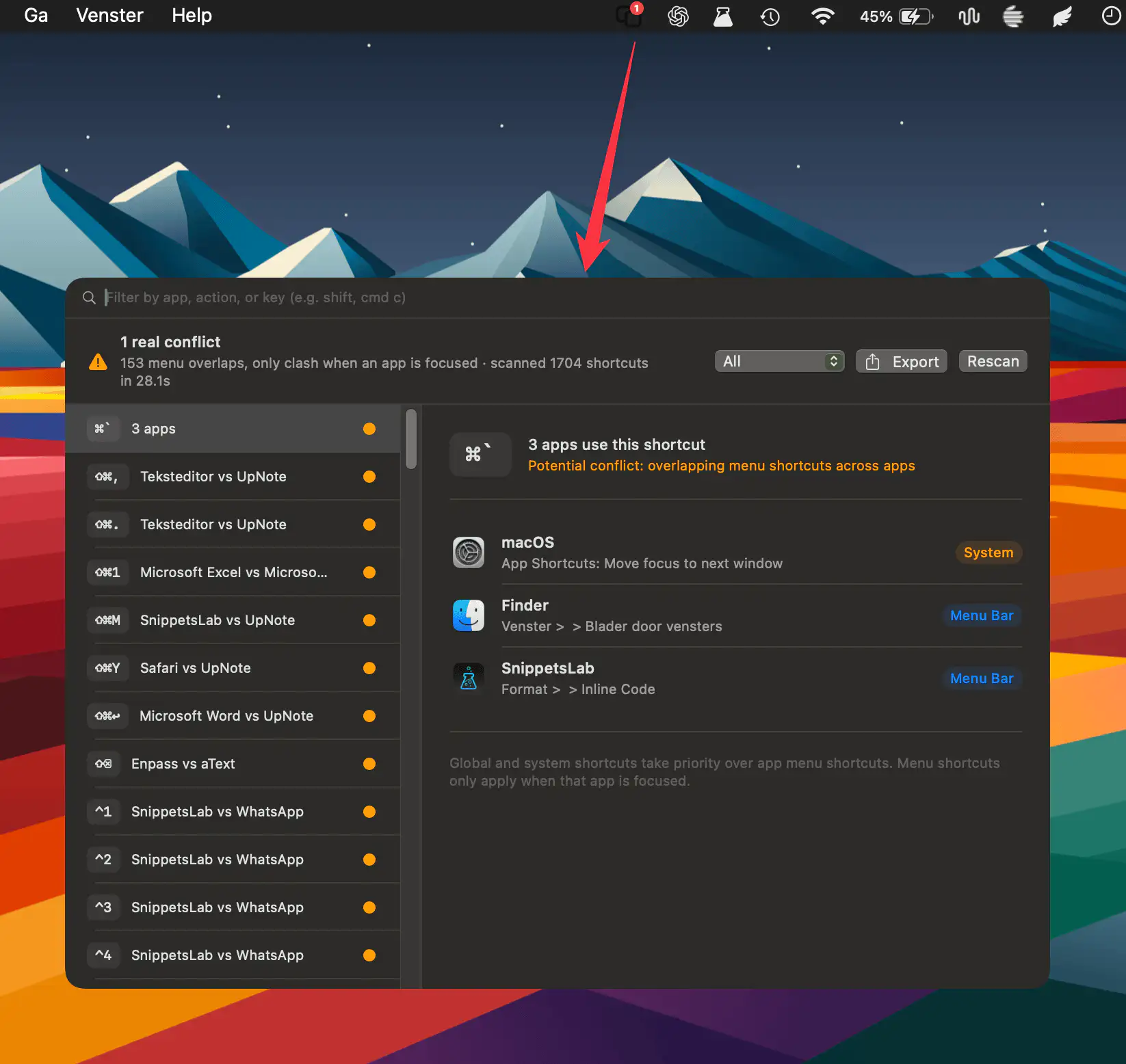
HotkeyClash scans running apps, system shortcuts, and automation configs on macOS to detect overlapping keyboard shortcuts and reveal conflicts in a clear, unified overview.
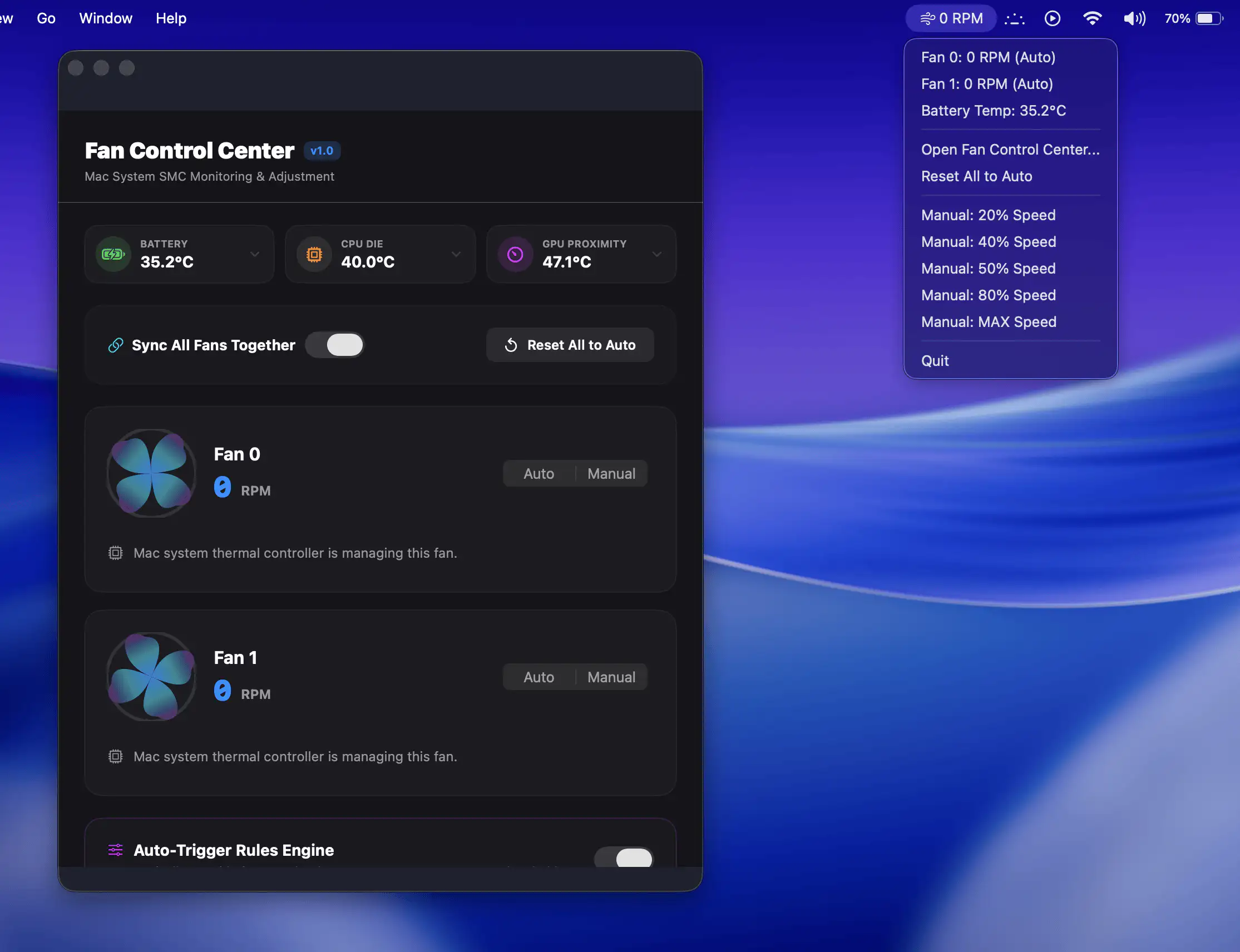
Fan Control Center gives Mac users direct control over cooling performance with manual fan adjustments, real-time temperature monitoring, and customizable automation rules.
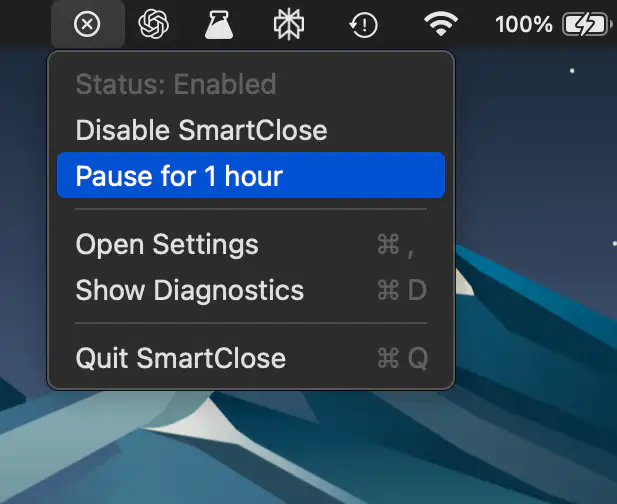
SmartClose makes macOS behave a little more like Windows by quitting apps when their last window closes.

Better Resource Monitor keeps an eye on your Mac’s CPU, memory, GPU, and network activity with minimal system impact, offering a clean, privacy-friendly approach that stays fully sandboxed and never asks for elevated permissions.
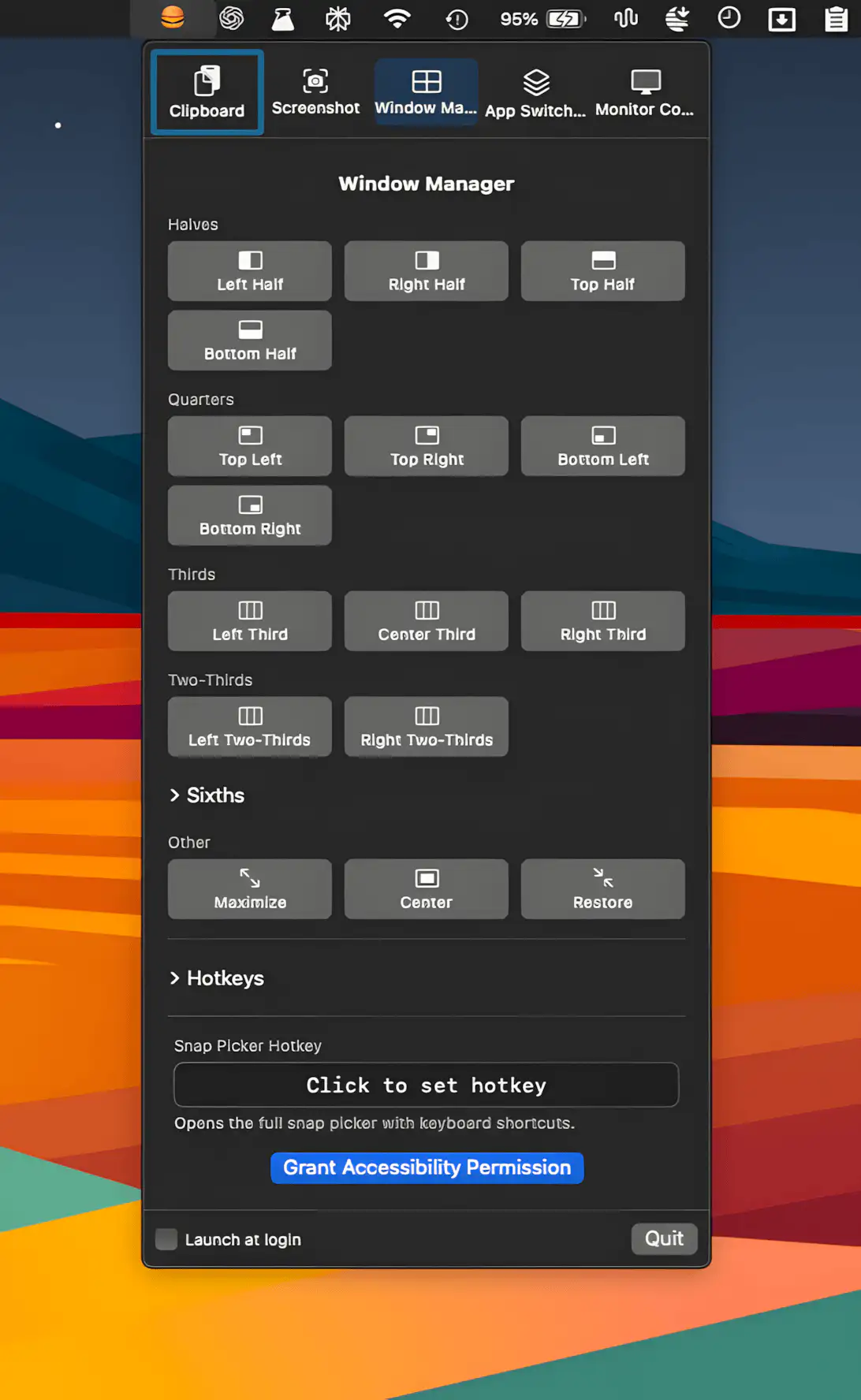
This menu bar app pulls clipboard history, screenshots, window snapping, app switching, and display control into one tidy place, with customizable hotkeys and polite conflict detection.
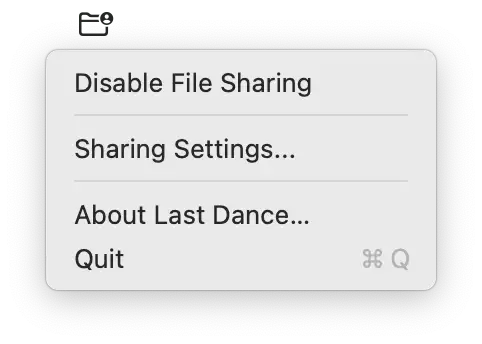
Last Dance fixes a persistent macOS issue where SMB file sharing stops responding after restart. It quietly disables sharing during shutdown and restores it on login, keeping everything reliably accessible.