Collection:
System Tools
Menubar Info

This menu bar app shows live system stats at a glance: CPU and memory usage, network activity, battery health and open ports, which you can also manage from the menu.

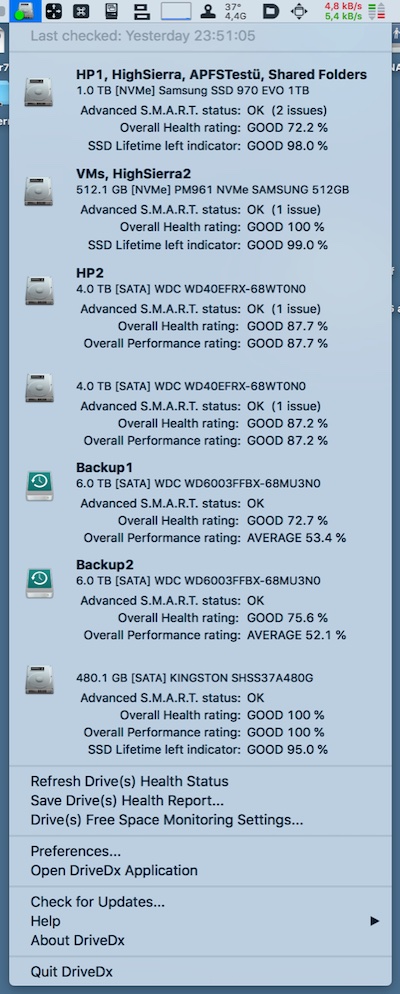
Control, tweak and extend macOS beyond its defaults. Toggle hidden settings, manage drives and NTFS volumes, monitor hardware health, control fans and power behavior, manage Homebrew services, automate routines, throttle processes, fix system glitches and access advanced functions directly from your menu bar.
Control, tweak and extend macOS beyond its defaults. Toggle hidden settings, manage drives and NTFS volumes, monitor hardware health, control fans and power behavior, manage Homebrew services, automate routines, throttle processes, fix system glitches and access advanced functions directly from your menu bar.
This menu bar app shows live system stats at a glance: CPU and memory usage, network activity, battery health and open ports, which you can also manage from the menu.

Improve your macOS 15+ experience with a bunch of essential tools: Hide windows instantly, Quick access to Passwords, Toggle Finder/dark mode/low power, Clear clipboard, Add Dock spacers, Keyboard shortcuts, etc.

This menu bar app lets you write, edit, copy, move and delete files on Microsoft NTFS volumes from your Mac. Mount, unmount, verify, format or set any of your Microsoft NTFS volumes as a startup drive.

You can use this menu bar app to re-mount write-protected NTFS volumes under macOS in read-write mode.
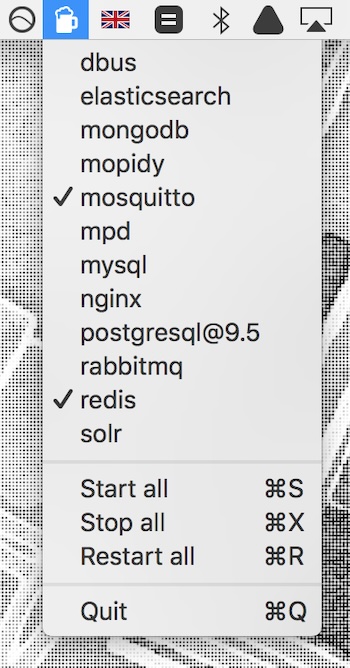
Start, restart and stop your Homebrew services straight from your menu bar, without opening Terminal.
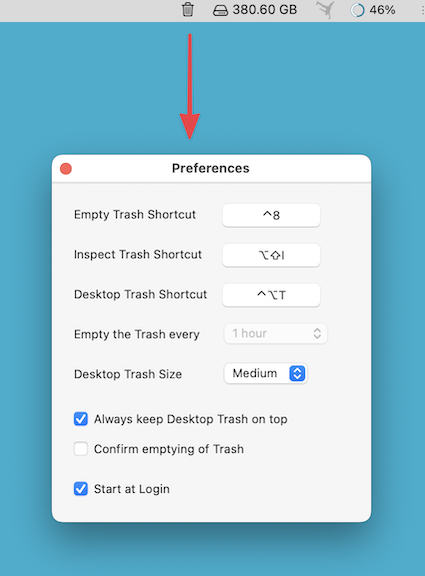
This menu bar app puts a large, freely movable Trash icon on your Desktop, and can automatically empty the Trash every 30 minutes to 24 hours.
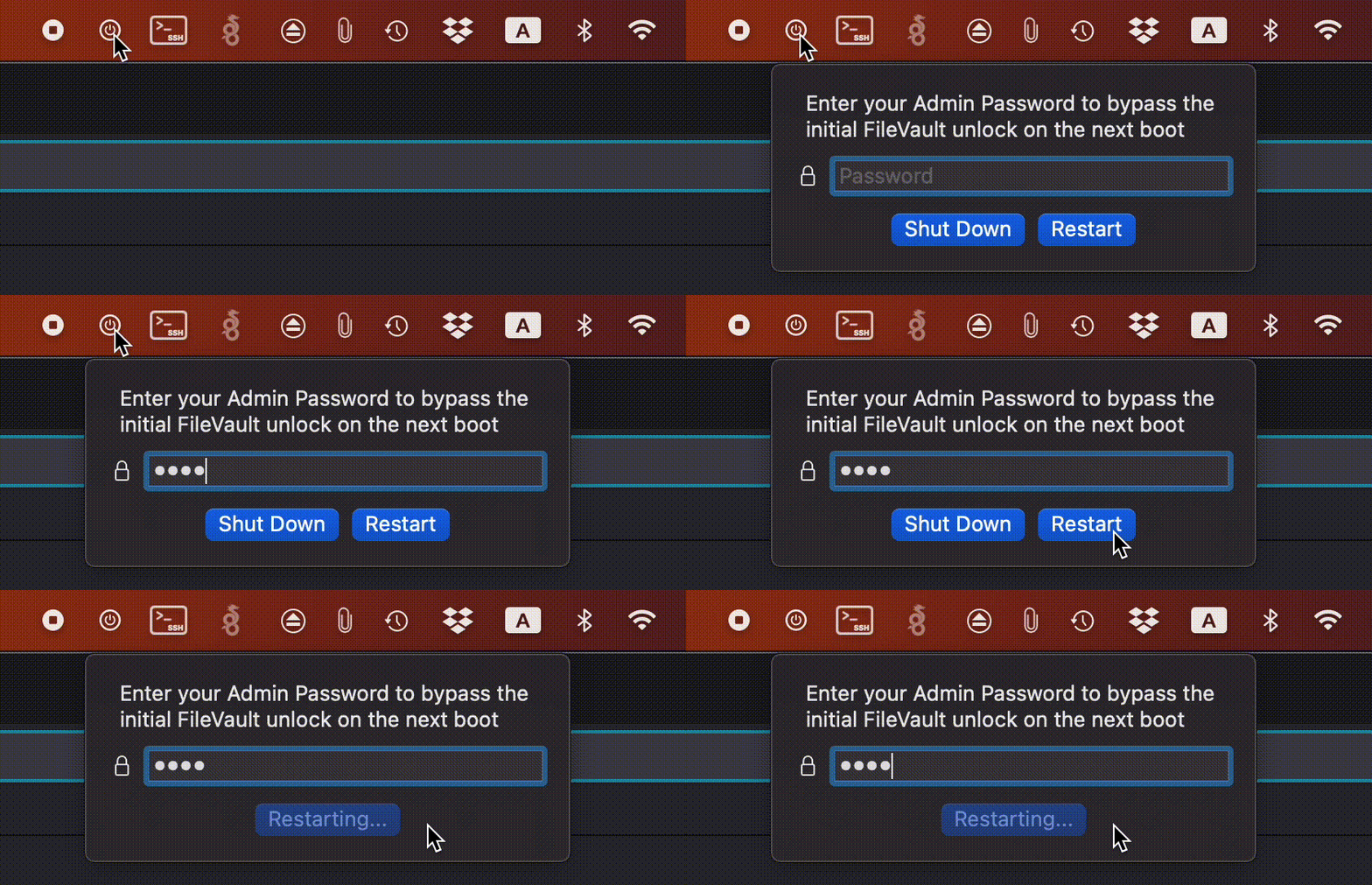
FilevaultReboot is a small open-source utility that adds a FileVault restart option directly to your menu bar, saving you from digging through System Preferences whenever you need to initiate a secure restart.
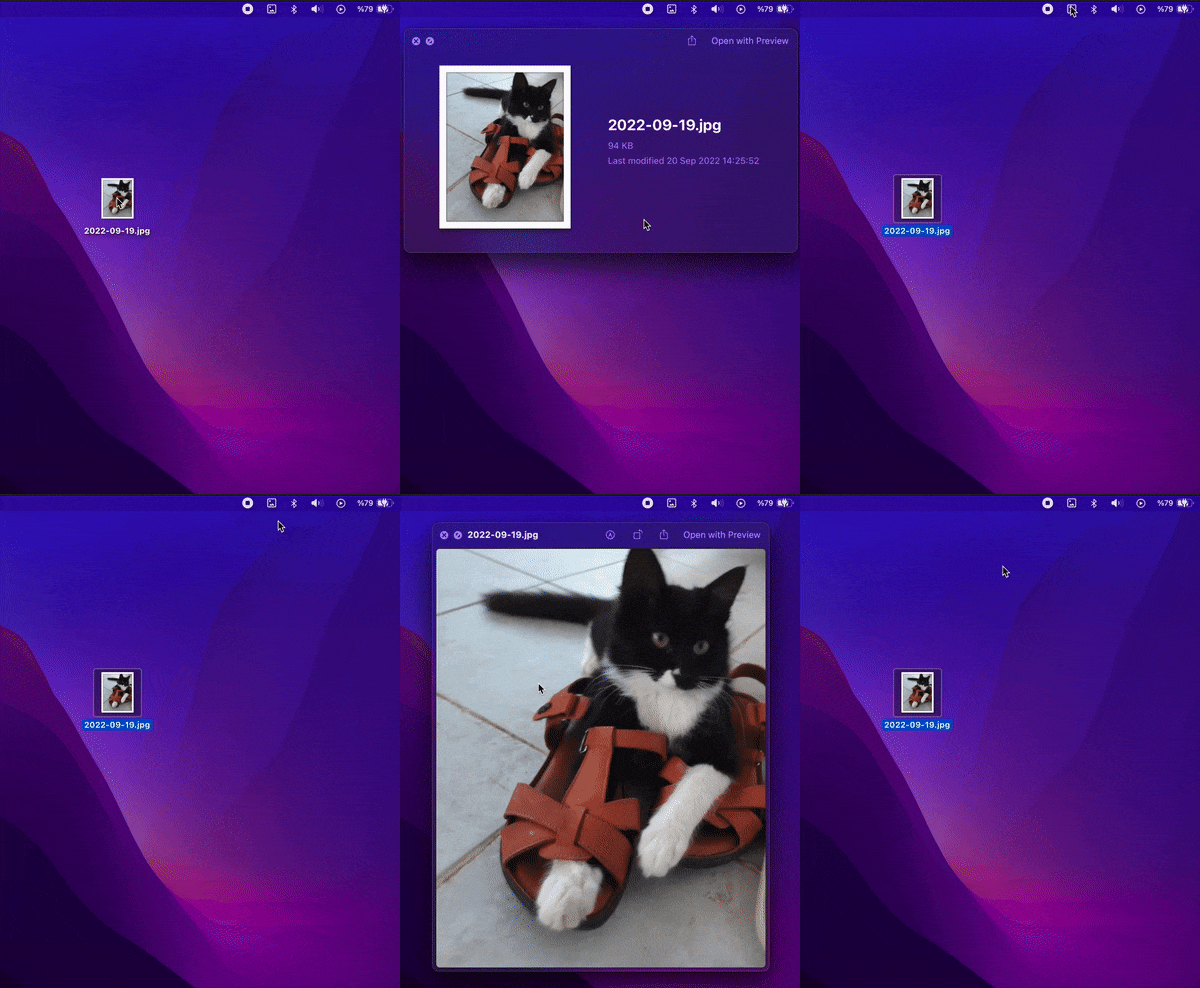
When your Mac’s Quick Look spacebar preview is not working and shows a thumbnail instead of the full photo/video, this menu bar app fixes it with a click.