

Collection:
System Tools
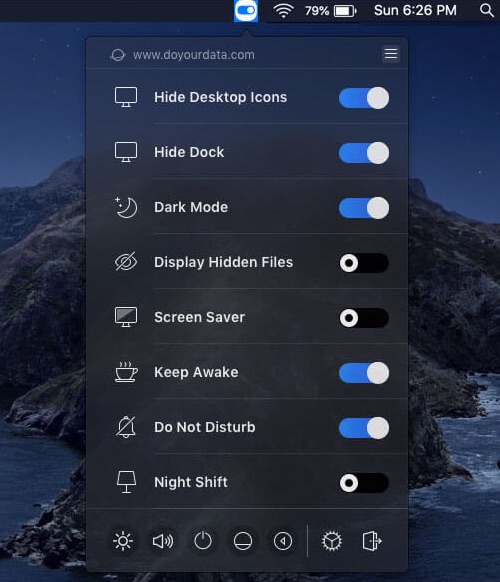
Control, tweak and extend macOS beyond its defaults. Toggle hidden settings, manage drives and NTFS volumes, monitor hardware health, control fans and power behavior, manage Homebrew services, automate routines, throttle processes, fix system glitches and access advanced functions directly from your menu bar.
Collection:
System Tools | Meeting Apps
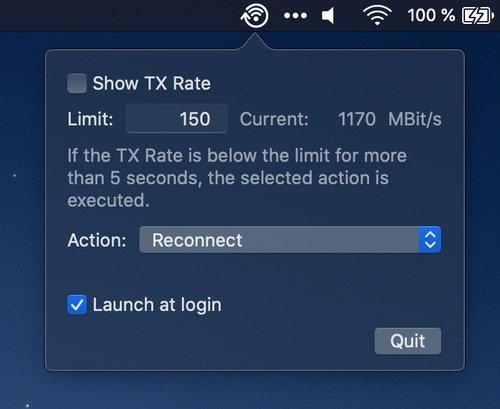
yFi
Collection:
System Tools
Memory Diag
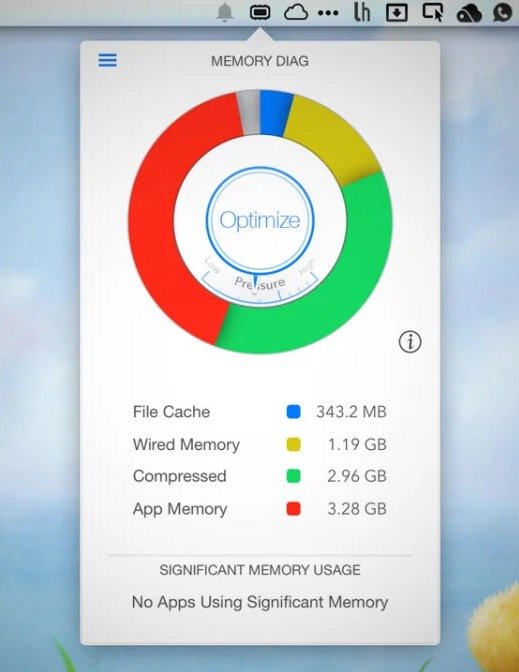
Memory Diag helps you to keep an eye on your systems memory. Quickly access detailed memory information and diagnosis with one click on your menu bar.
Collection:
System Tools
StatusBuddy
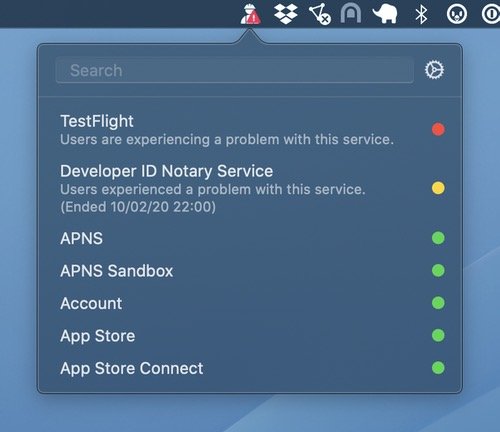
With StatusBuddy you can quickly check the status of Apple’s various online services, like iCloud, Apple Music, Apple TV+, and App Store Connect.
Collection:
System Tools
ARD Monitor
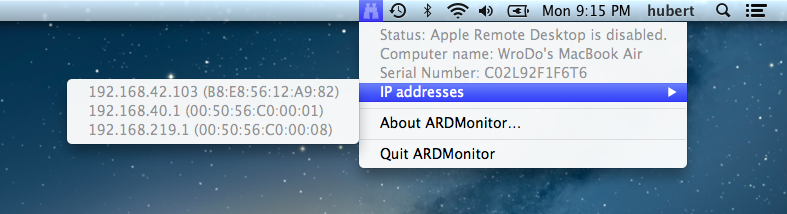
ARD Monitor shows the state of your Apple Remote Desktop (disabled, enabled, connected) – even if the Administrator asked for permission to monitor/control. You can also disconnect connected administrators. It displays your IP- and MAC-addresses, computer name and serial number.
End of content
End of content