Collection:
Design Apps
Wing Display
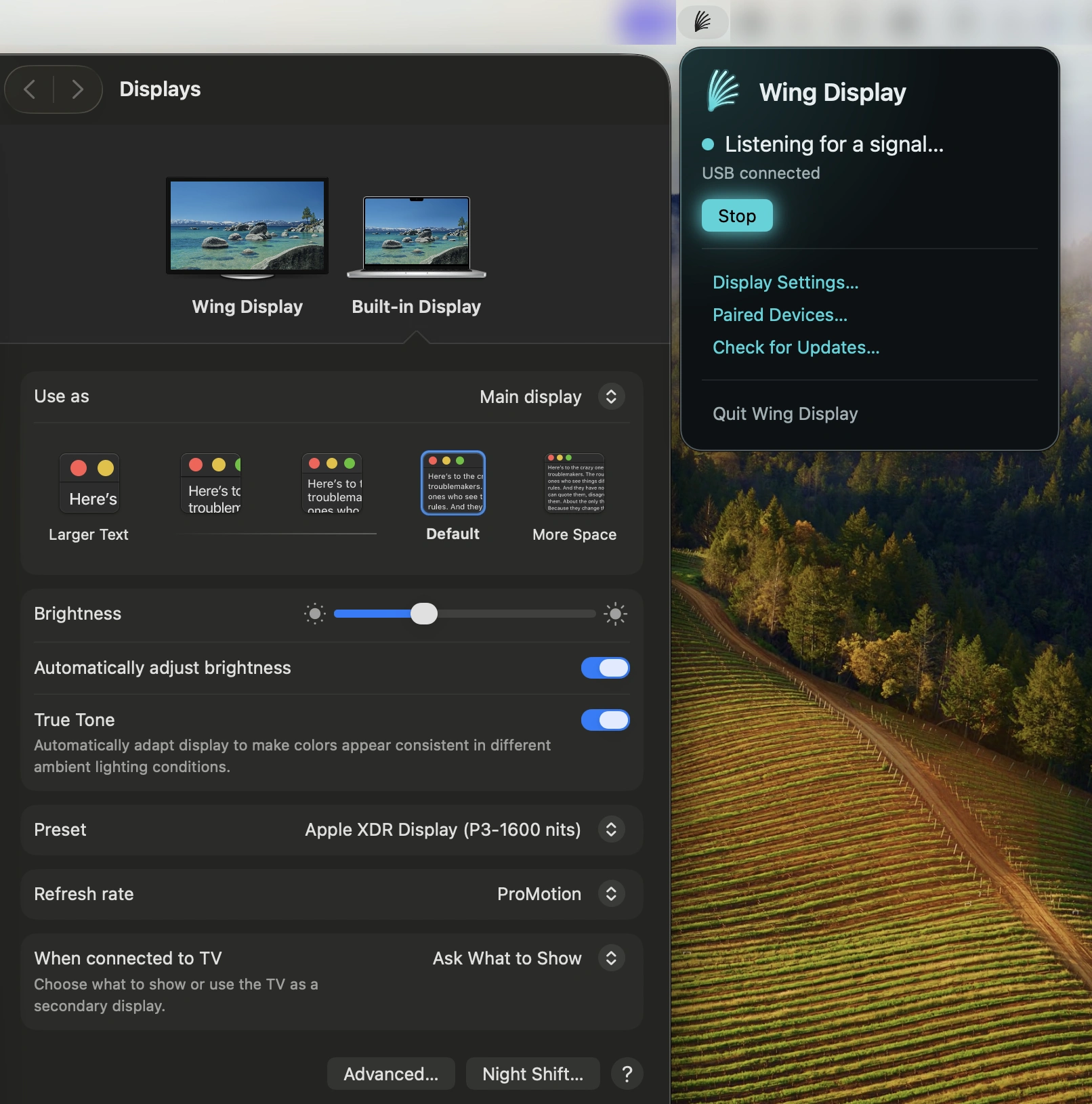
This menu bar app turns your Android tablet into a second screen for your Mac. Extend your desktop wirelessly for free, with optional Pro features for touch input and S Pen support.

Good apps don’t always come with a price tag. These menu bar gems are free — and worth your space.
Good apps don’t always come with a price tag. These menu bar gems are free — and worth your space.
This menu bar app turns your Android tablet into a second screen for your Mac. Extend your desktop wirelessly for free, with optional Pro features for touch input and S Pen support.
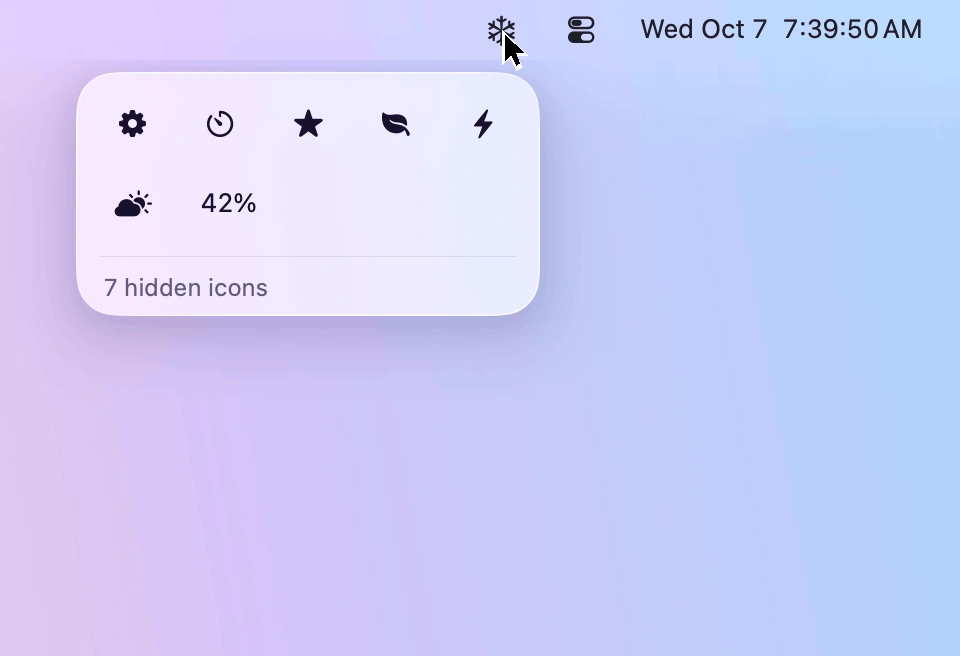
Keep your menu bar tidy by hiding rarely used icons and bringing them back with one click. Designed for macOS 26 and 27, Frost features Liquid Glass, customizable icon layouts, and easy access to hidden menus.
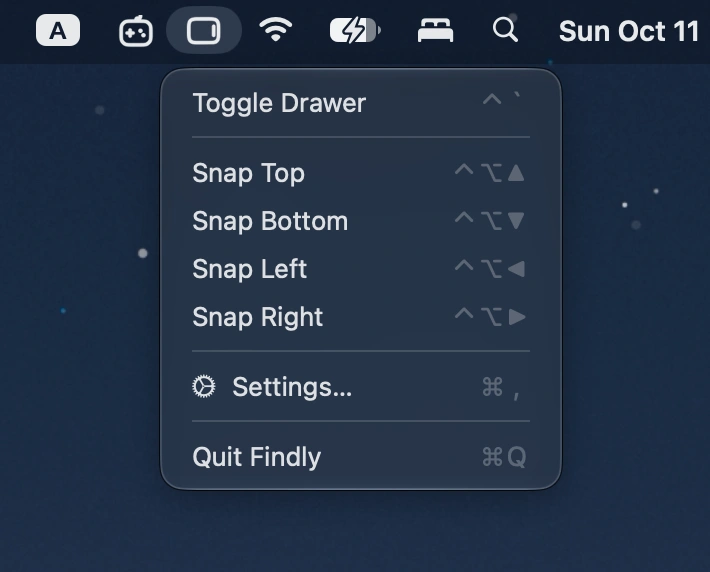
Summon a Finder-style file drawer from any screen edge with a hotkey. Browse files, access Finder favorites, preview items, and drag files between apps.
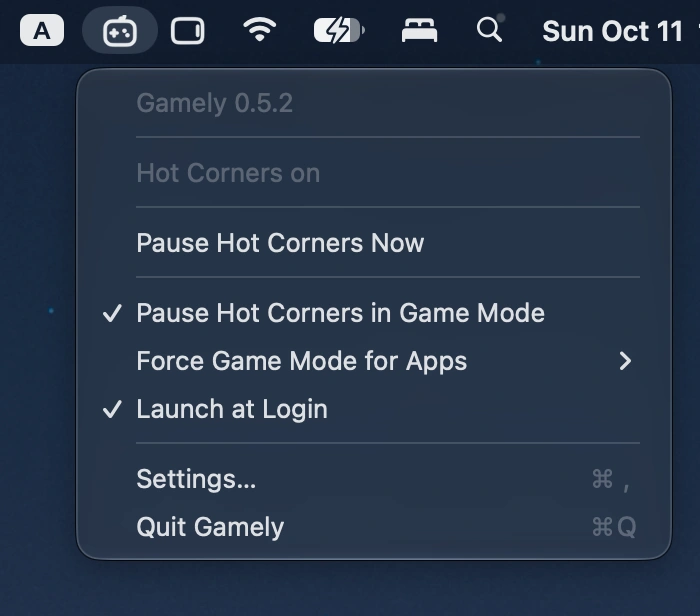
This menu bar app automatically disables all four Hot Corners when macOS Game Mode activates, preventing accidental interruptions during fullscreen gaming and restoring your original settings afterward.
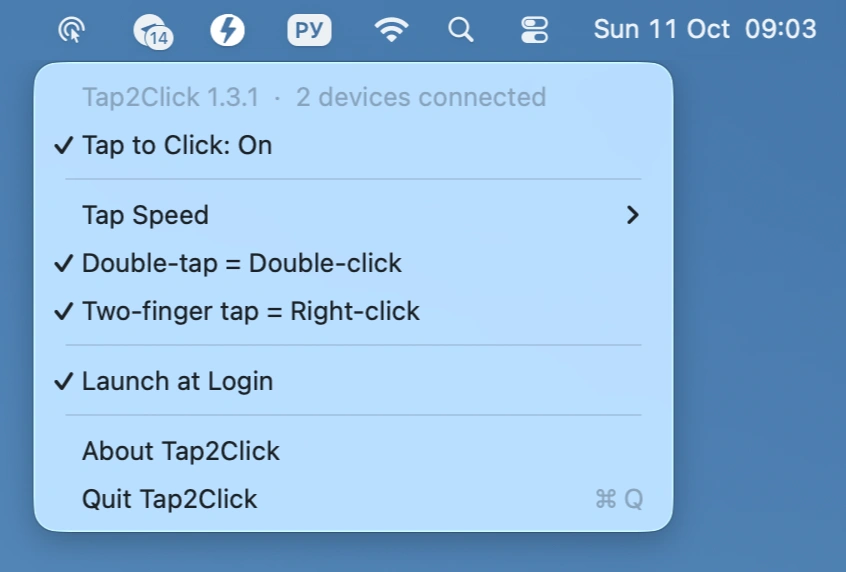
Add silent tap-to-click to your Apple Magic Mouse, with adjustable tap speed, double-tap for double-click, and two-finger tap for right-click, all controlled from the menu bar.
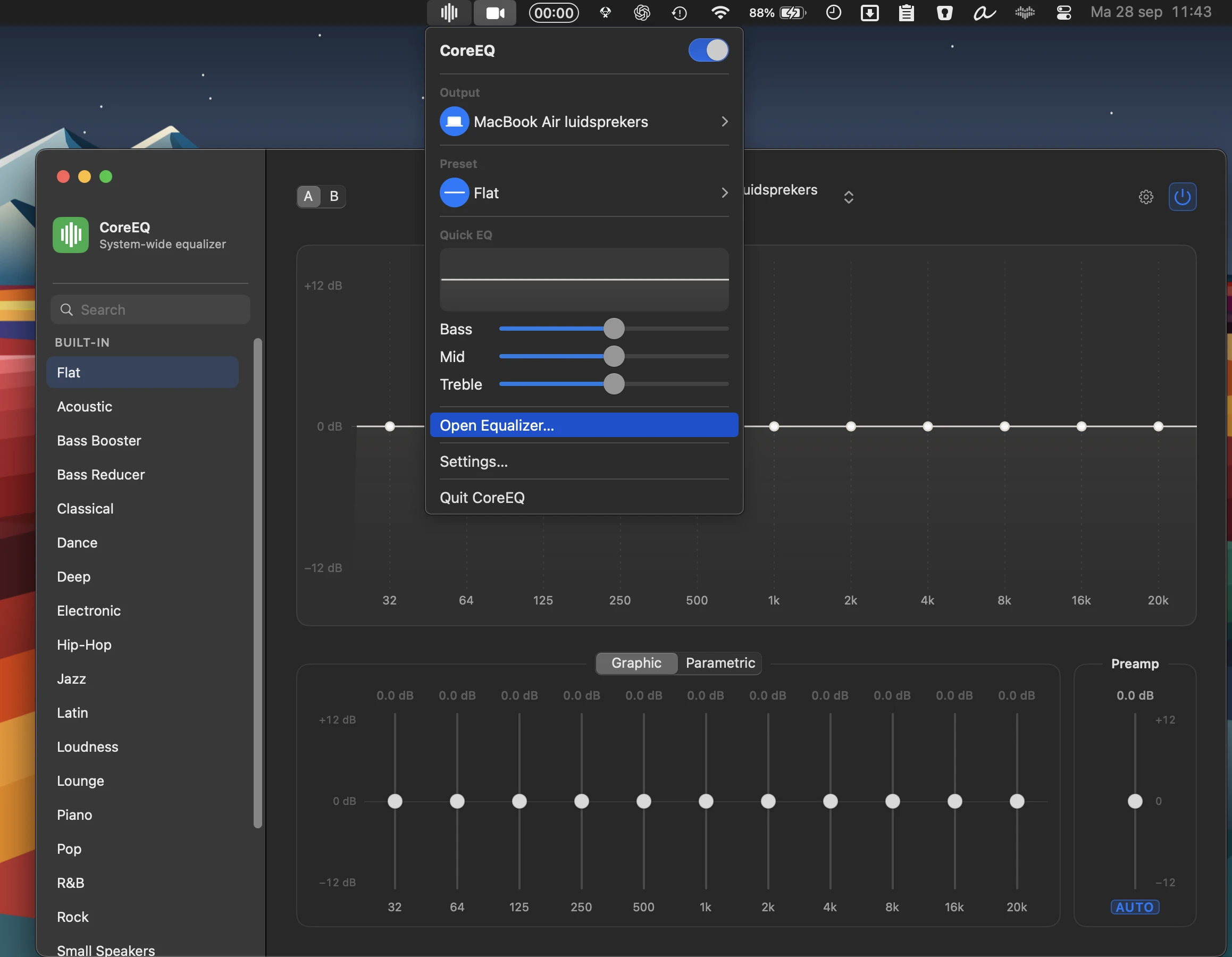
CoreEQ delivers system-wide equalization for music, video, calls, and games, with flexible graphic and parametric controls, real-time spectrum analysis, presets, automatic gain, and per-device settings.
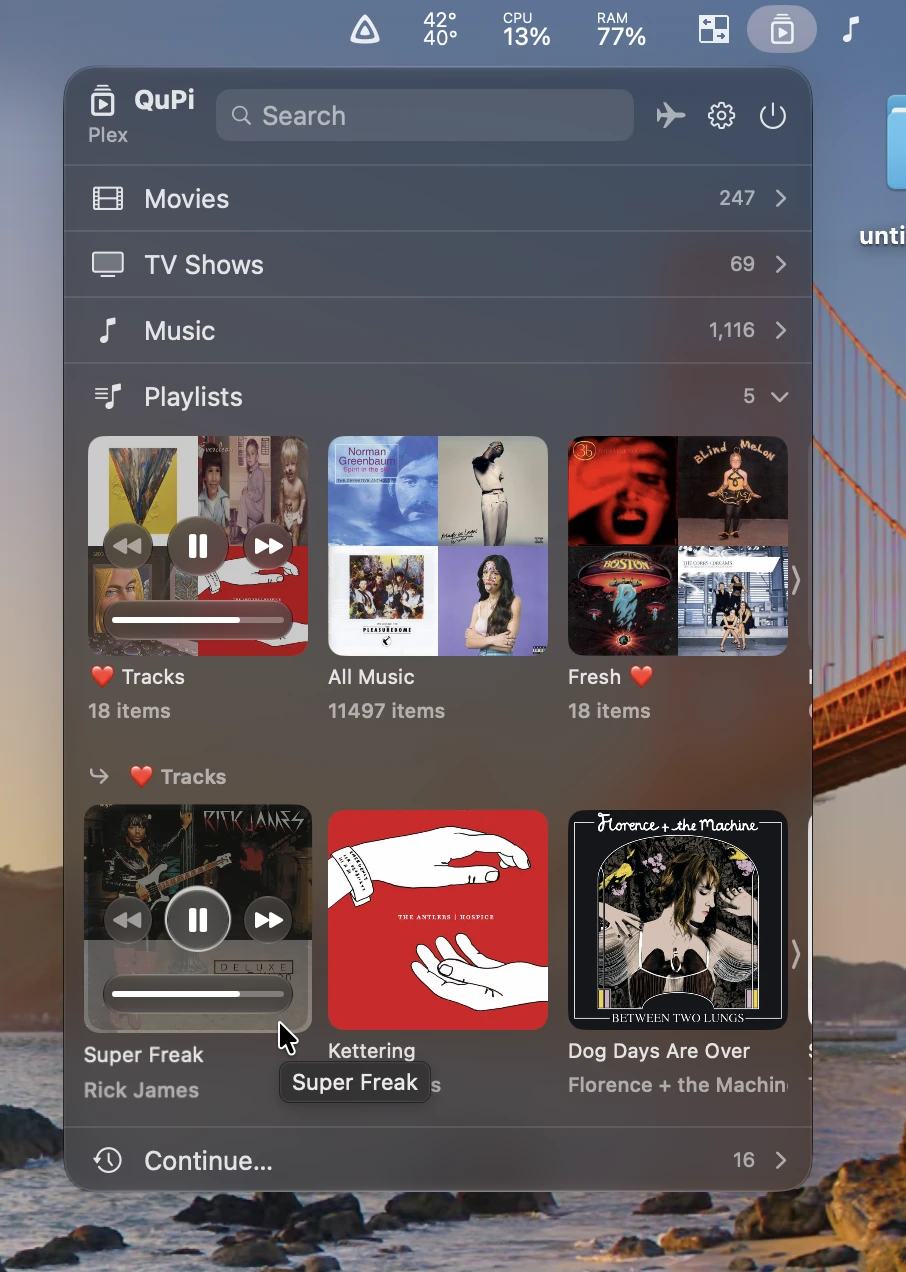
QuPi gives instant access to Plex and Jellyfin libraries, with fast search, playback controls, playlists, picture-in-picture video, and offline downloads, all from a customizable interface.
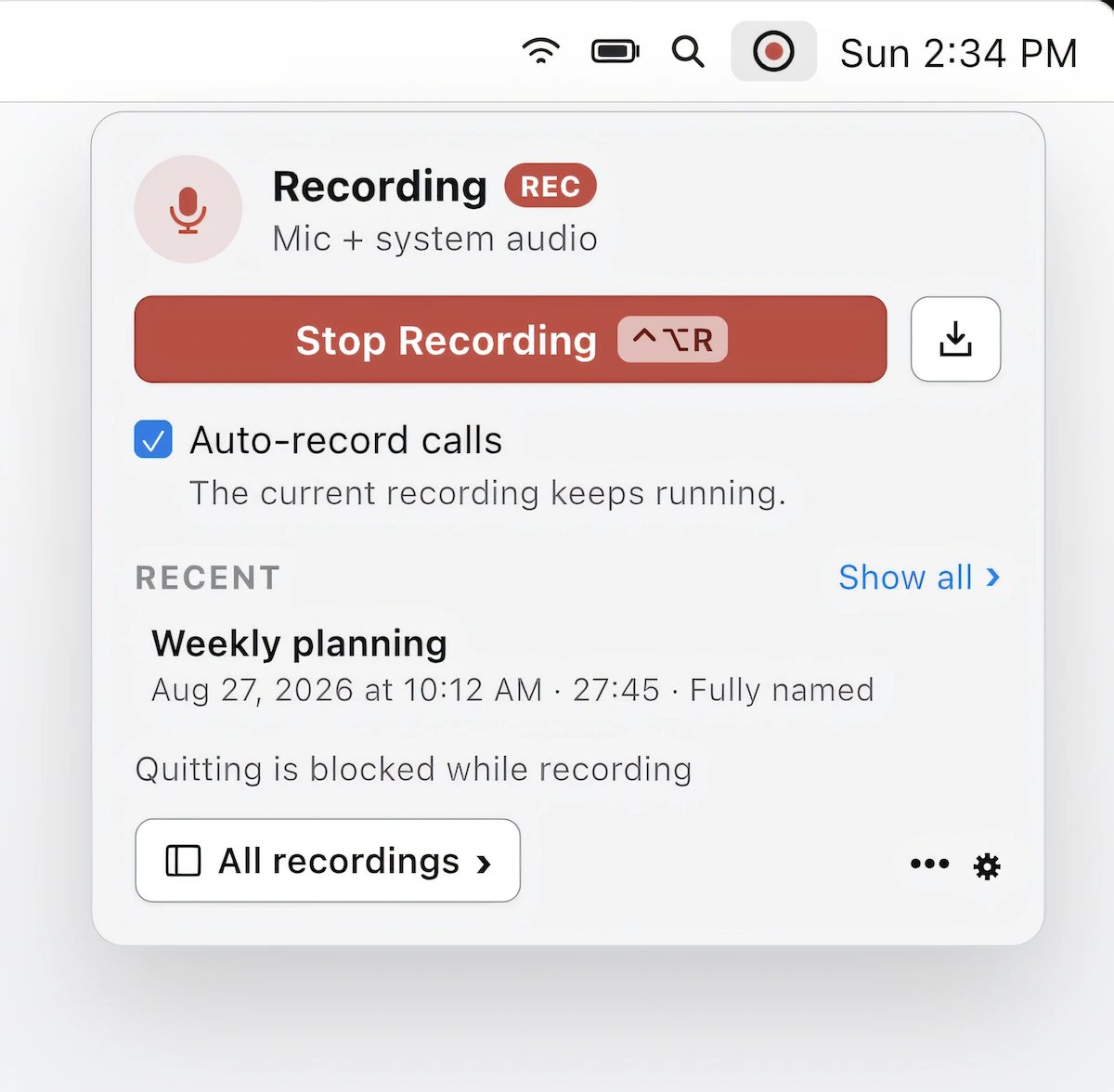
Record, transcribe, and summarize calls in Zoom, Teams, and Meet without a meeting bot. On-device recording, speaker identification, and AI-powered summaries keep your conversations private on your Mac.