Collection:
System Tools
PortKiller
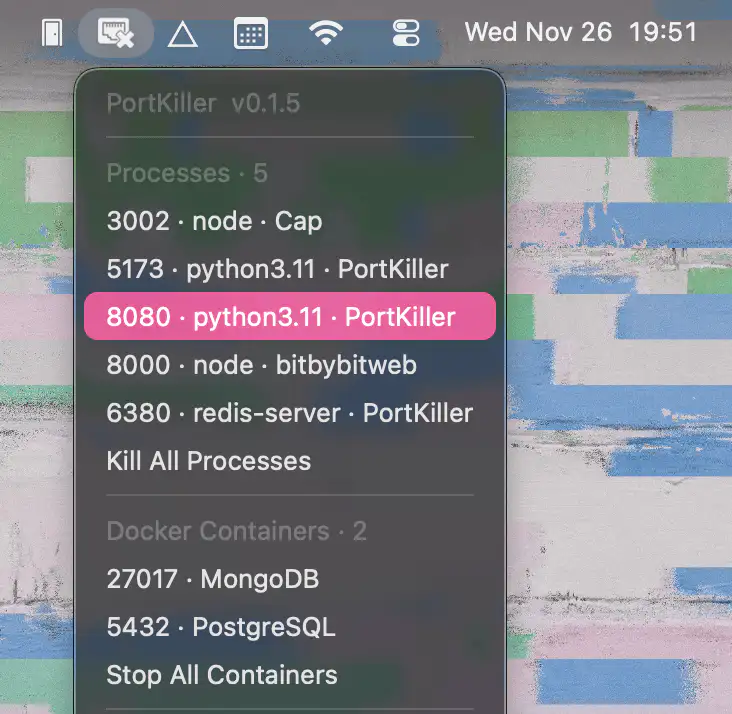
PortKiller reveals active development port processes, identifies their sources, and lets you effortlessly kill anything misbehaving, with smooth support for Docker, Homebrew, and modern Macs.

Good apps don’t always come with a price tag. These menu bar gems are free — and worth your space.
Good apps don’t always come with a price tag. These menu bar gems are free — and worth your space.
PortKiller reveals active development port processes, identifies their sources, and lets you effortlessly kill anything misbehaving, with smooth support for Docker, Homebrew, and modern Macs.

This menu bar app gives instant access to your favorite folders, with quick previews, drag-and-drop, and smooth SwiftUI performance.

Port Smith keeps your local development smooth by showing which processes occupy which ports and letting you stop them instantly. A clean, fast menu bar tool that removes everyday port headaches.
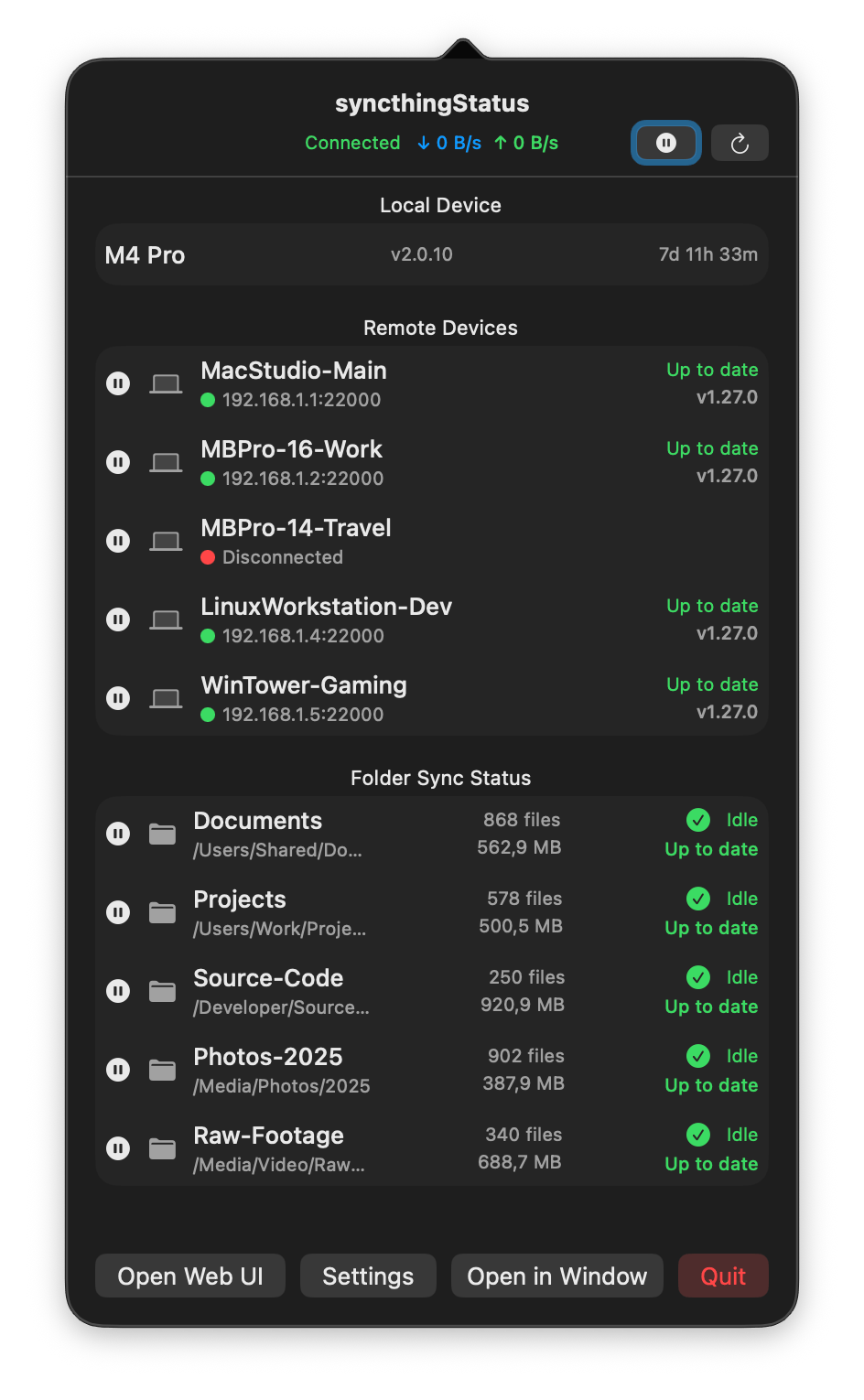
This menu bar app shows your Syncthing connection, sync activity, and device status in real time, keeping your workflow smooth and your files reliably up to date.

Usage4Claude lets you monitor your Claude usage limits in real time, and optionally your Codex usage too, with clear visuals, smart refresh behavior, and a clean, native feel.
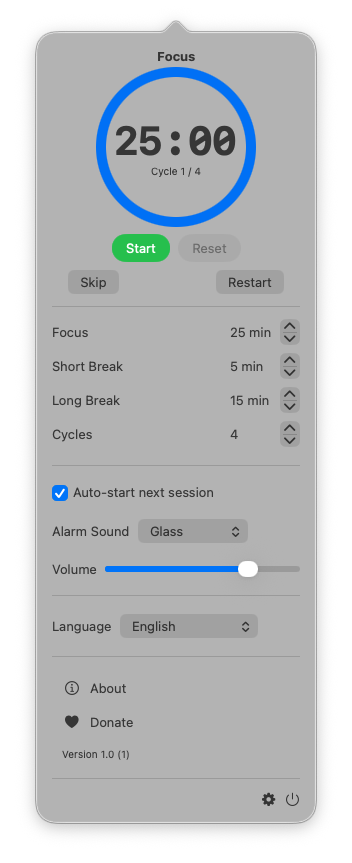
TimeMate helps you stay focused and balanced throughout the day with a clean, minimalist Pomodoro timer that turns your workflow into smooth, focused sessions and effortless breaks.
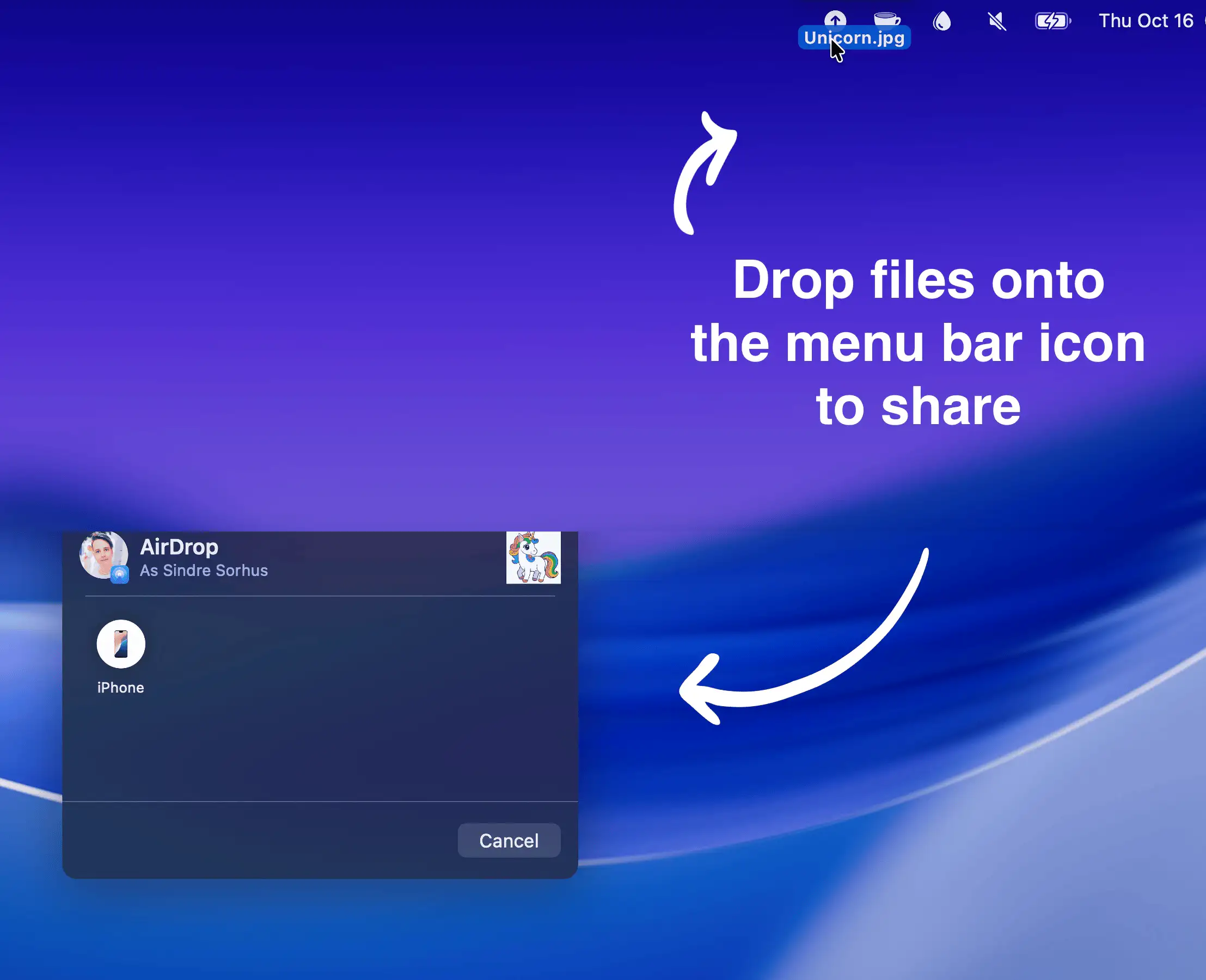
Effortlessly share files, images, or links via AirDrop by dragging them onto the menu bar icon, even URLs straight from Safari.

Deploylight shows your Vercel and Cloudflare Workers deployment status in real time from the Mac menu bar. See build, ready, or error status at a glance and jump straight to deployment details.

