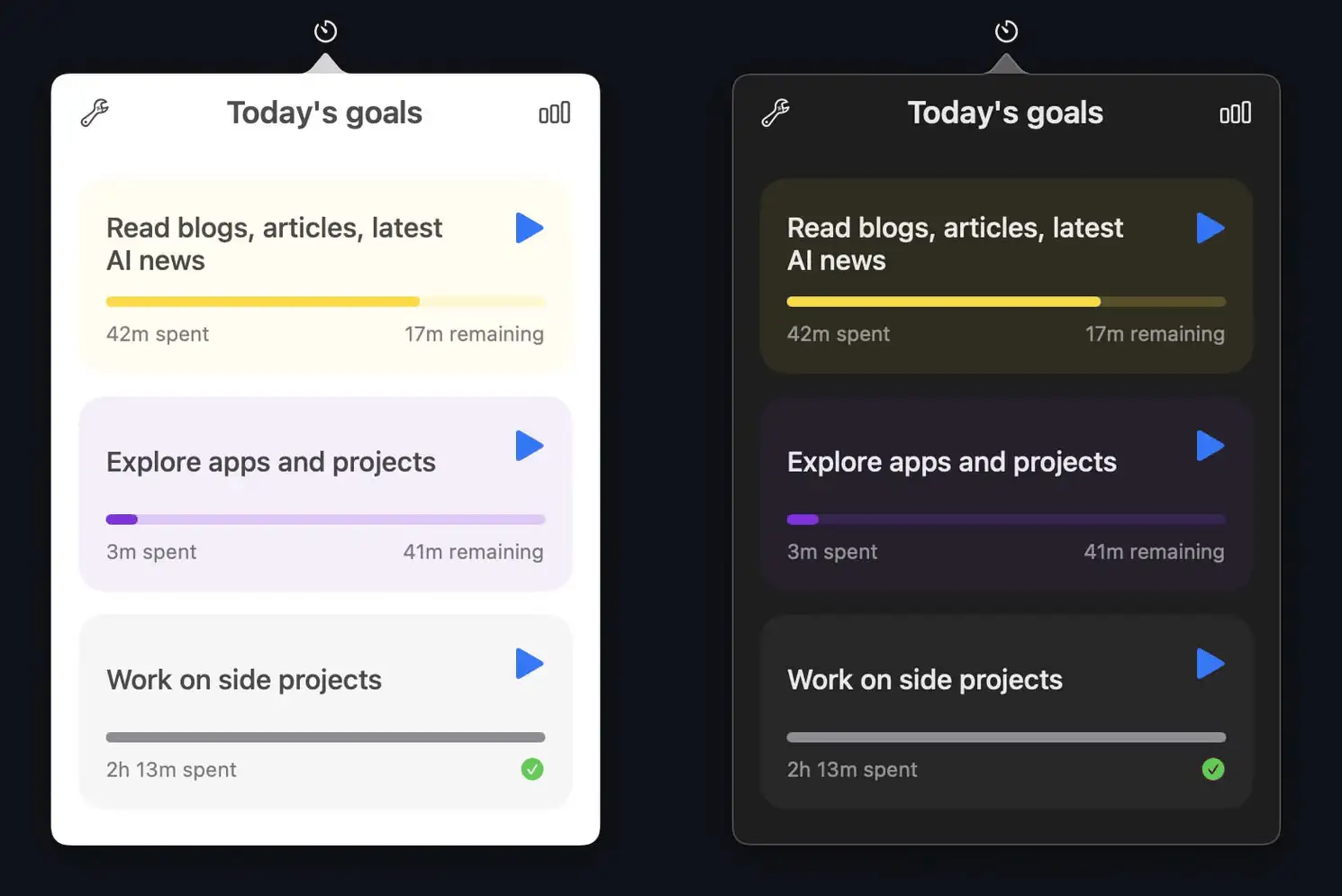
Collection:
Audio Apps
Signal Shifter
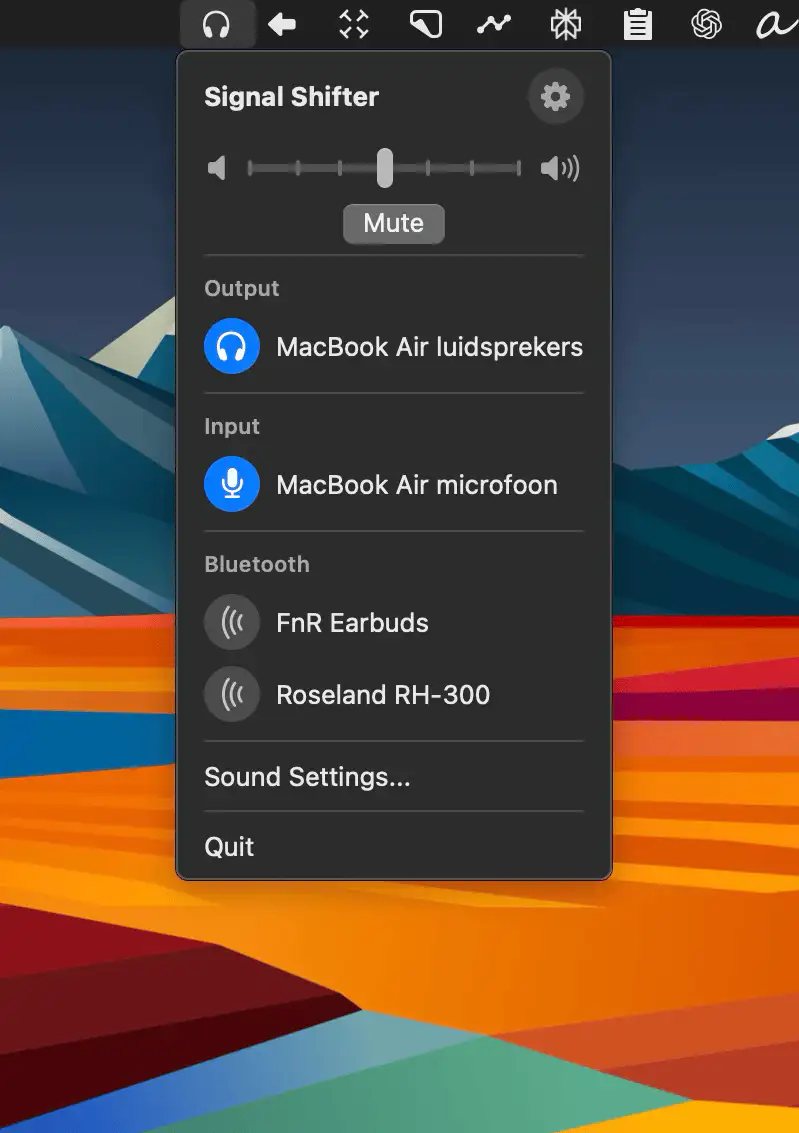
Quickly switch audio inputs, outputs, and Bluetooth devices from your Mac’s menu bar—Signal Shifter keeps all your sound sources neatly in one place.

Good apps don’t always come with a price tag. These menu bar gems are free — and worth your space.
Good apps don’t always come with a price tag. These menu bar gems are free — and worth your space.
Quickly switch audio inputs, outputs, and Bluetooth devices from your Mac’s menu bar—Signal Shifter keeps all your sound sources neatly in one place.
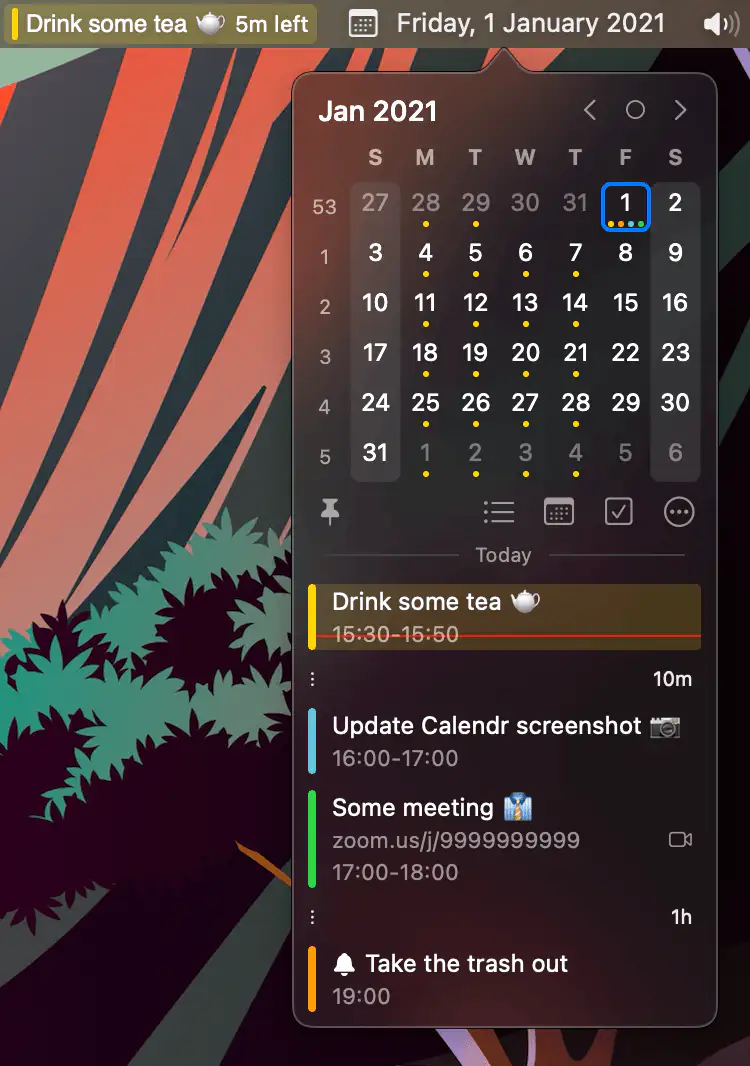
Calendr shows your next event with a countdown in the menu bar, so you don’t have to open Calendar just to check what’s next.
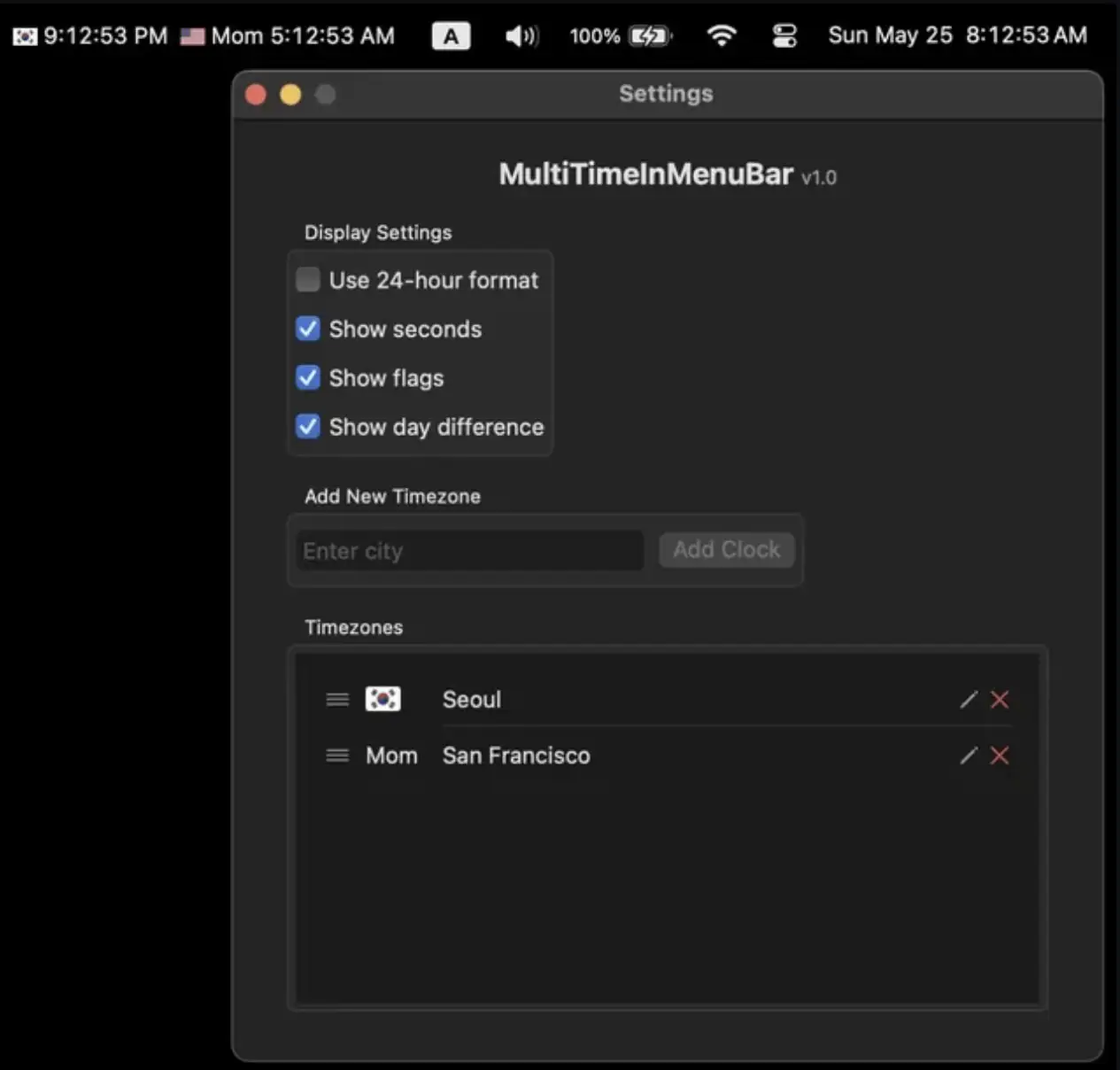
A lightweight, native macOS app that shows multiple timezones—each with a flag—in your menu bar. Built out of nostalgia and practicality.

A lightweight macOS menu bar utility that automatically hides or reveals the Dock based on your display size—simple, seamless, and open source.
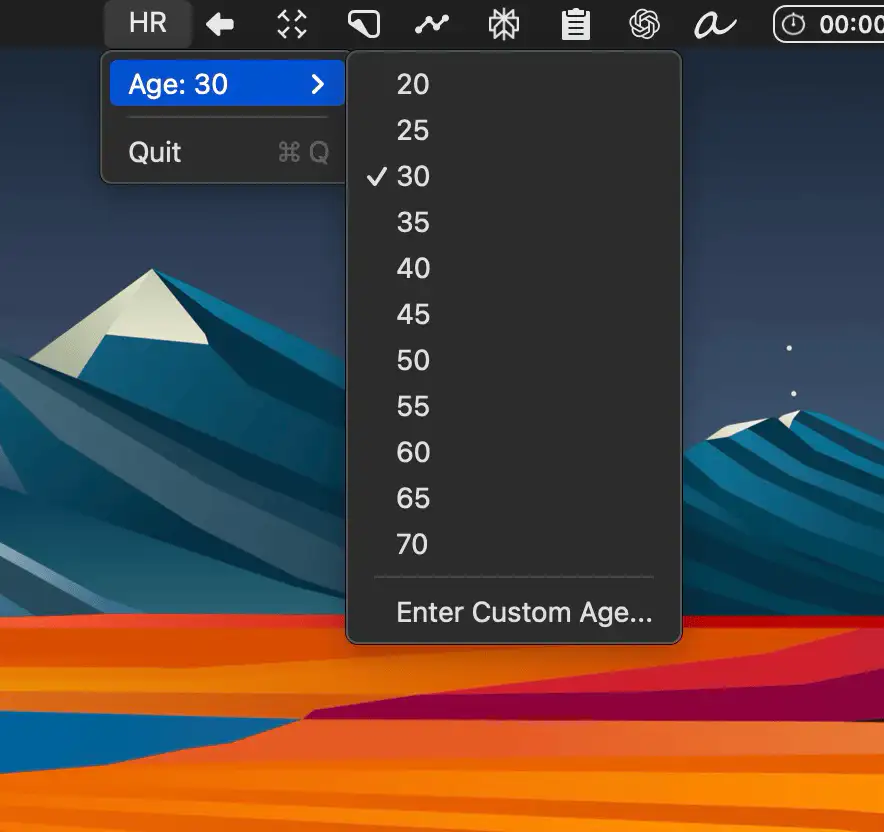
HR is a simple macOS menu bar app that lets you check your heart rate by clicking in sync with your pulse—no ads, no gadgets, just you and your heartbeat.
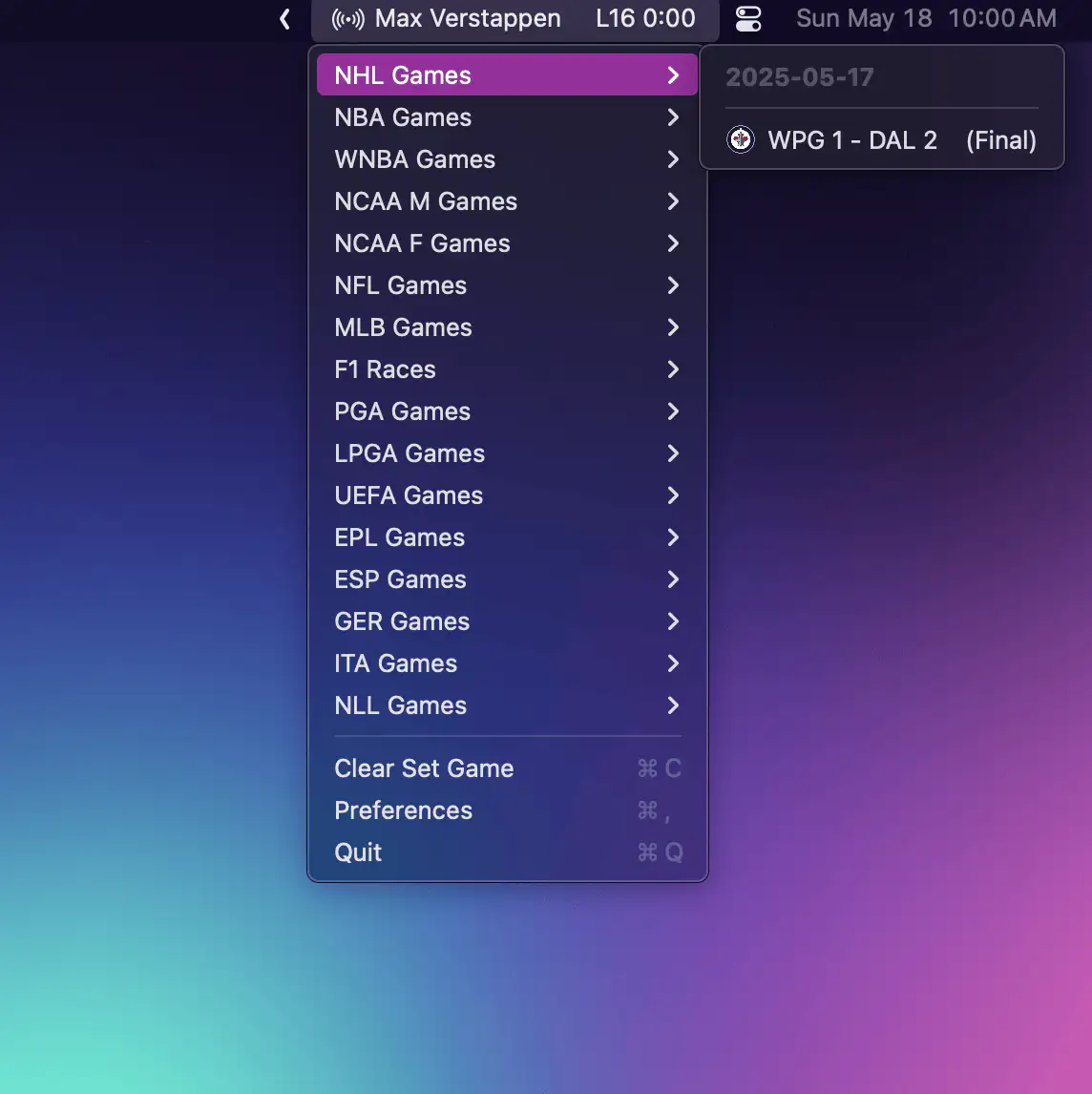
MenuScores brings real-time sports scores from your favorite leagues right to your Mac’s menu bar—lightweight, customizable, and always up to date without disrupting your workflow.
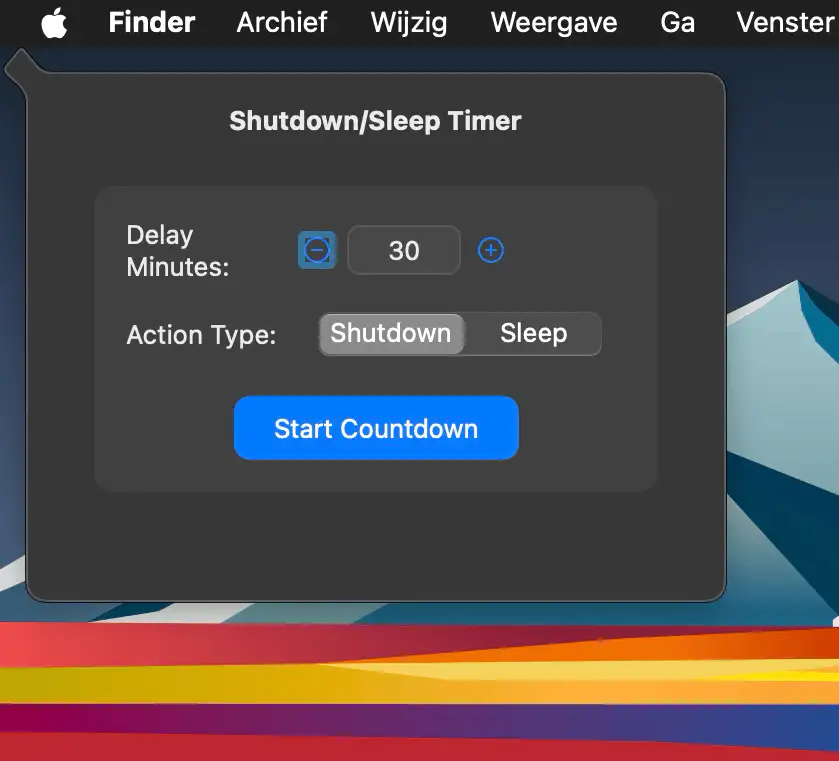
A menu bar app that lets you schedule an automatic shutdown or sleep with a countdown—ideal for those who forget to turn off their Mac after work or play.
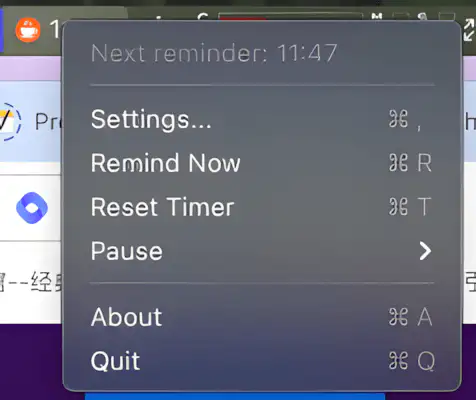
SitReminder is a simple menu bar app that gently nudges you to take movement breaks, promoting better focus and heart health during long hours at your desk.
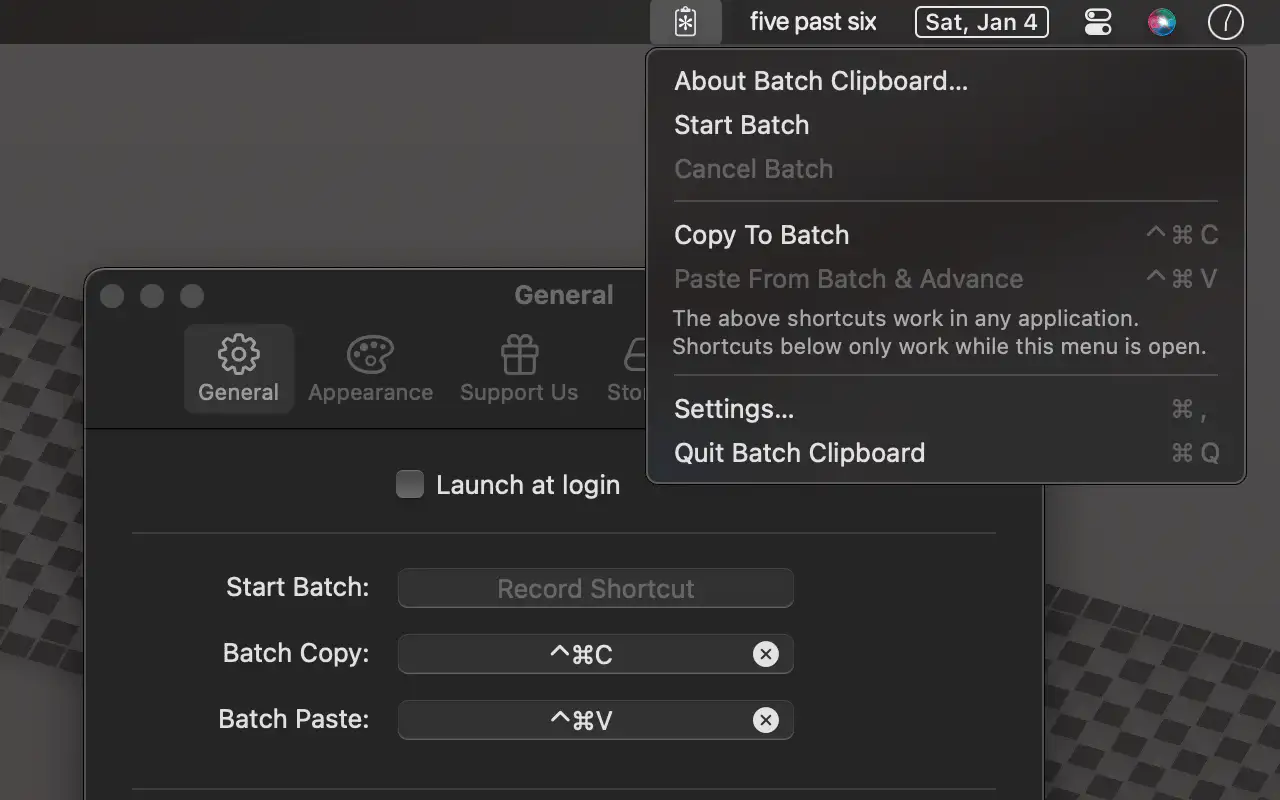
Batch Clipboard is a minimalistic menu bar app that lets you copy and paste multiple items in sequence—simple, fast, and private, without the clutter of full clipboard managers.
The App Store version has some additional features unlocked via an in-app purchase.