Collection:
Fun Apps
Fairy Lights
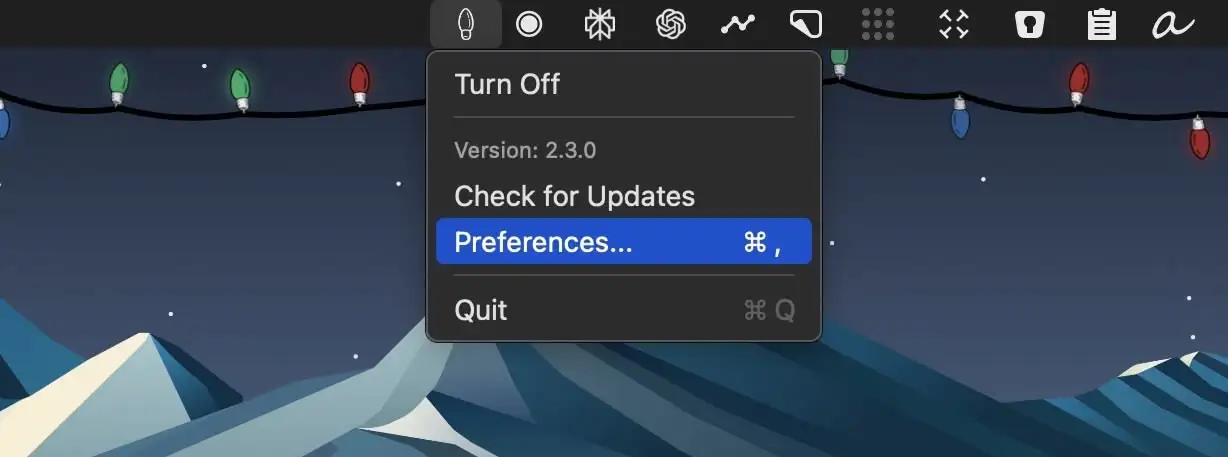
This menu bar app adds festive Christmas lights beneath your Mac’s menu bar, bringing a cozy and cheerful holiday touch to your screen.

Good apps don’t always come with a price tag. These menu bar gems are free — and worth your space.
Good apps don’t always come with a price tag. These menu bar gems are free — and worth your space.
This menu bar app adds festive Christmas lights beneath your Mac’s menu bar, bringing a cozy and cheerful holiday touch to your screen.
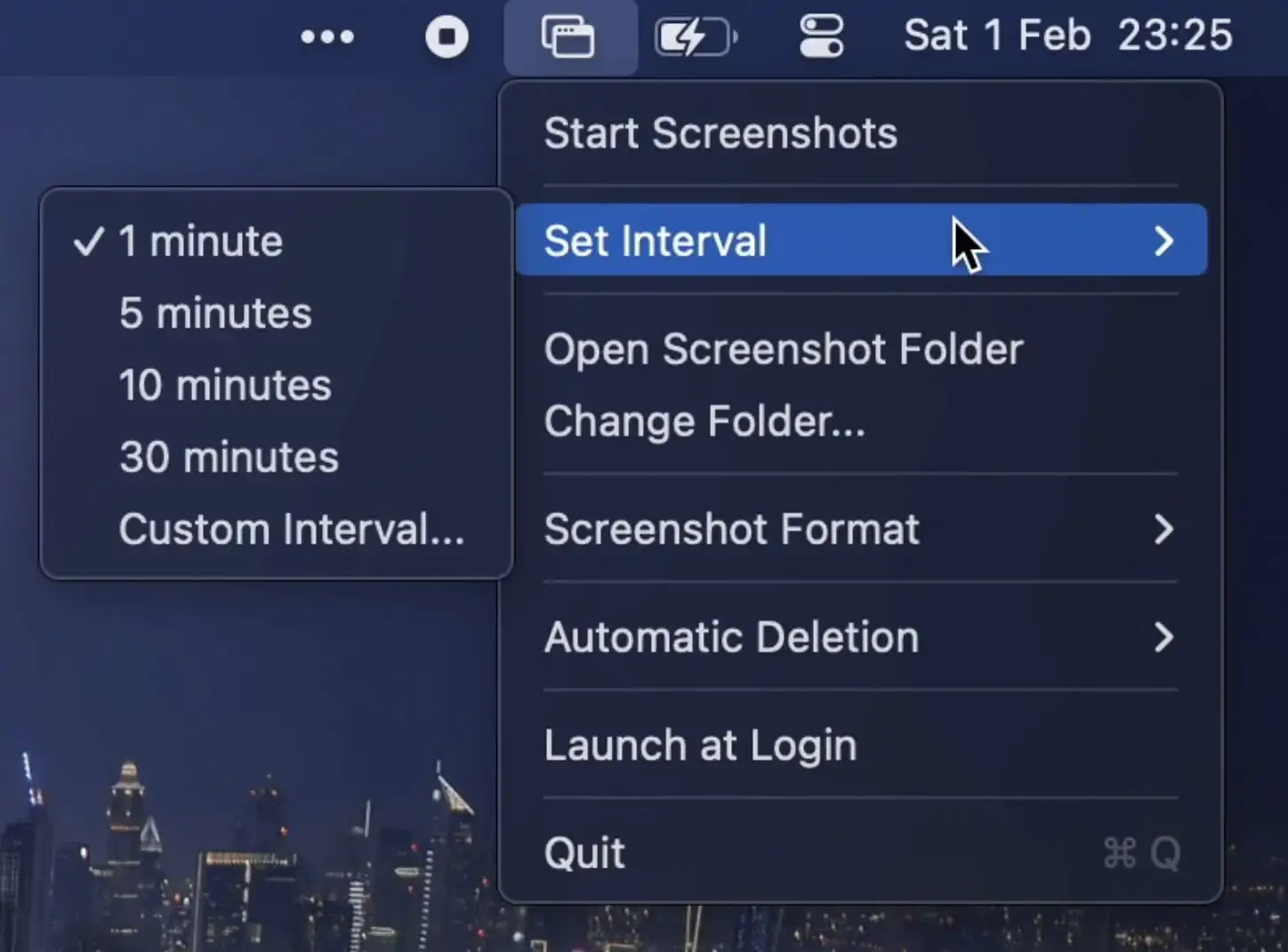
This menu bar app automatically captures screenshots at set intervals. It supports multiple displays, custom formats, and auto-deletion.
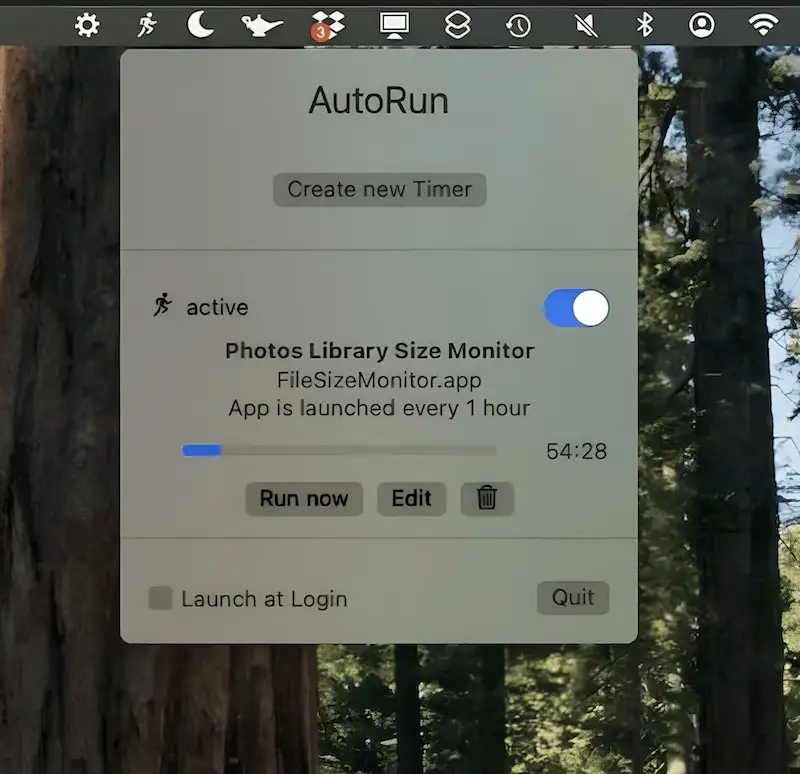
AutoRun eliminates the need for manual app launches by automating the process, saving time and ensuring your essential programs start instantly every time.
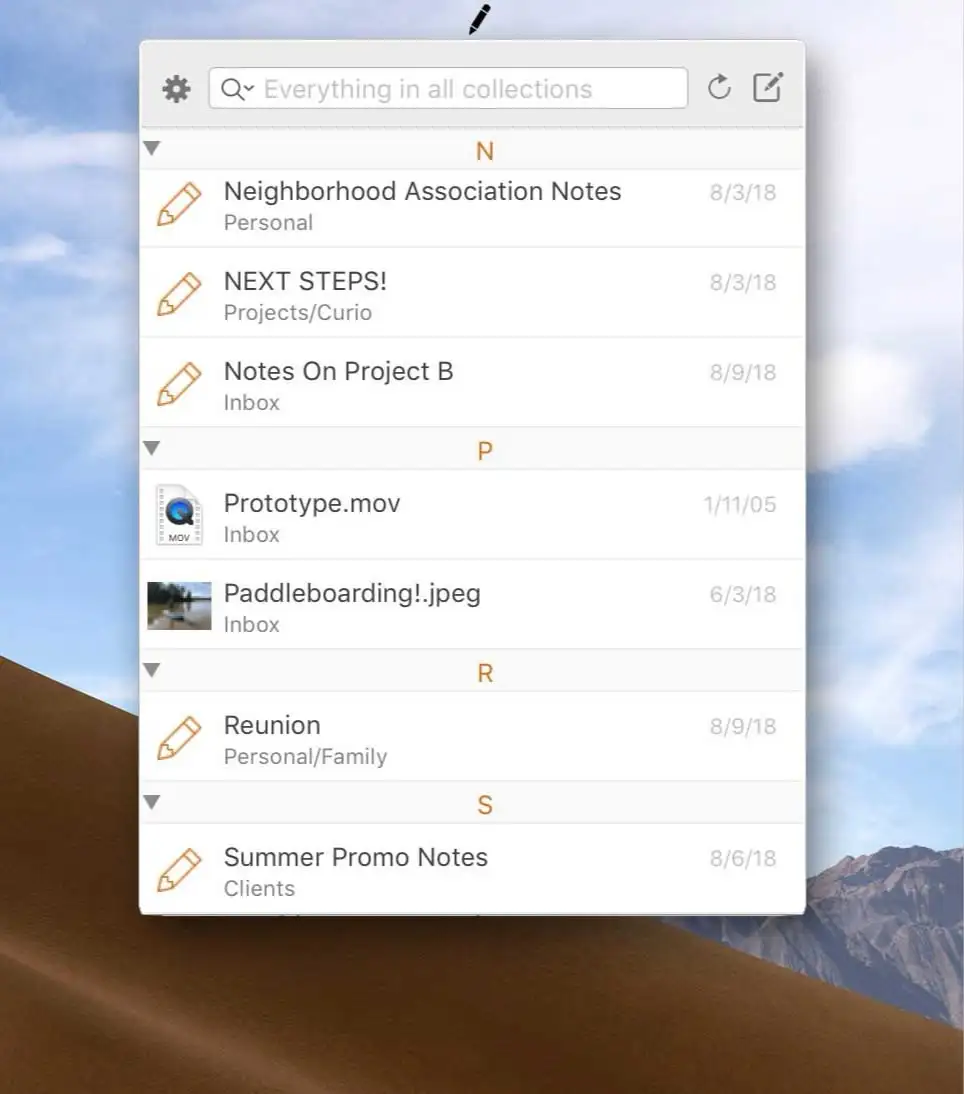
Curiota is designed for quick note-taking, file storage, and idea organization. It integrates effortlessly with your workflow, allowing you to save notes, links, images, and other data.
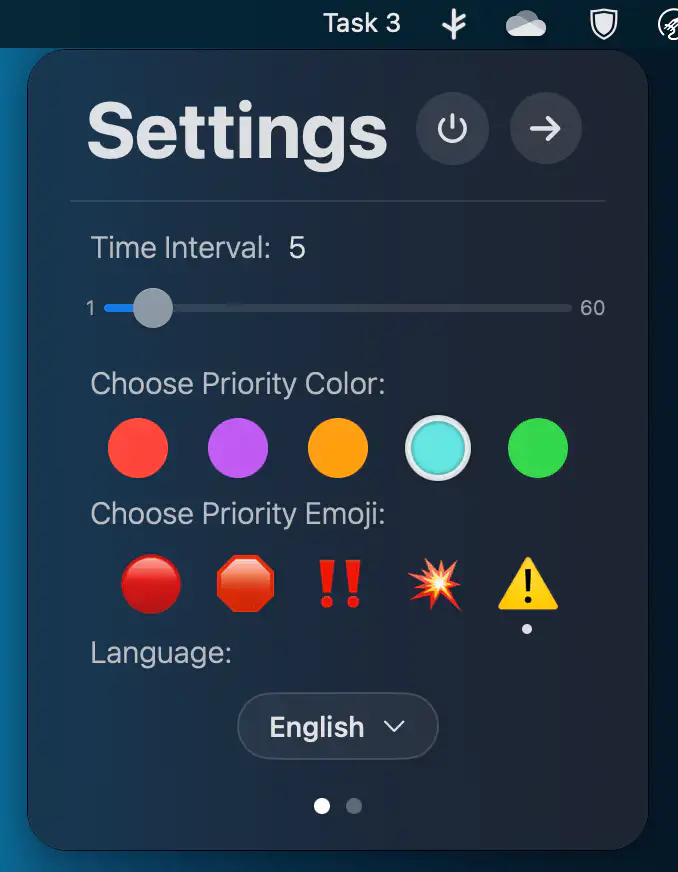
U Do rotates tasks from your to-do list and displays them directly in your menu bar. Tasks rotate every 5 seconds (default).
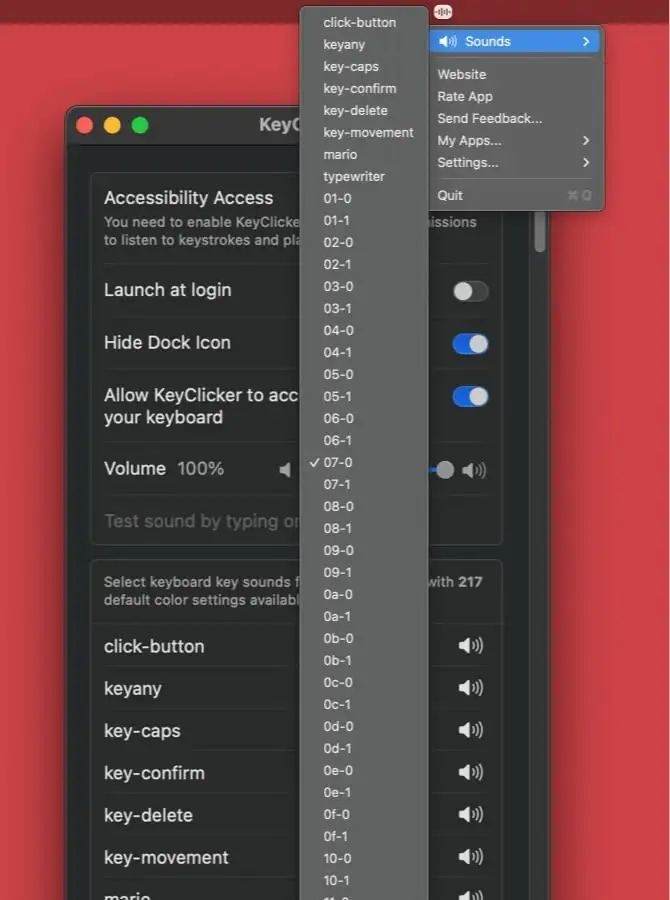
KeyClicker is a menu bar app that brings the authentic typing sounds of over 200 mechanical keyboards and typewriters to life.
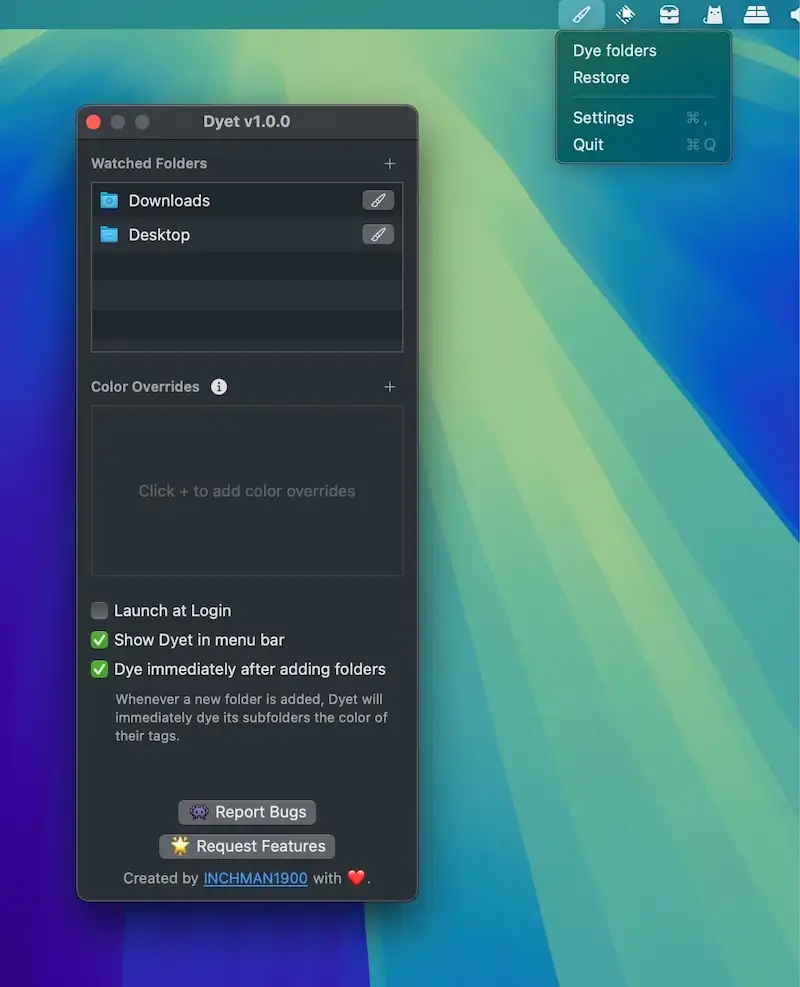
This menu bar app automatically colors your folder icons to help you visually organize your files and add a personal touch to your workspace. It also supports one-time coloring.