Collection:
Note Taking Apps
BarNotes
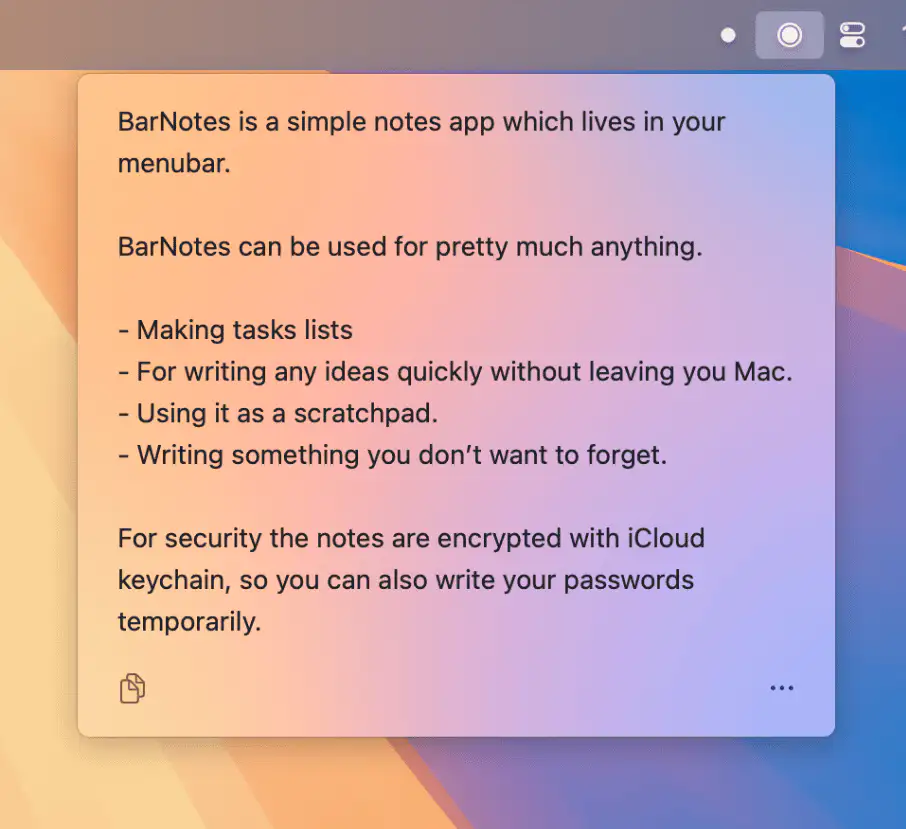
BarNotes is a simple, secure menubar app for jotting down tasks, ideas—anything you don’t want to forget. Always just a click away, without ever leaving your Mac.

Good apps don’t always come with a price tag. These menu bar gems are free — and worth your space.
Good apps don’t always come with a price tag. These menu bar gems are free — and worth your space.
BarNotes is a simple, secure menubar app for jotting down tasks, ideas—anything you don’t want to forget. Always just a click away, without ever leaving your Mac.
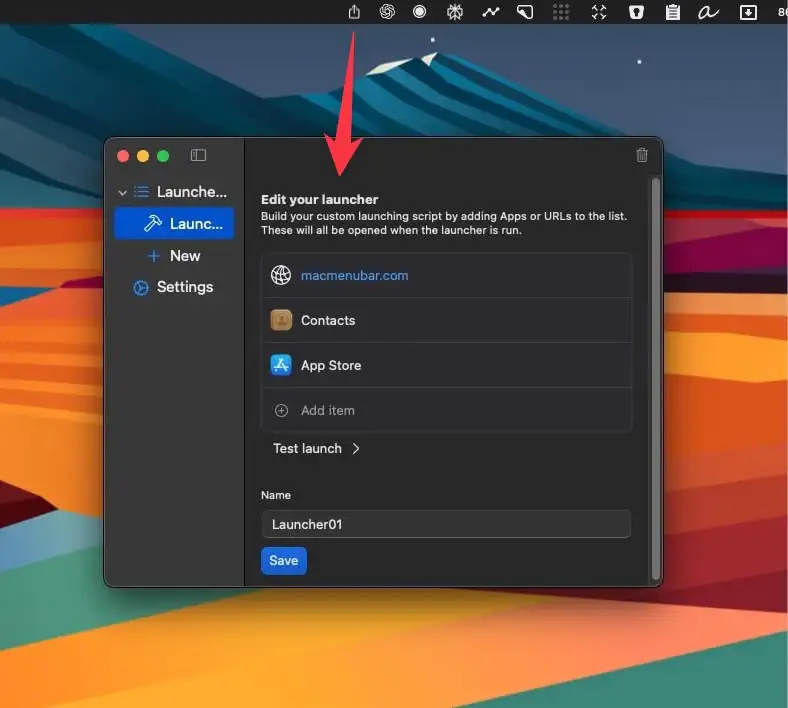
SomLauncher lets you group apps into launchers and open a whole set at once with a single click from your menu bar.
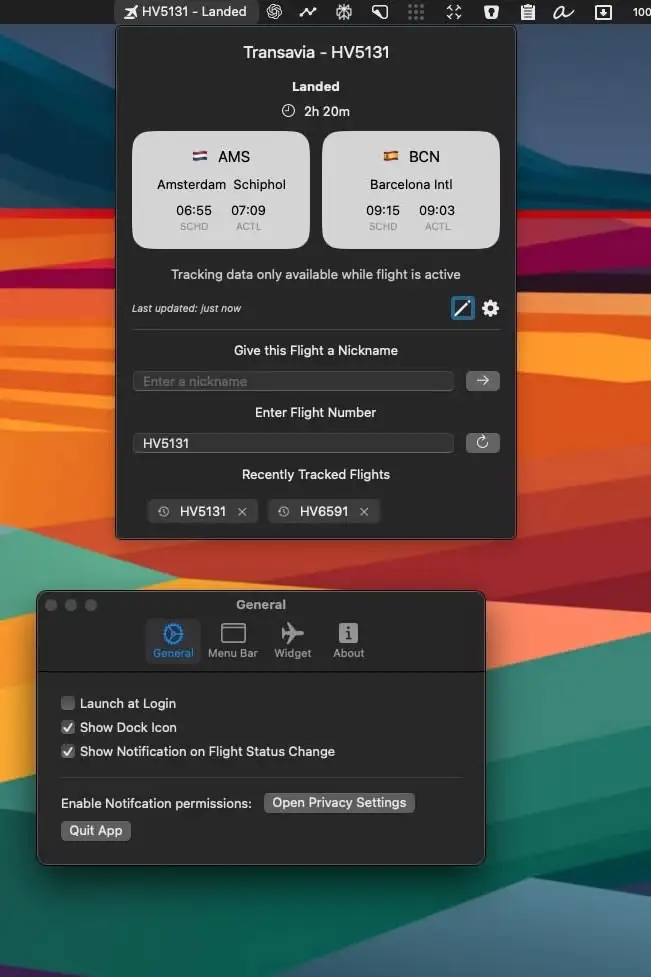
Track flights effortlessly with FlightBar—real-time updates, live maps, and notifications, all from your menu bar. Perfect for travelers and aviation enthusiasts.
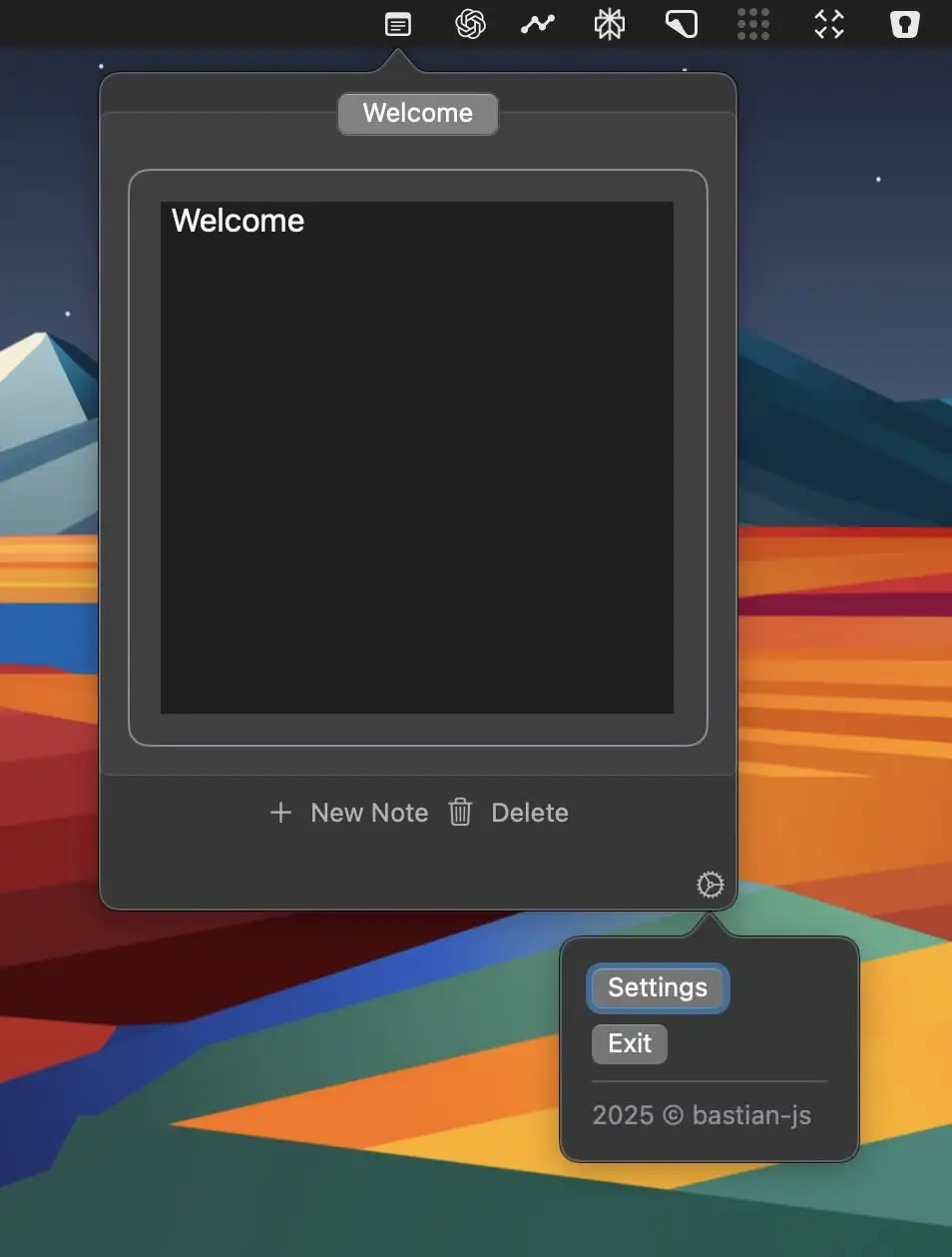
DropNote is a lightweight, distraction-free note-taking app, living in your menu bar for instant access. With autosave, tabbed notes, and a minimal design, it keeps your ideas organized without getting in the way.
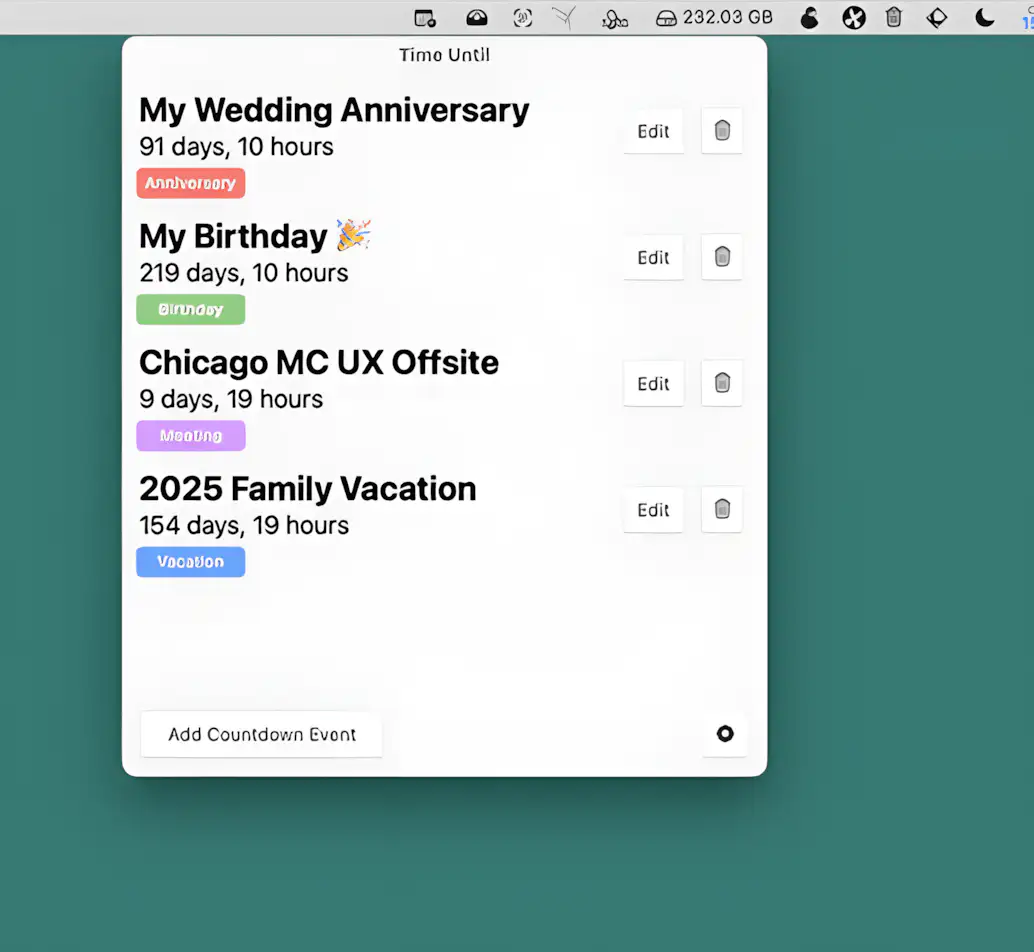
This menu bar app helps you track countdowns to important events—birthdays, vacations, and more. Add up to 8 events, optionally sync with your macOS calendar, get real-time updates, and receive alerts when the time comes.
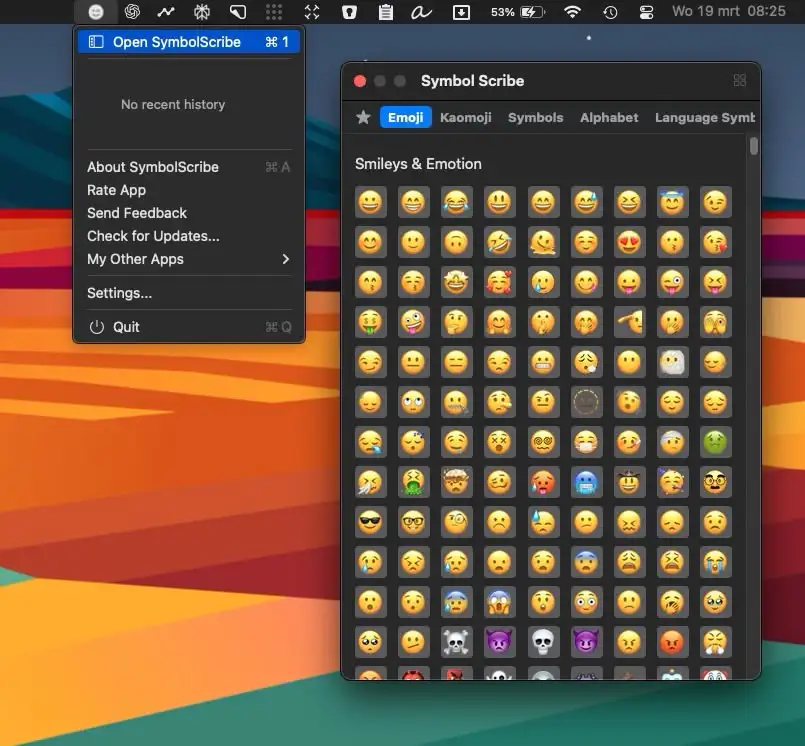
SymbolScribe lets you quickly find, manage, and organize your favorite emojis, kaomojis, and symbols—perfect for messaging, social media, and email!
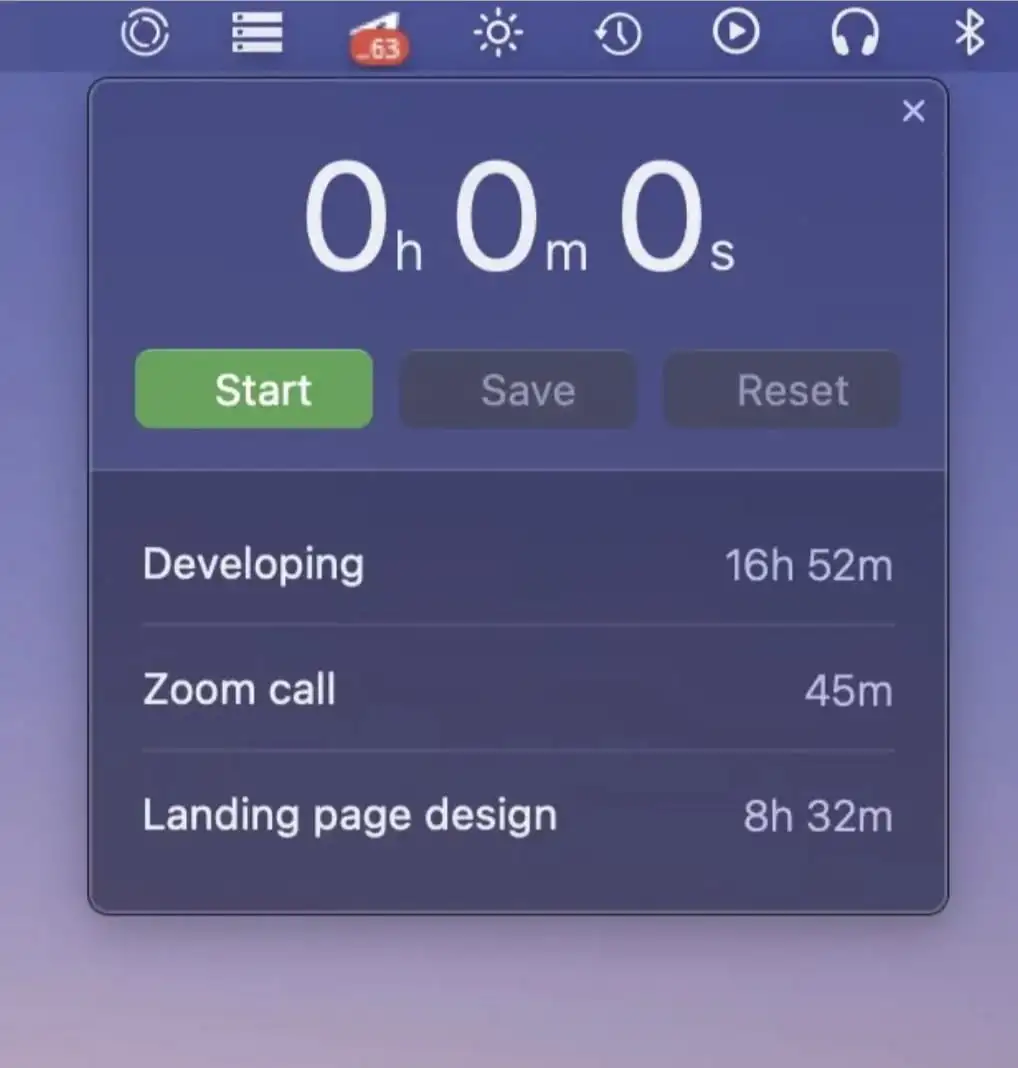
This menu bar app lets you track the time you spend on tasks and projects. Start a timer with one click, resume it later, and review your logs grouped by day.