Good apps don’t always come with a price tag. These menu bar gems are free — and worth your space.
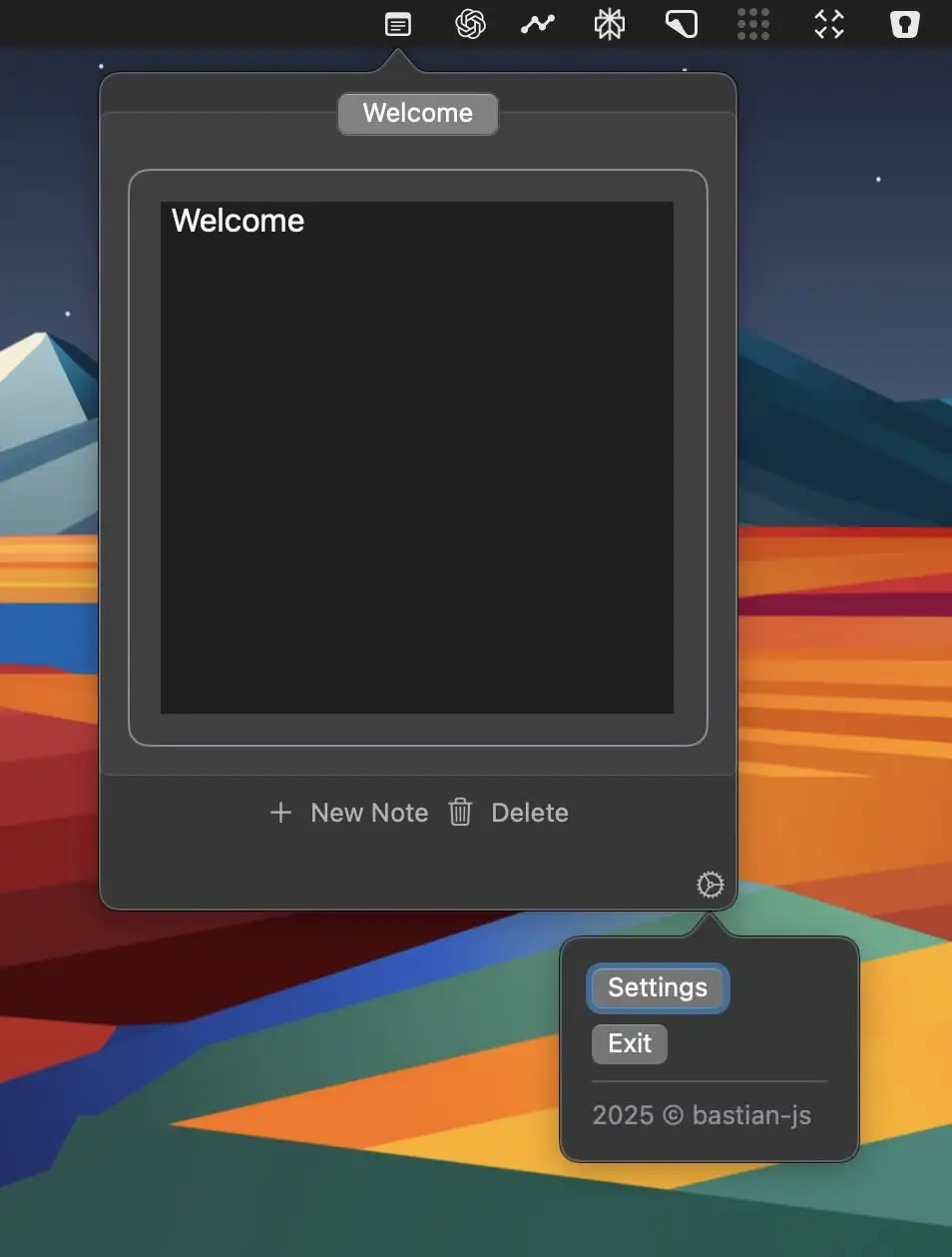
DropNote is a lightweight, distraction-free note-taking app, living in your menu bar for instant access. With autosave, tabbed notes, and a minimal design, it keeps your ideas organized without getting in the way.
Visit
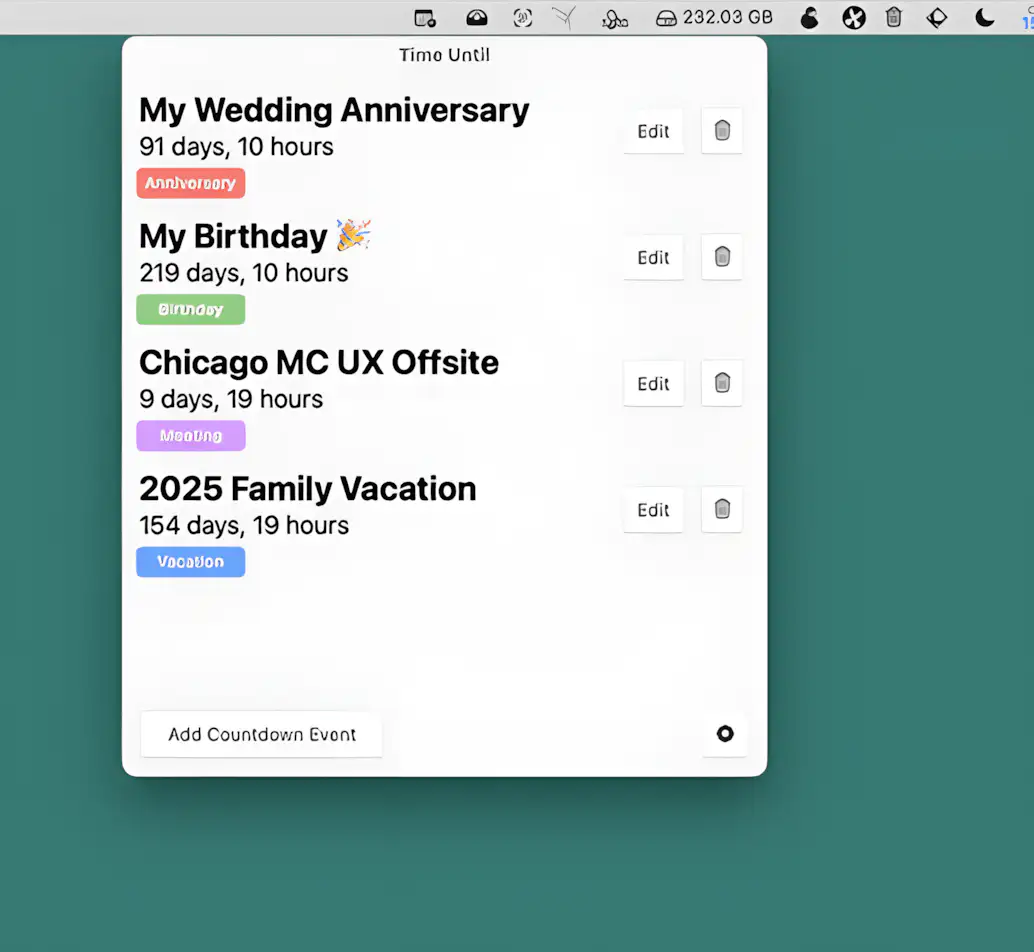
This menu bar app helps you track countdowns to important events—birthdays, vacations, and more. Add up to 8 events, optionally sync with your macOS calendar, get real-time updates, and receive alerts when the time comes.
Visit
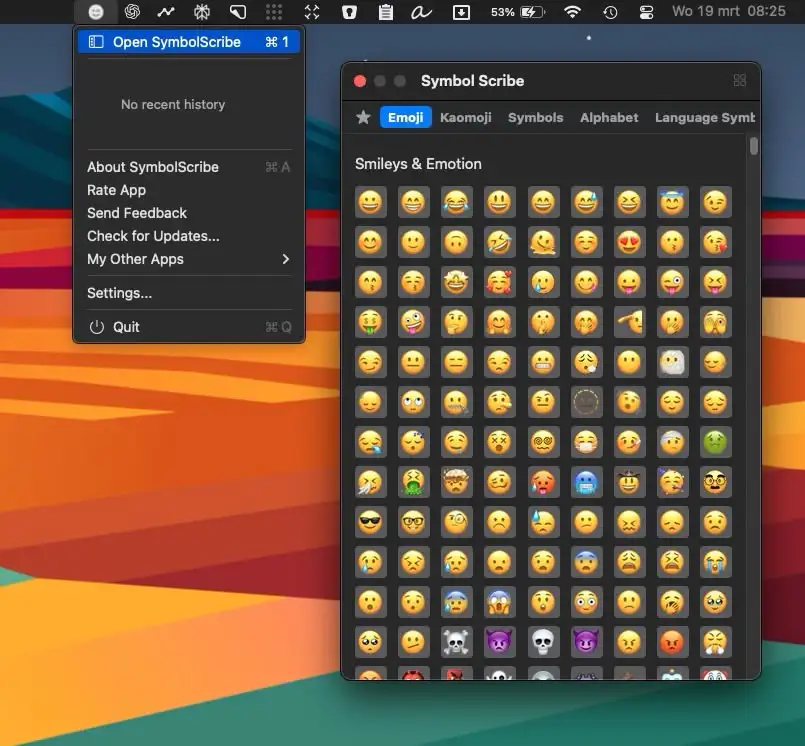
SymbolScribe lets you quickly find, manage, and organize your favorite emojis, kaomojis, and symbols—perfect for messaging, social media, and email!
Visit
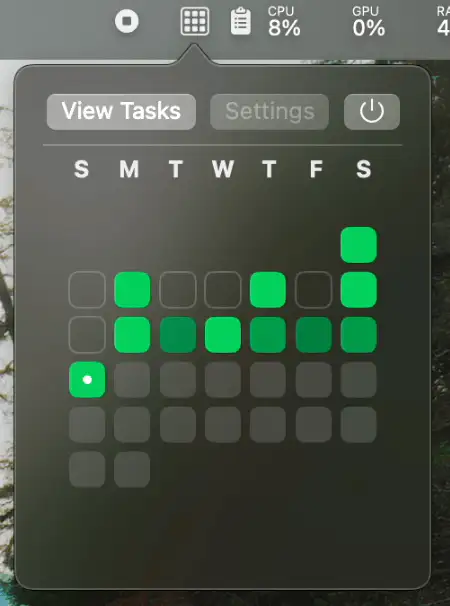
Tasktile turns task tracking into a visual experience with a GitHub-style contribution calendar. It keeps users engaged by transforming daily tasks into a clear, motivating progress map.
Visit Watch
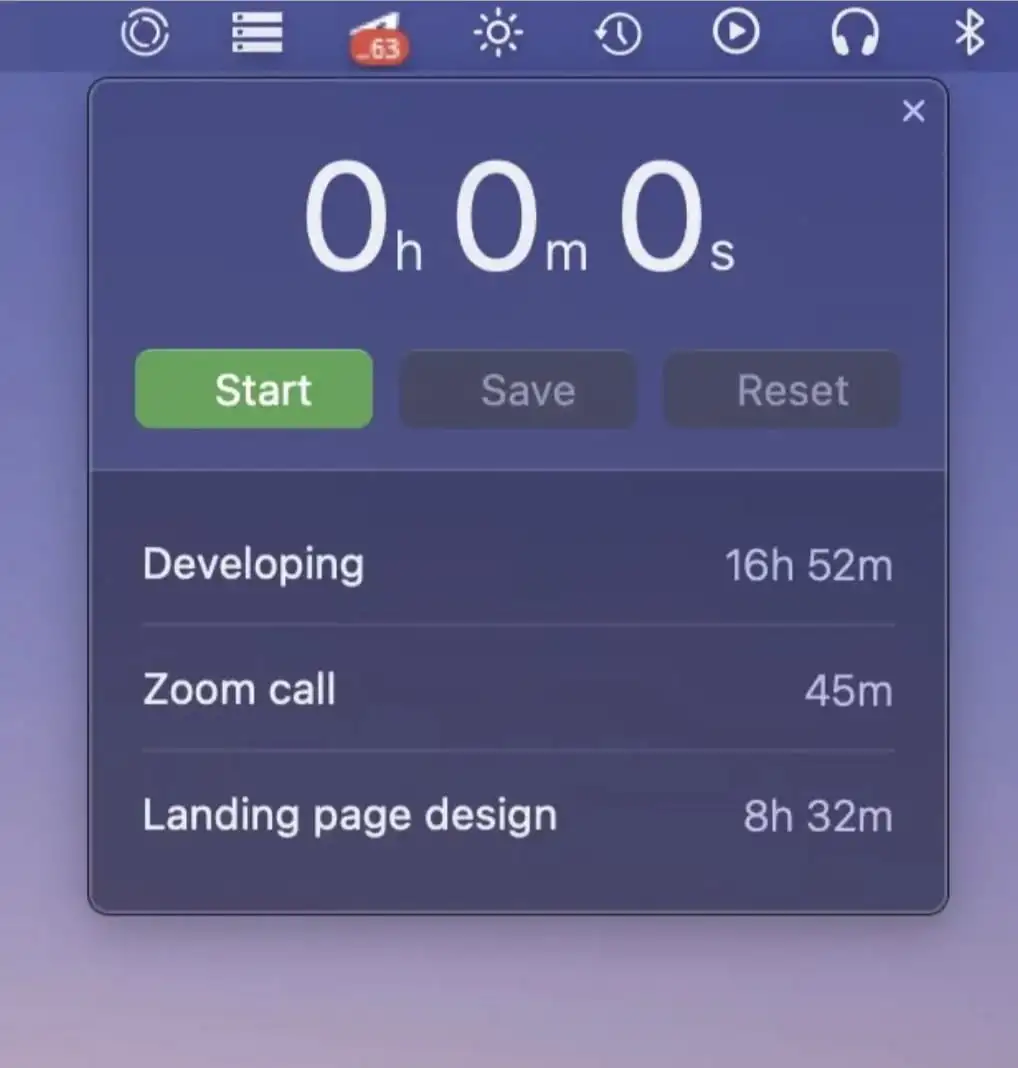
Track time efficiently with integrations to your favorite tools and applications seamlessly together. Visualize how you spend time across days, weeks, and months with detailed stats and charts.
Visit
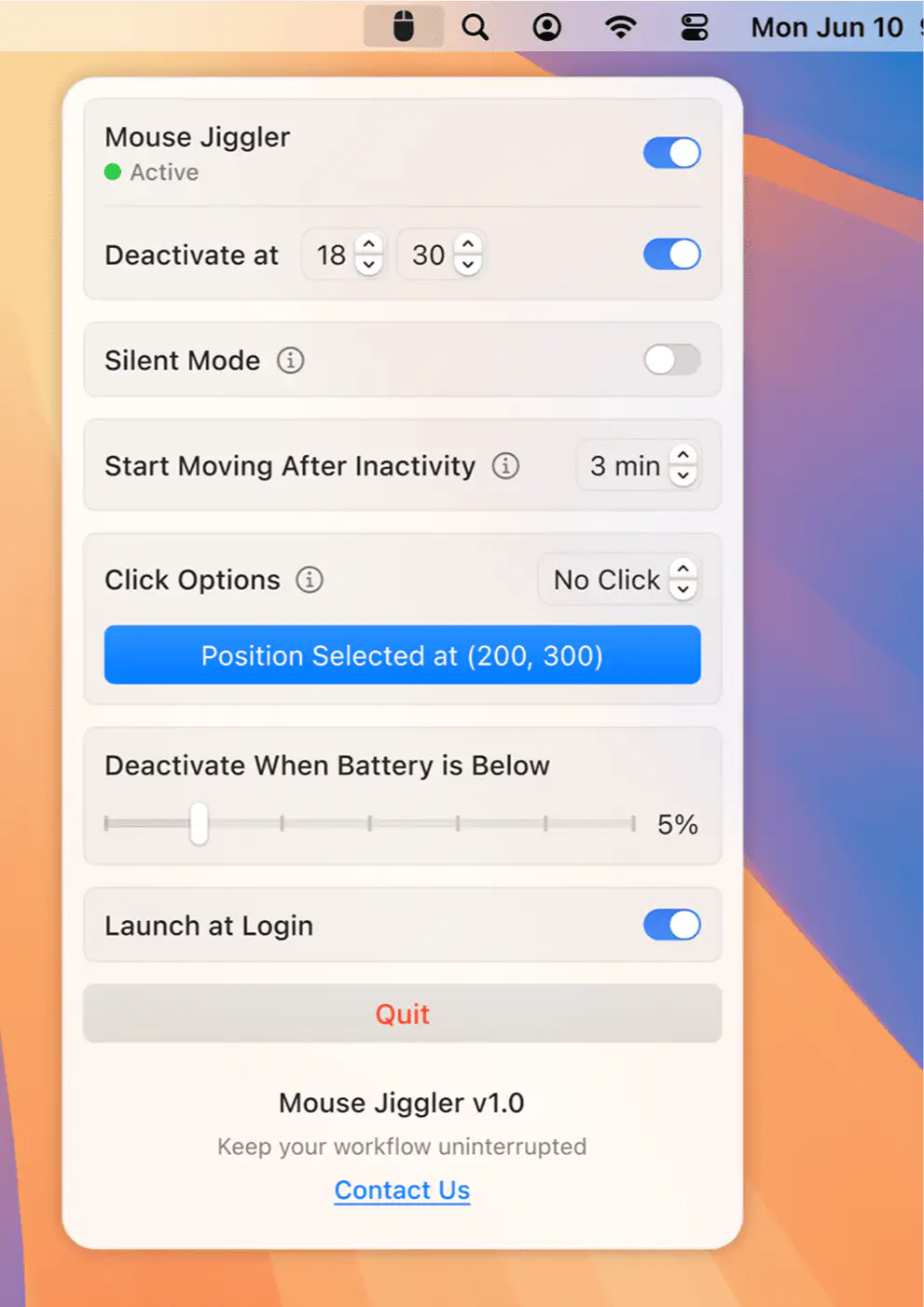
Prevent your Mac from entering sleep mode reliably, protecting against unexpected sleep cycles interrupting work. Perfect for long downloads, presentations, or when you need continuous operation without interruptions.
Visit
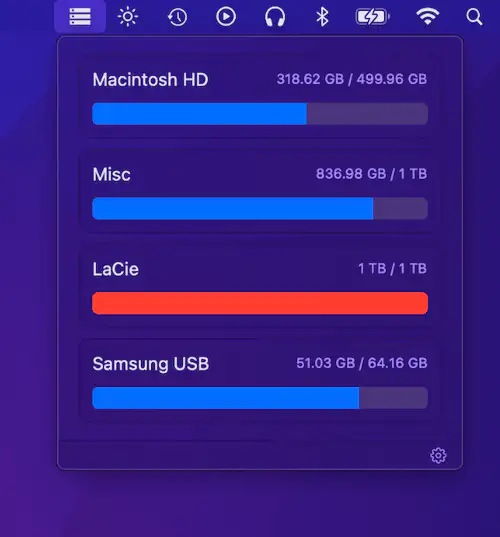
DiskView shows all mounted drives with free and used space at a glance. Simple, minimal, and efficient for quick disk monitoring.
Visit
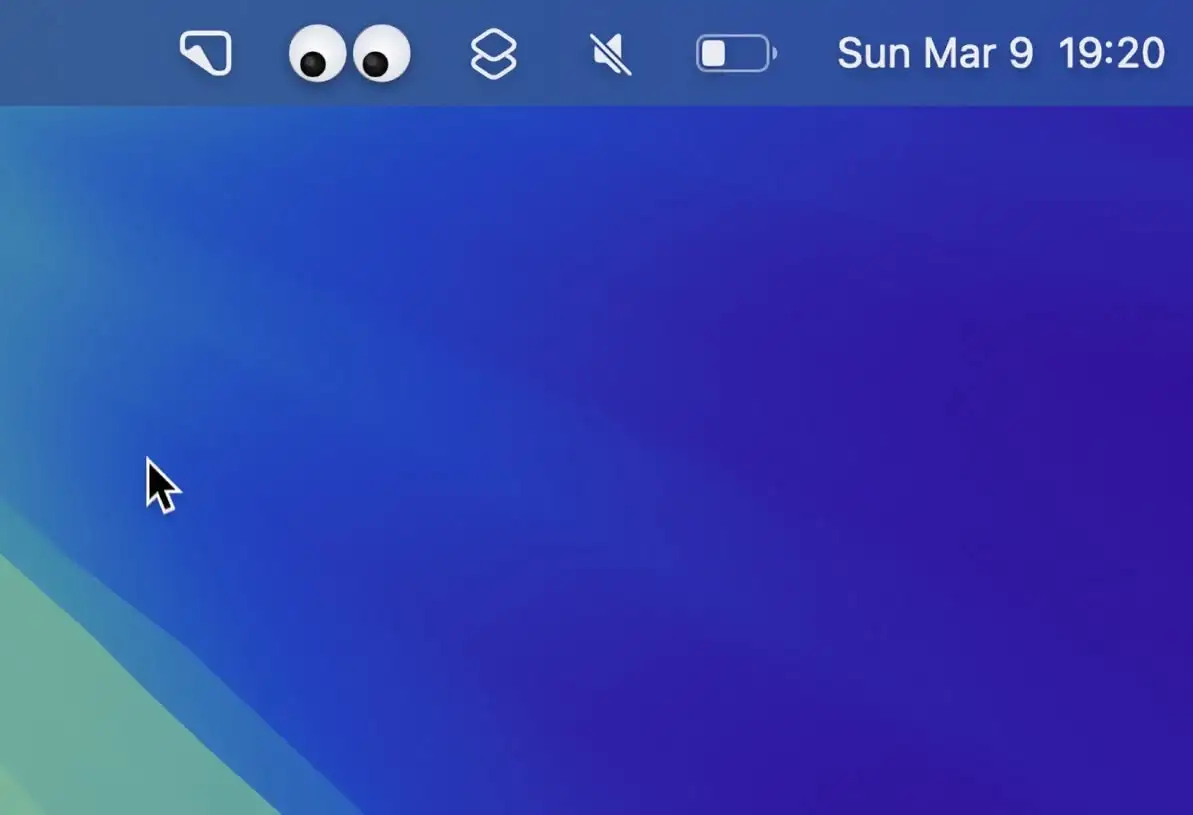
This menu bar app adds animated googly eyes to your screen that follow your cursor as you move— a fun and lighthearted way to bring some personality to your desktop.
Visit
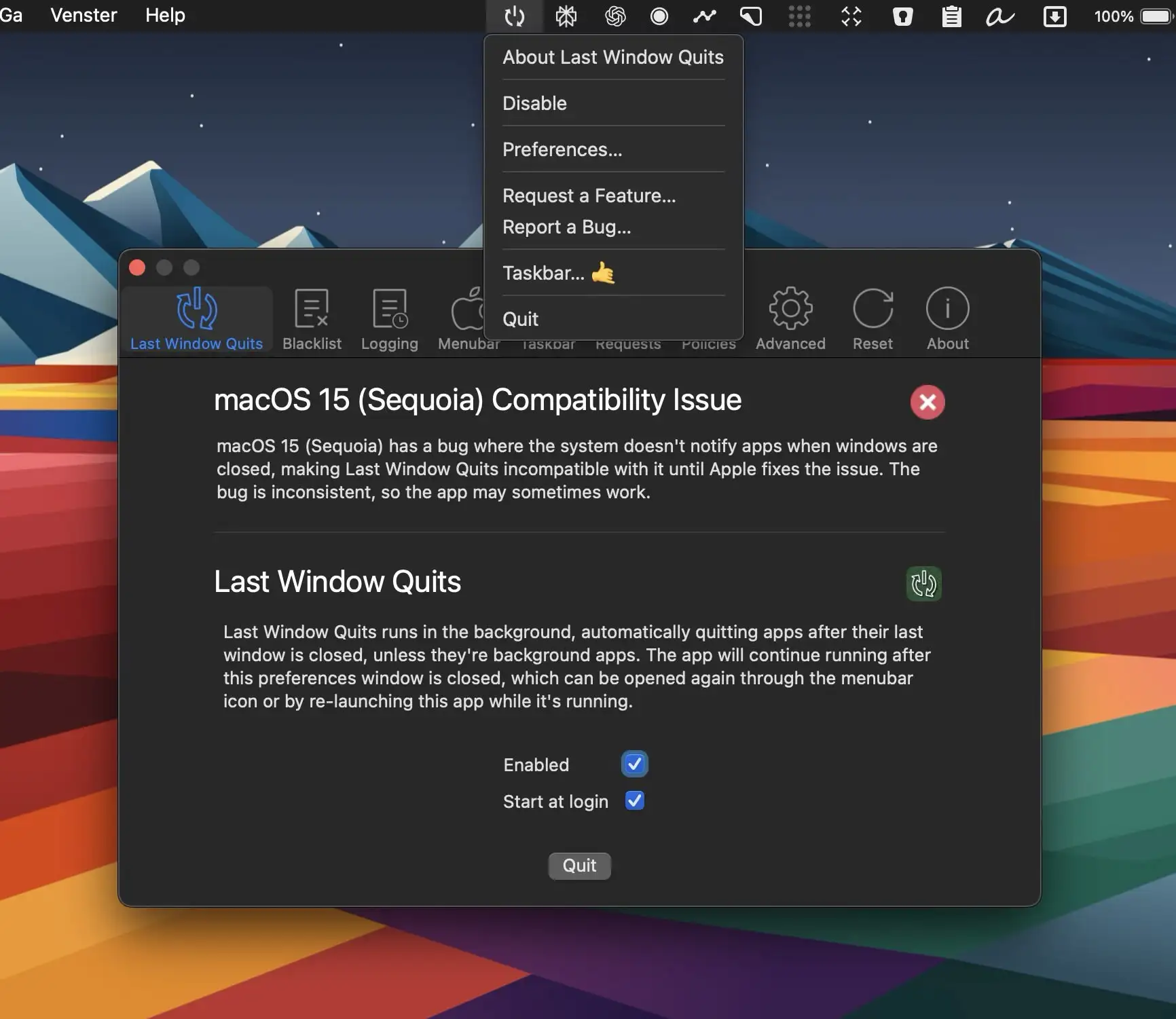
Last Window Quits is designed to automatically close apps when their last window is closed, saving system memory and preventing unnecessary background processes.
Visit
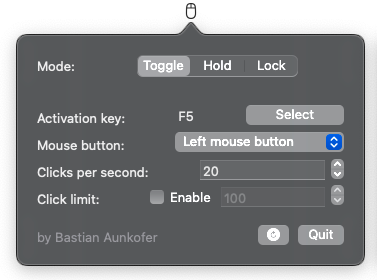
MaClicker is a simple auto-clicker for Mac. It is built with Swift and can achieve up to 100 clicks per second.
Visit
