
Collection:
Social Apps
Good apps don’t always come with a price tag. These menu bar gems are free — and worth your space.
Collection:
Personal Apps
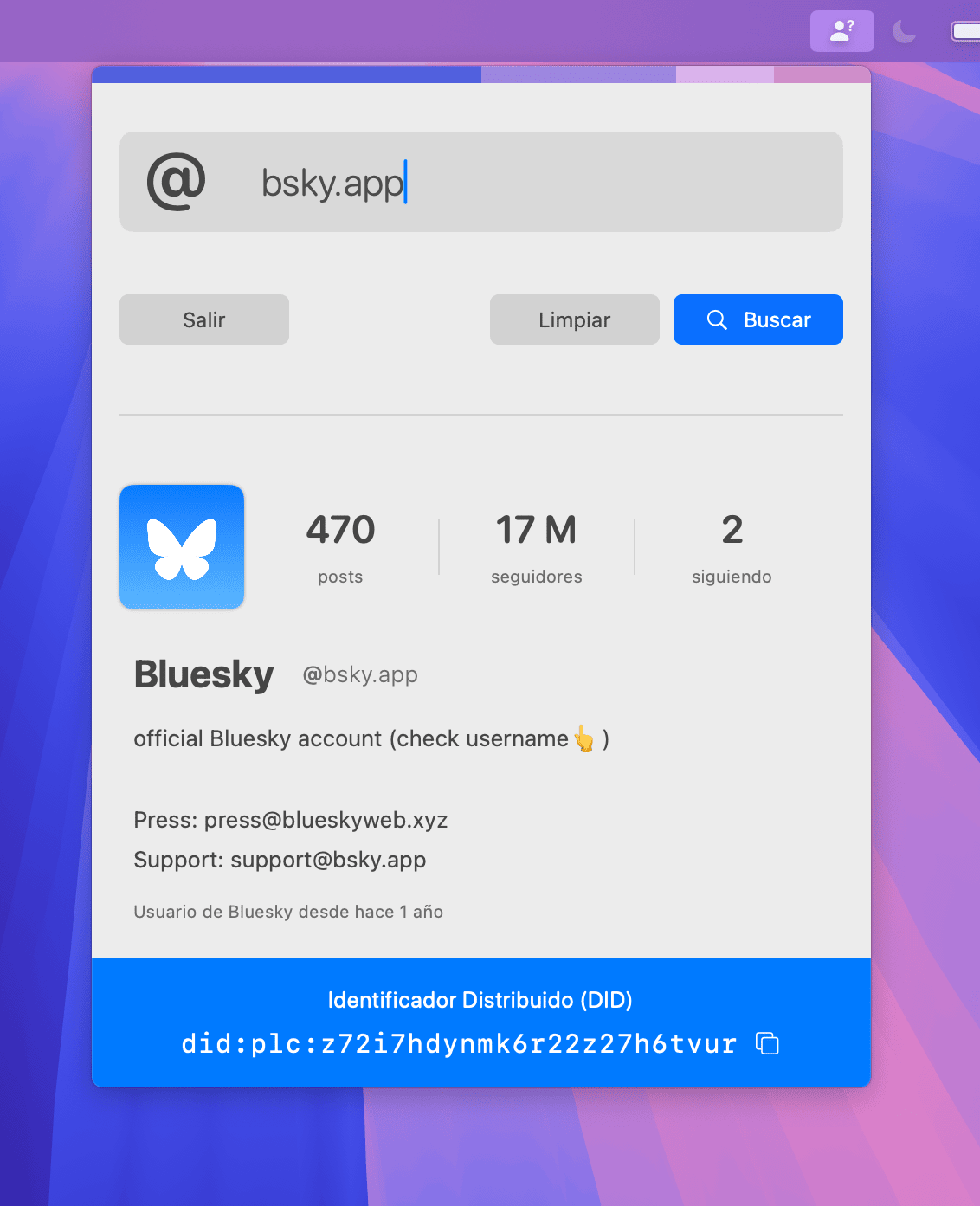
EmberMate

Collection:
Menu Bar Managers
Lickable

Lickable brings back the classic menu bars from previous macOS versions, offering a nostalgic and (for some) visually appealing interface.
Collection:
Calendar Apps
MenuBarCalendar

A simple menu bar app that shows a monthly calendar, so you can check a date without opening a separate app.
Collection:
Social Apps
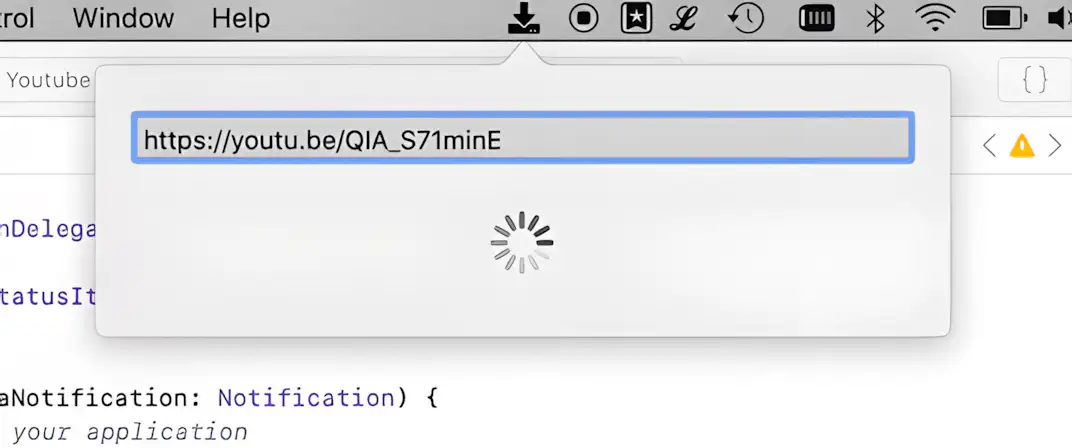
YouTube Downloader
Collection:
Time Zone Apps
TimeGlyd

Collection:
System Tools
Menubar Info

This menu bar app shows live system stats at a glance: CPU and memory usage, network activity, battery health and open ports, which you can also manage from the menu.
Collection:
Network Apps
NetworkLight
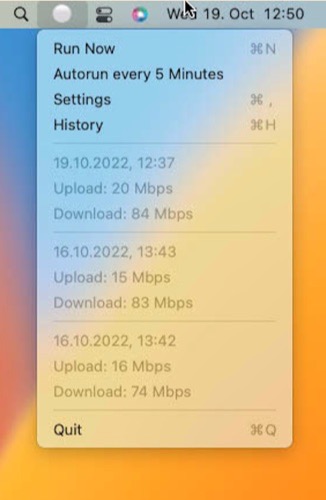
This menu bar app is a simple wrapper that regularly performs a speed test and checks your network quality. Designed primarily for problem resolution rather than long-term use.
Collection:
Time Zone Apps
SecondClock

SecondClock shows a second (or third or fourth) time zone in your menu bar. You can select from all time zones and customize the name shown to fit your needs.
Collection:
Window Managers
Tiles

Organize your windows by dragging them to one side of the screen, using keyboard shortcuts, or clicking on the Tiles icon in your menu bar.