Collection:
Personal Apps
HA Menu
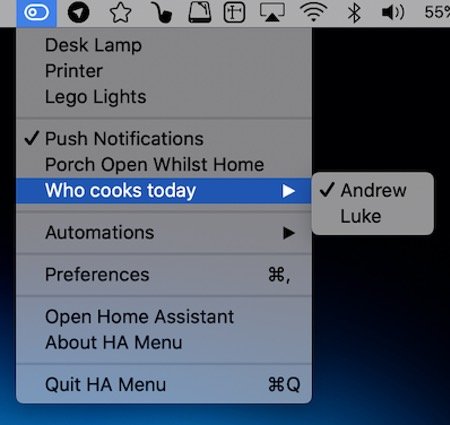
HA Menu puts your Home Assistant setup in the menu bar. Flip switches and lights, run scenes and scripts, open or close covers and glance at sensor values, all without opening a browser tab.

Good apps don’t always come with a price tag. These menu bar gems are free — and worth your space.
Good apps don’t always come with a price tag. These menu bar gems are free — and worth your space.
HA Menu puts your Home Assistant setup in the menu bar. Flip switches and lights, run scenes and scripts, open or close covers and glance at sensor values, all without opening a browser tab.
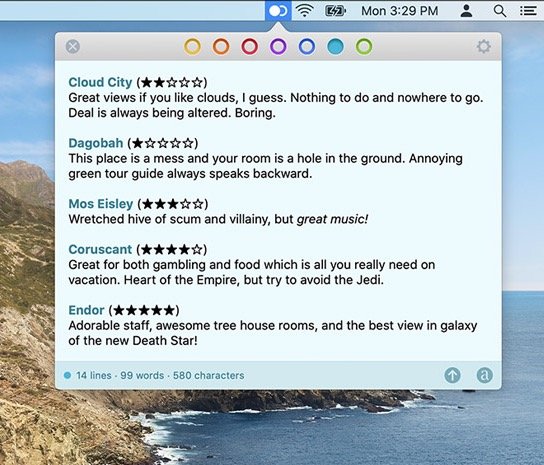
With Tot you can collect and edit text across your Mac, iPhone, and iPad, all via the menu bar. Seven color-coded dots let you organize your notes.
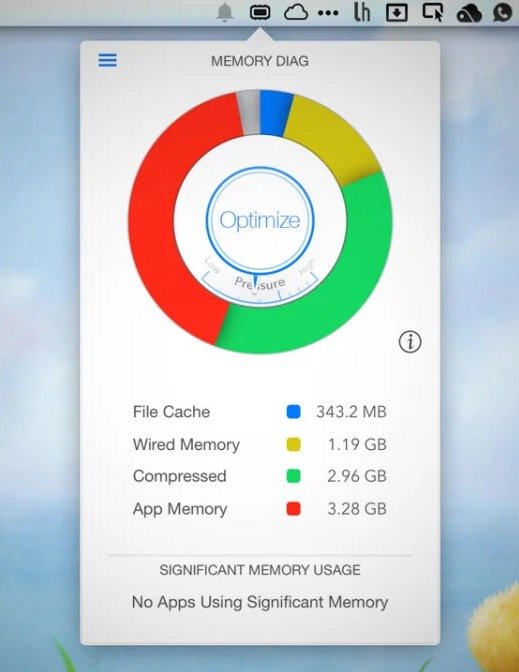
Memory Diag helps you to keep an eye on your systems memory. Quickly access detailed memory information and diagnosis with one click on your menu bar.
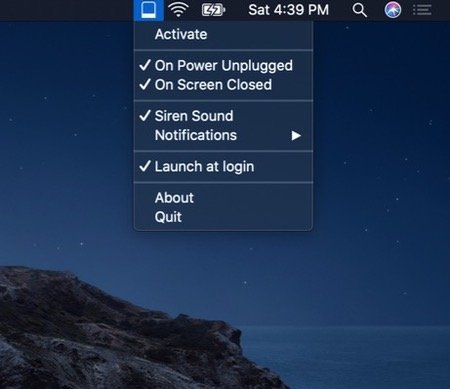
Protect your MacBook from theft when you’re working in remote spaces. Get notified when someone unplugs your MacBook from power or closes its screen.
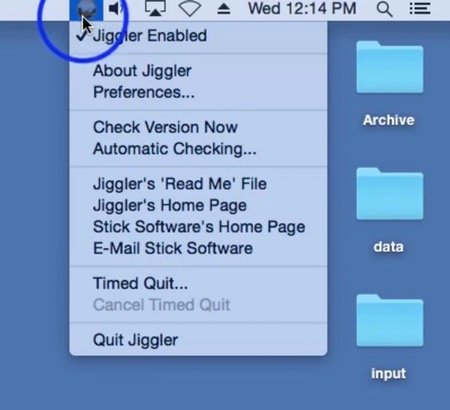
When you have some lengthy task for your computer to do, it’s annoying to have to turn off your screensaver and turn off the sleep timer, only to have to turn it all back on again when you’re done. Jiggler is a freeware menu bar app that keeps your Mac awake. It’s a little helper that bumps your mouse every once in a while to keep your machine alert.
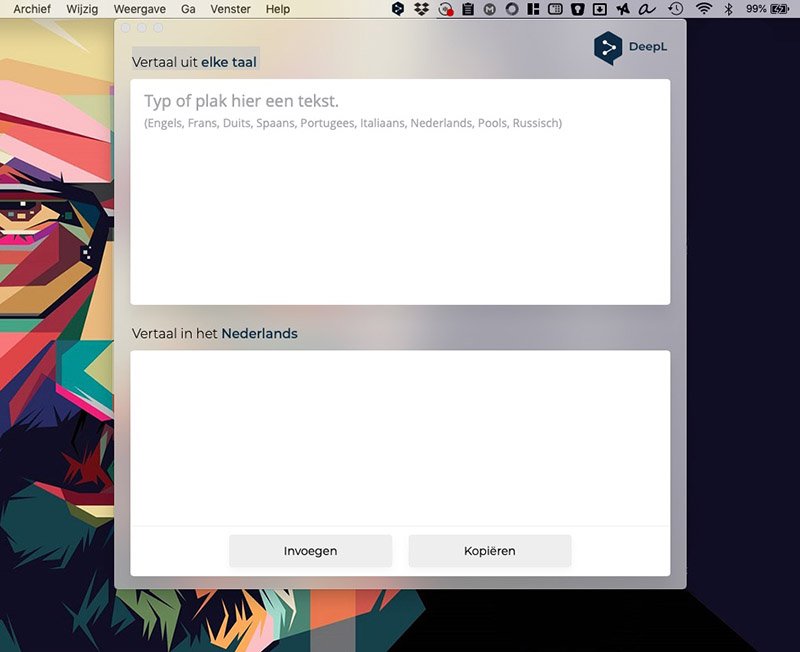
DeepL’s own Mac app waits quietly in your menu bar. Select text in any app, press the shortcut, and the translation appears, in the same quality you know from the website.
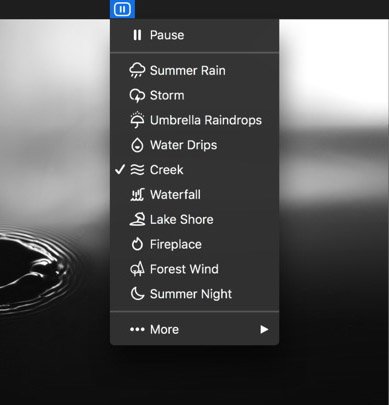
Focast pairs a focus timer with more than 95 field-recorded nature sounds, from rain and waves to forests and city corners. Layer them into your own mix, start a Pomodoro from the menu bar and keep an eye on the countdown while you work.
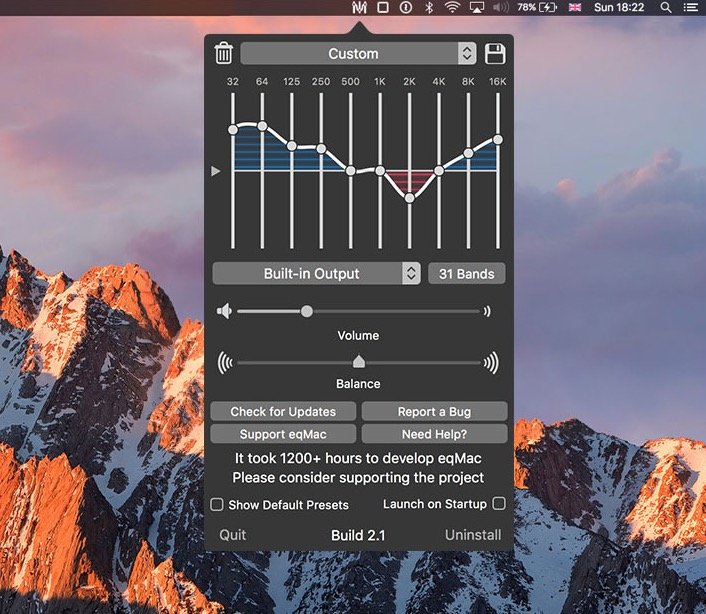
eqMac puts a system-wide equalizer in your menu bar, so everything your Mac plays, from Spotify to YouTube to your Zoom calls, sounds the way you want. Presets for over 4,600 headphones are free; the Pro version adds an unlimited-band equalizer, per-app volume control and spatial audio.
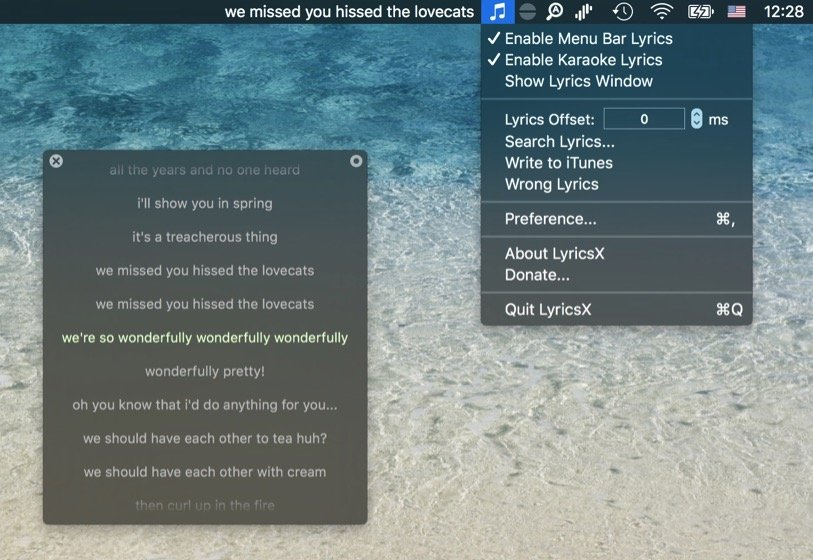
LyricsX finds the lyrics to whatever you’re playing and shows them in sync, in your menu bar or floating on your desktop. Double-click a line to jump to that moment in the song. Open source, and kept alive by a community fork after the original developer moved on.
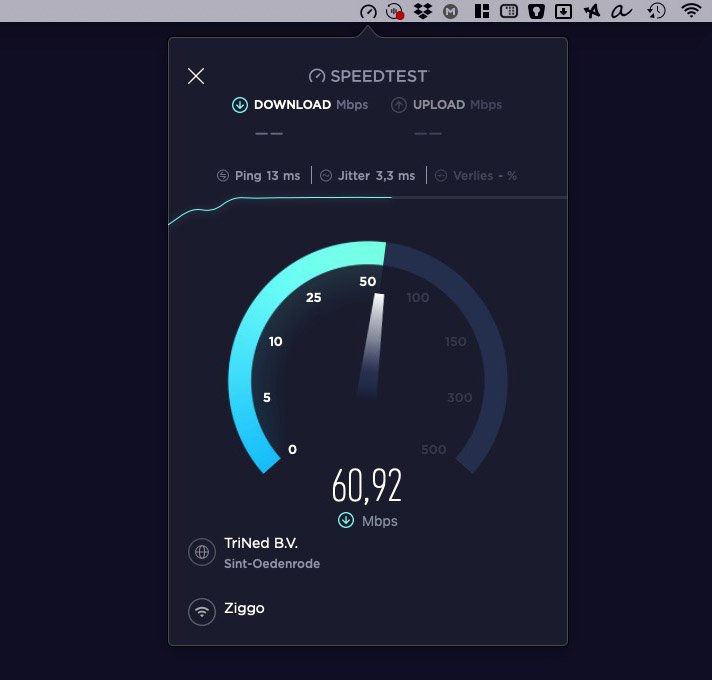
Launching a Speedtest straight from your Mac menu bar is the quickest way to check your connectivity.