Open code. Open minds. Open source menu bar apps.
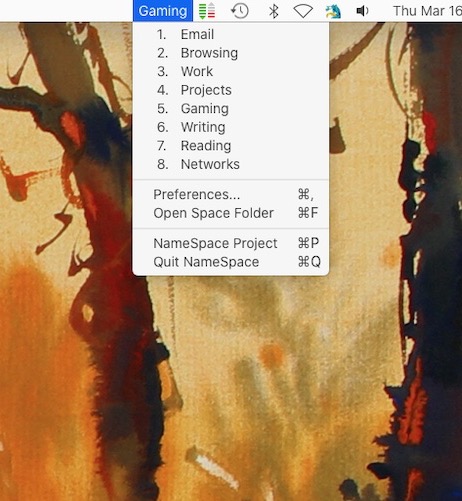
Spaces (the virtual desktop feature) currently just labels each Space as “Desktop 1”, etc. This menu bar app allows you to name each Space and shows the name of your current Space in the menu bar. It also provides an alternate way to switch Spaces.
Visit
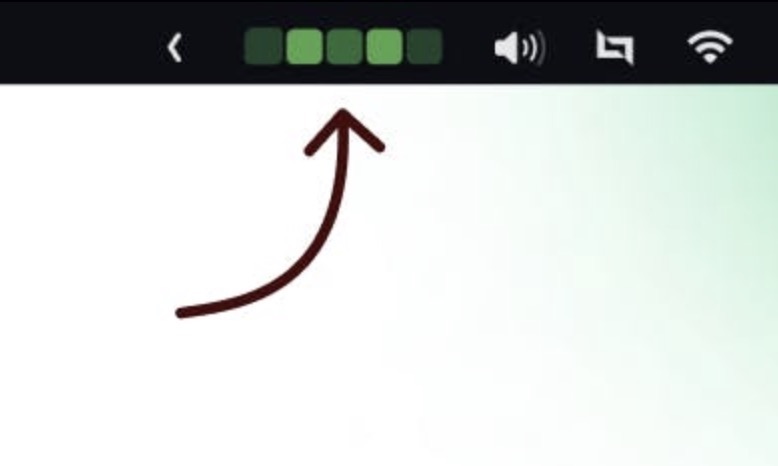
View your GitHub contribution calendar right in your menu bar and keep an eye on your coding activity.
Visit
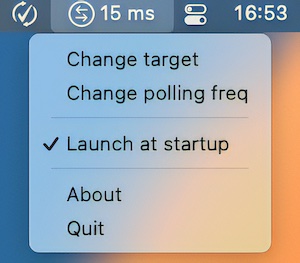
MenuPing is a menu bar app that checks how well the network is working. It pings a server on the Internet every second (configurable) and prints the result in a short way at the top of the screen.
Visit
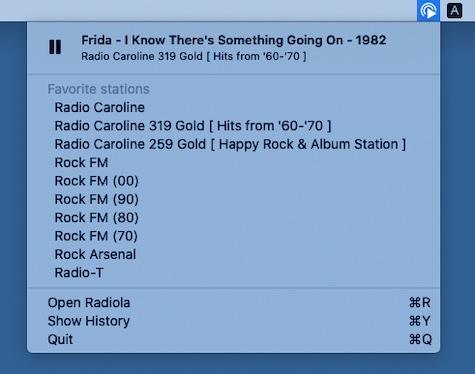
Radiola is a lightweight Internet radio player. It lets you play different radio stations and switch between them easily, without running a resource hungry media player.
Visit
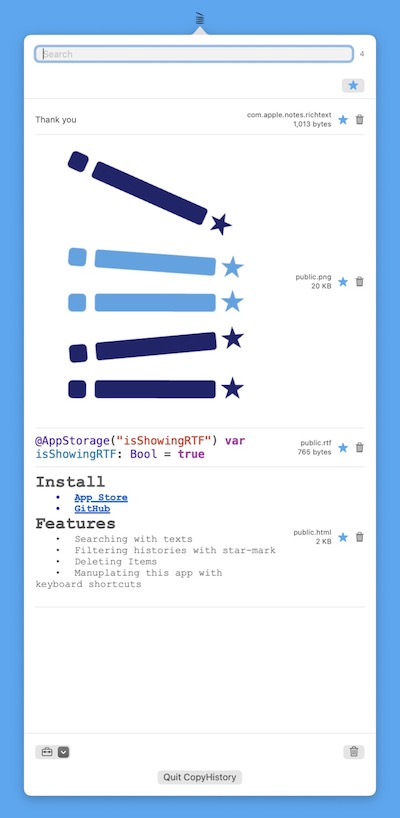
You can access your copy history, including images, with this menu bar app. Additionally, there is a delete option and a search option.
Visit Watch
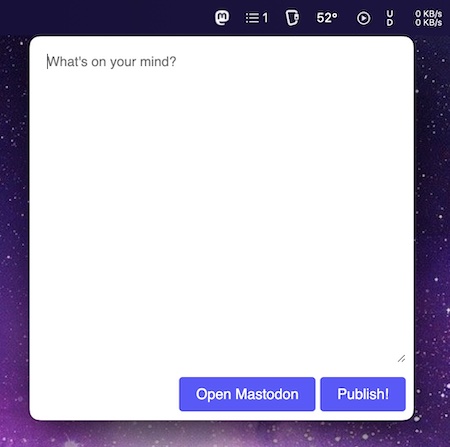
Access Mastodon right from your menu bar, with a lightweight, native interface.
Visit
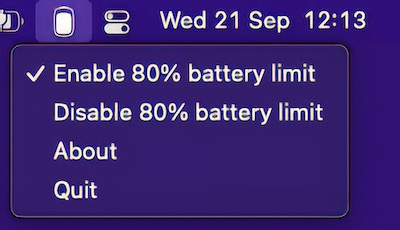
Battery Charge Limiter keeps a MacBook that’s always plugged in at 80% charge, which helps the battery last longer. It works on every Apple Silicon Mac. For older Intel Macs, try the free version of AlDente.
Visit
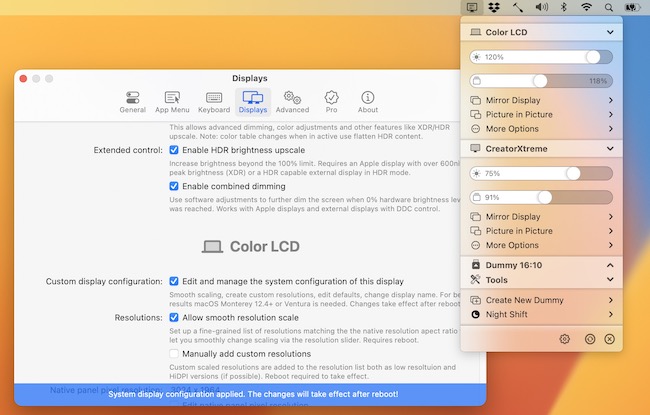
BetterDisplay lets you convert your displays to fully scalable screens, and gives you a host of other features to manage your display’s settings easily from your menu bar.
Visit
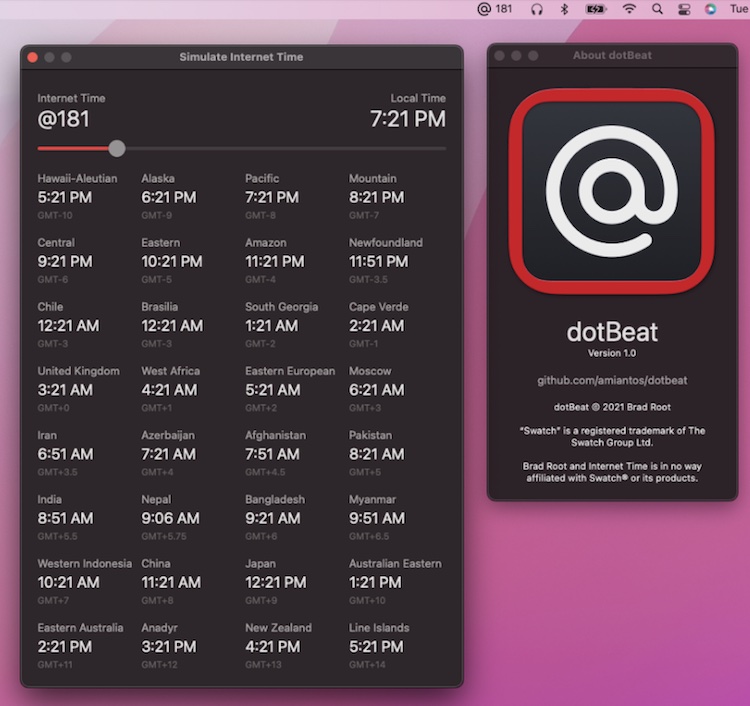
dotBeat shows the current Swatch Internet Time in your menu bar. It also gives you a view into how Internet Time corresponds to local times across the globe.
Visit
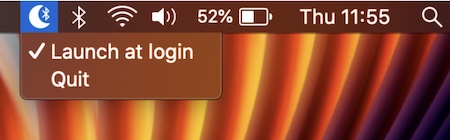
With this menu bar app the Bluetooth connection is switched off when your Mac sleeps, and switched on when your Mac wakes.
Visit
